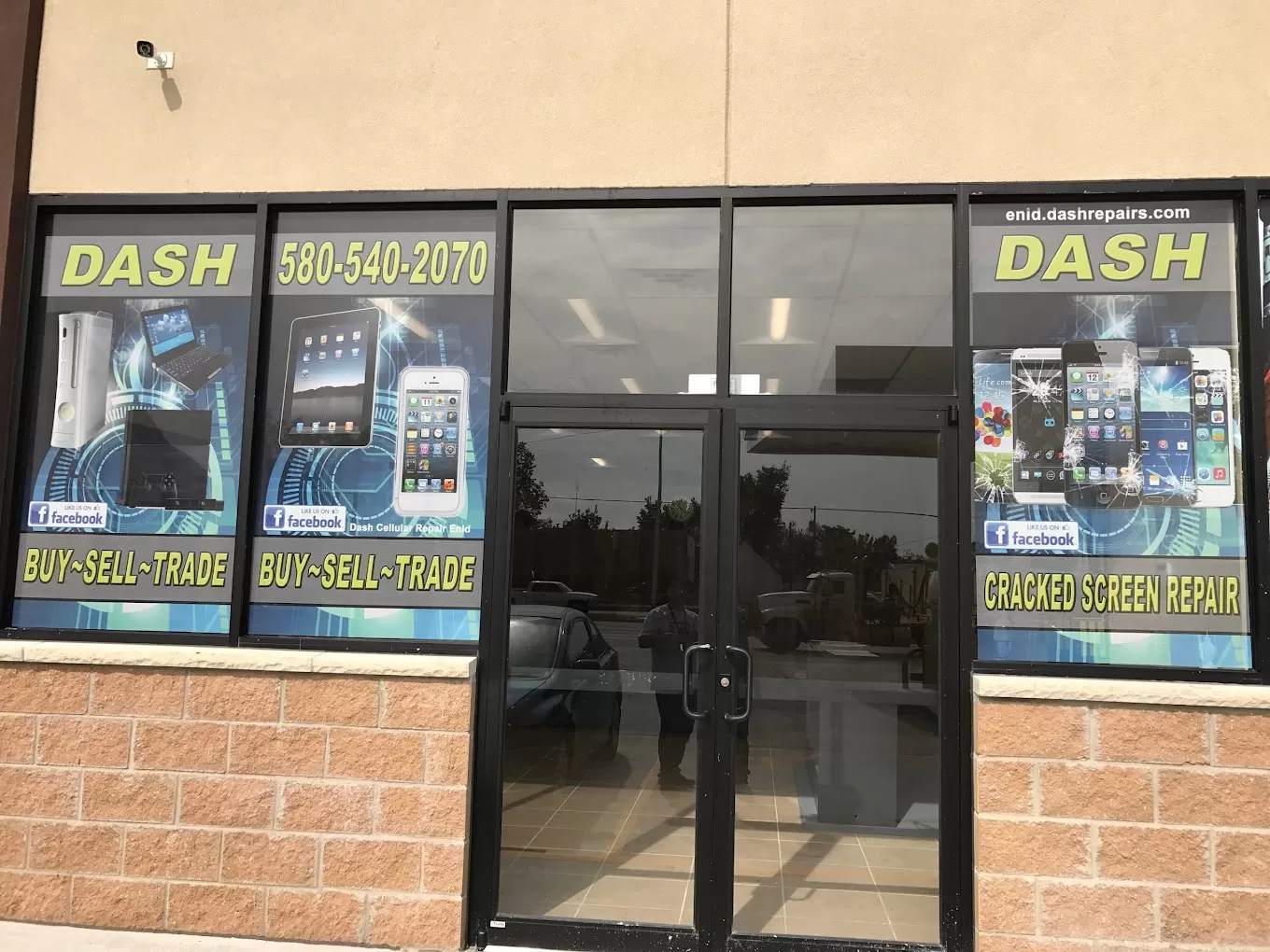
Laptop Repair Oklahoma City: Expert Computer Repair Services
Why Professional Laptop Repair Matters
- Accurate problem diagnosis
- Quality replacement parts
- Data preservation and security
- Warranty protection on repairs
- Proper testing before return
Common Laptop Problems We Fix
Cracked and Broken Laptop Screens
- Physically cracked or shattered displays
- Black screen with no display
- Vertical or horizontal lines
- Dim screen or backlight failure
- Flickering display
- Dead pixels or bright spots
- Color distortion
Battery Issues and Replacement
- Battery life under 2 hours on full charge
- Laptop only works when plugged in
- Battery percentage drops rapidly
- Windows or macOS reports "Service Battery" warning
- Battery physically swelling (urgent safety issue!)
- Laptop overheating during use
Keyboard Repair and Replacement
- Multiple keys not working
- Sticky keys from liquid spills
- Keys typing wrong characters
- Missing or broken keycaps
- Backlight not functioning
- Keys sticking or difficult to press
Hard Drive and SSD Issues
- Slow performance and freezing
- Blue screen errors (Windows) or kernel panics (Mac)
- Files becoming corrupted or inaccessible
- Clicking or grinding noises from hard drive
- Boot failure or "No bootable device" errors
- Running out of storage space
Slow Performance and Software Issues
- Extremely slow boot times
- Programs freezing or crashing
- Virus, malware, or adware infections
- Operating system errors
- Update problems
- Driver conflicts
Charging Port and Power Issues
- Loose or broken charging ports
- Laptop not recognizing charger
- Battery not charging
- Intermittent power connection
- DC jack damage
Overheating and Fan Problems
- Dust buildup in cooling vents
- Failed or noisy cooling fans
- Dried thermal paste on CPU/GPU
- Blocked air intake/exhaust
Liquid Damage Repair
Laptop Brands We Service
Dell Laptops
HP Laptops
Lenovo Laptops
Asus Laptops
Acer Laptops
Apple MacBooks
Microsoft Surface
Other Brands
Our Laptop Repair Services
Screen Replacement Service
Battery Replacement
Keyboard Replacement
Hard Drive/SSD Upgrade
- Replace failing hard drives
- Upgrade to faster SSDs
- Increase storage capacity
- Clone your existing drive (preserving data)
- Install fresh operating system
Virus Removal and Software Repair
RAM Memory Upgrades
Charging Port Repair
Data Recovery
Laptop Cleaning and Maintenance
- Dust removal from cooling system
- Fan cleaning or replacement
- Thermal paste reapplication
- Keyboard cleaning
- Port cleaning
Business Laptop Repair Services
- Priority service for business customers
- Fleet repair for multiple devices
- On-site diagnostic (for large organizations)
- Extended warranty options
- Bulk pricing for educational institutions
Why Choose Dash Cellular Repair for Laptop Service?
Fast Turnaround Times
Experienced Technicians
Quality Parts
Data Security
Warranty Protection
Transparent Pricing
Convenient OKC Location
Laptop Repair Pricing
Screen Replacement
- Standard 15.6" displays: Most affordable
- High-resolution or touchscreen: Moderate pricing
- 4K or specialty displays: Premium pricing
Battery Replacement
- Standard laptop batteries: Competitive rates
- Integrated batteries requiring disassembly: Higher labor costs
Other Repairs
- Keyboard replacement: Varies by laptop model
- Hard drive/SSD upgrade: Part cost plus labor
- Virus removal: Fixed-rate service
- Charging port repair: Depends on repair complexity
Laptop Repair vs. Replacement Decision
- Laptop is 7+ years old with multiple failures
- Repair costs exceed 60% of replacement value
- Your laptop can't run current software
- Motherboard failure on older models
FAQ: Laptop Repair in Oklahoma City
How long does laptop screen repair take?
Can you recover data from a dead laptop?
Do you repair gaming laptops?
Will repair void my laptop warranty?
Can you upgrade my laptop to make it faster?
Do you repair MacBooks?
How much does virus removal cost?
Can you fix liquid-damaged laptops?
Do you offer warranty on laptop repairs?
Can you repair Chromebooks?
Tips for Maintaining Your Laptop
- Keep it clean: Regularly clean keyboard and vents
- Use laptop cooling pad: Prevents overheating
- Update regularly: Keep OS and software current
- Backup data: Use cloud or external storage
- Use surge protector: Protect from power fluctuations
- Handle carefully: Avoid drops and rough handling
- Keep liquids away: Coffee and keyboards don't mix
- Proper shutdown: Don't just close the lid
Schedule Your Laptop Repair Today
Visit Us:
Laptop Repair Benefits:
- ✓ Same-day service for most repairs
- ✓ All brands serviced
- ✓ 15+ years of experience
- ✓ Quality parts and warranty
- ✓ Data security and privacy
- ✓ Transparent pricing
- ✓ Business/education discounts