iPhone Battery Health Explained (And When to Replace)

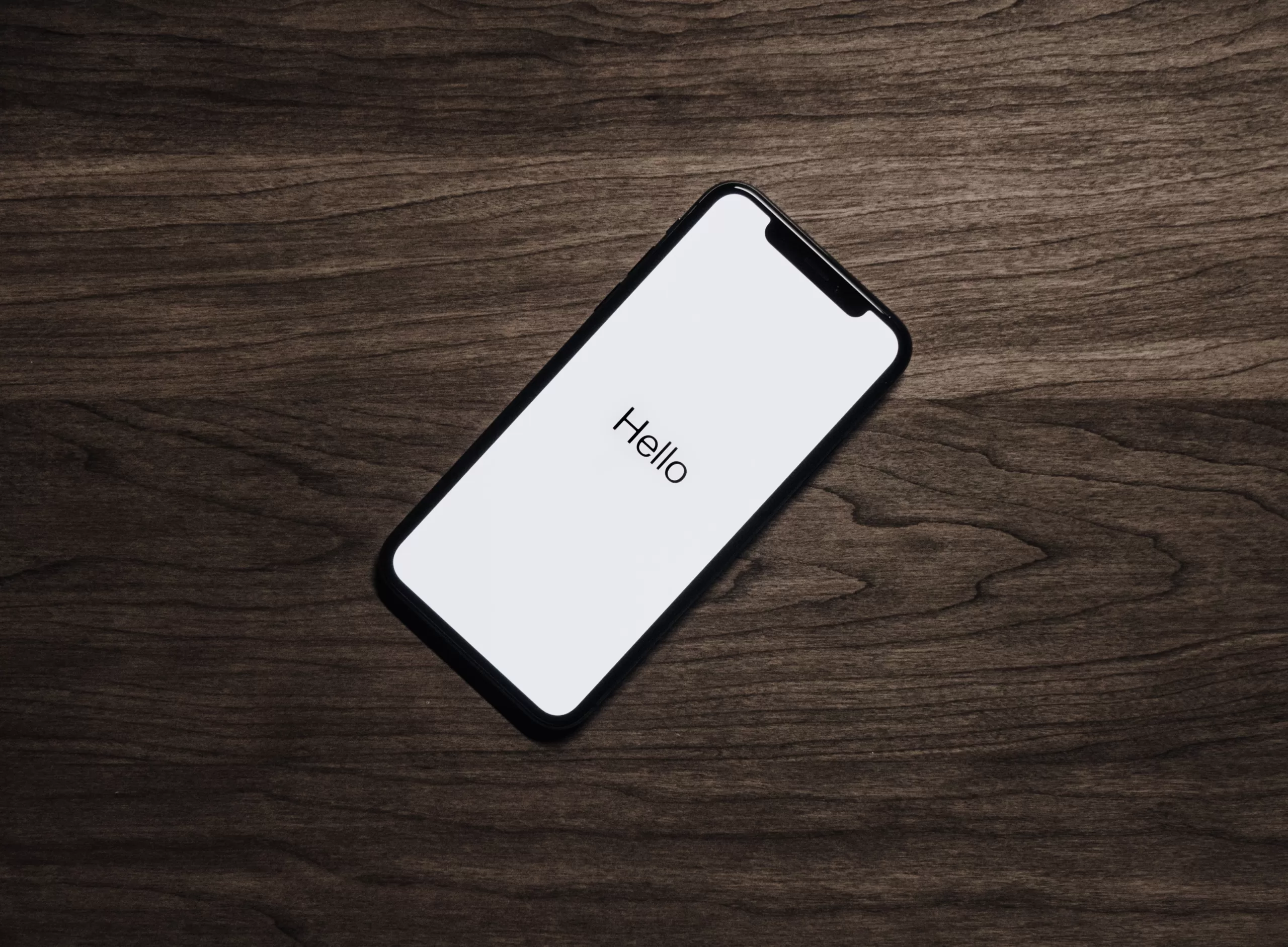
iPhone battery health screen showing metrics for maximum capacity and peak performance
/* Inline styles converted to CSS */
.metasync-inline-1 { border: 1px solid grey; border-collapse: collapse; }
.metasync-inline-2 { border: 1px solid grey; border-collapse: collapse; }
.metasync-inline-3 { border: 1px solid grey; border-collapse: collapse; }
.metasync-inline-4 { border: 1px solid grey; border-collapse: collapse; }
.metasync-inline-5 { border: 1px solid grey; border-collapse: collapse; }
.metasync-inline-6 { border: 1px solid grey; border-collapse: collapse; }
.metasync-inline-7 { border: 1px solid grey; border-collapse: collapse; }

iPhone Battery Health Explained: How to Check, Signs of Failure, and When to Replace

Understanding your iPhone’s battery health is crucial for maintaining optimal performance and longevity. As smartphones become integral to our daily lives, knowing how to assess battery health can prevent unexpected shutdowns and performance issues. This article will guide you through the process of checking your iPhone’s battery health, recognizing signs of battery failure, and determining when a replacement is necessary. We will also explore the battery replacement process at Dash Cellular Repair, ensuring you have all the information needed to keep your device running smoothly. By the end of this guide, you will be equipped with the knowledge to manage your iPhone’s battery effectively, including how to calibrate it for optimal performance.

Beyond individual device care, the broader context of smartphone durability highlights the importance of accessible repair and maintenance services.

Smartphone Repairability & Maintenance Services

of key parts, availability of spare parts and repair services. As common elements of the two strategies, easily-available instructions on use, maintenance and repair are also needed.

Durability of smartphones: A technical analysis of reliability and repairability aspects, M Cordella, 2021

How to Check iPhone Battery Health on Your Device

To check your iPhone’s battery health, navigate to the Settings app, then select Battery, followed by Battery Health. Here, you will find two key metrics: Maximum Capacity and Peak Performance Capability. Maximum Capacity indicates the current capacity of your battery compared to when it was new, while Peak Performance Capability informs you if your battery is capable of supporting normal peak performance. Regularly monitoring these metrics can help you identify when your battery may need attention.

Using iOS Battery Health Metrics to Assess Performance

The iOS battery health metrics provide valuable insights into your device’s performance. Maximum Capacity is expressed as a percentage, reflecting the battery’s ability to hold charge compared to its original state. A lower percentage indicates reduced battery life, which can affect your device’s overall performance. Peak Performance Capability assesses whether your battery can handle the demands of your applications without throttling. Understanding these metrics allows you to make informed decisions about battery maintenance and replacement.

What Battery Health Percentage Indicates Replacement Need

When your iPhone’s battery health drops below 80%, it is generally a sign that a replacement is necessary. At this threshold, users may experience significant performance issues, including slower app launches and unexpected shutdowns. Additionally, if you notice that your battery drains rapidly or fails to hold a charge, it may be time to consider a replacement. Regularly checking your battery health can help you stay ahead of potential issues.

Common Signs of iPhone Battery Failure to Watch For

Recognizing the signs of battery failure is essential for maintaining your iPhone’s performance. Here are some common indicators:

  1. Rapid Battery Percentage Drops: If your battery percentage decreases significantly within a short period, it may indicate a failing battery.
  2. Unexpected Shutdowns: If your iPhone shuts down unexpectedly, even when the battery shows a charge, this is a clear sign of battery issues.
  3. Overheating: Excessive heat during charging or usage can signal battery problems that need immediate attention.

Symptoms Like Battery Drain and Unexpected Shutdowns

Battery drain and unexpected shutdowns are two of the most frustrating symptoms of battery failure. If you find that your iPhone’s battery drains quickly, even with minimal usage, it may be time to investigate further. Additionally, unexpected shutdowns can disrupt your daily activities and indicate that your battery is unable to provide consistent power. Monitoring these symptoms closely can help you determine when to seek a replacement.

Physical Issues: Battery Swelling and Device Overheating

Physical signs of battery failure, such as swelling or overheating, should never be ignored. A swollen battery can cause damage to your device and pose safety risks. If you notice that your iPhone’s screen is lifting or the back is bulging, it is crucial to stop using the device immediately and seek professional assistance. Overheating can also indicate a failing battery, which may require replacement to prevent further damage.

Understanding the iPhone Battery Replacement Process at Dash Cellular Repair

When it comes to replacing your iPhone’s battery, understanding the process can help alleviate concerns. At Dash Cellular Repair, the battery replacement process is straightforward and efficient. Technicians will first conduct a diagnostic to assess the battery’s condition and confirm the need for replacement. Once confirmed, the replacement can typically be completed within a few hours, ensuring minimal downtime for your device.

Step-by-Step Battery Replacement Procedure Explained

The battery replacement procedure at Dash Cellular Repair involves several key steps:

  1. Diagnostic Assessment: Technicians evaluate the battery's health and performance.
  2. Device Preparation: The iPhone is prepared for battery removal, ensuring all necessary precautions are taken.
  3. Battery Replacement: The old battery is carefully removed and replaced with a new, high-quality battery.
  4. Testing: After installation, the device is tested to ensure proper functionality.

This thorough process ensures that your iPhone is returned to you in optimal condition.

Quality Assurance and Warranty on Replacement Batteries

At Dash Cellular Repair, quality assurance is a top priority. All replacement batteries come with a warranty, providing peace of mind for customers. This warranty covers any defects or issues that may arise after the replacement, ensuring that you receive a reliable product. The technicians are trained to adhere to strict quality standards, guaranteeing that your device is in good hands.

iPhone Battery Replacement Cost and Time Estimates

The cost of battery replacement at Dash Cellular Repair typically ranges from $79 to $129, depending on the model of your iPhone. The time required for replacement is usually between 30 minutes to 2 hours, allowing for a quick turnaround. This affordability and efficiency make Dash Cellular Repair a convenient option for those needing battery replacements.

ServiceCostTime Estimate
iPhone Battery Replacement$79 - $12930 minutes to 2 hours

This table summarizes the cost and time estimates for battery replacement services, making it easier for you to plan your visit.

Affordable Pricing Options for Individual and Bulk Repairs

Dash Cellular Repair offers competitive pricing for both individual and bulk battery replacements. For customers needing multiple repairs, discounts may be available, making it an economical choice for businesses or families. This flexibility ensures that everyone can access quality battery replacement services without breaking the bank.

Typical Turnaround Times for Battery Replacement Services

The typical turnaround time for battery replacement services at Dash Cellular Repair is designed to be efficient. Most replacements can be completed within 30 minutes to 2 hours, depending on the model and current workload. This quick service allows you to get back to using your device without significant delays.

How to Calibrate Your iPhone Battery for Optimal Performance

Calibrating your iPhone battery is an essential step in maintaining its health and performance. Calibration helps ensure that the battery percentage displayed on your device accurately reflects its actual charge. To calibrate your battery, fully charge your iPhone to 100%, then use it until it completely drains and shuts down. Afterward, charge it back to 100% without interruption. This process can help improve battery accuracy and longevity.

Stepwise Guide to Battery Calibration on iOS Devices

Follow these steps to calibrate your iPhone battery effectively:

  1. Charge to 100%: Plug in your iPhone and let it charge fully.
  2. Use Until Empty: Use your device until it shuts down due to low battery.
  3. Recharge: Charge your iPhone back to 100% without interruptions.

This simple calibration process can enhance your battery’s performance and accuracy.

Benefits of Regular Battery Calibration and Optimization Tips

Regular battery calibration offers several benefits, including improved accuracy of battery percentage readings and enhanced overall performance. Additionally, optimizing your battery usage through settings adjustments can prolong its lifespan. Here are some tips for battery optimization:

  1. Adjust Screen Brightness: Lowering screen brightness can significantly reduce battery drain.
  2. Limit Background App Refresh: Disabling background app refresh for non-essential apps can conserve battery life.
  3. Use Low Power Mode: Activating Low Power Mode can help extend battery life during critical times.


Implementing these strategies can help you maintain your iPhone’s battery health over time.

Why Choose Dash Cellular Repair for the Best iPhone Battery Repair Service

Choosing Dash Cellular Repair for your iPhone battery needs ensures you receive fast, reliable service from expert technicians. The team is dedicated to providing high-quality repairs and customer satisfaction. With a focus on efficiency and quality, Dash Cellular Repair stands out as a trusted provider for battery replacement services.

Expert Technicians and Fast, Reliable Service

The technicians at Dash Cellular Repair are highly trained and experienced in handling various iPhone models. Their expertise ensures that your device is in capable hands, and the fast service means you won’t be without your phone for long. Customers can trust that their repairs will be completed to the highest standards.

Customer Testimonials and Satisfaction Guarantees

Customer satisfaction is a priority at Dash Cellular Repair. Many customers have praised the quick turnaround times and the quality of service received. The satisfaction guarantee ensures that if you are not happy with the service, the team will work to make it right. This commitment to customer care sets Dash Cellular Repair apart in the competitive repair market.

Repair Locations Nearby

i240 & Penn OKC

Dash Cellular Repair

2112 W I-240 Service Rd

Oklahoma City, OK 73159

405-601-7020

NW 178th & N Western Ave

Dash Cellular Repair

1201 NW 178th St Suite 114

Edmond, OK 73012

405-367-4810

Del City, OK

Dash Cellular

4629 SE 29th St

Del City, OK 73115

405-506-3274

Norman

Dash Cellular

614 W. Main St

Norman, OK 73069

405-318-8908

NW 63rd St & N May

Dash Cellular Repair

2835 NW 63rd St

Oklahoma city, OK 73116

405-993-3465

NW 23rd St

Dash Cellular

4911 NW 23rd St

Oklahoma City, OK 73127

405-367-3786

Enid, OK

Dash Cellular

424 N Vanburen

Enid, OK 73703

580-749-9165

You May Also Like…