Reliable iPhone Battery Replacement: Fast and Affordable

Technician replacing an iPhone battery in a repair shop, highlighting the service and expertise

Oklahoma City iPhone Battery Replacement — Cost, Health Checks, and Expert Repair

Many iPhone owners notice shorter runtimes, unexpected shutdowns, or slow performance before they realize the battery is at fault. This guide shows how to spot those signs, check Battery Health in iOS, compare 2024 replacement cost options, and pick a reliable local shop in Oklahoma City. You’ll get clear, practical diagnostics you can do in minutes, an explanation of Battery Health metrics, the pros and cons of Apple service versus third-party repair, and why a professional battery swap often restores both safety and performance. We cover model-specific notes from older iPhones up through the iPhone 14 series and explain when replacing the battery is a smarter, lower-cost choice than buying a new phone. Expect step-by-step checks, straightforward price-versus-warranty comparisons, and a checklist for choosing a local repair partner that backs its work.

Dash Cellular Repair is a neighborhood Oklahoma City shop that replaces iPhone batteries across a wide range of models and stands behind repairs with a “Make it Right” warranty (does not cover physical or liquid damage). Call 405-673-6767 to book a diagnostics appointment or ask about same-day service — we position ourselves as a fast, fairly priced local alternative to factory repair. This intro simply explains who we are; the rest of the article focuses on how to assess battery health, compare your options, and understand the real benefits of a professional replacement. Read on for step-by-step checks, cost comparisons, and a transparent look at what a quality repair process should include.

How to tell when your iPhone battery needs replacing

An aging iPhone battery usually gives off clear signals: the percent drops faster than expected, the phone shuts down unexpectedly, or charging and heat problems persist. These happen because lithium‑ion batteries lose capacity and chemical efficiency after many charge cycles, which lowers available milliamp‑hours and the battery’s ability to deliver peak current. Catching these signs early helps you avoid sudden failures and poor day‑to‑day performance, and it points you toward either a quick diagnostic visit or a planned replacement. A professional check can confirm capacity loss and rule out software or accessory issues before you commit to repair. Below you’ll find a short, practical checklist you can run at home to decide your next step.

Common signs of battery drain and performance problems

There are repeatable behaviors that reliably indicate declining battery health. Watch for rapid percentage drops during light use, devices that power off even when the battery shows a high charge, and slow app launches or stuttering under load. Those symptoms come from both reduced capacity and iOS power‑management measures like limited Peak Performance Capability. If you regularly see two or more of these signs, schedule a diagnostic to check Maximum Capacity and Peak Performance Capability. The next section shows how to read those metrics in iOS so you can quantify the issue.

Check your iPhone Battery Health in iOS

iOS exposes the most useful battery diagnostics in a couple of taps: Maximum Capacity and Peak Performance Capability. Here’s how to see them:

  1. Open Settings
  2. Tap Battery
  3. Tap Battery Health & Charging
  4. Review Maximum Capacity and any Peak Performance messages

Maximum Capacity shows the percentage of the original battery capacity that remains — most technicians use 80% as the common threshold for replacement — while Peak Performance Capability indicates if iOS is reducing processor speed to prevent shutdowns. If iOS recommends service or Maximum Capacity is under 80%, a professional replacement will usually restore normal runtime and performance.

After checking those settings, try a quick real‑world test (normal screen‑on time with light to moderate use) to document how the phone behaves before you book a repair.

iPhone battery replacement cost options for 2024

Replacement costs in 2024 vary by provider, part quality, and model. Official Apple service generally costs more but includes manufacturer parts tracking and support. Key factors that affect price are the phone model (newer phones usually cost more to service), battery type (genuine or OEM‑equivalent), and the length of warranty offered. Most people balance price against warranty and turnaround: Apple offers consistent parts sourcing, third‑party shops often give faster same‑day service and lower prices, and DIY carries safety and reliability risks. The table below gives a quick comparison to help you weigh cost versus value and turnaround time.

The following table compares typical providers and what to expect for price, battery quality, warranty, and turnaround in 2024.

This table summarizes typical cost vs. value trade-offs across official and local repair options.

ProviderPrice Range (typical)Battery Type / QualityWarrantyTurnaround
Apple official service$69–$99+ depending on modelApple‑sourced batteryApple service warrantyMulti‑day or mail‑in
Typical third-party shops$50–$120OEM‑equivalent batteriesShort local warrantySame day to 48 hours
Local specialist (e.g., Dash Cellular Repair)Competitive (transparent ranges; same‑day options)OEM‑equivalent with QA“Make it Right” warranty (excl. physical/liquid damage)Same day often available

This comparison shows third‑party and local shops often match Apple on turnaround and usually cost less, while Apple provides factory parts traceability. Use warranty and turnaround when deciding the balance of cost and risk — a trusted local specialist is often the best choice if speed and a solid service guarantee matter most.

Apple pricing vs. third‑party service — what to consider

Apple’s pricing is predictable and tied to manufacturer parts, while third‑party rates vary by parts and labor. Apple emphasizes parts provenance and integration with iOS diagnostics, typically at a premium; third‑party providers compete on price and speed, but parts quality can range from OEM‑equivalent to lower grade. When choosing, think about warranty length, whether the battery fully supports iOS monitoring features, and how quickly you need the phone back. Use the decision points below to prioritize what matters for your situation.

  • Warranty: Manufacturer service usually provides longer, standardized coverage.
  • Parts compatibility: OEM batteries preserve full iOS integration.
  • Turnaround: Local and third‑party shops often offer same‑day service.

In short: choose Apple for factory parts and uniform policy; choose a reputable local shop if you want the best mix of speed and cost.

Benefits of using genuine or high‑quality batteries

Genuine or high‑quality OEM‑equivalent batteries deliver safer operation, more accurate capacity reporting, and better long‑term retention than cheap alternatives. Matched chemistry and proper connectors reduce risks like swelling, unstable charging, and thermal problems. Certified installation ensures adhesives, connectors, and calibration are handled correctly. A quality battery keeps iOS battery reporting reliable and helps Peak Performance Capability behave as expected. Picking a reputable provider that tests the battery after replacement lowers the chance of early failure and gives you a clearer warranty path if anything goes wrong.

Why choose Dash Cellular Repair in Oklahoma City?

Dash Cellular Repair is a local Oklahoma City shop offering fast battery replacement across many iPhone models and a customer‑first “Make it Right” warranty for issues not caused by physical or liquid damage. We focus on quick diagnostics, clear estimates, and fair pricing to restore your device without forcing an expensive upgrade. For local customers, the value is fast turnaround, a formal warranty, and technicians experienced with models from early iPhones through the iPhone 14 series.

Process StepAction / CheckTime / Outcome
DiagnosticsBattery health check and symptom verification10–20 minutes; decision on replacement
ReplacementBattery swap with adhesive and connector checksSame‑day when parts available; restored capacity
Post-repair testingCharge cycles, capacity read, performance testWarranty activation; ensures stability before return

The table outlines our transparent process: diagnosis, replacement, and post‑repair QA. Picking a local provider that documents each step and offers a clear warranty gives you peace of mind and a straightforward path if follow‑up is needed.

What makes Dash Cellular Repair a top iPhone battery service in OKC?

Our advantage comes from being local, covering many models, and offering a repair guarantee that addresses customer concerns about post‑repair reliability. We handle a wide range of iPhones, set clear turnaround expectations, and back our work with the “Make it Right” warranty for issues unrelated to physical or liquid damage. Our technicians run standardized diagnostics and QA testing that restore Maximum Capacity reporting and Peak Performance Capability when possible, and we’ll advise you honestly if replacement isn’t the best fix. For busy people who need fast, trustworthy service, that combination lowers risk and uncertainty.

How our battery replacement workflow preserves quality and speed

Good workflow balances speed with thorough checks so the battery performs reliably after the repair. We start with a diagnostic to measure Maximum Capacity and verify symptoms, then do the swap using proper adhesives and torque on connectors, followed by calibration and a post‑repair performance test. The final step activates your warranty and records the work so you know exactly what was done and what to expect. This structure keeps turnaround short while maintaining consistent results and reduces the chance of returns or early failures.

How professional battery replacement extends your iPhone’s life

A professional battery swap restores usable capacity and peak current delivery, which translates to longer screen‑on time and fewer forced performance limits from iOS. Replacing a worn battery removes the bottleneck that causes unexpected shutdowns and CPU throttling, letting the phone run at intended speeds and reducing thermal strain. Proper installation also replaces degraded adhesives and seals, improving charging safety and preventing mechanical issues tied to swelling. Knowing model‑specific thresholds and expected gains helps you estimate the real‑world benefit of a replacement.

The chart below shows common models, the typical battery health threshold for replacement, and expected performance gains after a professional swap.

Model (Entity)Battery Health ThresholdExpected Performance Gain
Older models (iPhone 6–8 series)Below 80% Maximum Capacity30–50% longer runtime; fewer shutdowns
Mid models (iPhone X–12 series)Below 80% Maximum Capacity25–40% runtime improvement; restored peak bursts
Recent models (iPhone 13–14 series)Below 80% Maximum Capacity20–35% runtime gain; stabilized performance

This table sets realistic expectations: a battery replacement usually brings noticeable runtime improvements and smoother performance, with exact gains depending on prior wear and how you use the phone.

Advantages of professional repair versus DIY battery replacement

Having a pro handle the swap reduces safety and quality risks that come with DIY attempts, and it ensures calibration and adhesive replacement meet spec. DIY can damage connectors, the display, or the battery itself, and it may void warranties or cause unsafe charging if the part is poor quality. Technicians run diagnostic cycles and calibration routines so iOS reporting matches the new hardware, avoiding mismatches between displayed capacity and real behavior. For most people, a trained technician minimizes risk and protects long‑term device value.

How a new battery improves iPhone performance and battery life

Replacing a worn battery lowers internal resistance and improves the battery’s ability to deliver peak current for demanding tasks, reducing the need for iOS to throttle performance. The result is snappier app launches, fewer thermal events, and longer runtimes per charge — users commonly notice meaningful increases in screen‑on time and steadier performance under load. In short, a successful replacement makes the phone feel refreshed without the expense of a new device and delays upgrades while reducing environmental impact.

Frequently asked questions about iPhone battery replacement

This FAQ answers the most common, practical questions customers ask when deciding about battery replacement and includes a company note on pricing and contact. Answers are short, actionable, and aimed at quick decision‑making.

How much does an iPhone battery replacement cost at Dash Cellular Repair?

Pricing depends on the model and parts availability. Dash Cellular Repair gives transparent local estimates based on your exact iPhone model and whether you want same‑day service. Call 405-673-6767 for a diagnostic estimate — we offer reasonable pricing and often do same‑day replacements when parts are in stock. The “Make it Right” warranty covers repair issues except those caused by physical or liquid damage, giving extra assurance. Contact us for a model‑specific quote and accurate turnaround time.

Is it worth replacing the battery instead of buying a new phone?

Often yes. Replacing the battery is a cost‑effective choice when the phone otherwise works fine. Benefits include much lower cost than a new device, restored runtime and performance, and a smaller environmental footprint. If your phone has major hardware damage, is no longer supported by updates, or the repair cost approaches replacement value, buying new might make sense. A simple rule: if the phone meets your needs and Battery Health is under 80% or symptoms interfere with daily use, replacing the battery is usually the smart first step.

  1. When to replace: If Battery Health is under 80% or you have frequent shutdowns.
  2. Cost comparison: Replacement is typically much cheaper than a comparable new phone.
  3. Environmental impact: A battery swap delays device replacement and reduces e‑waste.

These points help you decide quickly: replace the battery to restore usability unless other issues or upgrade reasons outweigh the benefit.

  1. Estimate your gain: Expect noticeable runtime and performance improvements after a professional replacement.
  2. Check warranty: Make sure the repair includes a clear warranty like the “Make it Right” policy.
  3. Choose a trusted provider: Prefer a local shop that documents diagnostics, uses quality parts, and performs post‑repair testing.

Following these steps gives you a low‑risk path to restoring your iPhone’s battery life and extending the device’s useful lifespan with a professional replacement.

Repair Locations Nearby

Retail storefronts featuring Dash Cellular Repair and Styles Unlimited with visible store displays and signage.

i240 & Penn OKC

Dash Cellular Repair

2112 W I-240 Service Rd

Oklahoma City, OK 73159

405-601-7020

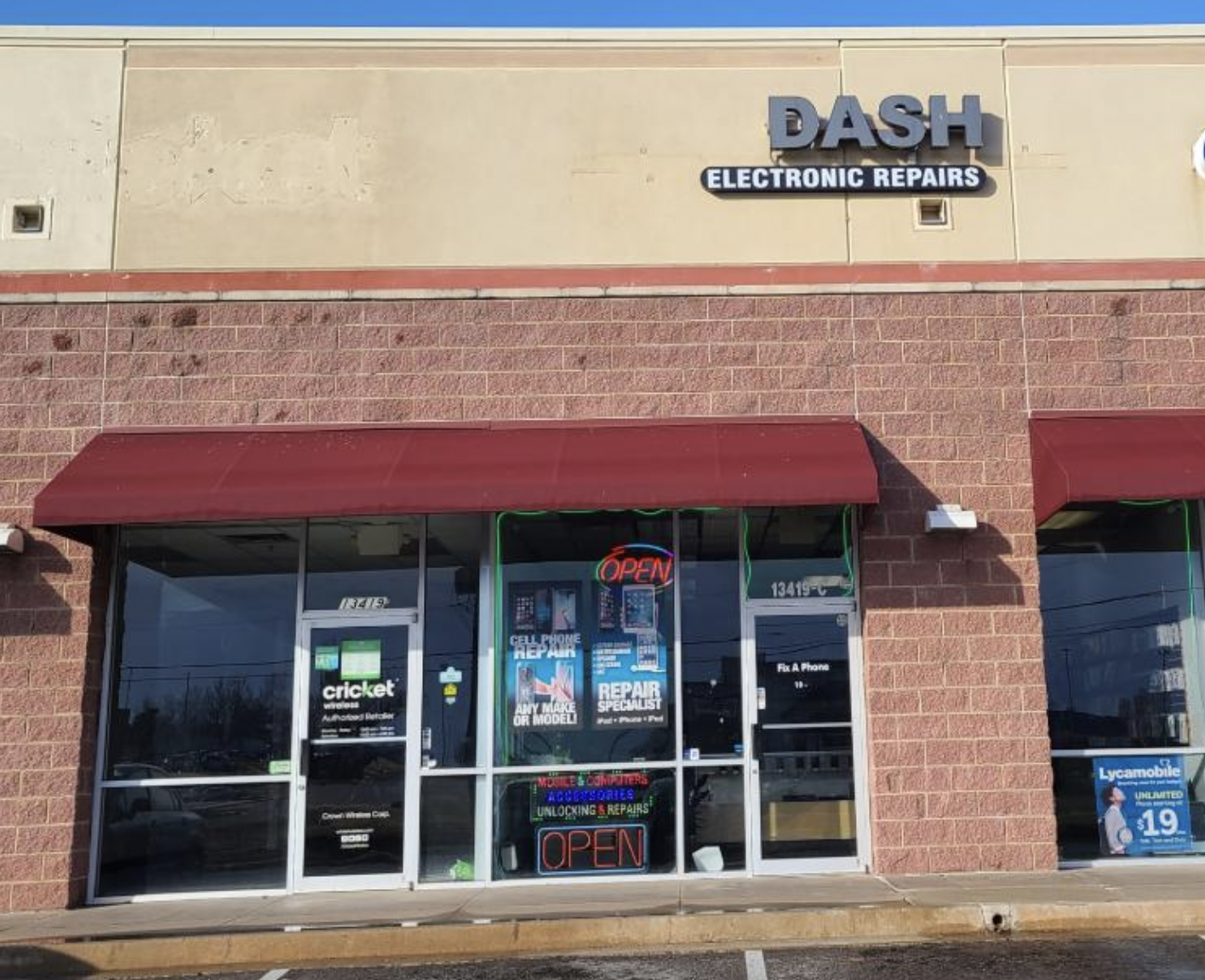
Dash Cellular Repair storefront with bright signage, OPEN sign, and Cricket Wireless logo.

NW 178th & N Western Ave

Dash Cellular Repair

1201 NW 178th St Suite 114

Edmond, OK 73012

405-367-4810

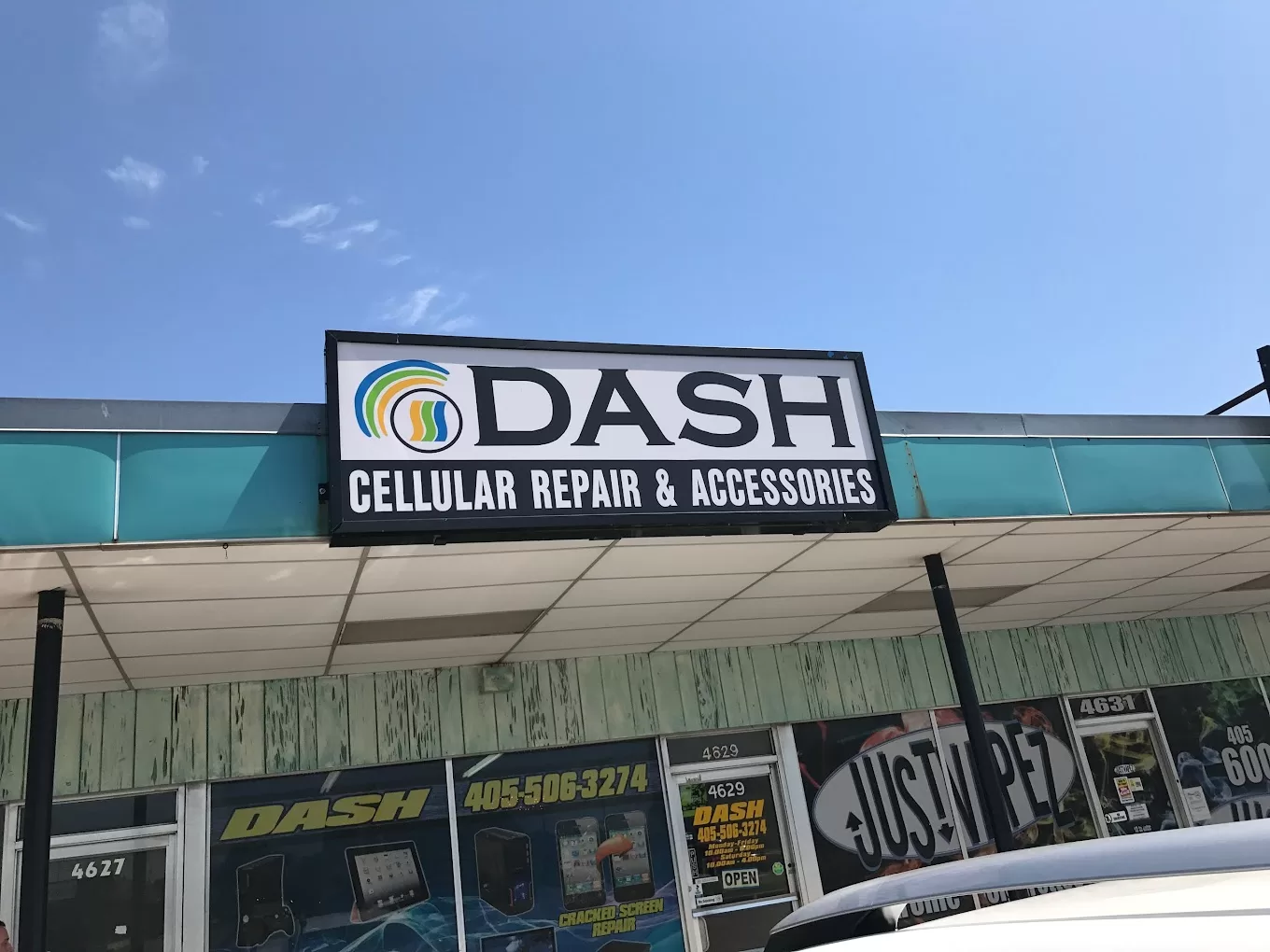
Signage of Dash Cellular Repair showing logo, contact info, and storefront for smartphone repair services.

Del City, OK

Dash Cellular

4629 SE 29th St

Del City, OK 73115

405-506-3274

DASH Cell Phone Repair storefront showcasing phone, laptop, tablet repair services and cracked glass repair promotion.

Norman

Dash Cellular

614 W. Main St

Norman, OK 73069

405-318-8908

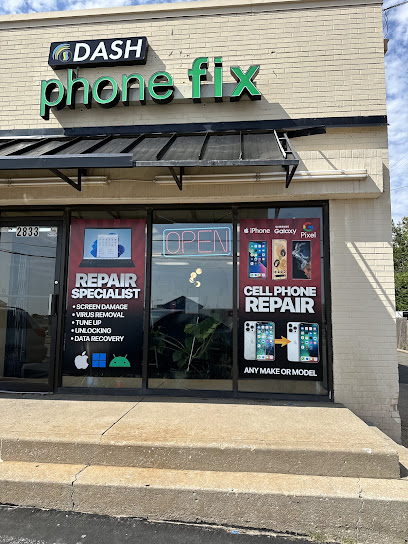
DASH Cellular Repair storefront with 'OPEN' sign, specializing in iPhone, Samsung Galaxy, and Google Pixel repairs.

NW 63rd St & N May

Dash Cellular Repair

2835 NW 63rd St

Oklahoma city, OK 73116

405-993-3465

Smartphone with minimalist black frame displaying "Hello," representing Dash Cellular Repair's tech services.

NW 23rd St

Dash Cellular

4911 NW 23rd St

Oklahoma City, OK 73127

405-367-3786

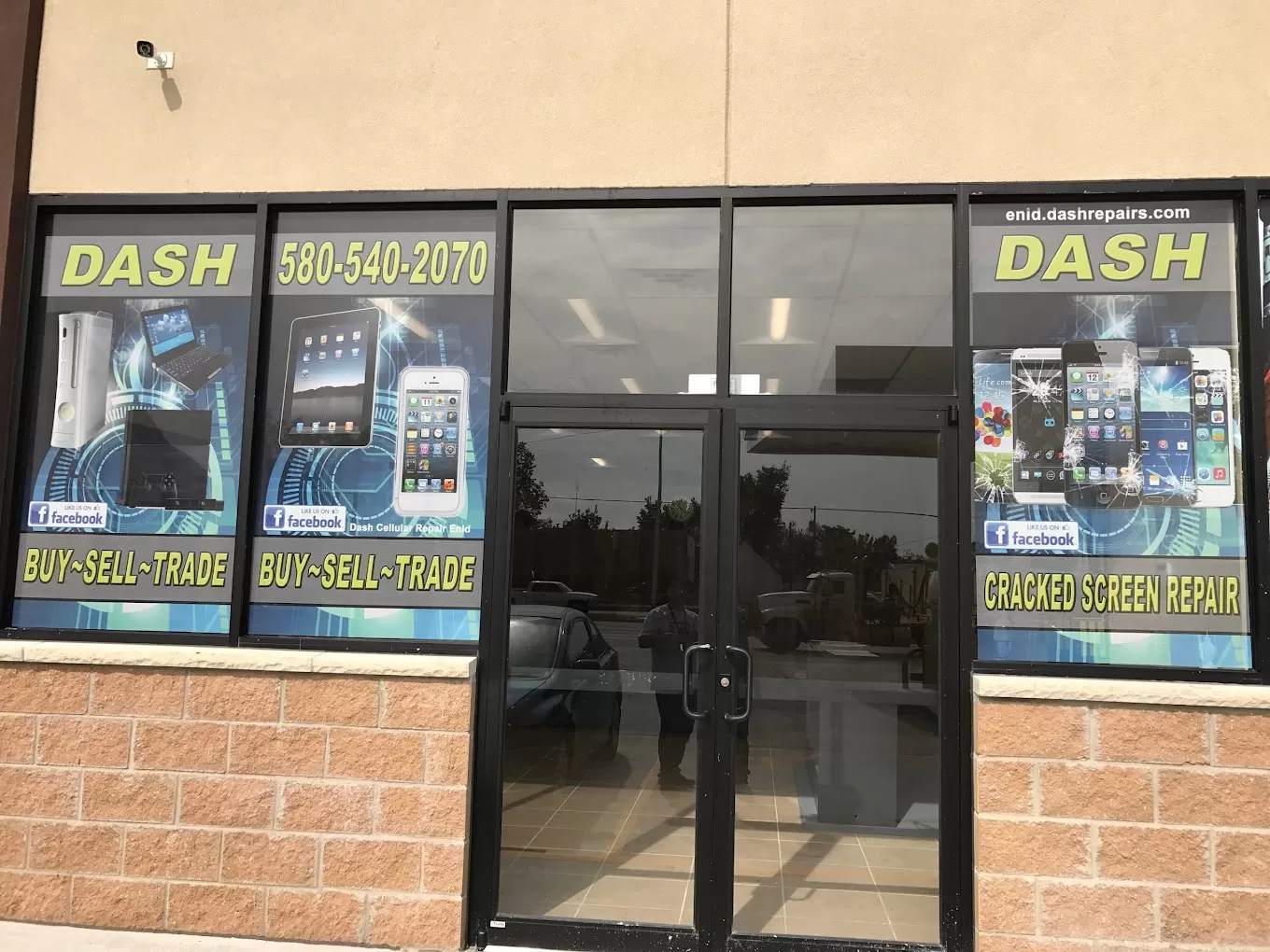
Storefront of Dash Cellular Repair showing mobile devices and promotional signs for buy-sell-trade and repair services.

Enid, OK

Dash Cellular

424 N Vanburen

Enid, OK 73703

580-749-9165

You May Also Like…