Upgrade Your Phone: Affordable Battery Replacement Ideas

Technician replacing a smartphone battery in a repair shop, emphasizing professional service and expertise

Oklahoma City Smartphone Battery Replacement — Costs, Services, and Practical Benefits

Replacing a smartphone battery means removing an aging lithium‑ion cell and installing a fully tested replacement to restore capacity, safety, and everyday performance. In Oklahoma City, a reasonably priced battery swap is often a smarter move than buying a new phone: a fresh battery can fix fast drain, sudden shutdowns, and throttled performance without the cost of a new device. Below we explain how replacements work, what price ranges to expect for common models, the signs a battery needs swapping, and simple ways to extend battery life while you wait. We also compare professional repairs to DIY approaches so you can weigh safety, warranty, and long‑term value. Finally, you’ll find a clear repair workflow, tips for finding dependable local shops, and easy scheduling advice to make booking a repair simple.

What Are the Typical Costs for Smartphone Battery Replacement?

Costs depend mainly on device family, the type of part (OEM vs. aftermarket), and how complex the repair is. Independent shops usually group pricing by model—older mid‑range phones are cheapest, while flagship phones that require extra disassembly or waterproof resealing cost more. Turnaround time varies too: many popular models get same‑day service when parts are in stock, whereas uncommon models or those needing special parts may take longer. Knowing these price drivers helps you compare quotes and decide the right mix of cost, speed, and part quality for an affordable replacement.

For many customers, the choice to repair an older phone hinges on how the repair cost compares to the device’s remaining value.

Smartphone Lifespan: High Repair Costs as an Economic Barrier

High repair costs can make fixing older phones less appealing — sometimes the repair price exceeds what people are willing to spend on an older device.

The Basis for Estimating Smartphone Lifespan: Identifying Factors That Affect In-Use Lifespan, G Kordić, 2025

The table below shows commonly seen price ranges and typical turnaround times for popular phone families so you can compare options before requesting a quote.

Device ModelTypical Price Range (USD, approximate)Typical Turnaround Time
Recent iPhone models (XR–14)$60–$12030–90 minutes
Samsung Galaxy mid-to-flagship$70–$1501–3 hours
Google Pixel series$60–$1401–3 hours
Older/other Android models$40–$100Same day to 2 days

These ranges reflect market norms and can shift with part availability and device condition; always ask for a written estimate. Below we break out iPhone expectations to give clearer guidance by generation.

How Much Does iPhone Battery Replacement Cost in Oklahoma City?

Pricing for iPhone battery swaps varies by model and by whether you pick a genuine OEM cell or a high‑quality aftermarket option. Older iPhones typically sit at the lower end of the range, while newer models with more complex assemblies bring higher labor costs. Choosing a genuine or genuine‑equivalent part may raise the price but often delivers better longevity; shops that test and certify parts can justify slightly higher fees with more reliable results. For predictable service, ask where parts come from, how they’re tested, and what the warranty covers before you approve the work — that helps balance upfront cost against long‑term value.

What Are the Prices for Android Battery Replacement: Samsung, Google Pixel, and More?

Android pricing depends on brand and build. Samsung and Pixel flagships tend to cost more due to curved glass, adhesive seals, or integrated modules that add disassembly time. Mid‑range and older Android phones usually cost less because parts are more available and assemblies are simpler. Independent shops often provide same‑day service for common Android models when parts are on hand, which lowers downtime. When comparing quotes, factor in turnaround time and whether the shop tests the battery and offers a warranty — those affect the real value of the repair.

What Signs Indicate Your Smartphone Battery Needs Replacement?

Catching battery decline early prevents sudden shutdowns, slowed performance, or safety risks like swelling. Watch for rapid percentage drops during light use, unexpected restarts, visible swelling, or overheating under normal tasks. Built‑in OS battery diagnostics (for platforms that show health percentages) combined with observed behavior give a solid picture of when a replacement is the best move. Knowing these signs helps you choose between temporary fixes and scheduling a professional replacement to restore reliable daily use.

Common signs of a failing battery include:

  • Rapid Drain: The battery percentage falls quickly during routine use, showing reduced capacity.
  • Unexpected Shutdowns: The phone powers off even when it shows remaining charge, indicating instability under load.
  • Physical Swelling: The case bulges or the screen lifts — a safety issue that needs immediate attention.
  • Overheating: The device gets unusually hot during light tasks, suggesting internal battery stress or degradation.

How to Recognize Battery Degradation Symptoms Like Rapid Drain and Overheating

Rapid drain looks like a steep percentage drop over short periods — several points per hour during light activity is a clear warning. Overheating can appear as the battery ages and internal resistance increases; if the phone gets hot while idle or during brief tasks, that signals inefficiency and a potential safety risk. Use built‑in battery diagnostics where available to check max capacity or cycle counts, and run simple software checks — reboot, safe mode, or temporary app removal — to rule out app issues. If you see swelling or persistent overheating, stop charging and get professional help right away to avoid hazards.

When Is It Time to Replace Your Phone Battery for Optimal Performance?

As a rule of thumb, consider replacement when battery health metrics fall under about 80% of original capacity, or when performance issues noticeably affect daily life. Replacing the battery is usually much cheaper than buying a new phone and often restores full usability for a device that’s otherwise in good shape. Immediate replacement is recommended for emergency indicators like swelling, repeated shutdowns, or overheating that software fixes don’t stop. Balance these metrics against your usage needs — like all‑day battery demands — to pick the right timing for a repair.

Why Choose Professional Battery Replacement Services Over DIY Options?

Professional replacement lowers safety risk and keeps your phone intact by using the right tools, proper adhesive removal, and quality parts. Trained technicians follow procedures to avoid harming fragile components like displays, logic boards, and connectors, and reputable shops back work with warranties that DIY fixes usually void. For most people, the time saved, lower chance of extra damage, and warranty protection make professional service the smarter, more economical choice. The table below highlights common risks and benefits so you can compare options at a glance.

Repair OptionRisk / BenefitExamples / Notes
Professional repairBenefit: safety, warranty, quality controlTrained technicians, parts testing, warranty coverage (excludes physical/liquid damage)
DIY replacementRisk: voided warranty, safety hazardsHard-to-open designs, risk of puncturing battery or damaging connectors
Authorized serviceBenefit: OEM parts, official processesOften higher cost but may keep manufacturer warranty intact

Weighing these contrasts helps you choose the route that best balances cost, convenience, and long‑term device health.

Here are the main pros and cons in practical terms:

Professional Advantages:

  1. Safety: Proper tools and protocols reduce risk of fire or puncture.
  2. Warranty: Repairs can include coverage against part failure.
  3. Quality Assurance: Technicians run post‑repair tests to confirm performance.

DIY Disadvantages:

  1. Warranty Voidance: Self‑repair can cancel remaining manufacturer protections.
  2. Component Damage Risk: Inexperienced attempts can lead to costlier fixes.
  3. Safety Hazards: Mishandled lithium‑ion batteries can cause fire or chemical risks.

What Are the Risks of DIY Smartphone Battery Replacement?

DIY repairs often underestimate the care and equipment modern phones need. Common mistakes include improper adhesive removal, connector damage, and puncturing the battery — any of which can cause failure or safety incidents. Many devices use strong adhesive and compact assemblies that require heat stations, specialized pry tools, and anti‑static precautions to open safely. DIY is best only for skilled users with the right tools; for most people, choosing a trained repair shop lowers the chance of further damage.

How Does Dash Cellular Repair Ensure Quality and Warranty on Battery Replacements?

At Dash Cellular Repair we prioritize quality through experienced technicians, thorough testing, and a clear policy — the “Make it Right” Warranty — that covers repair‑related failures while excluding physical or liquid damage. Our process includes diagnostics before any work, selection of appropriate replacement batteries (genuine or high‑quality aftermarket), and post‑repair checks to confirm capacity and charging behavior. Those steps reduce repeat issues and give customers documented results and warranty information after the repair. For Oklahoma City residents, these trust signals make a local professional a reliable alternative to DIY fixes.

How Does the Battery Replacement Process Work at Dash Cellular Repair?

We follow a clear, step‑by‑step workflow so you know what to expect: intake and diagnostics, part sourcing, replacement, testing, and warranty activation. This sequence sets expectations for timing, cost approval, and final outcomes, and it minimizes downtime. Turnaround depends on model complexity and parts availability, but many common phones are serviced the same day when parts are in stock. The table below explains the main steps, actions, and what customers can expect during a visit.

A clear, repeatable repair process helps deliver faster, more transparent service and higher customer satisfaction.

Enhancing Smartphone Repair Services: Efficiency and Customer Satisfaction

Growing smartphone dependence has increased demand for efficient, transparent repair services. Improving workflows and customer communication reduces delays and boosts satisfaction.

ENHANCING CUSTOMER SATISFACTION THROUGH A WEB-BASED SMARTPHONE REPAIR SERVICE SYSTEM AT WINOV SERVICE, Y Irawan, 2025
StepActionCustomer Benefit / Expectation
Intake & DiagnosticTechnician inspects device and runs battery diagnosticsClear problem identification and written estimate
Approval & Part SourcingCustomer approves estimate; part selected (genuine or quality aftermarket)Transparent pricing and part‑quality choice
Replacement & TestingBattery replaced, connections secured, post‑repair charge cycles and safety testsRestored capacity and verified charging performance
Documentation & WarrantyRepair documented, "Make it Right" Warranty applied where applicableConfidence in repair and recourse for covered issues

This overview explains why a professional repair is often faster and safer than a DIY attempt.

What Steps Are Involved in Our Fast and Affordable Battery Replacement Service?

The customer process usually includes intake and diagnostic confirmation, an estimate for approval, installing the replacement battery, quality‑control testing, and returning the device with documentation. Diagnostics typically take 10–15 minutes to identify capacity and related issues; the replacement itself often takes 30–60 minutes for common models, depending on adhesive and assembly complexity. After installation, technicians run charge cycles and functional checks to ensure battery metrics and charging behavior meet expectations before finalizing the repair. This transparent flow reduces uncertainty and lines up expectations with actual timing.

How Long Does a Typical Smartphone Battery Replacement Take?

When parts are in stock, many phones are completed in about an hour, allowing same‑day turnaround for straightforward replacements. Longer times happen for devices with fused displays or waterproof seals, phones needing back‑ordered parts, or devices with additional damage that need more diagnostics. To speed the process, bring your device model and a short symptom description, and ask the shop whether same‑day service is available for your phone. Knowing typical timing helps you plan and decide if expedited options are worth the extra cost.

How Can You Extend Your Smartphone Battery Life Before Replacement?

Simple charging and usage habits can ease immediate battery strain and postpone replacement by preserving remaining capacity. Small changes — like lowering screen brightness, turning off unnecessary background refresh, and avoiding long periods at 100% charge — reduce stress on lithium‑ion cells and slow capacity loss. Software settings and periodic diagnostics also identify apps that drain power so you can adjust or remove them. With a few easy habits you can often regain hours of useful battery life while scheduling a professional replacement.

Here are practical steps to preserve battery health:

  • Use Partial Charging: Keep charge levels between about 20–80% when convenient to reduce long‑term stress.
  • Control Brightness and Connectivity: Lower screen brightness and turn off Bluetooth or location when you don’t need them.
  • Limit Background Activity: Restrict background app refresh and close high‑drain apps to cut continuous power use.
  • Avoid Extreme Temperatures: Keep the device out of direct heat or cold, which speeds lithium‑ion wear.

What Are the Best Practices for Charging and Maintaining Battery Health?

Frequent small charges are usually better than repeated full discharges, and avoiding prolonged storage at 100% reduces long‑term stress. Use the device in moderate temperatures and remove thick cases while charging to prevent heat buildup. Regular battery health checks via the OS or trusted diagnostic apps help you track capacity trends and time a replacement sensibly. These simple routines keep your phone usable longer and clarify whether you need immediate service.

How Do Software Updates and Settings Affect Battery Longevity?

Software updates can improve battery management by optimizing background tasks, though they sometimes increase drain temporarily while the system updates. Managing settings like background refresh, push notifications, location services, and high refresh rates reduces unnecessary consumption. Keep apps updated, remove unused apps, and reboot occasionally to maintain efficient behavior. These software habits work together with hardware care to extend usable battery life while you plan a replacement.

Where Can You Find Affordable and Reliable Phone Battery Repair Services Near You?

When choosing a local repair shop, look for clear estimates, visible testing procedures, warranty coverage, and reliable turnaround times — those are signs of trustworthy service. Check local reviews and shop policies about parts and warranties, and compare itemized quotes for like‑for‑like parts and labor to find the best value. For Oklahoma City residents, search for shops that list battery replacement services and warranty terms up front. A local presence, prompt service, and written documentation make getting back to regular use faster and easier.

Key local discovery steps include:

  • Check Reviews and Policies: Pick shops that clearly explain warranty terms and testing procedures.
  • Compare Written Estimates: Request itemized quotes that list part type and labor time for fair comparisons.
  • Confirm Turnaround: Ask about same‑day availability and parts‑in‑stock before committing.

These steps help you find the most cost‑effective, reliable local options and lead naturally to company‑level trust signals.

Why Dash Cellular Repair Is the Trusted Choice for Oklahoma City Residents

Dash Cellular Repair is locally established and serves Oklahoma City with fair prices, fast service, and repairs across phones, tablets, laptops, and consoles. We back work with the “Make it Right” Warranty that covers repair‑related failures (excluding physical or liquid damage), and our technicians perform diagnostics and post‑repair testing to confirm results. Clear warranty terms, transparent processes, and broad device expertise help residents choose a dependable local shop for battery replacement without guessing about part quality or service reliability. Those trust signals make a professional repair the straightforward way to restore performance.

How to Schedule Your Smartphone Battery Replacement Appointment Easily

To schedule, have your device model, a brief symptom description, and any diagnostic readings ready — that speeds the intake and helps us give an accurate estimate. Many shops accept online bookings, walk‑ins, or scheduling through their business profile, and they usually confirm estimates and expected turnaround before starting work. Bring proof of purchase or existing warranties if relevant, and ask for written repair documentation and warranty details when you drop off the device. These steps shorten wait time and ensure a smooth repair that restores reliable battery performance.

  1. Have Device Details Ready: Model, OS version, and brief symptom notes make estimates faster.
  2. Request an Itemized Estimate: Clarifies part type, labor, and expected turnaround.
  3. Confirm Warranty Terms: Make sure you receive written warranty documentation after repair.

so it reads naturally in the brand’s authentic voice.

Repair Locations Nearby

Retail storefronts featuring Dash Cellular Repair and Styles Unlimited with visible store displays and signage.

i240 & Penn OKC

Dash Cellular Repair

2112 W I-240 Service Rd

Oklahoma City, OK 73159

405-601-7020

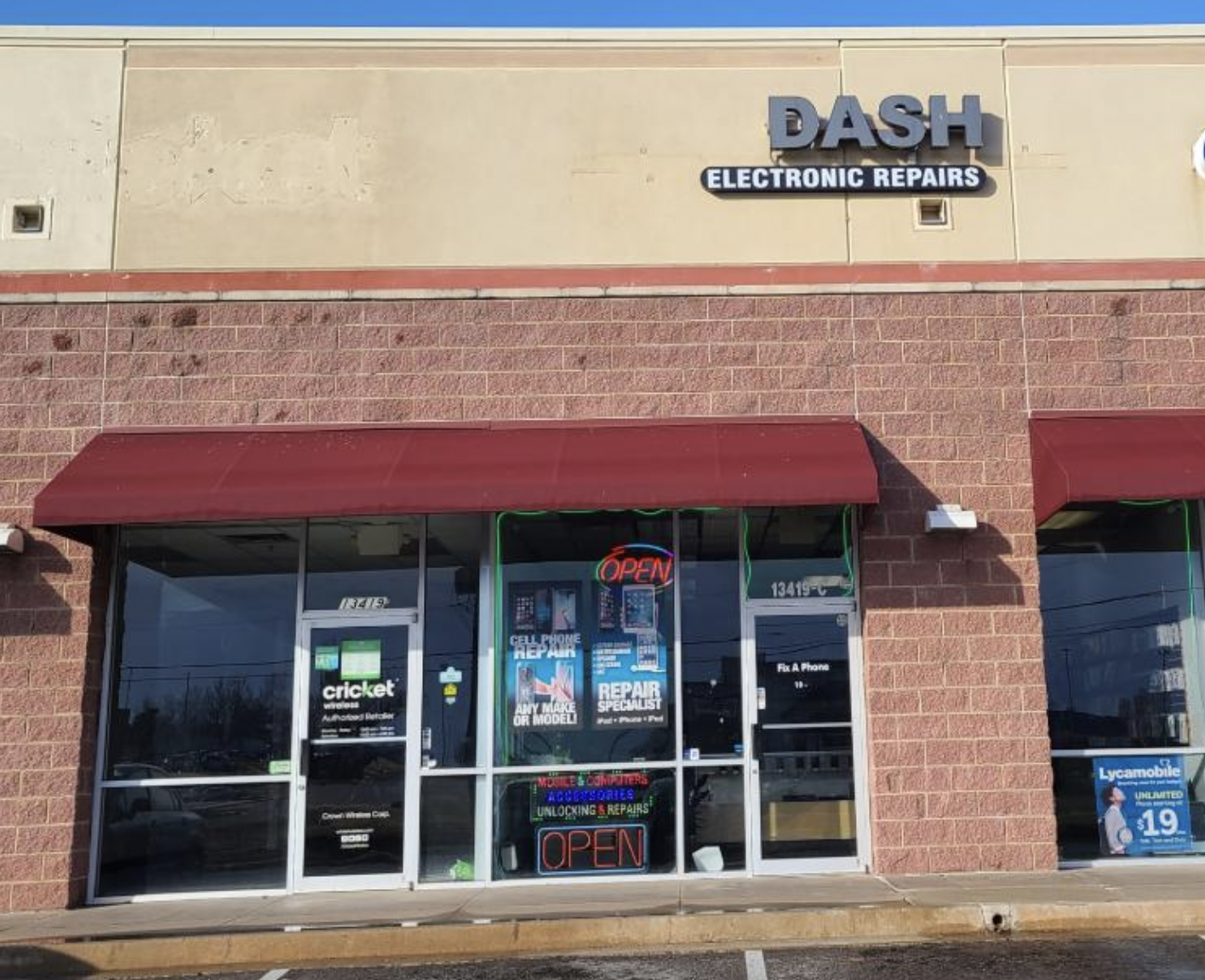
Dash Cellular Repair storefront with bright signage, OPEN sign, and Cricket Wireless logo.

NW 178th & N Western Ave

Dash Cellular Repair

1201 NW 178th St Suite 114

Edmond, OK 73012

405-367-4810

Signage of Dash Cellular Repair showing logo, contact info, and storefront for smartphone repair services.

Del City, OK

Dash Cellular

4629 SE 29th St

Del City, OK 73115

405-506-3274

DASH Cell Phone Repair storefront showcasing phone, laptop, tablet repair services and cracked glass repair promotion.

Norman

Dash Cellular

614 W. Main St

Norman, OK 73069

405-318-8908

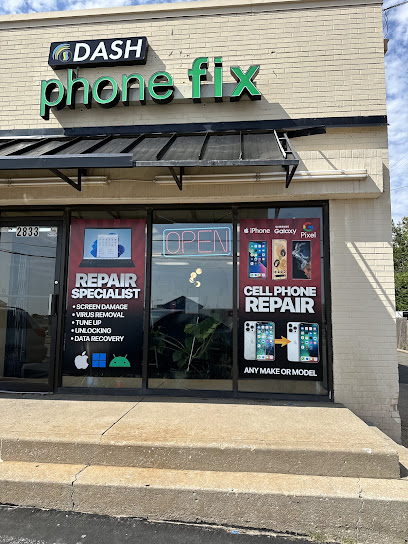
DASH Cellular Repair storefront with 'OPEN' sign, specializing in iPhone, Samsung Galaxy, and Google Pixel repairs.

NW 63rd St & N May

Dash Cellular Repair

2835 NW 63rd St

Oklahoma city, OK 73116

405-993-3465

Smartphone with minimalist black frame displaying "Hello," representing Dash Cellular Repair's tech services.

NW 23rd St

Dash Cellular

4911 NW 23rd St

Oklahoma City, OK 73127

405-367-3786

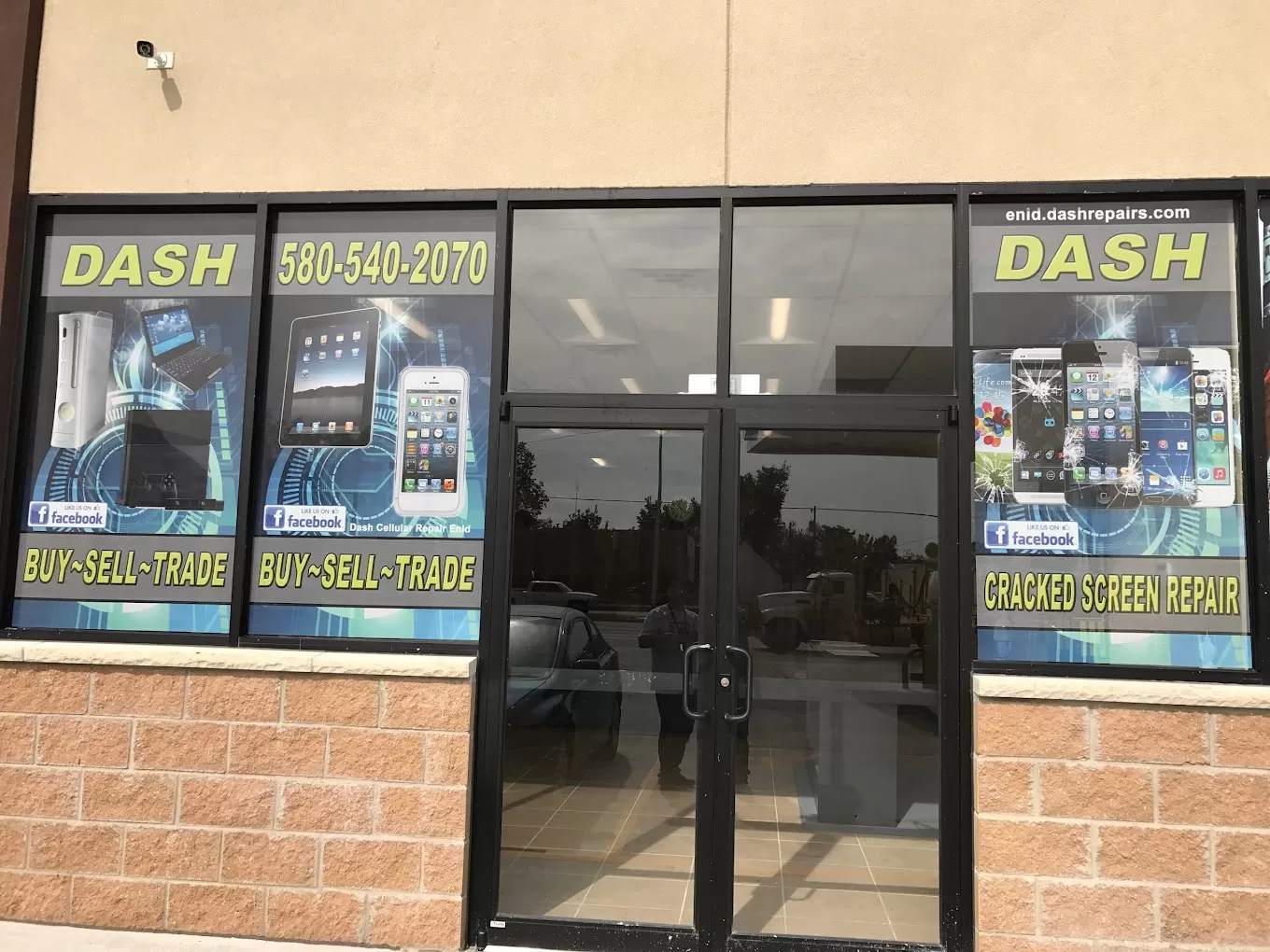
Storefront of Dash Cellular Repair showing mobile devices and promotional signs for buy-sell-trade and repair services.

Enid, OK

Dash Cellular

424 N Vanburen

Enid, OK 73703

580-749-9165

You May Also Like…