What to Do If Your Phone Falls in Water: Emergency Steps to Fix Water Damage Fast
What Are the Immediate Do's and Don'ts After Your Phone Gets Wet?
- Power Off the Device Immediately: This prevents short circuits and further damage to the internal components.
- Remove the Battery if Possible: Taking out the battery can help stop electrical flow and reduce the risk of damage. (Note: Most modern smartphones have non-removable batteries; in such cases, skip this step.)
- Avoid Charging the Device: Charging a wet phone can lead to severe electrical damage and even pose a safety hazard.
Which Common Mistakes Should You Avoid to Prevent Further Damage?
- Using Rice as a Drying Method: While popular, rice is not very effective and can introduce dust and starch into the device, potentially causing more harm than good.
- Not Turning Off the Device: Failing to power down your phone can lead to short circuits, exacerbating the damage.
How Can You Quickly Dry a Wet Phone at Home?

- Use a Fan or Desiccant: Place your phone in a well-ventilated area or use silica gel packets to absorb moisture.
- Avoid Heat Sources: Do not use hair dryers, ovens, or microwaves, as excessive heat can warp components and damage the phone further.
How to Identify Symptoms of Water Damage in Your Phone Quickly?
- Visible Signs Like Corrosion: Check for rust or corrosion on connectors and ports, which indicates water exposure.
- Functional Issues Like Screen Flickering: If your phone exhibits erratic behavior, such as flickering screens or unresponsive buttons, it may be suffering from water damage.
What Are the Visible and Functional Signs of Water Damage?
- Corrosion on Connectors: Look for rust or discoloration on charging ports and headphone jacks.
- Screen Issues: Problems like flickering, discoloration, or unresponsiveness can signal internal damage.
When Should You Stop Using Your Phone to Avoid Permanent Damage?
- Signs of Malfunction: If your phone starts behaving erratically, it’s best to stop using it immediately.
- Time Since Exposure: The longer the phone remains wet, the higher the risk of permanent damage.
When and Why Should You Seek Professional Water Damage Repair Services?

What Are the Benefits of Emergency Phone Water Damage Repair Services?
- Quick Turnaround: Professionals can often repair water-damaged phones much faster and more effectively than DIY methods.
- Expertise in Repairs: Trained technicians have the knowledge and tools to address complex issues that may arise from water exposure.
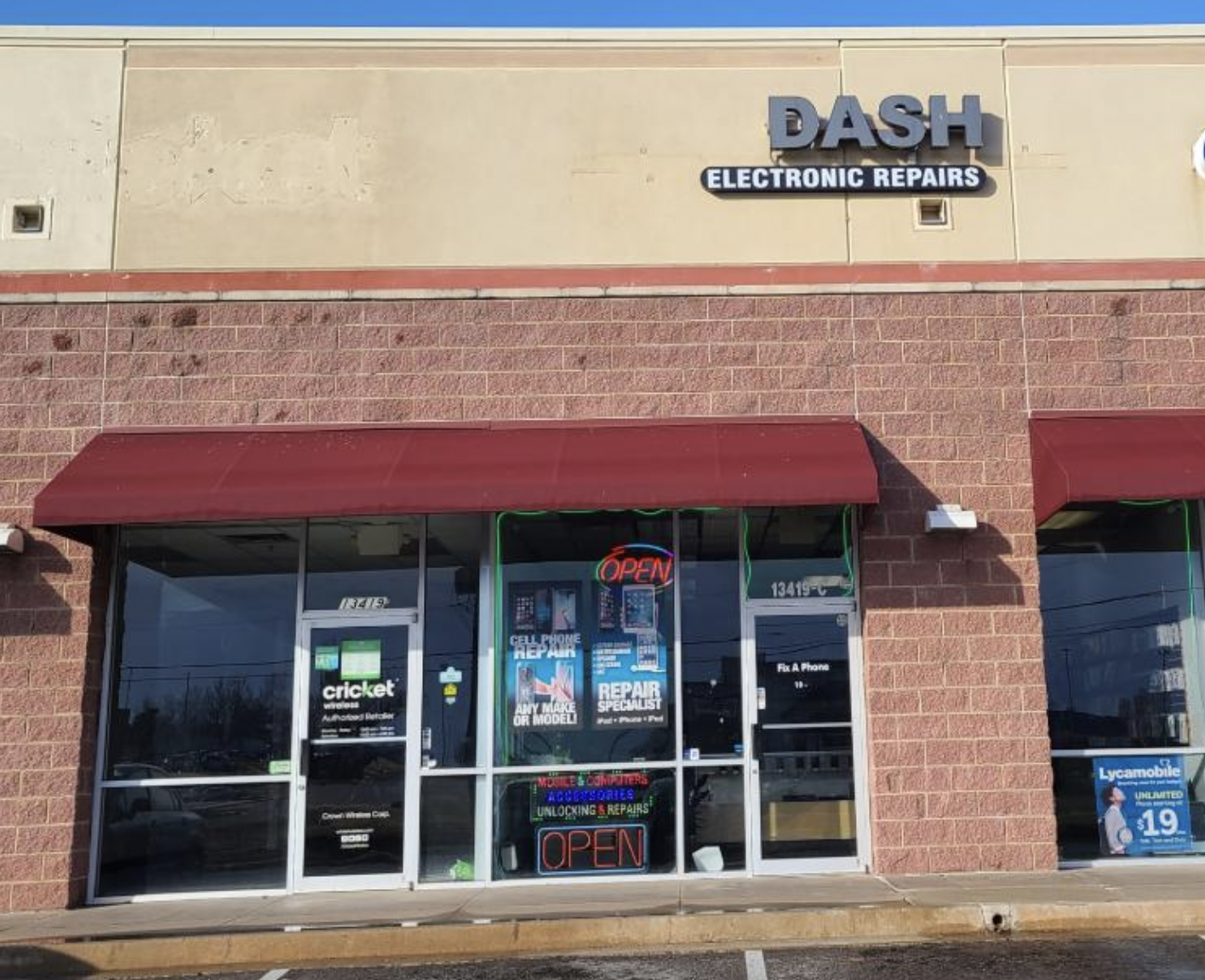
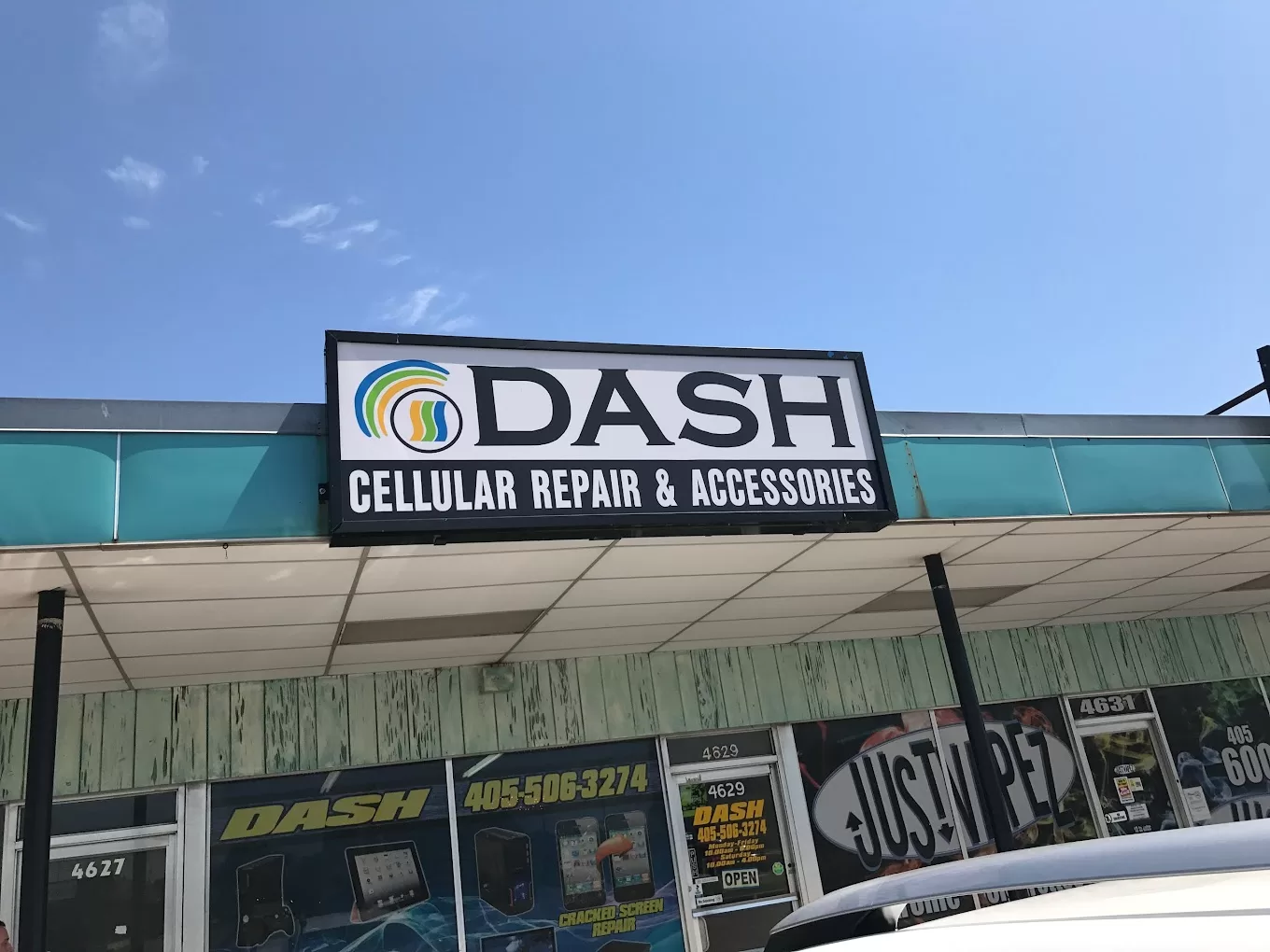
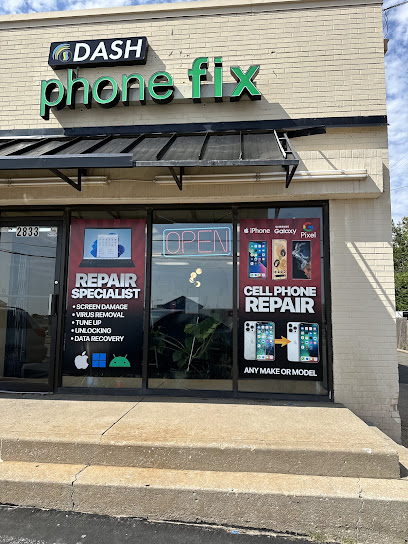
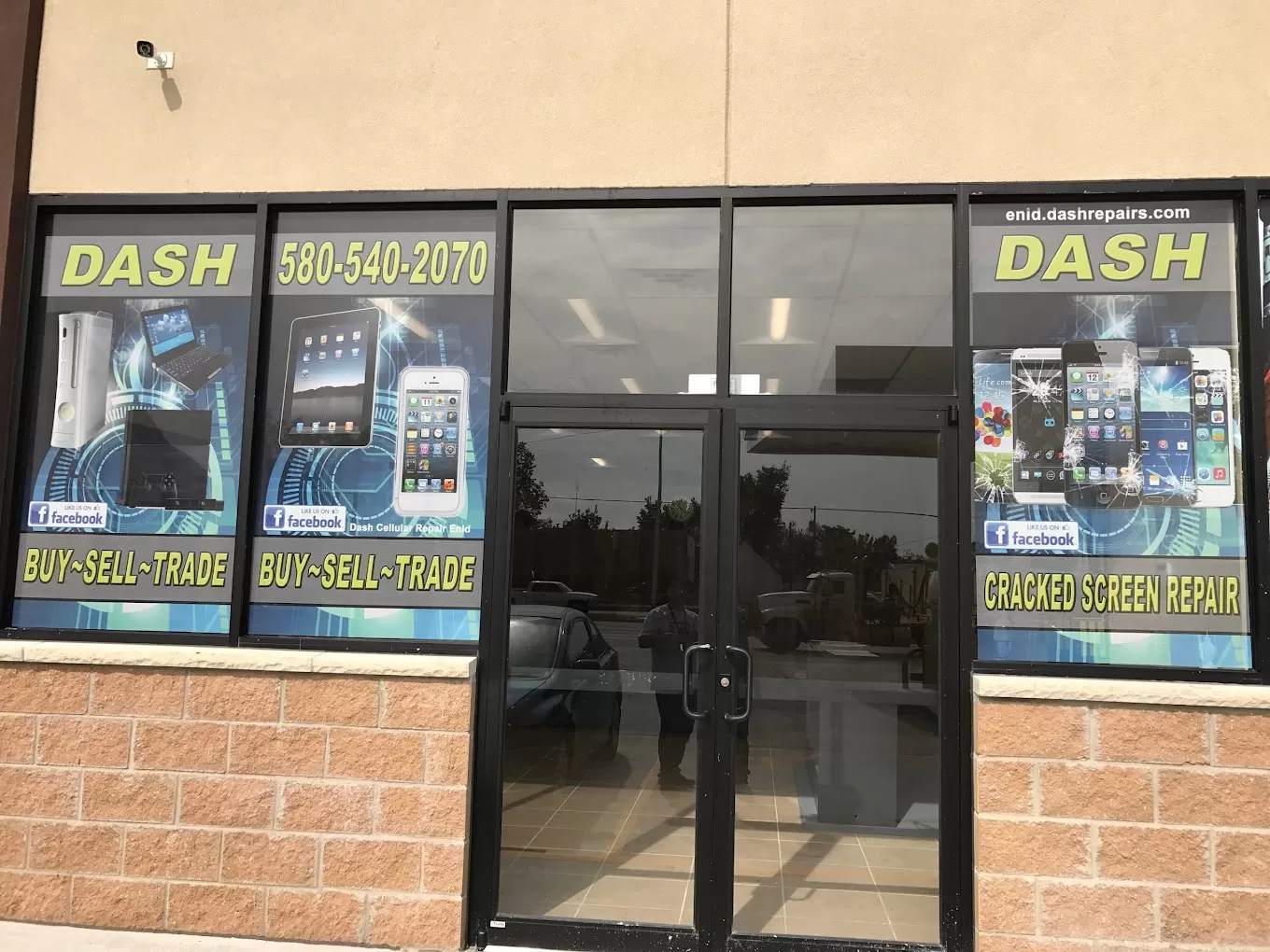
How Does Dash Cellular Repair Handle Water Damaged Phones Efficiently?
- Assessment of Damage: Technicians conduct a detailed evaluation to determine the extent of the damage.
- Repair Process: They utilize advanced techniques to dry and repair the device, restoring functionality.
What Are the Typical Costs and Options for Phone Water Damage Repair?
| Service | Cost | Description |
|---|---|---|
| Emergency Repair | $100–$200 | Quick assessment and repair for water-damaged phones. |
| Full Restoration | $200–$400 | Comprehensive repair service that includes cleaning and part replacement. |
| Diagnostic Fee | $50 | Initial assessment to determine the extent of damage. |
How Much Does Emergency Water Damage Repair Usually Cost?
- Extent of Damage: More severe damage may require additional repairs, increasing the overall cost.
- Type of Device: Different devices may have varying repair costs based on their complexity.