Why Your Phone Battery Drains So Fast: Understanding Causes and Solutions
What Are the Common Causes of Fast Phone Battery Drain?
- Battery Degradation: Over time, batteries naturally lose their capacity due to chemical aging, leading to faster drain rates.
- High Usage: Intensive activities such as gaming, streaming, or using GPS can quickly consume battery life.
- Background Activity: Apps running in the background can drain power without the user’s knowledge, especially those that frequently update or sync data.
How Does Battery Health Affect Drain Speed?

What Role Do Phone Charging Problems Play?

Smartphone Battery Life: Charging Habits & User Experience
This paper presents a large, 4-week study of more than 4000 people to assess their smartphone charging habits to identify timeslots suitable for opportunistic data uploading and power intensive operations on such devices, as well as opportunities to provide interventions to support better charging behavior. The paper provides an overview of our study and how it was conducted using an online appstore as a software deployment mechanism, and what battery information was collected. We then describe how people charge their smartphones, the implications on battery life and energy usage, and discuss how to improve users’ experience with battery life.
Understanding human-smartphone concerns: a study of battery life, D Ferreira, 2011
How Can You Diagnose Battery Drain Issues Effectively?
- Identifying Symptoms: Common signs of battery health problems include rapid battery drain, unexpected shutdowns, and overheating during charging.
- Diagnostic Tools: Many smartphones come with built-in diagnostic tools that can provide insights into battery performance and app usage, helping users pinpoint the cause of drain.
Which Symptoms Indicate Battery Health Problems?
- Rapid Battery Drain: A noticeable decrease in battery percentage within a short period.
- Unexpected Shutdowns: The phone turning off suddenly, even when the battery indicator shows a charge.
- Overheating: Excessive heat during charging or heavy usage can signal underlying battery issues.
How to Identify Faulty Charging Components?
- Testing Charging Cables: Inspect cables for frays or damage that could impede charging.
- Checking Charging Ports: Ensure that the charging port is clean and free of debris, which can affect connectivity.
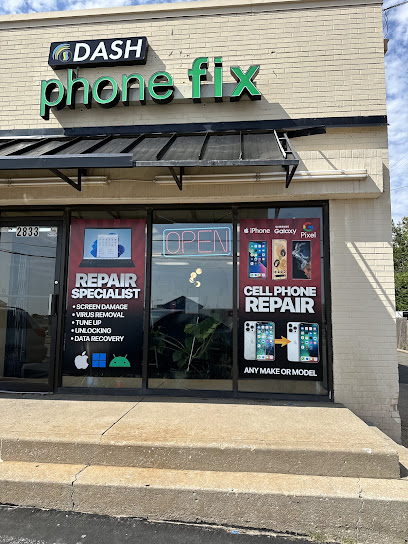
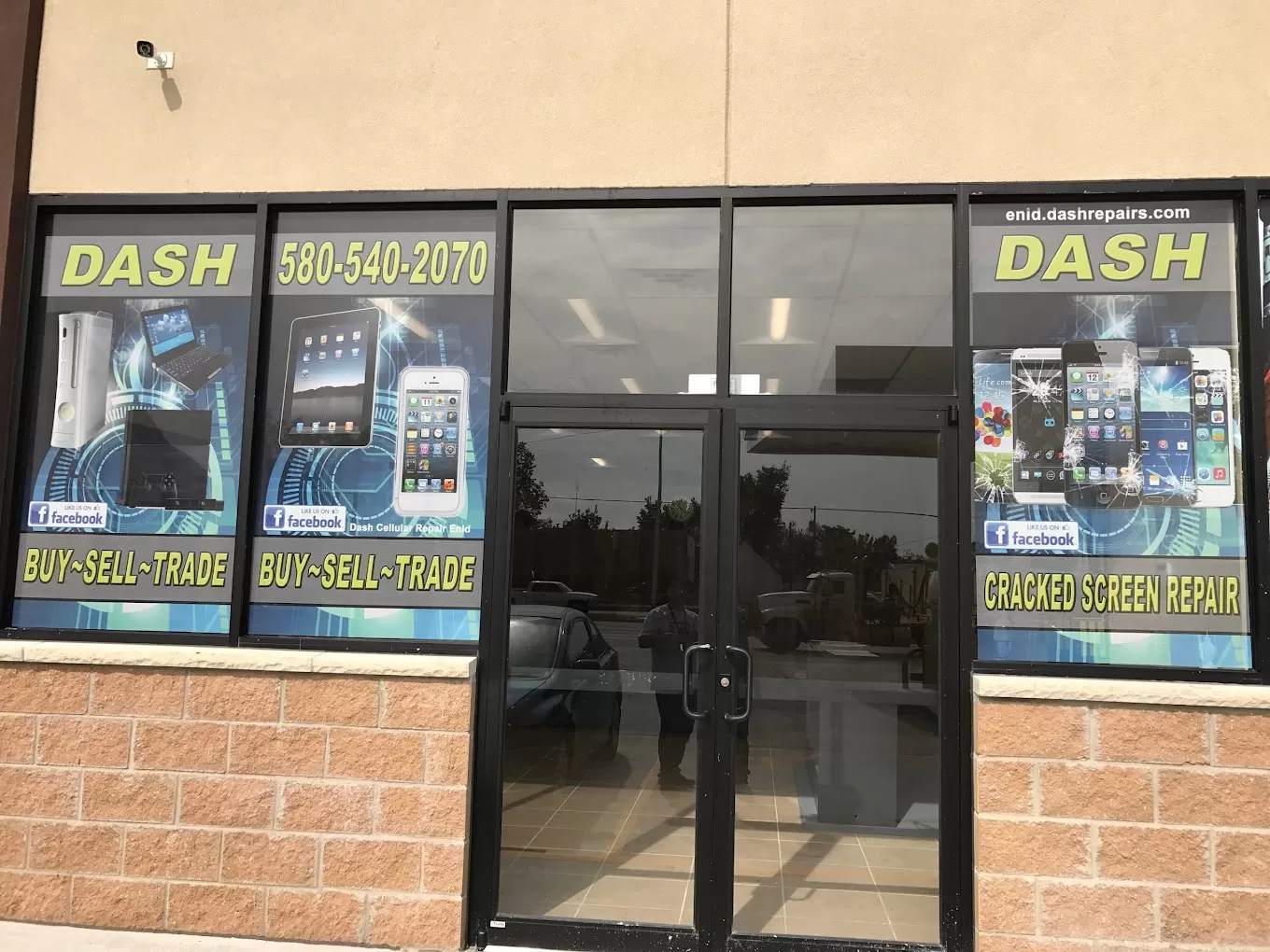
What Battery Replacement Services Does Dash Cellular Repair Offer?
- Overview of Battery Replacement Process: The process typically involves assessing the device, removing the old battery, and installing a new one, ensuring that the device functions optimally.
- Benefits of Professional Battery Replacement: Professional services can restore battery capacity and improve overall device performance, extending the life of the phone.
How Does Professional Battery Replacement Improve Performance?
- Improved Device Performance: A new battery can lead to more consistent performance and better overall functionality.
- Extended Battery Life: Users can enjoy longer usage times between charges, reducing the frequency of charging.
What Are the Typical Battery Replacement Costs?
How Can You Optimize Your Phone Battery Life to Prevent Fast Drain?
- Best Charging Practices: Avoid letting the battery drop to 0% and try to keep it between 20% and 80% for optimal health.
- Managing App Settings: Regularly review app permissions and background activity to minimize unnecessary battery usage.
What Tips Help Extend Battery Health and Longevity?
- Avoid Extreme Temperatures: Keep your phone in a moderate temperature range to prevent battery damage.
- Regular Software Updates: Ensure your device is running the latest software, which can include optimizations for battery performance.
How Do App Usage and Settings Impact Battery Drain?
- Identify Battery-Draining Apps: Use built-in tools to monitor which apps consume the most power.
- Adjust App Settings for Efficiency: Limit background data usage and notifications for less critical apps to conserve battery life.