/* Inline styles converted to CSS */
.metasync-inline-1 { border-collapse: collapse; }
.metasync-inline-2 { border: 1px solid rgb(193,193,193); padding: 6px; background-color: rgb(233,233,233); text-align: center; }
.metasync-inline-3 { border: 1px solid rgb(193,193,193); padding: 6px; background-color: rgb(233,233,233); text-align: center; }
.metasync-inline-4 { border: 1px solid rgb(193,193,193); padding: 6px; background-color: rgb(233,233,233); text-align: center; }
.metasync-inline-5 { border: 1px solid rgb(193,193,193); padding: 6px; }
.metasync-inline-6 { border: 1px solid rgb(193,193,193); padding: 6px; }
.metasync-inline-7 { border: 1px solid rgb(193,193,193); padding: 6px; }
.metasync-inline-8 { border: 1px solid rgb(193,193,193); padding: 6px; }
.metasync-inline-9 { border: 1px solid rgb(193,193,193); padding: 6px; }
.metasync-inline-10 { border: 1px solid rgb(193,193,193); padding: 6px; }
.metasync-inline-11 { border: 1px solid rgb(193,193,193); padding: 6px; }
.metasync-inline-12 { border: 1px solid rgb(193,193,193); padding: 6px; }
.metasync-inline-13 { border: 1px solid rgb(193,193,193); padding: 6px; }
7 Signs Your Phone Has Water Damage: How to Detect and Repair Water Damage in Smartphones
What Are the Common Signs of Water Damage in Smartphones?
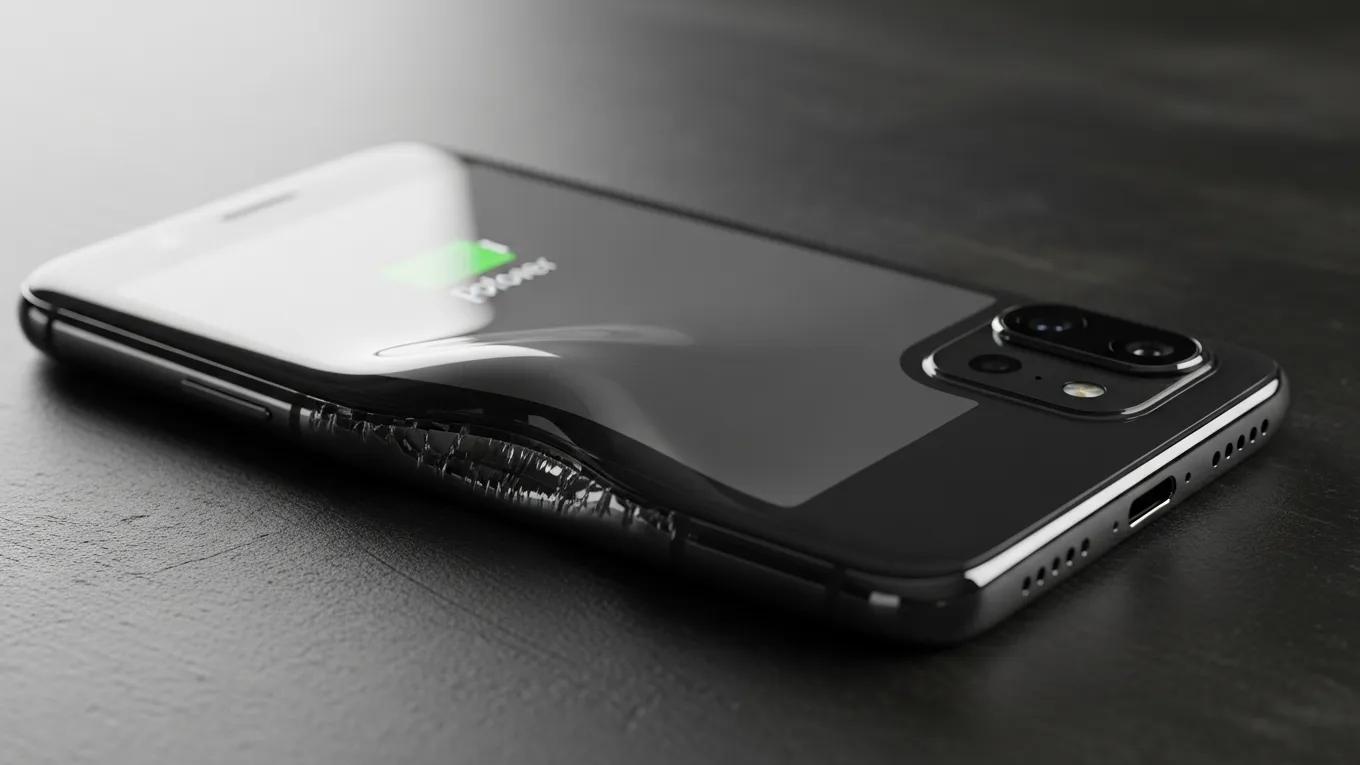
- Battery Swelling: This occurs when moisture seeps into the device, causing the battery to expand.
- Screen Malfunctions: Display issues like flickering, discoloration, or complete failure often occur.
- Corrosion: Visible rust or corrosion can develop on internal components, especially metal contacts.
- Unresponsive Touchscreen: If the touchscreen becomes unresponsive or behaves erratically, it could signal water damage.
- Unexpected Shutdowns: A device shutting down suddenly, even with a charged battery, can indicate water intrusion.
- Odd Odors: Unpleasant smells can sometimes emerge due to damaged components or moisture.
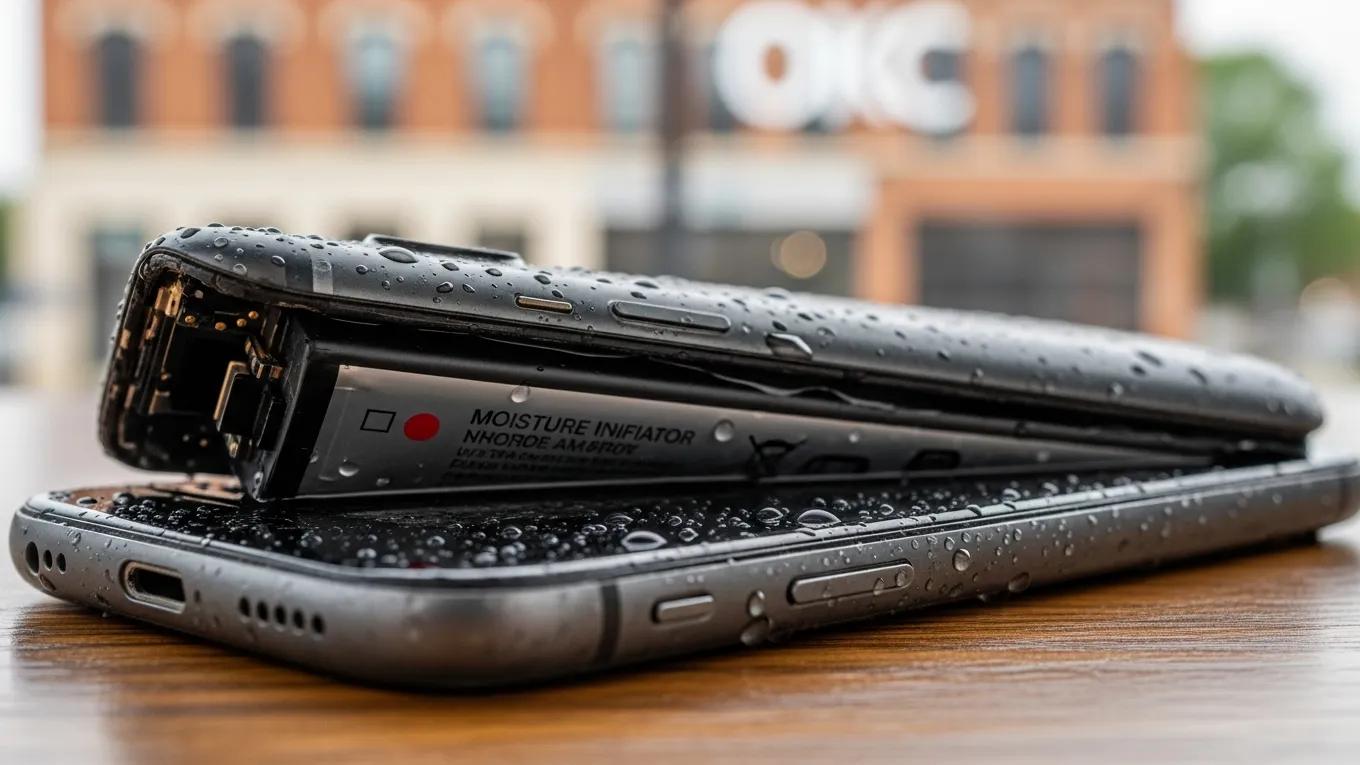
- Moisture Indicator Activation: Many smartphones are equipped with moisture sensors that change color when exposed to water.
How Does Battery Swelling Indicate Water Damage?
What Are Other Visible Symptoms Like Screen Issues and Corrosion?
How Can You Diagnose Water Damage in Your Phone Step by Step?
What Are the Recommended Diagnostic Actions and Tools?
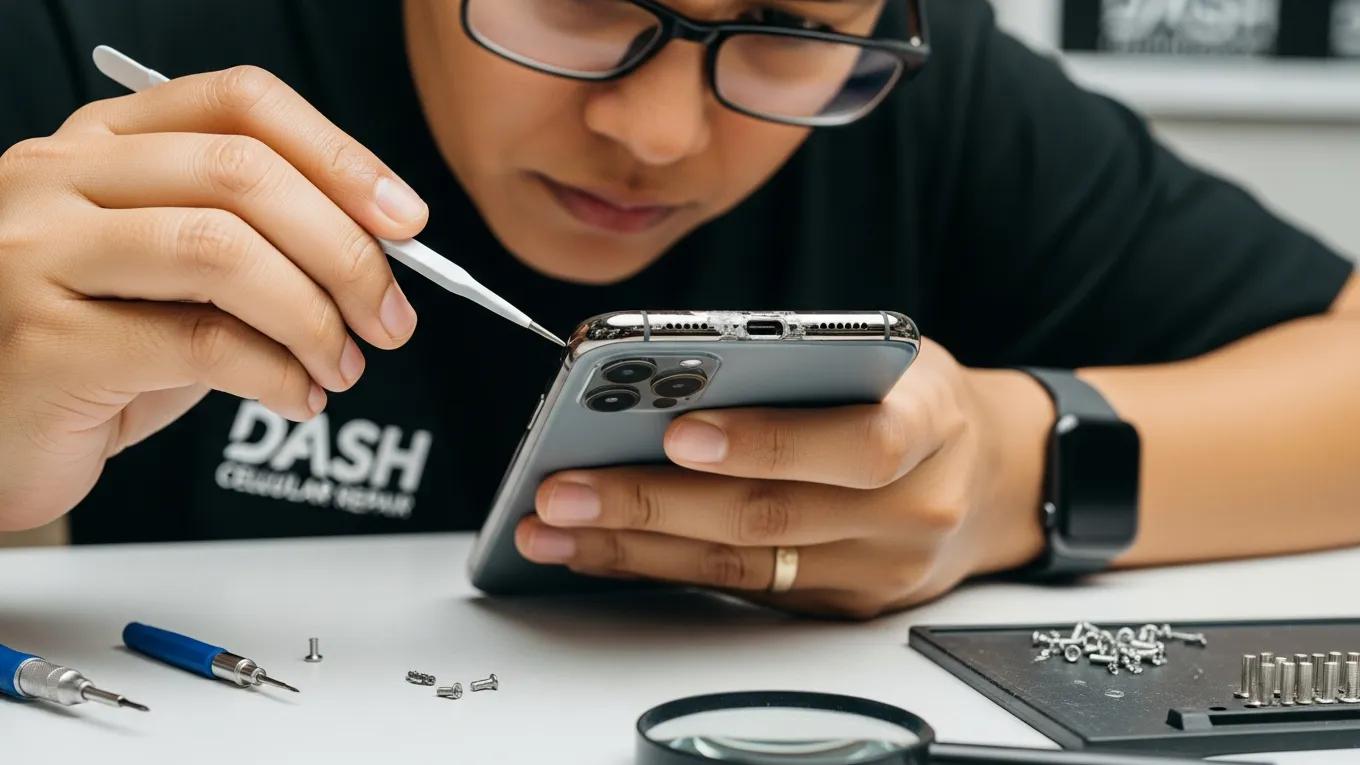
- Visual Inspection: Look for any signs of moisture or corrosion in visible components.
- Drying Period: Allow the device to dry for 24-48 hours, placing it in a dry environment.
- Moisture Indicators: Use moisture indicators or LCI (Liquid Contact Indicators) to verify if the device has been compromised.
- Professional Tools: If available, use multimeters for checking electrical continuity between components.
How to Use Moisture Indicator Spots and Visual Checks Effectively?
What Immediate Steps Should You Take After Detecting Water Exposure?
- Power Off the Device: Turn off your phone to prevent short-circuiting.
- Remove Accessories: Take off any cases and detach cables or accessories.
- Dry Externally: Use a soft, absorbent cloth to dry the exterior.
- Avoid Rice: Contrary to popular belief, using rice is ineffective; use desiccants instead.
- Seek Professional Help: If damage is suspected, take your phone to a repair service swiftly.
How to Quickly Dry and Protect Your Wet Phone?
- Silica Gel Packets: Placing your phone in a bag with silica gel can help draw moisture out.
- Absorbent Towels: Wrapping the device in towels can absorb water quickly.
- Avoid Heat Sources: Do not use hair dryers or heaters, as excess heat can damage internal components.
When Should You Power Off and Avoid Charging?
What Repair Services Are Available for Water Damaged Phones?
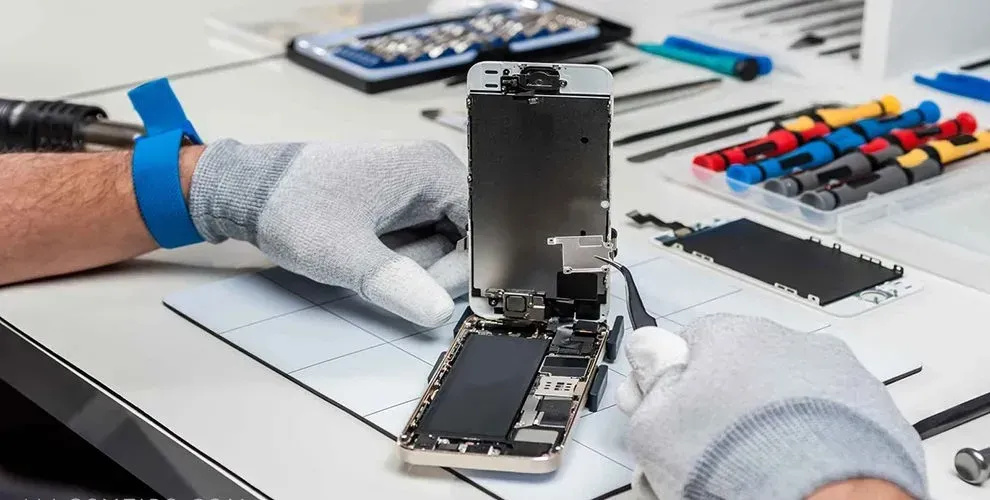
- Cleaning and Drying: Specialized technicians can clean and dry internal components for minor water exposure.
- Component Replacement: If major components like the battery or screen are affected, replacements may be needed.
- Data Recovery Services: Experts can assist in recovering lost data if the device is irreparably damaged.
What Are Trusted Repair Options for Fixing Water Damage?
How Much Does Water Damage Repair Typically Cost?
- Minor Repairs: Cleaning and drying may cost around $50-$150.
- Component Replacements: Replacing screens or batteries often costs between $150 to $300.
- Data Recovery: This can range from $100 to $500 depending on the complexity.
How Can You Prevent Water Damage in Smartphones?
- Invest in a Waterproof Case: Utilize cases designed to resist water exposure.
- Avoid Liquids: Keep drinks and other liquids away from your device.
- Use Pouches During Activities: When at the beach or pool, use waterproof pouches for protection.
What Are Practical Tips to Protect Your Phone from Liquid Exposure?
- Regular Maintenance: Keep your phone clean and check for any signs of wear and tear regularly.
- Stay Aware: Be cautious when near water sources and understand your environment.
- Educate Yourself: Learn about your device's water resistance rating, if applicable, and understand its limits.
How to Maintain Phone Health to Avoid Liquid Damage Symptoms?
What Bulk Repair Solutions Exist for Institutions Facing Water Damaged Phones?
How Do Bulk Repair Services Optimize Institutional Phone Maintenance?
- Cost-Effective Solutions: Institutions can benefit from pricing structures tailored to volume repairs.
- Efficient Turnaround Times: With streamlined processes, repairs can often be completed quickly, minimizing the impact on operations.
- Regular Maintenance Contracts: Long-lasting partnerships that include ongoing repairs and assessments ensure devices remain in optimal condition.
What Are the Pricing and Turnaround Times for Bulk Phone Repairs?
| Service Type | Description | Cost |
|---|---|---|
| Basic Repair | Minor cleaning and diagnostics | $30-$50/device |
| Screen Replacement | Full screen replacement service | $120-$250/device |
| Bulk Discounts | Volume discount for repairs | 10-15% off for 10 or more devices |