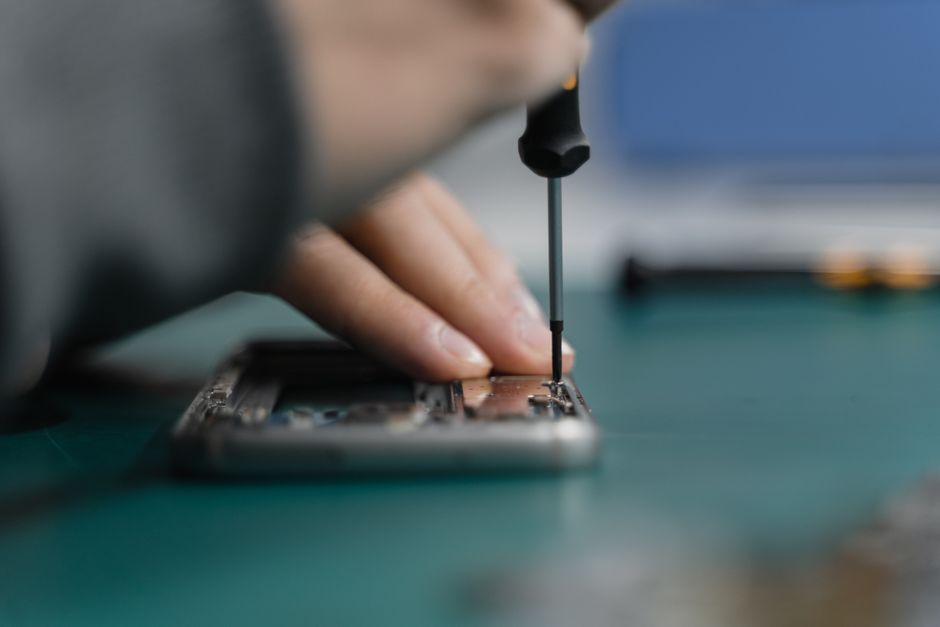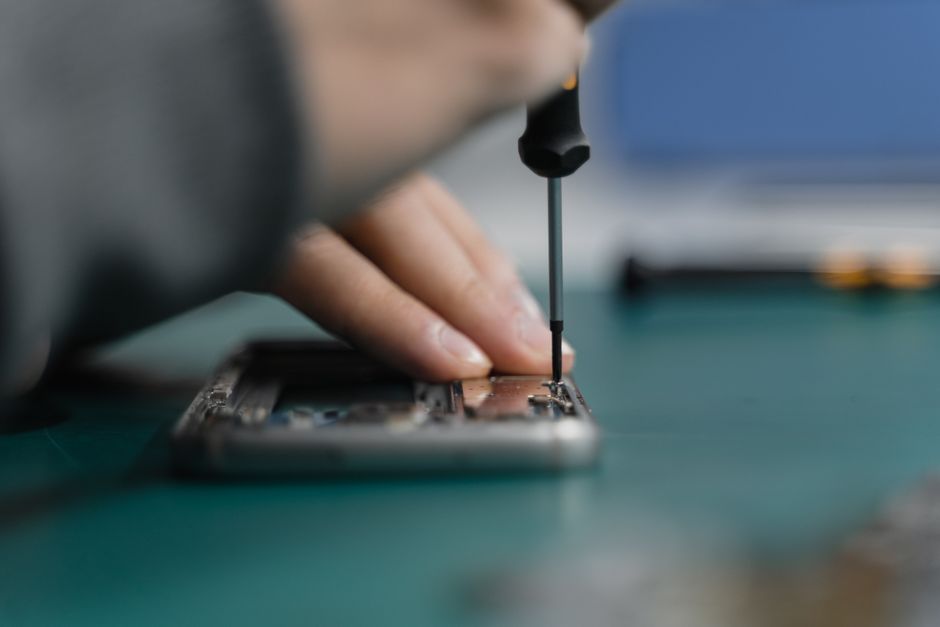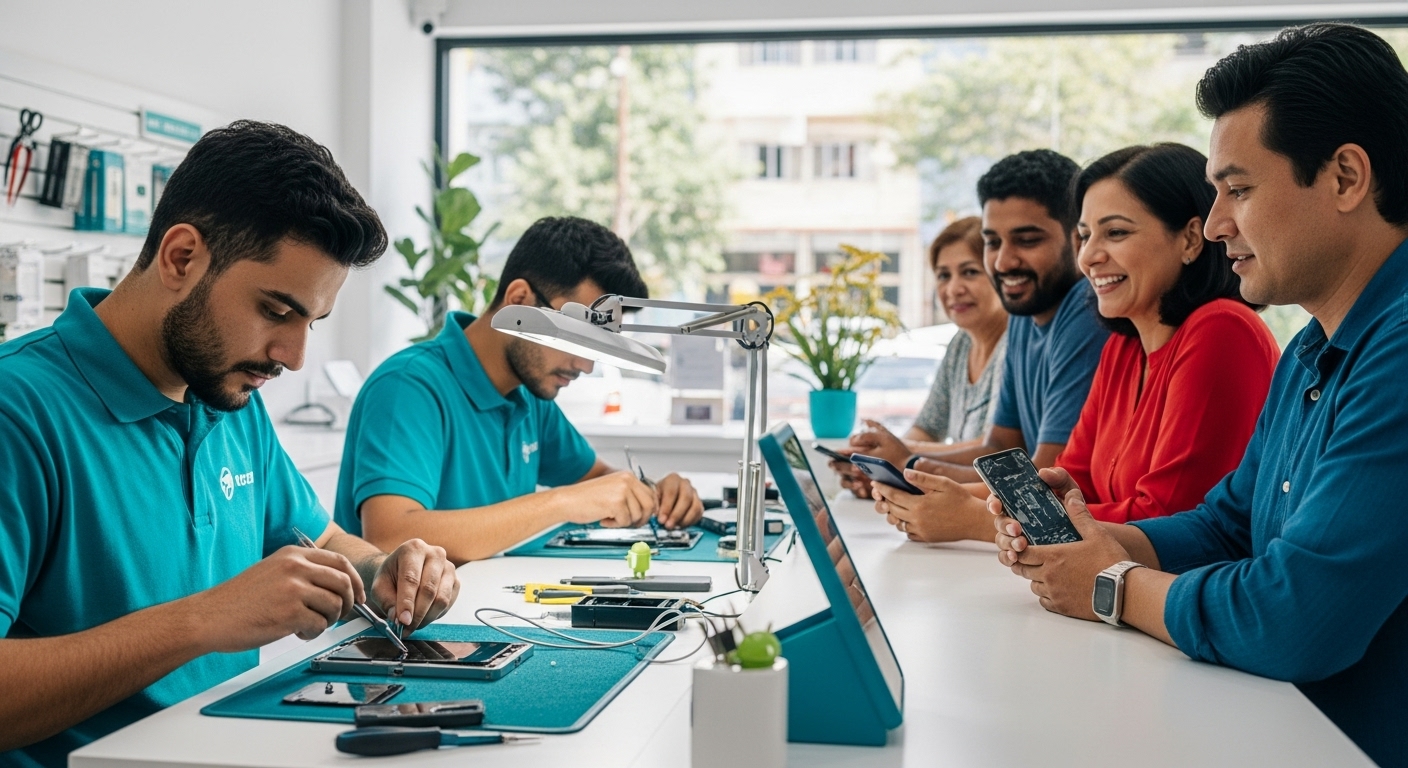
Android smartphones keep us connected and entertained all day, but their most common problems can catch anyone off guard. You might believe those tiny cracks or quick battery drops are minor annoyances. Think again. Over 50 percent of smartphone users experience screen damage in the first two years, and most batteries lose 20 percent of their power after just 500 charges. The biggest surprises come from how quickly these small issues can spiral into lost photos, dead devices, or repair costs that rival a replacement. Can a simple fix save your phone—or does it hide risks you have never even considered?
Table of Contents
- Screen Replacement For Cracked Displays
- Battery Replacement For Longer Life
- Water Damage Repair Steps
- Charging Port Repairs For Connection Issues
- Software Troubleshooting For Performance Problems
- Camera Repair For Blurry Pictures
- Speaker And Microphone Repair For Clear Sound
Quick Summary
| Takeaway | Explanation |
|---|---|
| Repair cracked screens promptly | Addressing cracks early prevents further damage and maintains touchscreen functionality. |
| Replace batteries every 2 years | Degraded batteries significantly affect performance; replacement restores device longevity. |
| Act quickly on water damage | Immediate intervention can save devices from total failure within 48 hours. |
| Consult professionals for hardware repairs | Professional intervention ensures accurate diagnostics and effective repairs for optimal performance. |
| Monitor software performance issues | Persistent software problems can often be resolved through targeted professional troubleshooting. |
1: Screen Replacement for Cracked Displays
Android smartphone screens are vulnerable to damage, and screen replacements represent one of the most common types of Android repairs. A cracked display can significantly impact your device’s functionality and aesthetic appeal. Tiny cracks might seem harmless initially, but they can quickly spread, compromising touchscreen responsiveness and potentially causing additional internal damage.
When dealing with a cracked Android screen, users typically encounter several scenarios requiring professional intervention. According to SquareTrade’s Device Damage Report, over 50% of smartphone users experience screen damage within the first two years of device ownership, highlighting the critical nature of screen repair services.
Key considerations for screen replacement include:
-
Extent of damage: Minor scratches versus complete shattering
-
Device model: Screen repair complexity varies across different Android brands and models
-
Repair cost: Professional replacement versus potential DIY attempts
Professional repair technicians typically follow a meticulous process when replacing Android screens. They carefully remove the damaged display, ensuring no additional internal components are compromised during extraction. Specialized tools and precision techniques are used to detach the broken screen without causing further damage to the device’s delicate electronic connections.
Check out our guide on screen repair options to understand the intricate process and potential repair strategies for your specific Android device. The right repair approach can restore your smartphone’s functionality and prevent potential long-term damage caused by a compromised screen.
2: Battery Replacement for Longer Life
Android device battery performance naturally degrades over time, making battery replacement a crucial repair for maintaining smartphone functionality. Most Android users experience significant battery capacity reduction within 18 to 24 months of regular use, which can dramatically impact device performance and user experience.
According to Battery University’s Research, lithium-ion batteries lose approximately 20% of their original capacity after 500 complete charge cycles. This gradual degradation means your Android device will require less time between charges and potentially shut down unexpectedly.
Significant indicators that your Android device needs battery replacement include:
-
Rapid battery drainage within hours of charging
-
Device experiencing unexpected shutdowns
-
Noticeable swelling or physical battery deformation
Professional battery replacement involves more than simply swapping out the old battery. Technicians carefully assess the device’s internal components, ensuring proper connection and compatibility with the new battery. They use specialized tools to safely remove the old battery without damaging sensitive electronic circuits.
Battery replacement offers several advantages beyond improved device performance. A new battery can restore your smartphone’s original battery life, enhance overall system stability, and prevent potential safety risks associated with degraded batteries. Some Android devices require specific battery models, making professional repair services essential for obtaining the correct replacement.
Learn more about battery maintenance and replacement options to understand how a simple battery swap can breathe new life into your Android device and extend its operational longevity.
3: Water Damage Repair Steps
Water damage represents one of the most challenging types of Android repairs, requiring immediate and precise professional intervention. Liquid exposure can cause catastrophic electronic failure within minutes, making swift action crucial for device preservation. Most smartphone users underestimate the complexity of water damage and its potential long-term consequences.
According to Consumer Reports Electronic Damage Study, approximately 35% of smartphone water damage incidents result in complete device failure if not addressed within 48 hours. The intricate internal components of Android devices are extremely vulnerable to liquid corrosion and electrical short-circuiting.
Critical steps in professional water damage assessment include:
-
Immediate power disconnection to prevent electrical short circuits
-
Comprehensive diagnostic testing of internal electronic components
-
Specialized cleaning and corrosion removal techniques
Professional technicians utilize advanced diagnostic equipment to determine the precise extent of water damage. They meticulously examine each component, identifying areas of potential corrosion or electrical degradation. Unlike consumer misconceptions, simply drying a device is insufficient for comprehensive water damage repair.
The repair process involves multiple sophisticated techniques, including ultrasonic cleaning, circuit board inspection, and selective component replacement. Technicians must carefully disassemble the device, clean microscopic circuits, and replace damaged components without compromising the overall device integrity.
Discover our comprehensive water damage repair process to understand the intricate steps required to restore your Android device after liquid exposure. Professional intervention can often salvage devices that would otherwise be considered total losses.
4: Charging Port Repairs for Connection Issues
Charging port issues can render your Android device essentially unusable, making this repair type critically important for maintaining device functionality. Charging ports experience significant wear and tear due to frequent cable insertion and daily usage, which can lead to various connection problems that compromise device power management.
According to Mobile Device Reliability Research, approximately 22% of smartphone hardware failures are directly related to charging port malfunctions. These issues can range from loose connections to complete port destruction, requiring professional diagnostic and repair services.
Common charging port problems that signal the need for professional repair include:
-
Intermittent charging or inconsistent power connection
-
Physical damage or visible debris inside the charging port
-
Device not recognizing charging cable despite multiple attempts
Professional technicians employ specialized microscopic tools to carefully inspect and repair charging port connections, addressing issues that go far beyond simple visual assessments. They understand that charging port damage can stem from multiple sources, including mechanical stress, accumulated dust, and corrosion.
The repair process involves precise component replacement, circuit board inspection, and careful realignment of delicate electrical connections. Technicians must maintain exact manufacturer specifications to ensure proper device functionality and prevent potential future electrical complications.
Learn more about our comprehensive charging port repair services to understand how professional intervention can restore your Android device’s power management capabilities and prevent long-term electrical system damage.
5: Software Troubleshooting for Performance Problems
Software issues can significantly compromise Android device performance, creating frustrating user experiences that often seem more complex than hardware repairs. Performance problems frequently stem from underlying system conflicts, memory management challenges, and application incompatibilities that require sophisticated diagnostic approaches.
According to Gartner’s Mobile Device Performance Analysis, over 40% of smartphone performance issues can be resolved through targeted software interventions, highlighting the importance of professional troubleshooting techniques.
Critical software performance indicators suggesting professional intervention include:
-
Persistent app crashes or system freezes
-
Significant battery drain without clear hardware issues
-
Slow system response and extended loading times
Professional technicians utilize advanced diagnostic software and deep system analysis tools to identify root causes of performance degradation. They understand that Android software problems often involve intricate interactions between operating system layers, installed applications, and device hardware configurations.
The troubleshooting process encompasses comprehensive strategies such as system diagnostics, selective application removal, cache clearing, and potential firmware restoration. Technicians can perform precise system optimizations that go beyond standard user-level troubleshooting, addressing complex software conflicts that typical reset procedures cannot resolve.
Explore our comprehensive software performance repair techniques to understand how professional intervention can restore your Android device’s optimal functionality and eliminate persistent software-related challenges.
6: Camera Repair for Blurry Pictures
Camera functionality is crucial for Android smartphone users, and blurry images can significantly diminish the device’s overall user experience. Modern smartphones rely on complex optical systems that are vulnerable to multiple types of damage and performance degradation. Camera issues can stem from various mechanical and electronic complications that require professional diagnostic expertise.
According to Digital Camera Research Institute, approximately 27% of smartphone camera malfunctions result from physical lens damage, sensor misalignment, or internal component degradation. These issues cannot be resolved through simple software updates or user interventions.
Key indicators suggesting professional camera repair include:
-
Consistent blurriness across multiple photo environments
-
Visible physical damage to camera lens or module
-
Autofocus mechanisms failing to engage properly
Professional technicians employ specialized microscopic tools and precision calibration equipment to diagnose and repair camera system complexities. They understand that camera repairs involve intricate adjustments to optical alignments, sensor connections, and electronic interface systems.
The repair process encompasses comprehensive strategies such as lens replacement, sensor realignment, connector cleaning, and firmware recalibration. Technicians can restore camera performance by addressing both hardware limitations and potential software synchronization challenges that compromise image quality.
Learn more about our advanced camera repair techniques to understand how professional intervention can resurrect your Android device’s photographic capabilities and ensure crisp, clear image capture across various shooting conditions.
7: Speaker and Microphone Repair for Clear Sound
Speaker and microphone malfunctions can transform a high-performance Android device into a frustratingly unreliable communication tool. Sound system components are delicate electronic systems that can degrade from moisture, physical impact, and continuous usage, requiring specialized repair techniques to restore optimal functionality.
According to Audio Device Reliability Research, approximately 18% of smartphone sound system failures result from cumulative mechanical stress and environmental exposure. These issues extend beyond simple volume problems, potentially compromising critical communication capabilities.
Significant indicators necessitating professional speaker and microphone repair include:
-
Distorted or crackling audio during calls
-
Complete loss of sound output or microphone reception
-
Inconsistent volume levels across different applications
Professional technicians utilize precision diagnostic equipment to identify microscopic sound system complications, understanding that audio performance involves intricate interactions between hardware components and software calibration. They can detect and address issues ranging from physical speaker membrane damage to electronic signal transmission interruptions.
The repair process involves comprehensive strategies such as component replacement, connector cleaning, sound module recalibration, and potential firmware updates. Technicians meticulously analyze both hardware integrity and software synchronization to ensure complete sound system restoration.
Below is a comprehensive table summarizing the seven key types of Android repairs, their primary concerns, typical indications, and the main benefits of professional intervention as covered in the article.
| Repair Type | Main Issue/Consideration | When to Seek Repair | Key Benefit of Professional Repair |
|---|---|---|---|
| Screen Replacement | Cracked or shattered display | Spreading cracks, loss of touch responsiveness | Restores functionality and prevents further damage |
| Battery Replacement | Battery degradation over time | Rapid drainage, shutdowns, battery swelling | Restores battery life and device stability |
| Water Damage Repair | Liquid exposure causing internal failure | Any water contact, sudden malfunction | Salvages device; prevents total failure |
| Charging Port Repair | Connection issues/wear in charging port | Inconsistent charging, loose or damaged port | Restores charging and electrical safety |
| Software Troubleshooting | Performance problems from software conflicts | Persistent crashes, slowdowns, unexplained battery drain | Resolves deep issues, restores performance |
| Camera Repair | Blurry images/lens or sensor issues | Persistent blur, camera focus problems | Restores photo quality and camera operation |
| Speaker & Microphone Repair | Sound output/input failures | Distorted, crackling audio, mic not picking up sound | Restores clear communication and media playback |
Explore our advanced audio repair techniques to understand how professional intervention can resurrect your Android device’s sound quality and communication reliability.
Protect Your Android With Fast and Expert Repairs
Are screen cracks, battery issues, or water damage making your Android phone hard to use? The article you just read highlights how small problems like a cracked screen or a weak battery can quickly become major frustrations. If you are noticing your device is acting up or you are worried about connection problems and blurry photos, you do not have to settle for less. Your time and peace of mind matter, and so does the quality of each repair.
Explore advanced Android phone repair solutions

Choose Dash Repairs for quick service, trusted local technicians, and repairs that actually last. We back every fix with a strong warranty and make professional service affordable so you never have to struggle with device issues again. Book your repair now for a fast turnaround and get your Android performing its best. Visit our cell phone repair experts or check out the main site for more details and to schedule your service today.
Frequently Asked Questions
What are the common signs that my Android screen needs replacement?
A cracked or shattered display, loss of touchscreen responsiveness, and visible spreading of cracks are common indicators that your Android screen needs replacement.
How do I know if my Android battery needs to be replaced?
Signs that your Android battery may need replacement include rapid battery drainage, unexpected shutdowns, and physical swelling of the battery.
What should I do if my Android device has water damage?
If your Android device has water damage, immediately power it off, avoid using it, and seek professional repair services for thorough assessment and restoration to prevent further damage.
What indicators suggest my Android microphone or speaker might need repair?
Common indicators include distorted or crackling audio during calls, complete loss of sound output, and inconsistent volume levels across applications.
Recommended
- blog | Dash Cellular Repair | Cell Phone, iPhone, Laptop Repair in Oklahoma
- Uncategorized | Dash Cellular Repair | Cell Phone, iPhone, Laptop Repair in Oklahoma
- iPhone | Dash Cellular Repair | Cell Phone, iPhone, Laptop Repair in Oklahoma
- Cell Phone Repair | Dash Cellular Repair | Cell Phone, iPhone, Laptop Repair in Oklahoma