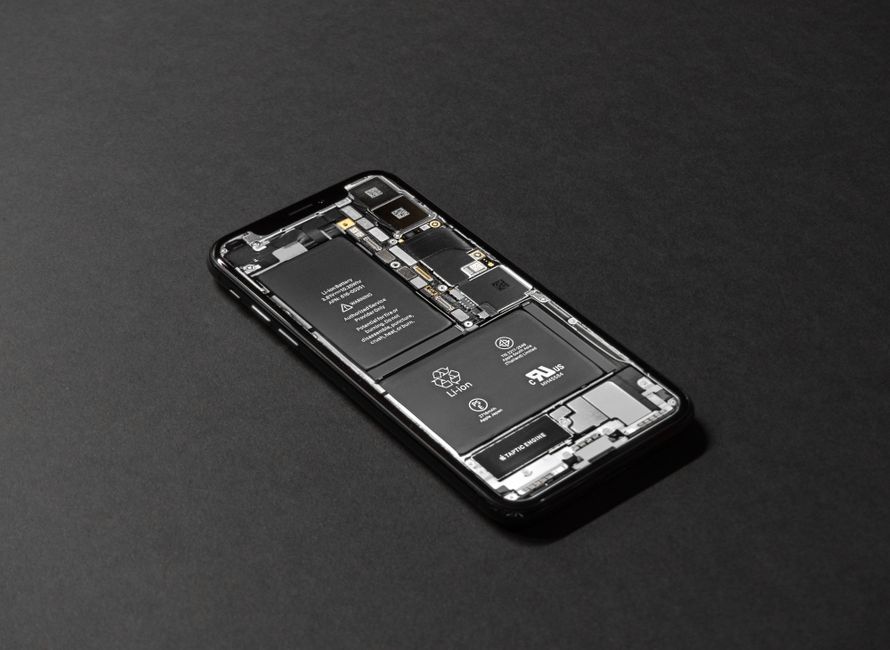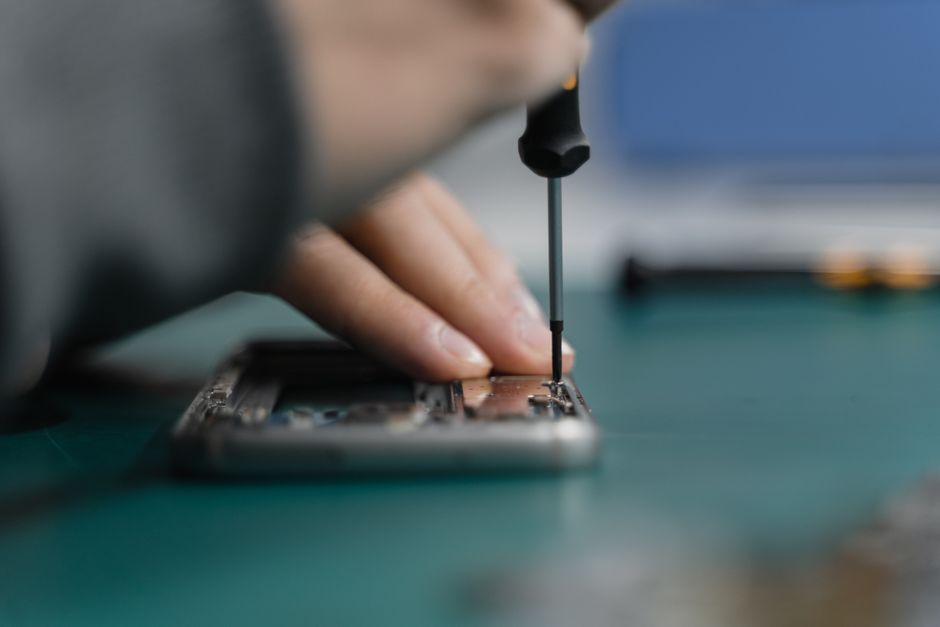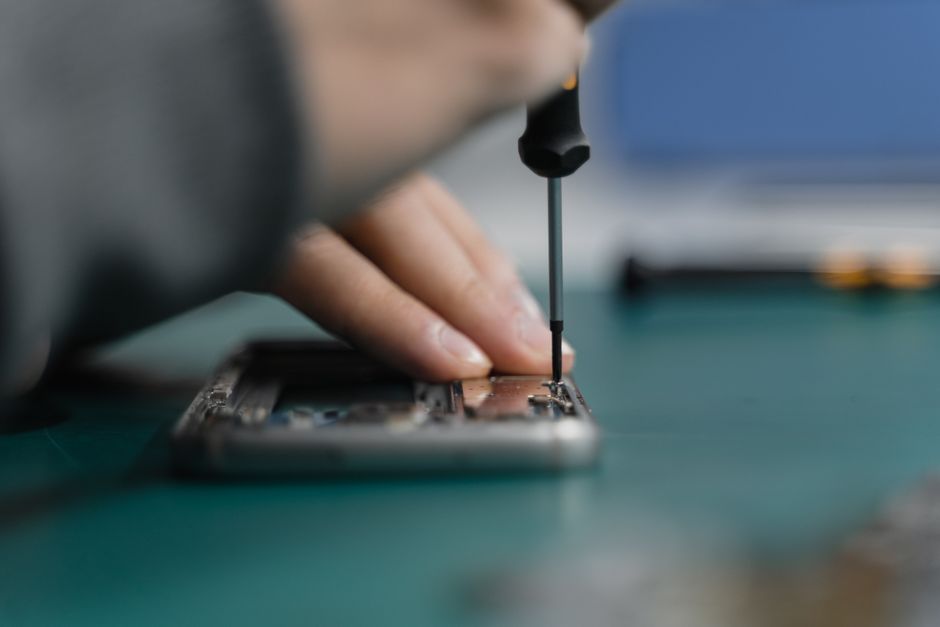

A cracked screen or a phone that dies before lunch can throw off an entire week. You still need to text, navigate, check email, and take calls, and the fastest way back to normal is usually a local shop that can finish the job while you wait. Mailing a device away adds days of shipping and handling to a problem that a technician could solve before your coffee gets cold. Here is a clear look at what same-day phone repair actually involves, where mail-in service falls short, and how to decide which option fits your situation.
The Hidden Time Cost of Mailing a Device Away
Shipping a phone for repair is not one event. It is a chain of events, and every link adds time before the phone is back in your hand. That chain usually looks something like this:
- Finding a box, padding, and a shipping label, or waiting for a mailer to arrive
- Dropping the package off and waiting for it to travel to the repair center
- Waiting in line behind other devices once it arrives
- Waiting on a diagnosis and, in many cases, an estimate you have to approve before work begins
- Waiting through the actual repair and any parts ordering
- Waiting for return shipping and a delivery attempt when you happen to be home
Even when every step goes smoothly, you are without your phone for a stretch measured in days, not minutes. If any single step stalls, that stretch gets longer. Meanwhile, you are juggling a loaner phone, a tablet, or a laptop to handle two-factor codes, work messages, and calls from people who only have your cell number.
Same-day repair compresses almost all of that into one trip. Many common repairs, such as screen replacements and battery repairs, are completed the same day, often within 30 to 60 minutes depending on the device and the parts involved. Some shops advertise most repairs finished in under 30 minutes. At Dash Cellular Repair, the majority of repairs are completed in under an hour, which means you can drop the phone off, run an errand nearby, and pick it up working again.
What Same-Day Phone Repair Actually Looks Like
The phrase covers a range of jobs, and turnaround depends heavily on which repair you need. Knowing the difference helps you set realistic expectations before you hand over your device.
Common repairs finish fastest
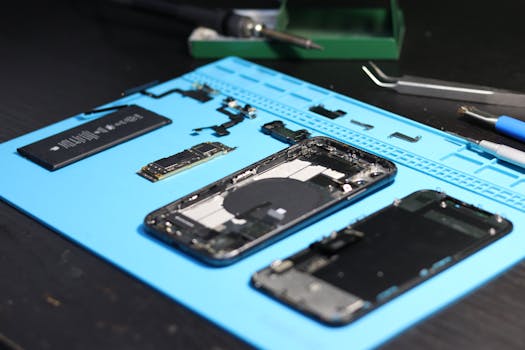
Screen replacements and battery replacements are the two jobs most likely to be done while you wait. They are also the two most frequent reasons people seek out same-day phone repair. Charging port repairs, speaker and microphone fixes, camera repairs, and back glass replacement also tend to be straightforward when the right parts are on hand. If the shop stocks the part for your model, the repair time is mostly labor, and labor on these jobs is measured in minutes rather than days.
Some repair businesses even bring the work to you. Mobile services advertise driving to your location and completing screen repairs in about 15 minutes. That is the extreme end of the speed spectrum, but it shows how fast this category of repair can realistically move.
Complex repairs take longer
Not every problem is a quick fix. Water damage is unpredictable by nature, because corrosion can spread and hidden damage may not show up until the device is opened and tested. Motherboard-level repairs require more diagnostic time and specialized equipment. Software and data issues can also take longer if the symptoms point to multiple causes. In those cases, a technician may need to keep the phone overnight after the initial diagnosis, but you still get a same-day answer about what is wrong and what it will take to fix it. That alone is worth more than a week of silence from a repair depot.
Your Data Stays in Your Possession
When you hand your phone to a local technician, the only people handling it are the ones standing in front of you. When you ship it, the device passes through carriers, sorting facilities, intake desks, and repair benches you never see. Most reputable repair operations treat customer data carefully and many repairs do not require anyone to open your personal files at all, but the fewer hands and the fewer stops along the way, the less you have to think about it.
Keeping the device local also means you keep your SIM card, your accounts, and your authentication codes within reach. You can answer the security prompt yourself instead of trying to coordinate it from a borrowed laptop three days later.

Packaging and Transit Add Their Own Risk
A phone that is already compromised does not benefit from being bounced around in a box. A hairline crack can spread. A device with water damage can corrode further. A loose battery or a bent frame can shift in transit. Shipping is well organized, but it is still a journey through automated sorting equipment, and the item being sorted is not designed to be shipped without its original retail packaging.
Local repair removes that leg of the trip entirely. You drive to the shop, hand the phone across the counter, and pick it up in the same condition you left it, only repaired.
You Can Ask Questions and See What Is Happening
A face-to-face repair visit gives you something a mail-in service cannot: a conversation. You can describe the symptoms, ask what caused the problem, find out whether a cheaper option would work for your needs, and learn what to avoid next time so the same damage does not come back. A technician can show you the failed part and explain what it looked like. That transparency matters when you are spending money on a device you depend on every day.
Dash Cellular Repair was founded in 2010 and operates in the Oklahoma City metro area, including Edmond and Del City. The shop works on iPhones, Samsung Galaxy devices, Google Pixel phones, Motorola, OnePlus, LG, tablets and iPads, laptops and computers, and game consoles, so a household can often solve several problems in one visit instead of sending three separate packages in three separate directions.
Follow-Up Support Is Easier When the Shop Is Nearby
Repairs occasionally need a second look. A replacement screen might have a touch response that feels off, or a battery might not hold a charge the way it should. If that happens with a mail-in service, you start the whole shipping cycle over again: box, label, drop-off, wait, wait some more. If it happens with a local shop, you drive back over and have someone look at it the same day. Ask any shop what its warranty covers and how long it lasts before you leave, and get that answer in writing. Also confirm the specific terms that apply to your repair, since coverage can vary by part and by device.
When Shipping Still Makes Sense
Mail-in service is not automatically the wrong choice. There are situations where it is the better fit:
| Situation | Option that usually fits |
|---|---|
| Device is covered by a manufacturer or carrier protection program that requires mail-in service | Follow the program's instructions and verify the terms with the provider |
| Repair requires parts or tooling that local shops do not stock | Ask a local shop first, then compare mail-in options |
| An insurance claim specifically routes the device to a depot | Follow the claim process and confirm coverage details with the insurer |
| You want the work done while you are traveling or away from home | A local shop at your destination may still be an option, so call ahead |
For most everyday problems, though, a broken screen, a tired battery, a charging port that only works at certain angles, the local route wins on time alone.
How to Prepare for a Same-Day Repair Visit
- Back up your device before you go if you can, even though most hardware repairs do not touch your files.
- Write down your symptoms in plain language, including when the problem started and anything that makes it worse.
- Bring your charger if the issue involves charging, so the technician can test with known working equipment.
- Ask which parts will be used and whether they are covered by a warranty.
- Get an estimate before work begins so there are no surprises at pickup.
- Confirm the pickup time rather than assuming it, especially for water damage or motherboard work.
Choosing a Local Shop That Can Deliver Same-Day Service
Not every shop keeps the parts you need in stock. Before you drive over, call and describe your device model and the problem, then ask two questions: can this be done today, and roughly how long will it take. A shop that gives you a direct answer is a shop that has done the repair before. Also ask whether the repair carries a warranty and what it covers, and check whether the shop services other devices you own, since a single reliable local contact is easier to manage than a different vendor for every gadget in the house.
Frequently Asked Questions
Can a phone be fixed in one day?
Yes, in many cases. Screen replacements and battery repairs are the most common same-day jobs and are often completed within 30 to 60 minutes, depending on the device and the parts available. Some repairs finish in under 30 minutes. Water damage and motherboard-level work may need longer, but you can usually get a diagnosis and an answer the same day.
How long does a typical phone repair take?
Common hardware repairs are measured in minutes, not days. Screen and battery work is frequently finished within 30 to 60 minutes, and some shops report most repairs done in under 30 minutes. At Dash Cellular Repair, most repairs are completed in under an hour. Complex jobs such as water damage may take longer and can require the device to stay overnight.
Is it safe to leave my phone at a local repair shop?
Leaving your device with a local shop is no riskier than mailing it to a depot, and often safer because you know exactly where it is. The device stays in one building instead of moving through carriers and sorting facilities. Ask the shop about its repair warranty and how it handles customer data before you hand anything over.
Do I need an appointment for same-day repair?
Many shops accept walk-ins, while others prefer a same-day appointment so they can have the right part ready when you arrive. Calling ahead is the simplest way to find out. A quick phone call also lets you confirm the shop stocks the part for your specific model, which avoids a wasted trip.
What should I do if my phone has water damage?
Power the device down and do not charge it, since power running through a wet board can cause more damage. Bring it to a local shop as soon as you can for a diagnostic. Water damage is unpredictable because corrosion can spread, so expect the technician to need time to open and test the device before giving a firm answer.
The bottom line is simple. Shipping a phone for repair trades your time, your data handling, and your ability to ask questions for a process that is slower by design. A local shop that completes common repairs in under an hour gets you back to your normal routine the same afternoon, and if something needs a second look, the fix is a short drive away rather than another trip through the mail.