A cracked screen or a battery that dies before dinner can disrupt an entire week. Dash Cellular Repair has been fixing phones and other electronics in the Oklahoma City metro area since 2010, and the approach has stayed consistent the whole time: repair the device you already own whenever a repair makes sense, instead of steering you toward an expensive replacement.
If you have never used a repair shop before, the process can feel like a mystery. What happens to your phone after you hand it over? How long will it take? Will anyone explain what went wrong? This guide walks through what a repair visit at Dash looks like, what the shops fix, and how to get the most out of your trip.
Dash Is More Than a Phone Shop
Phones get the most attention because they are the devices people carry everywhere, but Dash locations in the Oklahoma City area, including Edmond and Del City, service a much wider range of electronics. Alongside smartphones, the technicians work on tablets and iPads, laptops and computers, and gaming consoles. Console work often involves things like HDMI port repairs, which are common on consoles that get plugged and unplugged frequently.
That range matters for households where several devices tend to fail around the same time. Instead of hunting down a separate shop for a laptop that will not charge and a console with a broken port, you can bring the whole pile to one counter and get a straightforward assessment of each item. The team also handles data transfer assistance, which is useful when a phone is being replaced or when files need to move to a new device after a repair.
Common Cell Phone Repairs at Dash
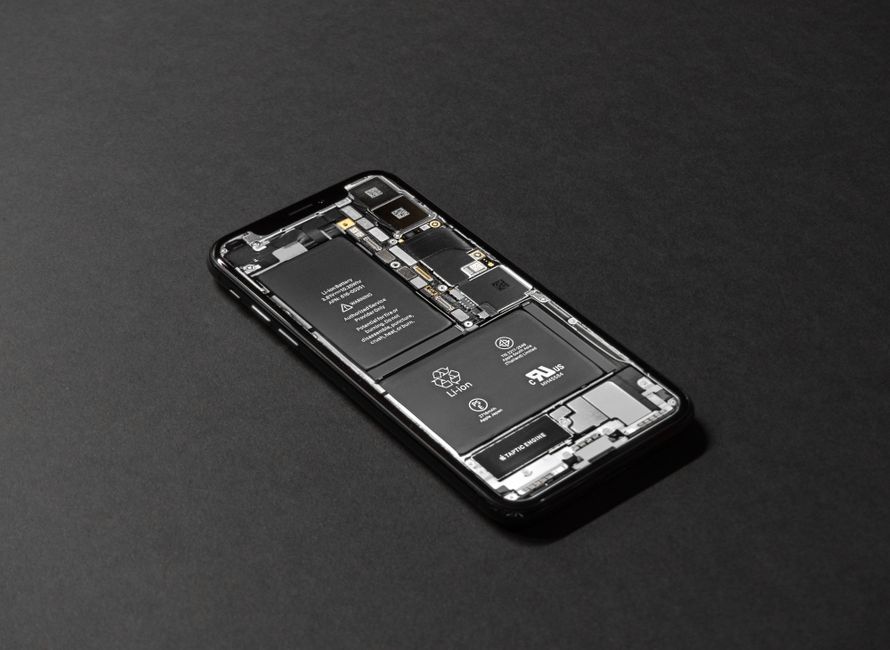
Most repairs that come through the door fall into a handful of categories. The technicians handle screen replacement, battery replacement, charging port repair, camera repair, speaker and microphone repair, back glass replacement, and button and port repairs. Water damage diagnostics and software troubleshooting are available as well, and motherboard-level repairs are offered when the situation allows for them.
A few of these problems show up in predictable ways:
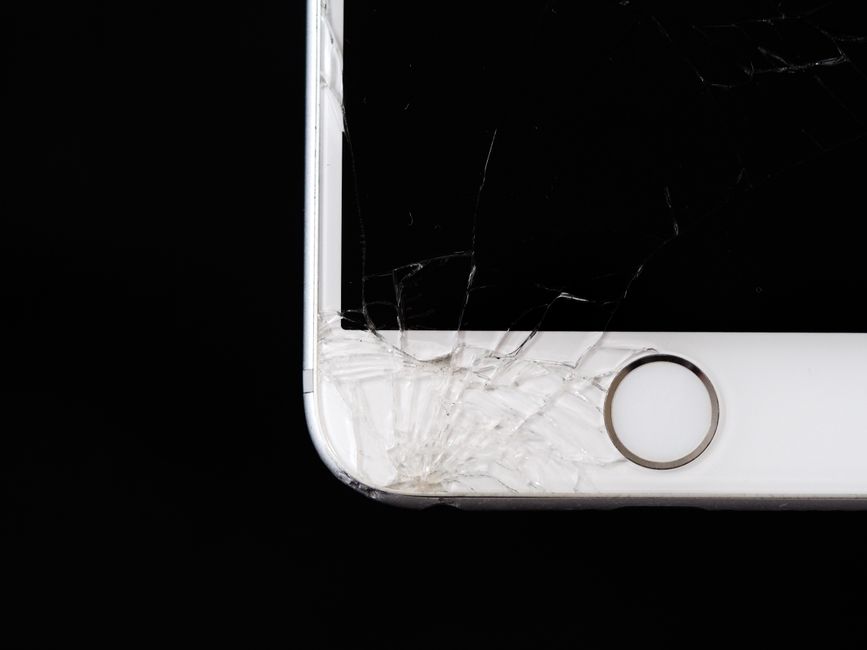
- Cracked or unresponsive screens, where the glass is broken or the touch layer stops registering taps.
- Batteries that drain quickly, shut the phone down early, or swell enough to lift the screen.
- Charging ports that only work at a certain cable angle, or stop working entirely.
- Cameras with blurry images, cracked lenses, or a black viewfinder.
- Speakers and microphones that sound muffled so calls are hard to hear or hear you.
- Back glass cracked on phones that have glass on both sides.
If your issue is not on that list, it is still worth asking. Diagnostics exist precisely because symptoms do not always point to the obvious cause.
What Happens During a Repair Visit
The visit itself is usually short. Most customers begin at the counter, where a technician looks at the device and asks a few questions about what it is doing. Those questions are not small talk. Knowing whether a phone was dropped, exposed to liquid, or simply stopped charging one morning changes what the technician checks first.
- Check in and describe the problem. Bring the phone, and bring the charger if charging is part of the issue.
- Diagnostics. The technician inspects the device and narrows down the likely cause, which sometimes differs from what the symptom suggests.
- Quote and explanation. You get a clear picture of what the repair involves, in plain language rather than jargon.
- Your decision. Nothing should feel pushed. If a repair is not worth the cost, saying so is part of the job.
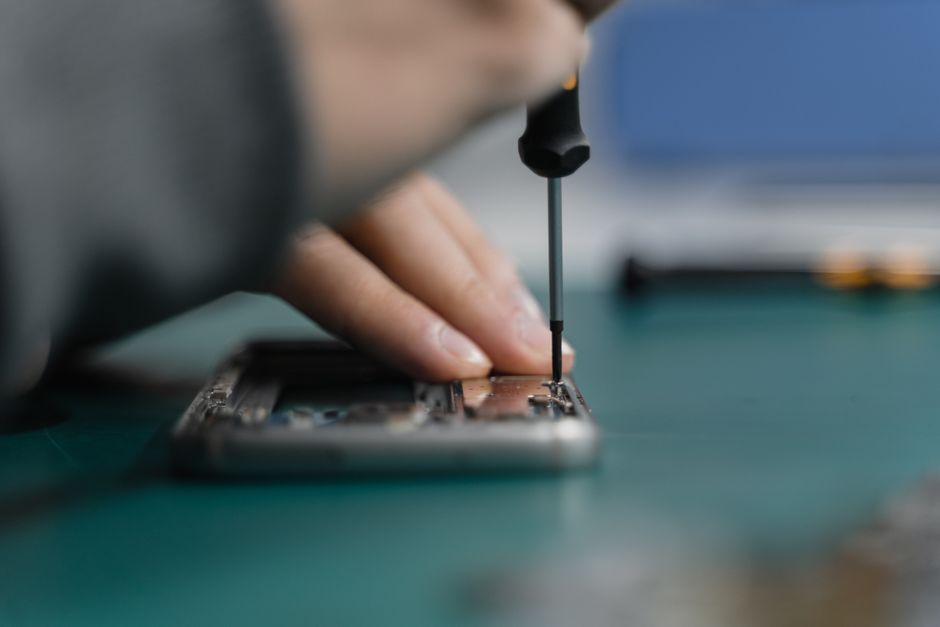
- Repair and testing. Once work is approved, the technician completes it and checks the device functions before it comes back to you.
- Pickup. You get your phone back with an explanation of what was done.
Steps can vary a little depending on the device and the type of damage, so ask questions at check-in if anything is unclear.
Turnaround Times
Speed is one of the reasons people choose a local shop over mailing a phone away. Many repairs at Dash are completed in under an hour, and a good number are finished the same day. Screen and battery replacements tend to be the quickest because they follow a well-worn process. Repairs that involve liquid exposure, deeper board-level work, or parts that need to be ordered can take longer.
If time matters, say so when you arrive. Letting the technician know you need the phone back by a certain point helps set realistic expectations up front rather than leaving you waiting on an update.
Parts, Warranties, and Straight Pricing
Replacement parts are a big part of repair quality, and Dash uses reliable replacement parts rather than whatever is cheapest that week. Honest, transparent pricing is a core part of how the shops operate, which means you should expect to know the cost before work begins, not after.
Repairs are also backed by warranties. Coverage details vary by repair type, so it is worth asking what applies to your specific fix and keeping your receipt or repair record in a safe place. If something does not behave the way it should afterward, contact the shop that did the work.
Repair or Replace?
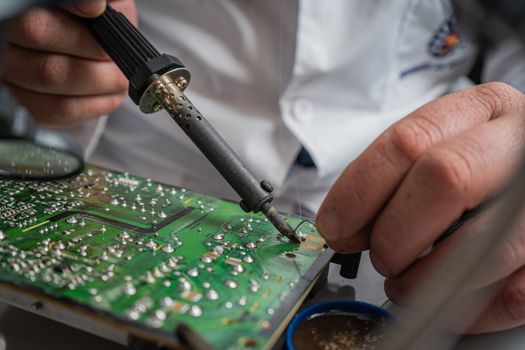
Not every broken phone should be repaired, and a good shop will tell you that. The decision usually comes down to a few practical questions. How old is the device? Is the damage limited to one component, or are several systems failing at once? Does the phone still receive software and security updates? Would the cost of the repair approach the cost of a replacement you would actually be happy with?
Dash leans toward repair whenever it makes sense, because a working phone that already holds your photos, messages, and settings is usually the simpler path. When a repair genuinely is not worth it, hearing that directly saves you money and time.
Water Damage and Other Complicated Repairs
Liquid damage behaves differently from a cracked screen. Corrosion can spread over time, and a phone that seems fine today may develop problems weeks later. That is why water damage starts with diagnostics rather than a promised outcome. A technician can assess what the liquid reached, explain what is realistic, and let you decide how to proceed.
The same honesty applies to motherboard-level repairs. Some boards can be saved, others cannot, and the only way to know is a proper look. If you dropped your phone in a pool, a sink, or a puddle, power it off and bring it in rather than repeatedly trying to charge it.
Preparing Your Phone for a Repair
A few minutes of preparation makes the visit smoother:
- Back up your data if the phone still turns on, so nothing important depends on the repair going perfectly.
- Know your passcode and be ready to share it, since technicians need access to test the device.
- Remove the case, screen protector, and any accessories so nothing gets misplaced.
- Note down what the phone does and when it started, which speeds up diagnostics.
- Ask about data transfer assistance if you are also moving to a different device.
Finding a Dash Location in the Oklahoma City Metro
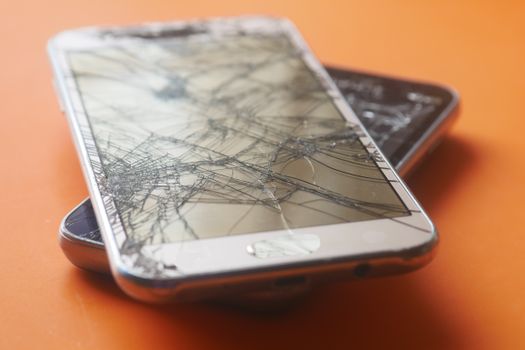
Dash operates multiple shops across the Oklahoma City metro, including locations in Edmond and Del City. If you are on the north side, the south side, or out in the suburbs, there is likely a location that fits your normal route.
Before you head out, check the current hours for the specific shop you plan to visit, since hours can differ from one location to another. A quick call ahead is also a reasonable way to confirm that the part your repair needs is in stock, especially for less common models. For anyone weighing options across the metro, the practical things to compare are turnaround time, parts quality, warranty coverage, and whether the staff explains the repair in language that actually makes sense.
Frequently Asked Questions
How long does a cell phone repair take at Dash?
Many repairs are finished in under an hour, and plenty are completed the same day. Screen and battery replacements are usually the fastest. Water damage, board-level work, or repairs that require an ordered part take longer. Tell the technician your timeline when you check in so expectations are clear from the start.
Does Dash repair phones other than iPhones?
Yes. Dash works on Apple iPhones along with Samsung Galaxy, Google Pixel, Motorola, OnePlus, and LG devices, plus tablets, laptops, and gaming consoles. Because the shops see so many brands, technicians are used to the differences in parts and internal layouts across manufacturers. Ask about your specific model when you arrive.
What happens if my phone has water damage?
Water damage starts with diagnostics because liquid exposure affects devices differently. Corrosion can spread over time, so a phone that works today may develop issues later. A technician will explain what the inspection shows and what is realistic. Power the phone off and bring it in rather than repeatedly trying to charge it.
Do Dash repairs come with a warranty?
Yes, repairs are backed by warranties. Coverage can differ depending on the type of repair performed, so ask what applies to your specific job and keep your receipt. If the device does not perform as expected after the repair, contact the location that completed the work so they can take a look.
Should I back up my phone before a repair?
Backing up is always a good idea when the phone still powers on, since it protects your photos, messages, and contacts regardless of how the repair goes. Dash also offers data transfer assistance if you are moving information to a new device. Bring your passcode so technicians can test everything properly.