Affordable Laptop Repair for Water Damage Emergencies

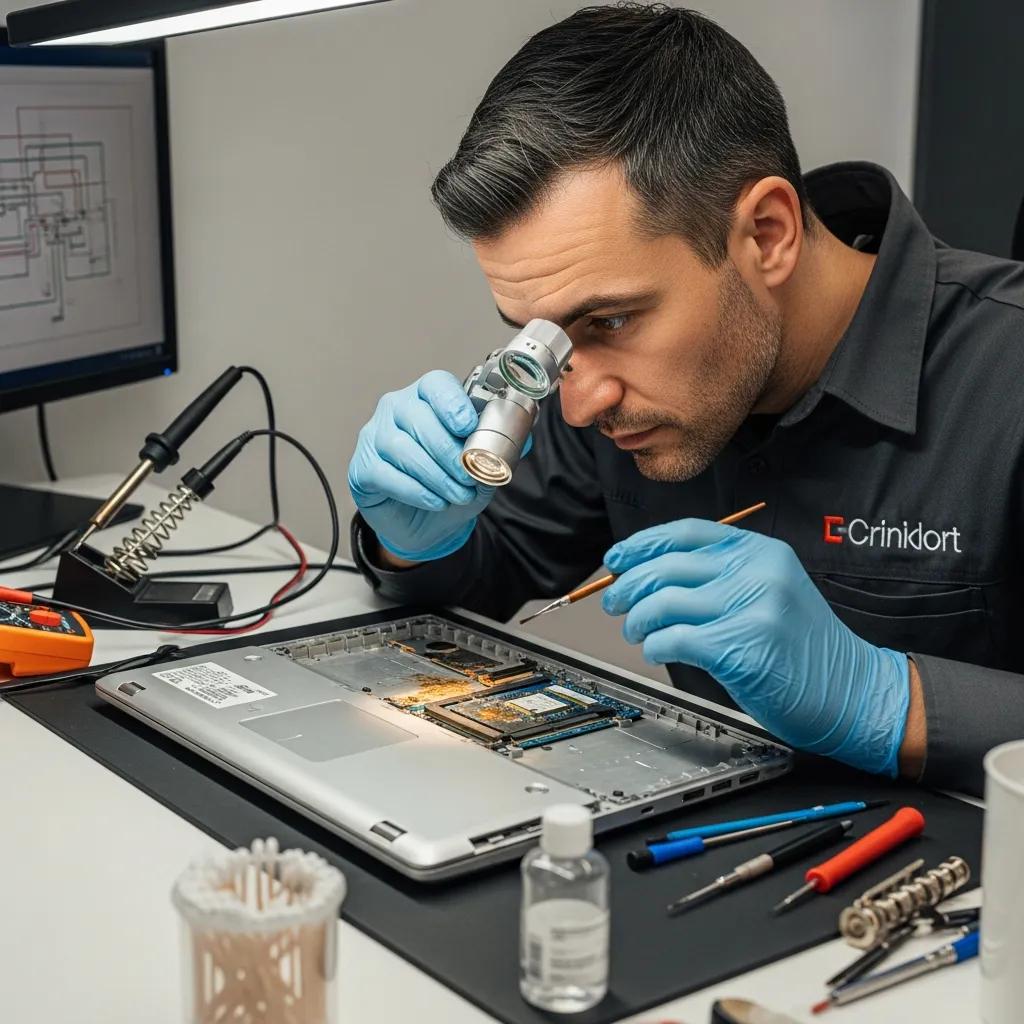
Technician inspecting a water-damaged laptop in a repair shop
/* Inline styles converted to CSS */
.metasync-inline-1 { border-collapse: collapse; }
.metasync-inline-2 { border: 1px solid rgb(193,193,193); padding: 6px; background-color: rgb(233,233,233); text-align: center; }
.metasync-inline-3 { border: 1px solid rgb(193,193,193); padding: 6px; background-color: rgb(233,233,233); text-align: center; }
.metasync-inline-4 { border: 1px solid rgb(193,193,193); padding: 6px; background-color: rgb(233,233,233); text-align: center; }
.metasync-inline-5 { border: 1px solid rgb(193,193,193); padding: 6px; }
.metasync-inline-6 { border: 1px solid rgb(193,193,193); padding: 6px; }
.metasync-inline-7 { border: 1px solid rgb(193,193,193); padding: 6px; }
.metasync-inline-8 { border: 1px solid rgb(193,193,193); padding: 6px; }
.metasync-inline-9 { border: 1px solid rgb(193,193,193); padding: 6px; }
.metasync-inline-10 { border: 1px solid rgb(193,193,193); padding: 6px; }
.metasync-inline-11 { border: 1px solid rgb(193,193,193); padding: 6px; }
.metasync-inline-12 { border: 1px solid rgb(193,193,193); padding: 6px; }
.metasync-inline-13 { border: 1px solid rgb(193,193,193); padding: 6px; }

Affordable Laptop Repair for Water Damage Emergencies: Fast, Reliable Solutions

Water damage can be a devastating issue for laptop users, often leading to significant data loss and costly repairs. Understanding the importance of timely intervention is crucial, as quick and effective solutions can save both your device and your data. This article explores affordable laptop repair options specifically for water damage emergencies, providing insights into common repair techniques, costs, and preventative measures. By the end, you will have a comprehensive understanding of how to address water damage effectively and the services available to assist you.

Fast and Reliable Solutions

When faced with water damage, the urgency of professional repair services cannot be overstated. Quick action can prevent further damage and increase the chances of successful recovery. Professional technicians are equipped with the necessary tools and expertise to assess the extent of the damage and implement effective solutions. Relying on experienced repair services ensures that your laptop is handled with care, minimizing the risk of additional complications.

Common Repair Techniques

Repairing a water-damaged laptop typically involves several key techniques aimed at restoring functionality. These methods include:

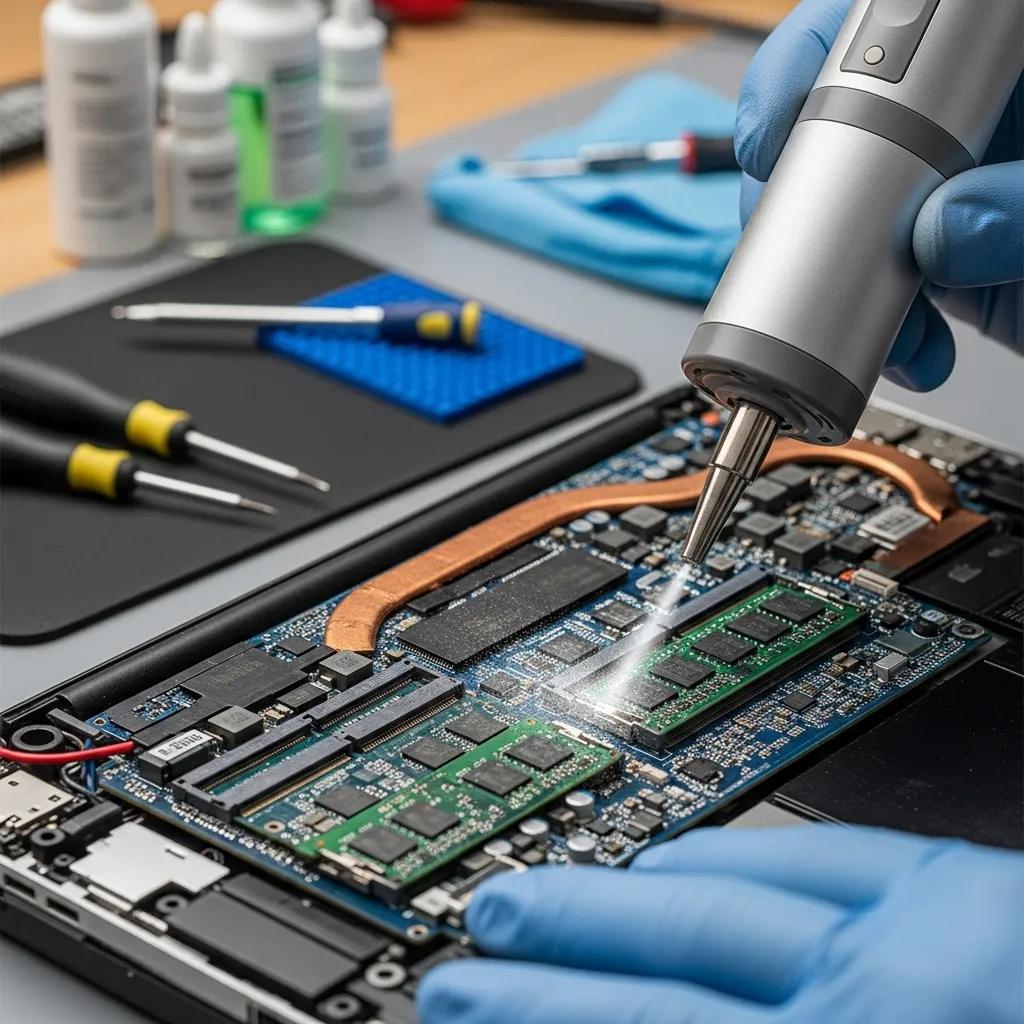
  1. Drying Out the Device: The first step is to power off the laptop and remove any external devices. Technicians often use specialized drying equipment to eliminate moisture from the internal components.
  2. Cleaning Corrosion: Water can cause corrosion on electronic parts, which may require cleaning with appropriate solutions to restore connectivity.
  3. Component Replacement: In cases of severe damage, replacing affected components such as the motherboard or keyboard may be necessary to ensure the laptop functions properly.

These techniques are essential for effectively addressing water damage and restoring your laptop to working condition.

Understanding the specific challenges, such as electronic corrosion, is vital for effective repair, as detailed in research on water damage failures.

Electronic Corrosion: Water Damage Failures & Countermeasures

Many field failure returns of electronics are marked as “no failure found”, yet numerous of these failures are likely due to corrosion, since corrosion related failures are not easily detected during subsequent failure analysis. In some cases failures are intermittent and occur because of service life conditions (humidity and contamination) where water film formation on the printed circuit board assembly (PCBA) leads to leakage currents resulting in wrong output signal of the electronic device. If the leakage current itself will not result in malfunctioning of the electronics, the formed water film and potential bias of the PCBA will eventually lead to failure caused by more easy recognisable corrosion.

Corrosion in electronics: Overview of failures and countermeasures, V Verdingovas, 2014

Cost-Effective Options

Finding affordable solutions for water damage repair is crucial for many users. Here are some cost-effective strategies to consider:

  1. DIY Troubleshooting Methods: Before seeking professional help, users can attempt basic troubleshooting, such as drying the laptop and removing the battery.
  2. Use of Refurbished Parts: Opting for refurbished components can significantly reduce repair costs while still providing reliable performance.
  3. Checking Warranty and Insurance: Many laptops come with warranties that cover water damage, and insurance policies may also provide coverage for repairs.

For those seeking professional assistance, Dash Cellular Repair specializes in affordable and rapid solutions for water damage emergencies affecting laptops.

How Quickly Can Emergency Laptop Repair Services Fix Water Damage?

The speed of repair services can vary based on the severity of the damage and the specific techniques employed. Generally, emergency laptop repair services aim to provide quick turnaround times to minimize downtime for users.

Typical turnaround times for water damaged laptop repairs

  • Minor Water Damage: Repairs can often be completed within 24-48 hours, allowing users to regain access to their devices quickly.
  • Moderate Damage: For laptops with moderate damage, repairs may take 3-5 days, depending on the extent of the repairs needed.
  • Severe Damage: In cases of severe damage, repairs can take up to a week or more, especially if parts need to be ordered.

Same day and expedited repair options for urgent needs

For urgent repair needs, many services offer same-day or expedited options. These services prioritize quick assessments and repairs, ensuring that users can return to their normal activities as soon as possible. However, availability may depend on the specific service provider and the extent of the damage.

What Are the Costs and Affordability Options for Water Damage Laptop Repairs?

Understanding the costs associated with water damage repairs is essential for budgeting and decision-making.

Transparent pricing breakdown for emergency laptop repair services

ServiceCostDescription
Basic Diagnostic$50Initial assessment of damage
Minor Repair$100-$200Fixing minor issues and cleaning
Major Repair$200-$500Extensive repairs and component replacements

For organizations such as schools or businesses, many repair services offer bulk discounts. This can significantly reduce costs when multiple devices require repair, making it a cost-effective solution for managing water damage across several laptops.

How Does the Water Damage Laptop Repair Process Work?

The repair process for water-damaged laptops typically follows a systematic approach to ensure thorough diagnostics and effective repairs.

Step-by-step diagnostics and repair procedures for water damaged laptops

  1. Initial Diagnostics: Technicians assess the laptop to determine the extent of the water damage and identify affected components.
  2. Disassembly: The laptop is carefully disassembled to access internal parts for cleaning and repair.
  3. Repair Techniques: Depending on the diagnostics, technicians will employ various repair techniques, including drying, cleaning, and replacing components.

Data recovery possibilities after water damage

In many cases, “data recovery” is possible even after water damage. Technicians can often retrieve important files and documents, depending on the severity of the damage and the steps taken during the repair process. Utilizing specialized data recovery tools can enhance the chances of successful retrieval.

Specialized methods, including hardware and software tools, are often employed to recover data from severely water-damaged devices.

Water Damage Data Recovery: Hardware, Software & Chip-Off Methods

Mobile phones can occasionally be damaged by water, but forensics professionals can frequently still recover the evidence. We use hardware and software tools to gain direct access to the phone’s memory chips since a damaged phone might not be powered on and the data port might not function. These include hacking instruments, the ones that may be used to retrieve data from mobile devices. Traditionally, chip-off analysis has been chosen as a successful dat

Data Recovery from Water-damaged Android Phones, A Vishnoi, 2024

What Preventative Measures Can Protect Laptops from Water Damage?

Preventing water damage is always preferable to dealing with repairs. Here are some effective tips to help protect your laptop:

Manufacturers also employ internal measures, such as liquid contact indicators, to detect water exposure for warranty and diagnostic purposes.

Liquid Contact Indicators for Water Damage Detection & Prevention

LDI tapes deep inside of electronic devices to detect a water damaged device appropriately. from water damage of electronic devices, manufacturers use LDI tape in their products.

A liquid contact indicator model for warranty abuse detection in portable electronics, BD Youn, 2013

  1. Immediate Response to Spills: If a spill occurs, immediately turn off the laptop and disconnect it from power to minimize damage.
  2. Preventive Measures: Using keyboard covers and keeping drinks away from the laptop can help prevent accidents.
  3. Maintenance Tips: Regular cleaning and ensuring proper ventilation can extend the lifespan of your laptop and reduce the likelihood of water damage.

Effective tips to avoid water damage on laptops

  • Use a spill-resistant keyboard cover: This can provide an extra layer of protection against accidental spills.
  • Keep liquids at a safe distance: Always place drinks away from your laptop to minimize the risk of spills.
  • Invest in a waterproof case: For those who frequently travel, a waterproof case can protect the laptop from unexpected exposure to water.

Maintenance practices to extend laptop lifespan and reduce repair needs

  • Regular cleaning: Keeping the laptop clean can prevent dust buildup, which can lead to overheating and other issues.
  • Proper ventilation: Ensure that the laptop has adequate airflow to prevent overheating, which can exacerbate damage from spills.
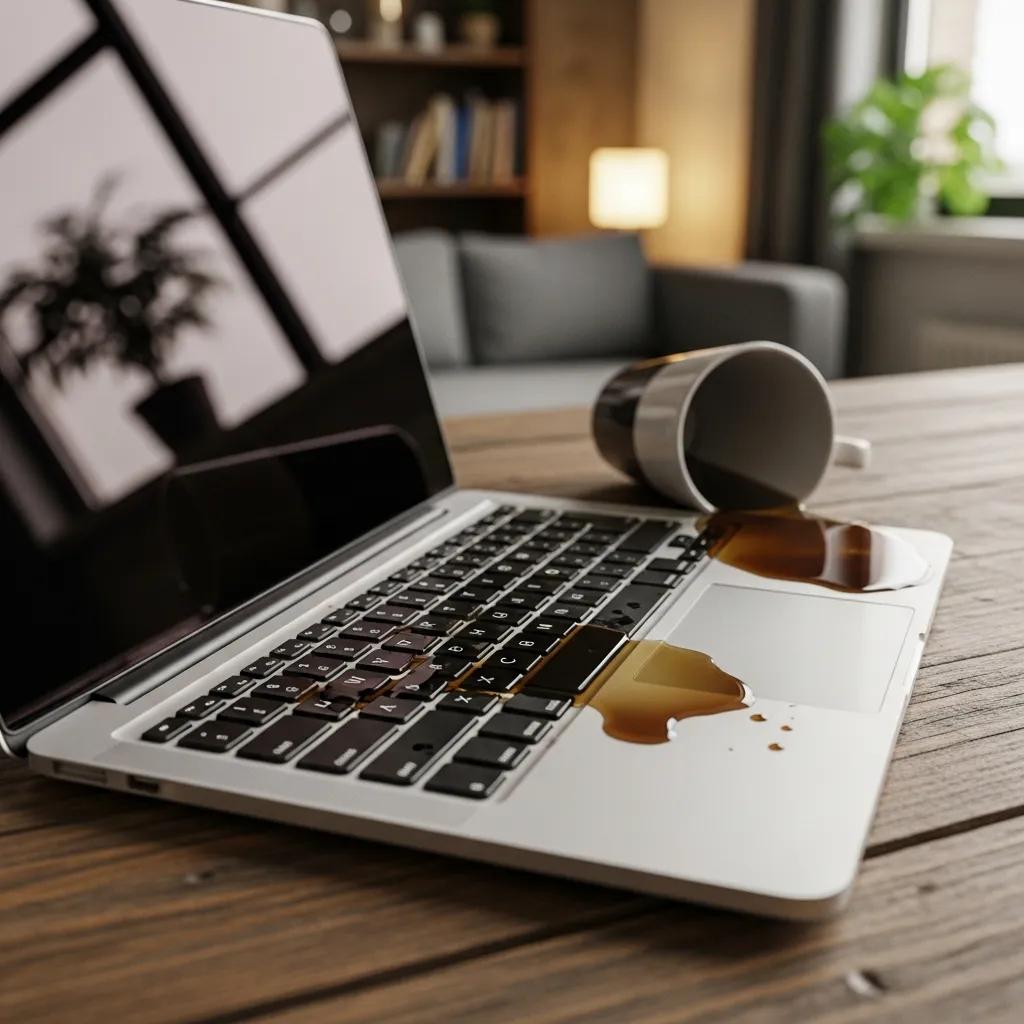
By implementing these preventative measures, users can significantly reduce the risk of water damage and prolong the life of their laptops.

Repair Locations Nearby

i240 & Penn OKC

Dash Cellular Repair

2112 W I-240 Service Rd

Oklahoma City, OK 73159

405-601-7020

NW 178th & N Western Ave

Dash Cellular Repair

1201 NW 178th St Suite 114

Edmond, OK 73012

405-367-4810

Del City, OK

Dash Cellular

4629 SE 29th St

Del City, OK 73115

405-506-3274

Norman

Dash Cellular

614 W. Main St

Norman, OK 73069

405-318-8908

NW 63rd St & N May

Dash Cellular Repair

2835 NW 63rd St

Oklahoma city, OK 73116

405-993-3465

NW 23rd St

Dash Cellular

4911 NW 23rd St

Oklahoma City, OK 73127

405-367-3786

Enid, OK

Dash Cellular

424 N Vanburen

Enid, OK 73703

580-749-9165

You May Also Like…

No Results Found

The page you requested could not be found. Try refining your search, or use the navigation above to locate the post.