iPad Not Charging? Expert Solutions for Charging Port Repair and Battery Replacement
Mobile Device Hardware Troubleshooting & Understanding
Welcome to Chapter Six of our A+ guide, where we begin to learn the dynamic world of mobile devices. In this chapter, we will explore the details of mobile technology, from the hardware components that power these devices to the software platforms that drive their functionality. As we further our understanding of mobile devices, we will equip you with the knowledge and skills needed to understand, configure, troubleshoot, and secure these ubiquitous gadgets. Mobile devices have become an integral part of our daily lives, revolutionizing the way we communicate, work, and interact with the world around us. From smartphones and tablets to wearables and beyond, these compact yet powerful devices offer unparalleled convenience and connectivity. However, with great mobility comes great complexity, and understanding the inner workings of mobile technology is essential for both personal and professional success.
Mastering Mobile Devices, 2024
Diagnosing Charging Issues:
- Inspect the Charging Cable: Check for any visible damage or fraying on the cable. A damaged cable can prevent proper charging.
- Clean the Charging Port: Dust and debris can accumulate in the charging port, obstructing the connection. Use a soft brush or compressed air to clean it gently.
- Restart the Device: Sometimes, a simple restart can resolve software glitches that may be affecting charging.
- Try Different Chargers: Test your iPad with different chargers and cables to rule out compatibility issues.
Repair Options:
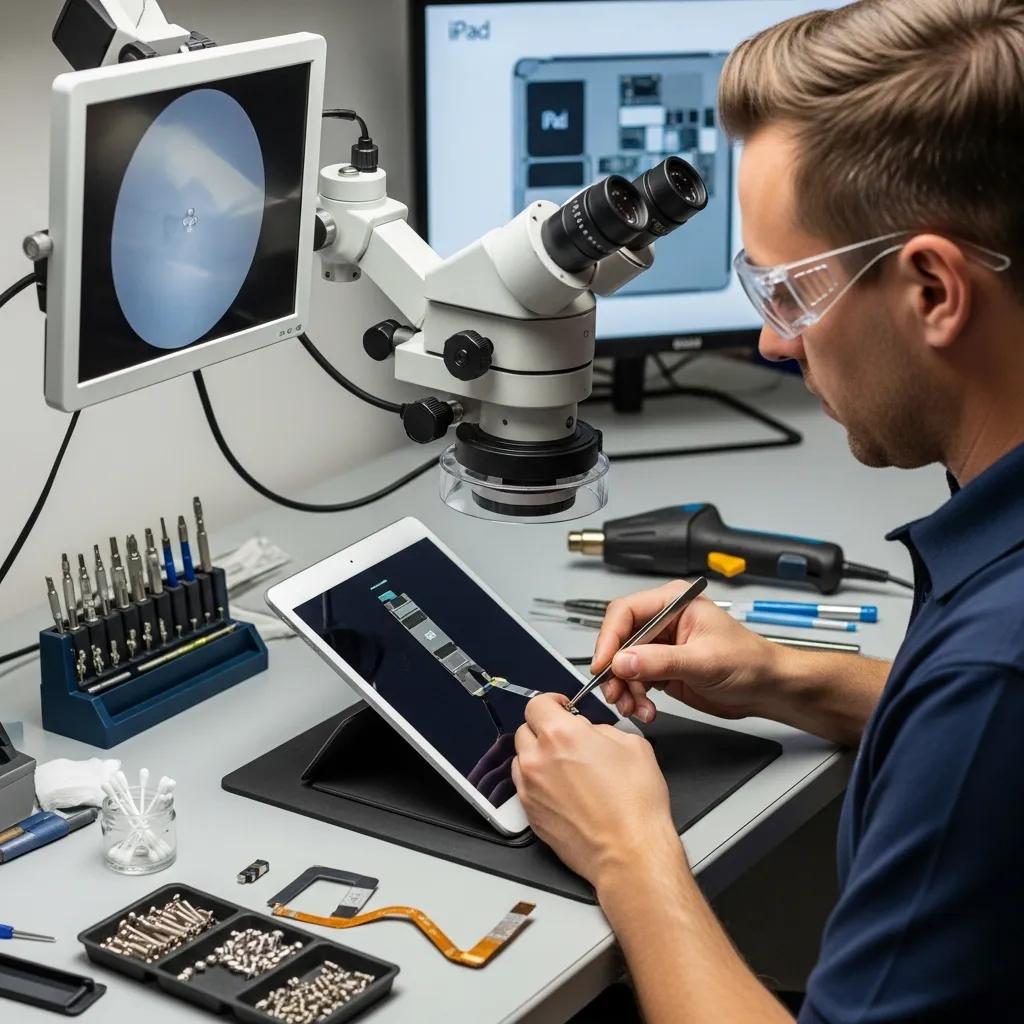
- Charging Port Repair: If the charging port is damaged, it may need to be repaired or replaced to restore functionality.
- Battery Replacement: A worn-out battery can also cause charging issues. Replacing the battery can breathe new life into your device.
- Professional Repair Services: Seeking help from experts ensures that repairs are done correctly and safely, minimizing the risk of further damage.
Repair Process:
- Power Off the Device: Always turn off your iPad before starting any repair work to avoid electrical hazards.
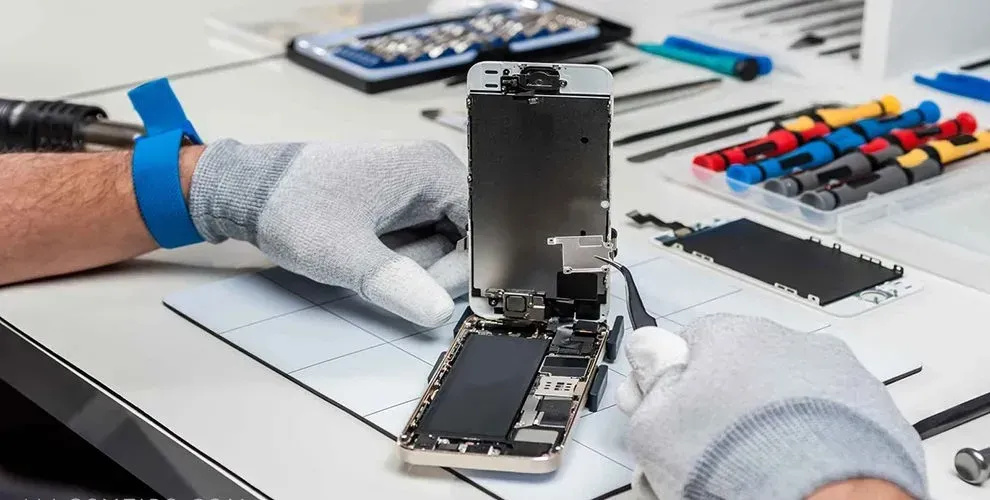
- Remove the Screen: Technicians will carefully detach the screen to access the internal components.
- Replace the Charging Port: The damaged charging port is removed and replaced with a new one.
- Reassemble the Device: After the repair, the device is reassembled, ensuring all components are securely in place.
- Testing: Finally, the technician will test the device to confirm that it charges properly.
Importance of Professional Repair:
- Accurate Diagnosis: Experts can quickly identify the root cause of the problem, saving you time and effort.
- Risk Reduction of Further Damage: Attempting repairs without proper knowledge can lead to additional issues. Professionals have the skills to avoid such risks.
- Warranties on Repairs: Many repair services offer warranties, providing peace of mind that your device is covered in case of future issues.
What Are the Common Causes of iPad Charging Issues?
- Faulty Charging Port: Damage to the charging port can prevent a proper connection.
- Cable Issues: Worn or damaged cables can disrupt the charging process.
- Battery Problems: An aging battery may not hold a charge effectively.
- Software Glitches: Sometimes, software issues can interfere with charging.
- Power Source Issues: Ensure that the power outlet or USB port is functioning correctly.
How Does a Faulty Charging Port Affect iPad Power?
- Device Not Responding: The iPad may not turn on or respond when plugged in.
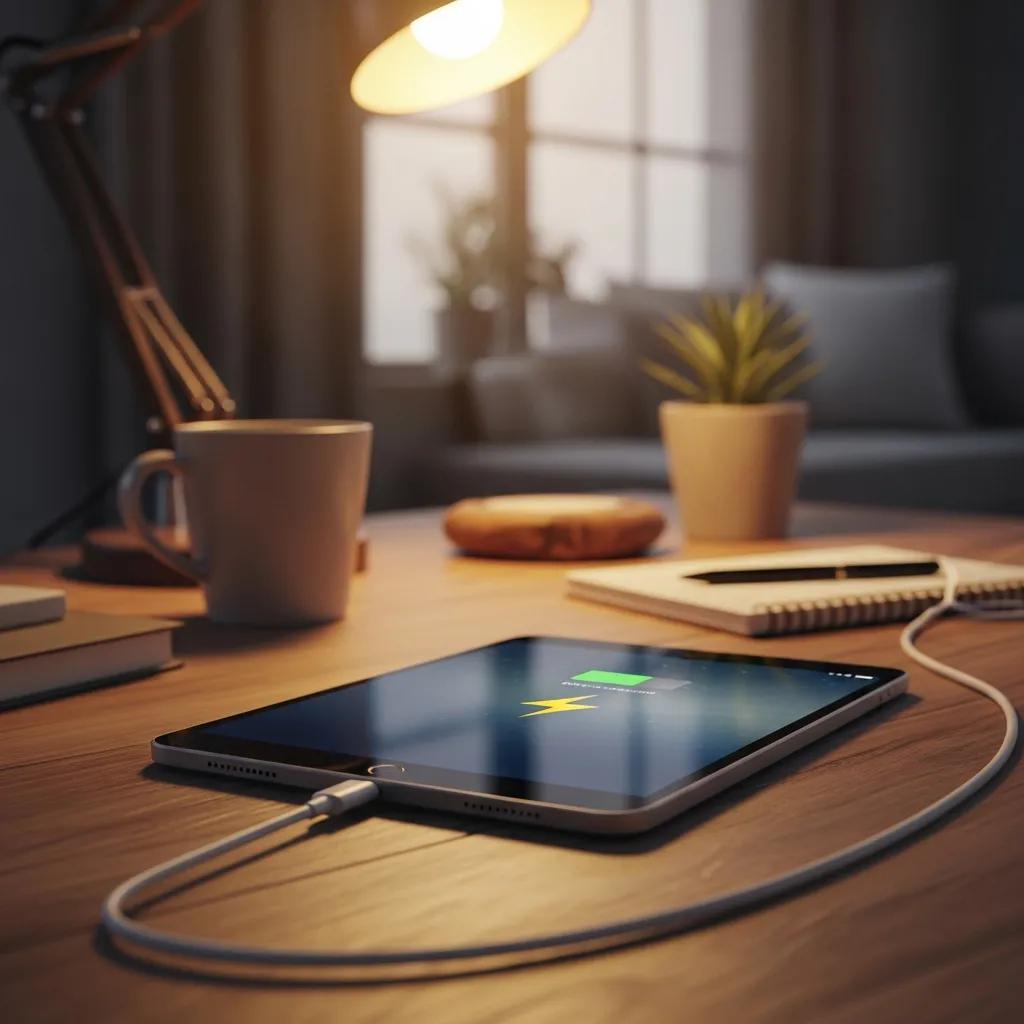
- Charging Icon Issues: You may see the charging icon intermittently or not at all.
- Slow or Intermittent Charging: The device may charge very slowly or stop charging altogether.
What Role Does Battery Health Play in Charging Problems?
- Battery Aging Effects: Over time, batteries degrade, leading to reduced capacity and performance.
- Checking Battery Health in Settings: You can check your iPad's battery health in the settings to determine if it needs replacement.
Troubleshooting iOS Battery Life & Charging Issues
One of the oddities of the modern digital world is that while our devices have undergone mind-blowing increases in performance, miniaturization, and overall technical sophistication over the past decade or so, the battery life of those devices has increased comparatively slowly. For example, from the iPhone 4s to the iPhone 6 – four generations – battery life for using the Internet over Wi-Fi increased from 9 hours to 11 hours. Apple claims the iPhone 7 Plus will get 15 hours, but even a 67 percent increase over six generations is nothing to brag about. Given the importance we place on our iOS devices, it's no wonder that the number one gripe by far among users is poor battery life and the number one request by far for each new generation is better – much better – battery performance. Unfortunately, there are many technical reasons why we won't see a radical increase in battery life for our iOS devices any time soon. That means we need to take steps now to monitor and maximize the batteries that we have.
Repairing battery and charging problems, 2016
How Can You Diagnose and Fix iPad Charging Port Problems?
- Inspect Charging Cable: Look for any visible damage.
- Clean Charging Port: Remove any debris that may obstruct the connection.
- Restart Device: A simple restart can sometimes resolve the issue.
- Test with Different Chargers: Use various chargers to rule out compatibility issues.
What Are the Signs of a Damaged or Dirty Charging Port?
- Charging Only at Specific Angles: If the device only charges when the cable is positioned at a certain angle, the port may be damaged.
- Intermittent Charging: The device may charge sporadically, indicating a poor connection.
- Visible Damage or Corrosion: Inspect the port for any signs of physical damage or corrosion.
What Steps Are Involved in iPad Charging Port Repair?
- Power Off Device: Always ensure the device is turned off before starting repairs.
- Remove Screen: Technicians will carefully detach the screen to access the charging port.
- Inspect and Replace Port: The damaged port is inspected and replaced as necessary.
When and How Should You Replace Your iPad Battery?
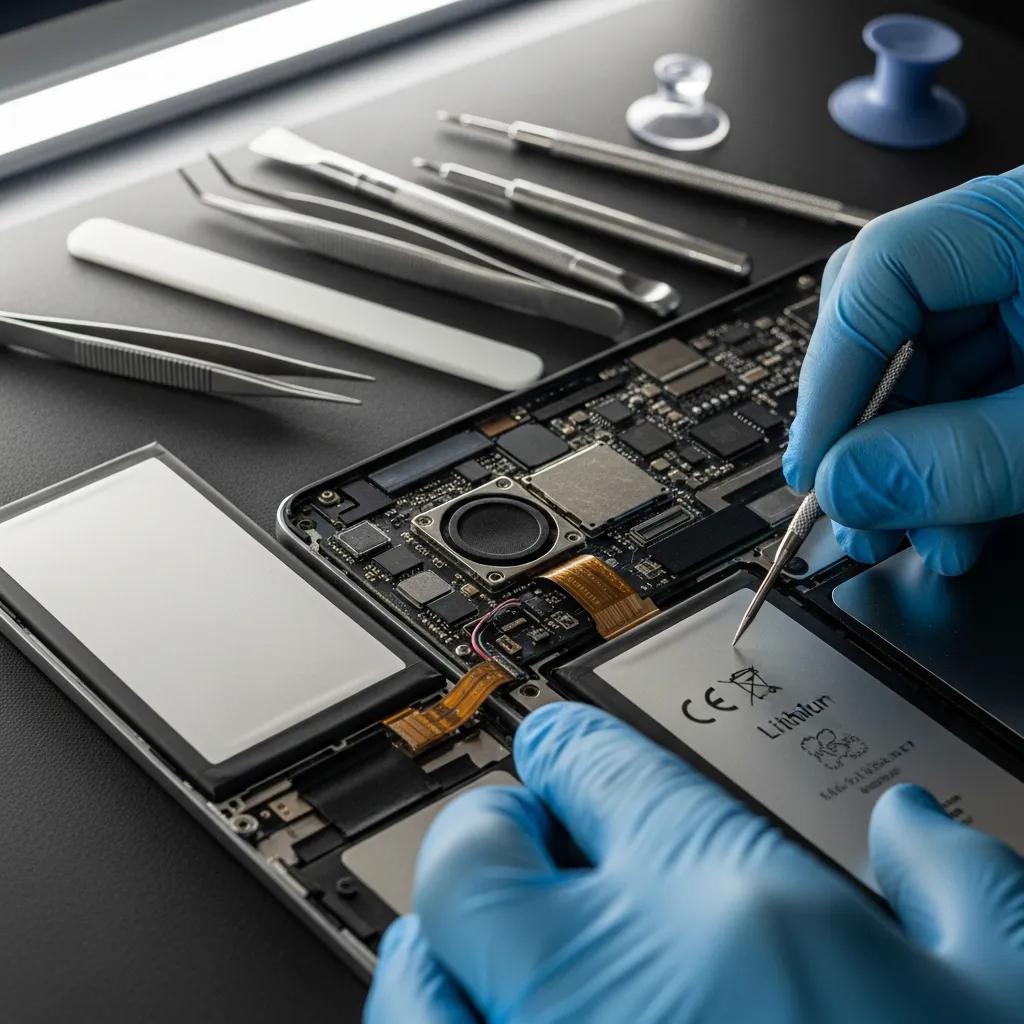
- Signs of Battery Needing Replacement: If your iPad frequently shuts down or doesn't hold a charge, it may be time for a replacement.
- Typical Costs and Warranties: Battery replacement costs can vary, but many services offer warranties for peace of mind.
How to Determine If Your iPad Battery Needs Replacement?
- Battery Health Checks: Check the battery health in your settings to see if it has significantly degraded.
- Symptoms of Battery Failure: Look for signs such as rapid battery drain or unexpected shutdowns.
iPad Battery Degradation & Diagnosis in Consumer Electronics
Degradation behavior of lithium-ion batteries in consumer electronics is strongly influenced by real-world operating conditions, yet evaluations based on batteries recovered from consumer-used devices remain limited. In this study, commercial pouch-type lithium-ion batteries extracted from used iPad Air 4 and iPhone 13 Pro devices were systematically evaluated under controlled state-of-charge (SOC) windows, temperature conditions, and high-temperature storage. These results demonstrate that voltage-based indicators provide a practical and effective approach for diagnosing operating-condition-dependent degradation in commercial batteries recovered from real consumer devices, offering realistic insights for battery safety evaluation, quality management, and standardized degradation assessment.
Degradation Assessment of Commercial Lithium-Ion Batteries Recovered from Consumer Electronic Devices, M Park, 2026
What Is the Typical Cost and Warranty for iPad Battery Replacement?
How to Choose the Right Charger and Cable for Your iPad?
- Apple Certification Importance: Always choose Apple-certified chargers and cables to ensure compatibility and safety.
- Model Compatibility: Ensure that the charger is compatible with your specific iPad model.
Why Do Some Chargers Fail to Work Properly with iPads?
- Non-Certified Products: Using non-certified chargers can lead to compatibility issues.
- Voltage and Amperage Mismatches: Chargers with incorrect voltage or amperage can prevent proper charging.
What Are the Best Practices for Using iPad Chargers Safely?
- Inspecting Accessories: Regularly check your charging cables and adapters for wear and tear.
- Keeping Software Updated: Ensure your iPad's software is up to date to avoid potential charging issues.