Did you know that over 30 percent of smartphones experience damage each year, most often from drops or water exposure? When your device malfunctions, the right repair decision can save both time and money. Understanding how to assess repair needs, find reliable technicians, and compare warranties empowers you to protect your investment and avoid costly mistakes. This guide unpacks each vital step so you can approach device repairs with clarity and confidence.
Quick Summary
| Key Point | Explanation |
|---|---|
| 1. Assess repair needs thoroughly | Examine your device for physical and software issues before deciding on repairs. Document all problems, no matter how minor. |
| 2. Research local repair shops | Create a list of local repair options, focusing on shops experienced with your device type to find the right fit. |
| 3. Compare services and prices | Use a comparison chart to evaluate repair types, costs, and turnaround times, facilitating an informed decision. |
| 4. Check reviews and warranties | Investigate online reviews and ask about warranty policies to ensure post-repair support and service quality. |
| 5. Test device after repairs | Conduct comprehensive tests on your device post-repair to verify performance and document any issues immediately. |
Table of Contents
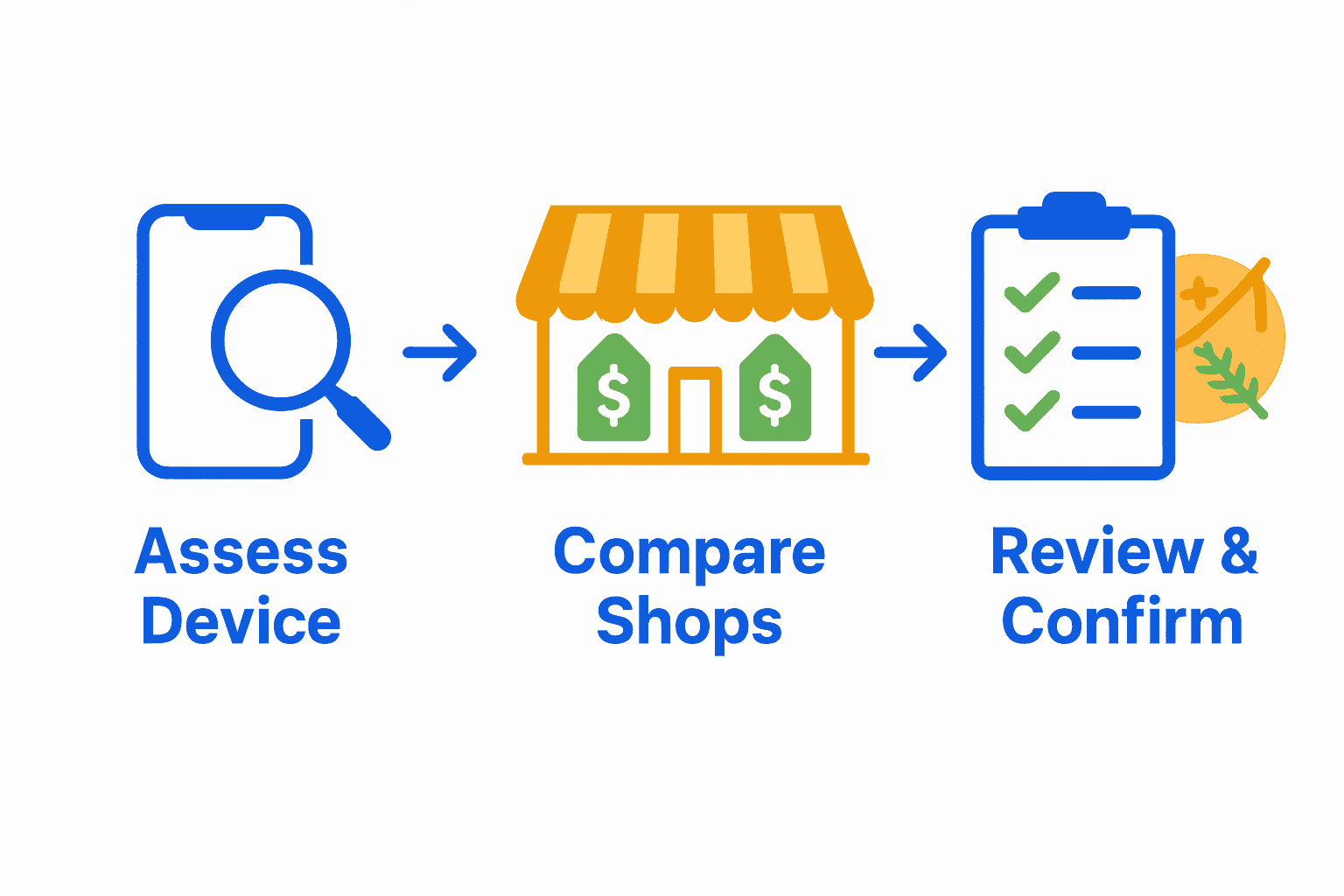
- Step 1: Assess Your Device’s Repair Needs
- Step 2: Research Local Repair Shop Options
- Step 3: Compare Services, Pricing, and Turnaround Times
- Step 4: Check Reviews and Warranties Offered
- Step 5: Verify Shop Credentials and Proximity
- Step 6: Test and Confirm After Service Quality
Step 1: Assess Your Device’s Repair Needs
Before diving into device repairs, you need a clear understanding of exactly what needs fixing. This step helps you determine whether professional repair or a DIY approach makes sense for your specific situation.
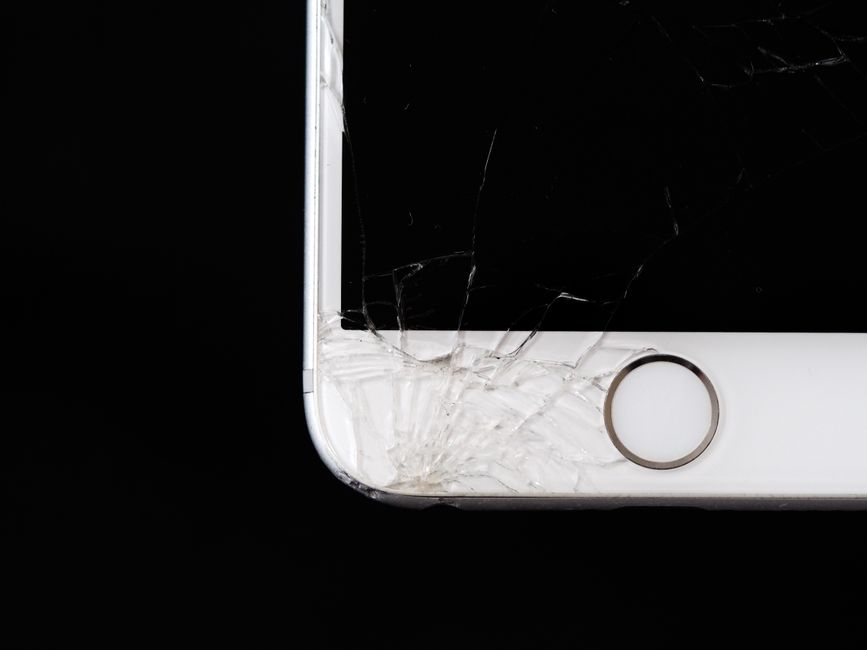
Start by performing a thorough visual and functional examination of your device. Look closely at physical damage like screen cracks, battery swelling, or water exposure. Check for software issues such as unresponsive applications, frequent crashes, or unusual battery drain. Write down every problem you notice no matter how minor.

Here’s a comparison of common device repair issues:
| Issue Type | Physical Symptoms | Potential Solutions |
|---|---|---|
| Screen Damage | Cracks Shattered glass |
Screen replacement Protective cover |
| Battery Issues | Swelling Rapid drain |
Battery replacement Usage reset |
| Water Exposure | Corrosion Power issues |
Drying Internal cleaning Repair |
| Software Problems | Freezing Unresponsive apps |
Reset Update Troubleshooting |
| Charging Problems | Won’t charge Loose connector |
Port cleaning Port repair/replacement |
According to the Right to Repair movement, understanding your repair options begins with determining component availability. Some devices might have restricted access to replacement parts or specialized tools. This means your repair strategy could depend on local repair shop capabilities or manufacturer policies.
Pro Tip: Take clear photos of the damage from multiple angles. These visual references will help repair technicians quickly assess what needs fixing.
Consider the age and original cost of your device. Older smartphones or tablets might not justify expensive repairs. Compare the repair estimate against the device’s current market value. Sometimes replacing the entire device becomes more economical than extensive repairs.
Research specific repair requirements for your device model. Some manufacturers have unique repair protocols or proprietary components. Check your warranty status too many repairs could void existing coverage.
Your next step is selecting a qualified repair professional who understands these nuanced requirements. Look for shops with experience in your specific device brand and type of damage. Read our guide on understanding device repair options to help you make an informed decision about your repair approach.
Step 2: Research Local Repair Shop Options
Now that you understand your device’s repair needs, it is time to find the right local repair shop. This step involves strategic research to identify repair professionals who can solve your specific device problems efficiently and affordably.
Start by generating a comprehensive list of local repair shops in Oklahoma City. Use online search engines, local business directories, and review platforms like Google Maps and Yelp. Pay attention to shops specializing in your specific device type such as smartphones, tablets, or laptops.
According to research on electronics repair shop metrics, location plays a crucial role in service quality. Our guide on choosing the right mobile repair shop recommends analyzing shops based on their proximity to key local areas like business districts or educational centers.
Evaluate each repair shop through multiple lenses. Check their online reviews and ratings. Look for shops with consistent positive feedback about turnaround times and technical expertise. According to industry benchmarks, quality repair shops typically complete smartphone repairs within 3-4 hours and laptop repairs within 36-48 hours.
Pro Tip: Request sample repair timelines and price estimates from multiple shops before making a final decision.
Verify each shop’s technical credentials. Confirm they have experience with your specific device brand and model. Check if technicians are certified or have specialized training in device repairs. Some shops might have manufacturer specific certifications which indicate higher expertise levels.
Consider additional service factors like warranty offerings, repair guarantees, and customer support quality. A good repair shop will transparently communicate their process, provide clear cost estimates, and offer post repair support.
Your next step involves narrowing down your options and preparing for direct consultations with the most promising repair shops. Read our affordable phone repair guide to help you make a budget conscious decision.
Step 3: Compare Services, Pricing, and Turnaround Times
With your list of potential repair shops narrowed down, it is time to dig into the critical details that will help you make an informed decision. This step involves carefully comparing service offerings, understanding pricing structures, and evaluating realistic repair timelines for your specific device issue.
Create a detailed comparison spreadsheet or worksheet. List each repair shop vertically and create columns for key comparison points such as repair types, estimated costs, turnaround times, and warranty offerings. This systematic approach helps you objectively evaluate your options.
According to repair industry research, turnaround times can vary significantly depending on the type of repair. Our guide on affordable phone repair highlights that screen replacements typically take 30 minutes to 2 hours, while battery replacements might require 20 to 60 minutes. More complex issues like water damage can extend repair times to 1 to 3 days.
Price comparisons require careful consideration. As research suggests, repair costs fluctuate based on device brand, parts quality, and service speed. Same day or express repairs often carry a premium price tag. Request detailed written estimates from each shop to understand their exact pricing model.
Pro Tip: Always ask about parts warranty and labor guarantee when comparing repair services.
Look beyond just the price. Consider the shop’s reputation, technician certifications, and the quality of replacement parts they use. A slightly more expensive repair from a highly qualified technician might save you money in the long run by preventing future issues.
Evaluate each shop’s communication and customer service. Responsive shops that provide clear explanations and transparent pricing are often more reliable. Check if they offer post repair support and how quickly they respond to follow up questions.
Your next step involves making a final selection and scheduling your device repair. Learn why professional repairs matter to ensure you make the best choice for your device.
Step 4: Check Reviews and Warranties Offered
Reviews and warranties serve as your safety net when choosing a device repair shop. This critical step helps you understand other customers’ experiences and ensures you have solid protection for your upcoming repair investment.
Start by diving deep into online reviews across multiple platforms. Google Reviews, Yelp, Facebook, and specialized tech repair forums offer comprehensive insights into each repair shop’s performance. Look beyond star ratings and read detailed comments about specific repair experiences, customer service quality, and technical expertise.
According to research from consumer technology experts, our guide on choosing the right mobile repair shop recommends examining warranty details carefully. A reputable repair shop should offer a minimum one year warranty on parts and labor.
When reviewing warranties, ask specific questions about coverage. What exactly does the warranty include? Are parts and labor both covered? How quickly can they address potential post repair issues? Understanding these details prevents future disappointments.
Pro Tip: Request written documentation of the warranty terms to protect yourself against potential misunderstandings.
Pay attention to reviews mentioning communication quality, repair accuracy, and post service support. Shops with consistent positive feedback about resolving complex repair challenges and maintaining transparent communication are typically more reliable.
Check if the repair shop provides clear information about their parts sourcing. Genuine or high quality replacement parts indicate a professional approach. Be wary of shops using generic or low quality components that might compromise your device’s performance.
Your next step involves making a final decision and scheduling your device repair. Learn about affordable repair strategies to ensure you get the best value for your investment.
Step 5: Verify Shop Credentials and Proximity
As you narrow down your repair shop options, understanding their professional credentials and location becomes crucial. This step helps you confirm the repair shop’s technical expertise and ensures convenient access for your device repair needs.
Start by investigating the technical qualifications of the repair shop’s technicians. Professional certifications like CompTIA A+ or manufacturer specific training demonstrate a high level of technical competence. Our guide on choosing the right mobile repair shop recommends looking for shops with well trained technical staff.
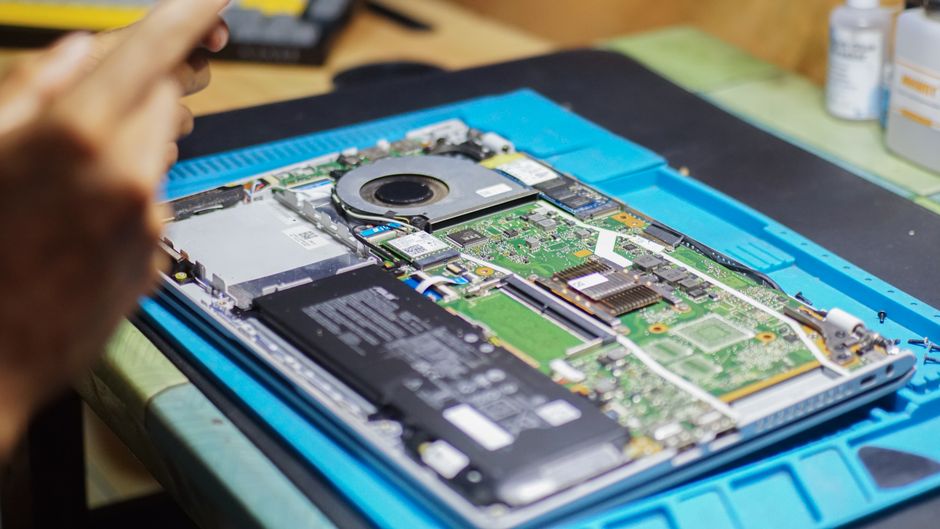
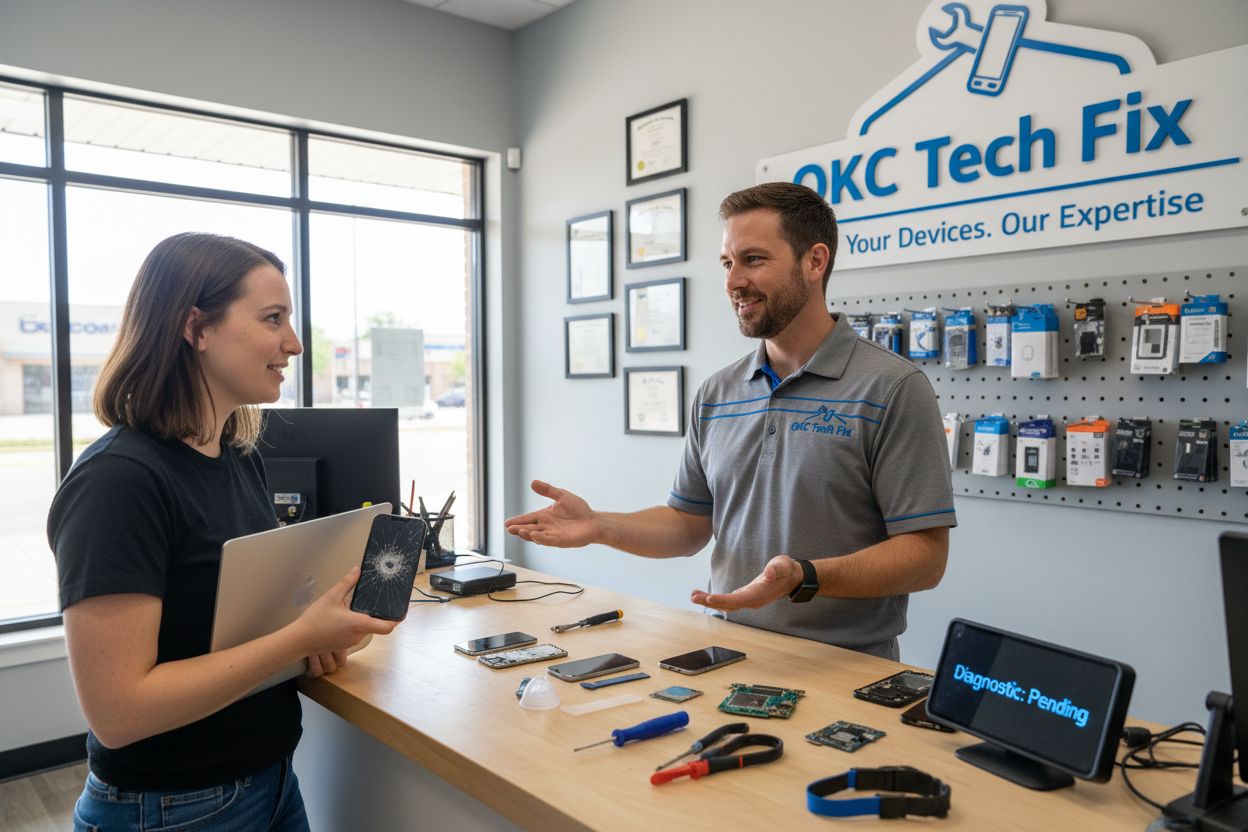
Research indicates that a shop’s physical setup speaks volumes about its professionalism. Look for a clean organized workspace with a dedicated customer reception area and a secure repair laboratory. These elements suggest a structured approach to device repairs and customer service.
Consider the shop’s location and accessibility. According to industry research, high visibility locations with adequate parking and good public transport access are indicators of a reliable repair service. Proximity to your home or workplace can save you significant time and effort during the repair process.
Pro Tip: Visit the repair shop in person if possible to get a firsthand sense of their operational setup and customer service quality.
Verify the shop’s business credentials. Check for business licenses local chamber of commerce registration and any professional association memberships. These affiliations demonstrate a commitment to professional standards and ethical business practices.
Evaluate the shop’s communication infrastructure. Professional repair shops should offer multiple contact channels like phone email and potentially online booking systems. Responsive and clear communication is a strong indicator of reliable customer service.
Your next step involves making your final selection and preparing for device repair. Learn about affordable repair strategies to ensure you get the best possible service for your investment.
Step 6: Test and Confirm After Service Quality
After receiving your repaired device, the final step involves thoroughly testing its performance and understanding your post repair support options. This critical phase ensures you get the quality service you paid for and have clear recourse if any issues emerge.
Immediately after receiving your device, perform comprehensive functionality tests. Check every feature systematically starting with basic operations like powering on and off, screen responsiveness, battery performance, and all primary functions specific to your device type. Our guide on understanding device repair recommends a methodical approach to post repair verification.
According to repair industry research, the true measure of a quality repair shop is how they handle potential post repair complications. Pay close attention to the shop’s transparency about workload impact and repair performance consistency. A reputable repair service will welcome your questions and provide clear explanations about their repair process.
Document everything during your initial device test. Take notes of any unusual behavior or performance variations. Record video demonstrations if you notice anything potentially problematic. These documentation efforts can be crucial if you need to discuss issues with the repair shop later.
Pro Tip: Test your device thoroughly within the first 24 to 48 hours after repair to catch any immediate performance issues.
Understand the details of your warranty and support options. Ask specific questions about what is covered if something goes wrong after the initial repair. A professional repair shop should provide clear written documentation about their post repair support and warranty terms.
Evaluate the shops communication responsiveness during this post repair phase. How quickly do they respond to your follow up questions? Are they patient in explaining any concerns you might have? Their approach to customer support after the repair is often as important as the repair itself.
Your final step is enjoying your successfully repaired device. Learn about affordable repair strategies to help you maintain your device and prevent future issues.
Find Trusted Device Repairs in Oklahoma City With Dash Repairs
Choosing the right repair shop in Oklahoma City can feel overwhelming when your phone, tablet, or laptop needs urgent attention. If you are concerned about quick turnaround times, genuine warranties, and knowing exactly who is working on your device, you are not alone. Many local customers face the same challenge of sorting through reviews, comparing prices, and worrying about repair quality. That is why our Cell Phone Repair solutions focus on the pain points discussed in this guide—making the repair process clear, fast, and truly reliable.

Do not wait and risk further damage or frustration. Visit Dash Repairs now to book a same-day appointment or browse our iPhone repair services if you need specialized care. Discover why Oklahoma City locals trust us for affordable, expert device repairs. Take the next step for peace of mind and get your device professionally fixed today.
Frequently Asked Questions
How can I assess my device’s repair needs before visiting a shop?
Start by performing a thorough visual and functional examination of your device to identify issues like screen cracks or battery problems. Document all problems, no matter how minor, to ensure you can communicate effectively with the technician.
What should I look for in local repair shop reviews?
Look for detailed comments in reviews that highlight customers’ experiences with the repair quality, turnaround times, and customer service. Focus on shops that consistently receive positive feedback in these areas to make an informed decision.
How do I compare pricing and services among different repair shops?
Create a comparison spreadsheet listing potential shops, their services, estimated costs, and expected turnaround times. This organized approach will help you evaluate each option objectively and ensure you choose the best fit for your needs.
What are important questions to ask during consultations with repair shops?
Inquire about the shop’s technician qualifications, warranty offerings, and the types of replacement parts used. Ensure you understand their processes and pricing to avoid misunderstandings later.
How can I ensure the repaired device meets my expectations post-service?
Perform a comprehensive functionality test immediately after receiving your device. Check basic operations and document any unusual behavior to address potential issues with the repair shop promptly.
What steps should I take if I have problems with my repairs after service?
Contact the repair shop as soon as possible with any concerns about your device’s performance. Refer to your warranty details and ask how they handle post-repair issues to ensure you get the assistance you need.
Recommended
- iPhone | Cell Phone | Gaming Console | Tablet | Computer Repair Del City OK
- How to Choose the Right Mobile Repair Shop | Dash Cellular Repair | Cell Phone, iPhone, Laptop Repair in Oklahoma
- iPhone, iPad, Cell Phone, Tablet Laptop Repair Service North OKC and Edmond Area.
- Cell Phone Repair near Bricktown Downtown OKC | Dash Cellular Repair