Laptop Water Damage Repair: How It Works

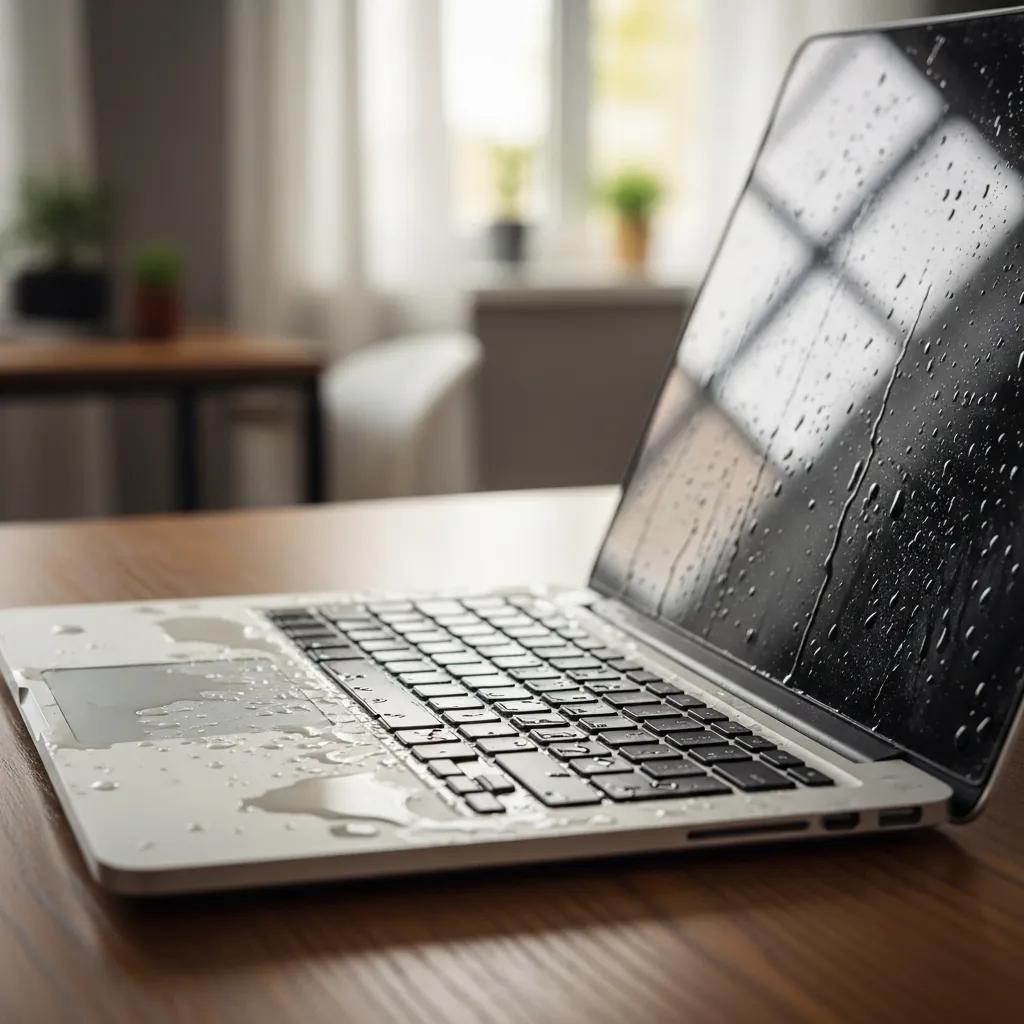
Laptop with water damage showing moisture on keyboard and screen in a home office setting

Laptop Water Damage Repair: How It Works and What to Expect

Laptop water damage can be a devastating experience for users, often leading to significant data loss and costly repairs. Understanding how water damage affects laptops and the repair process can help mitigate these issues. This article will explore the common signs of water damage, the components most affected, and the step-by-step repair process. Additionally, we will discuss the costs associated with laptop water damage repair and what factors influence these prices. By the end, you will have a comprehensive understanding of how to handle a water-damaged laptop effectively.

What Are the Common Signs of Laptop Water Damage?

Identifying the signs of water damage in laptops is crucial for timely intervention. Common indicators include:

  1. Physical Indicators: Look for visible moisture or corrosion on the laptop's exterior, especially around ports and hinges.
  2. Screen Issues: A malfunctioning display, such as flickering or discoloration, can signal internal damage.
  3. Keyboard Malfunctions: Sticky or unresponsive keys often indicate liquid exposure.

Recognizing these symptoms early can prevent further damage and increase the chances of successful repair.

Which Laptop Components Are Most Affected by Water Damage?
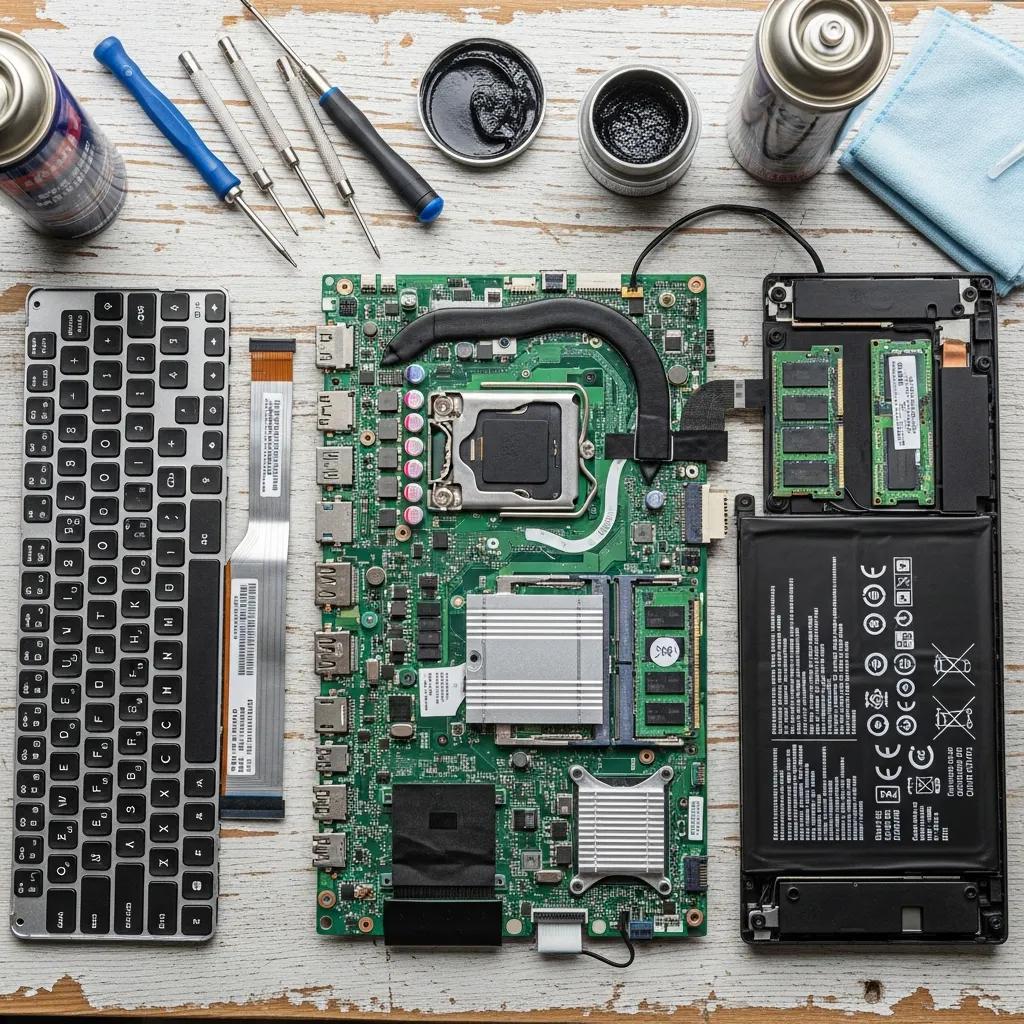
Water damage can severely impact several key components of a laptop. The most vulnerable parts include:

  • Motherboard: The central circuit board is critical for the laptop's operation and is highly susceptible to liquid damage.
  • Keyboard: Often the first point of contact with liquid, keyboards can short-circuit and become unusable.
  • Battery: Water exposure can lead to battery swelling or failure, posing safety risks.

Understanding which components are at risk helps in assessing the potential damage and repair needs.

What Is the Step-by-Step Process for Repairing a Water Damaged Laptop?

Repairing a water-damaged laptop involves a systematic approach to ensure all issues are addressed. The process typically includes:

  1. Immediate Response: Power off the laptop and disconnect all peripherals to prevent further damage.
  2. Assessment and Cleaning: Technicians will open the laptop to assess the extent of the damage and clean any corrosion or residue.
  3. Final Testing: After repairs, the laptop undergoes testing to ensure all components function correctly.

This structured approach is essential for maximizing the chances of recovery.

How Do Technicians Diagnose and Clean Water Damage?

Technicians employ various diagnostic techniques to evaluate water damage. Key methods include:

  • Assessment Techniques: Visual inspections and diagnostic tools help identify affected areas and components.
  • Corrosion Prevention: Cleaning agents are used to remove corrosion and prevent further damage.
  • Data Recovery: If data loss occurs, specialized tools may be employed to recover important files.

These diagnostic and cleaning processes are vital for restoring functionality to a water-damaged laptop.

What Component Replacements Are Typically Required?

After assessing the damage, certain components may need replacement. Commonly replaced parts include:

  • Motherboard: Often the most expensive component to replace, critical for overall functionality.
  • Keyboard: A new keyboard is usually necessary if the original is damaged.
  • Battery: Replacing a damaged battery is essential for safe operation.

Understanding these replacements can help users prepare for potential costs and repairs.

How Much Does Laptop Water Damage Repair Cost?
The cost of laptop water damage repair typically ranges from $75 to $600, depending on the severity of the damage and the components affected. Factors influencing the cost include:

  • Severity of Damage: More extensive damage requires more labor and parts, increasing costs.
  • Type of Liquid: Different liquids can cause varying levels of damage, affecting repair complexity.
  • Repair Methods: The chosen repair method can also impact pricing, with more advanced techniques often costing more.

This overview provides a clear picture of what to expect regarding repair costs.

Damage SeverityEstimated CostTypical Repairs
Minor$75 - $150Keyboard, cleaning
Moderate$150 - $300Battery, motherboard
Severe$300 - $600Full component replacement

Understanding these costs can help users make informed decisions about their repair options.

What Factors Influence the Repair Pricing?

Several factors can influence the pricing of laptop water damage repairs. These include:

  • Severity of Damage: More severe damage typically results in higher repair costs due to the need for more extensive work.
  • Type of Liquid: Water, soda, or other liquids can cause different levels of damage, affecting repair complexity and cost.
  • Repair Methods: The choice between standard and advanced repair methods can also impact pricing.

Being aware of these factors can help users anticipate potential costs.

Are Emergency Laptop Repair Services More Expensive?

Emergency laptop repair services often come at a premium. Key considerations include:

  • Cost Range for Emergency Services: Emergency repairs can cost 20-50% more than standard services due to the urgency and resources required.
  • Factors Influencing Emergency Pricing: Availability of technicians and the need for expedited parts can drive up costs.

Understanding these aspects can help users decide whether to opt for emergency services.

Where Can You Find the Best Laptop Repair Services Near You?

Finding reliable laptop repair services is essential for effective repairs. Consider the following when searching for services:

  • Service Quality: Look for providers with positive reviews and a track record of successful repairs.
  • Customer Reviews: Feedback from previous customers can provide insight into the quality of service.
  • Pricing Options: Compare prices among different providers to ensure you receive fair pricing.

These factors can guide users in selecting the best repair service for their needs.

What Should You Look for in a Professional Repair Technician?

When selecting a repair technician, consider the following criteria:

  • Qualifications: Ensure the technician has the necessary certifications and training in laptop repairs.
  • Experience: Look for technicians with a proven track record in handling water damage repairs.
  • Reputation: Research the technician's reputation through reviews and recommendations.

Choosing a qualified technician is crucial for successful repairs.

How Do Bulk Repair Services Benefit Educational and Business Institutions?

Bulk repair services can offer significant advantages for educational and business institutions. Key benefits include:

  • Cost Savings: Bulk repairs often come at a discounted rate, making them more affordable for institutions.
  • Efficiency Improvements: Streamlined processes can lead to faster turnaround times for repairs.
  • Service Reliability: Established providers can ensure consistent quality and reliability in repairs.
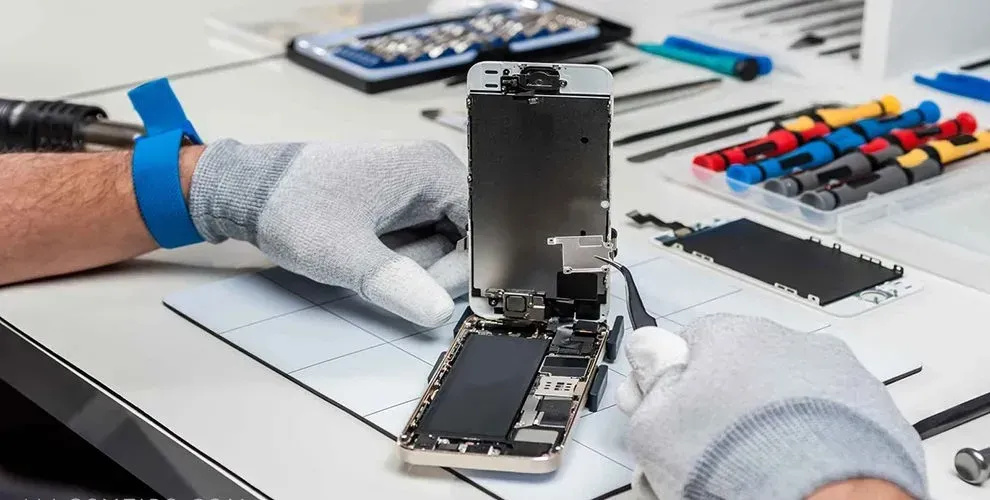
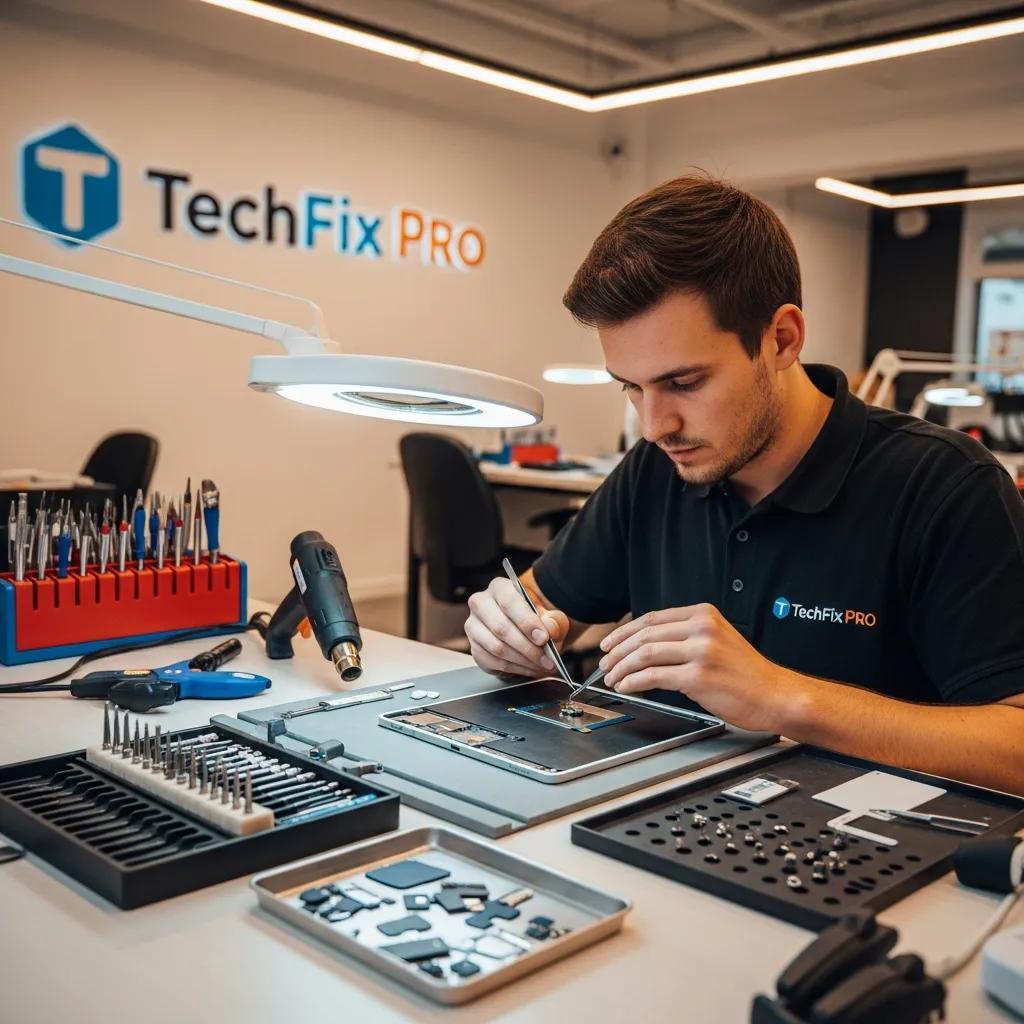
These benefits make bulk repair services an attractive option for organizations managing multiple devices.

Repair Locations Nearby

Retail storefronts featuring Dash Cellular Repair and Styles Unlimited with visible store displays and signage.

i240 & Penn OKC

Dash Cellular Repair

2112 W I-240 Service Rd

Oklahoma City, OK 73159

405-601-7020

Dash Cellular Repair storefront with bright signage, OPEN sign, and Cricket Wireless logo.

NW 178th & N Western Ave

Dash Cellular Repair

1201 NW 178th St Suite 114

Edmond, OK 73012

405-367-4810

Signage of Dash Cellular Repair showing logo, contact info, and storefront for smartphone repair services.

Del City, OK

Dash Cellular

4629 SE 29th St

Del City, OK 73115

405-506-3274

DASH Cell Phone Repair storefront showcasing phone, laptop, tablet repair services and cracked glass repair promotion.

Norman

Dash Cellular

614 W. Main St

Norman, OK 73069

405-318-8908

DASH Cellular Repair storefront with 'OPEN' sign, specializing in iPhone, Samsung Galaxy, and Google Pixel repairs.

NW 63rd St & N May

Dash Cellular Repair

2835 NW 63rd St

Oklahoma city, OK 73116

405-993-3465

Smartphone with minimalist black frame displaying "Hello," representing Dash Cellular Repair's tech services.

NW 23rd St

Dash Cellular

4911 NW 23rd St

Oklahoma City, OK 73127

405-367-3786

Storefront of Dash Cellular Repair showing mobile devices and promotional signs for buy-sell-trade and repair services.

Enid, OK

Dash Cellular

424 N Vanburen

Enid, OK 73703

580-749-9165

You May Also Like…