What to Do When Your iPad Won’t Charge

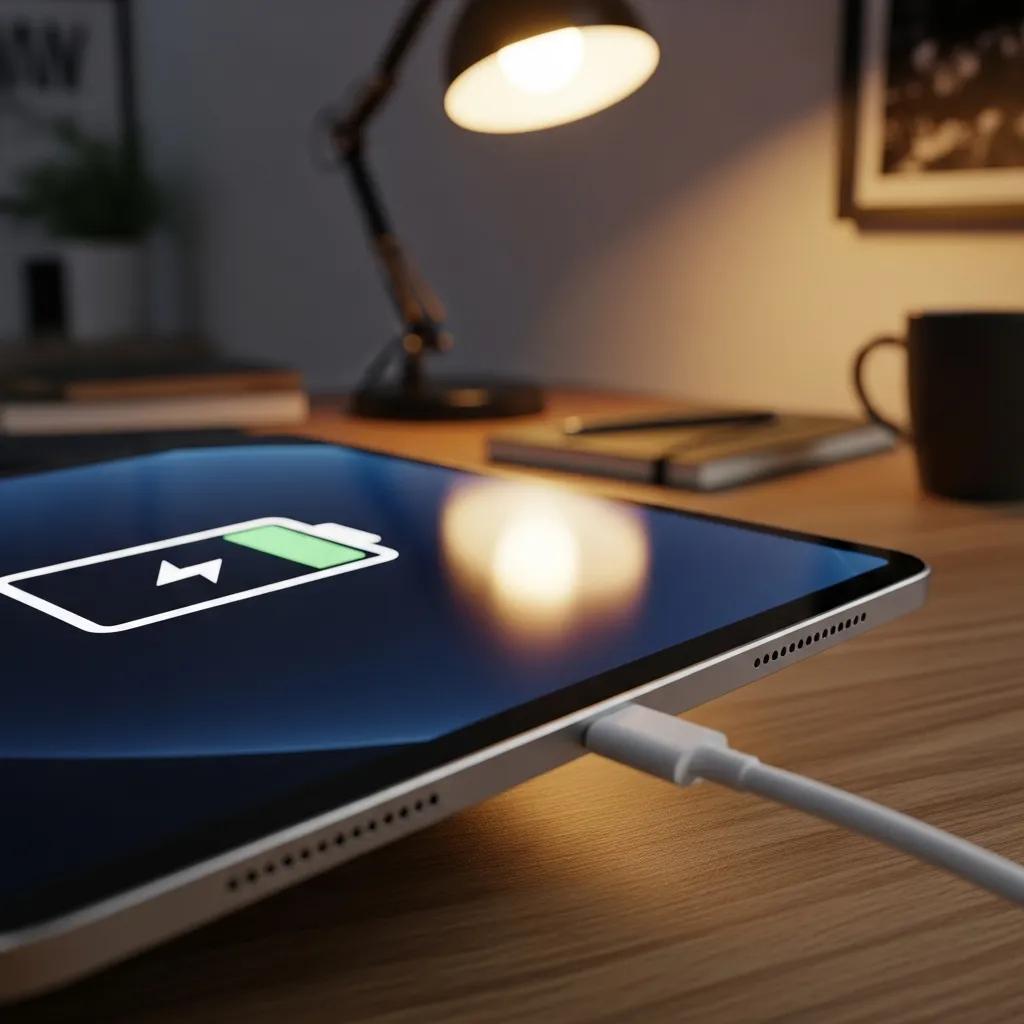
iPad charging with a cable in a cozy workspace setting

What to Do When Your iPad Won't Charge

Experiencing issues with your iPad not charging can be frustrating, especially when you rely on it for daily tasks. This guide will help you understand the common causes of charging problems and provide expert solutions to troubleshoot these issues effectively. By identifying the root of the problem, you can determine whether a simple fix will suffice or if professional repair services are necessary. We will explore the common causes of charging failures, expert troubleshooting steps, and available repair options, ensuring you have all the information needed to get your iPad back to full power.

Common Causes

When your iPad won’t charge, several factors could be at play. Understanding these common causes can help you diagnose the issue more effectively.

  1. Faulty Charging Port: Dust, lint, or damage can obstruct the connection between the charging cable and the iPad.
  2. Cable Issues: A damaged or frayed charging cable can prevent power from reaching your device.
  3. Battery Problems: An aging or defective battery may not hold a charge, leading to charging failures.
  4. Software Glitches: Sometimes, software issues can interfere with the charging process, requiring a reset or update.
  5. Power Source Issues: The outlet or power adapter may be malfunctioning, preventing the iPad from charging.

Identifying these potential issues is the first step in resolving your iPad’s charging problems.

Expert Solutions

To effectively troubleshoot your iPad charging issues, consider the following expert solutions:

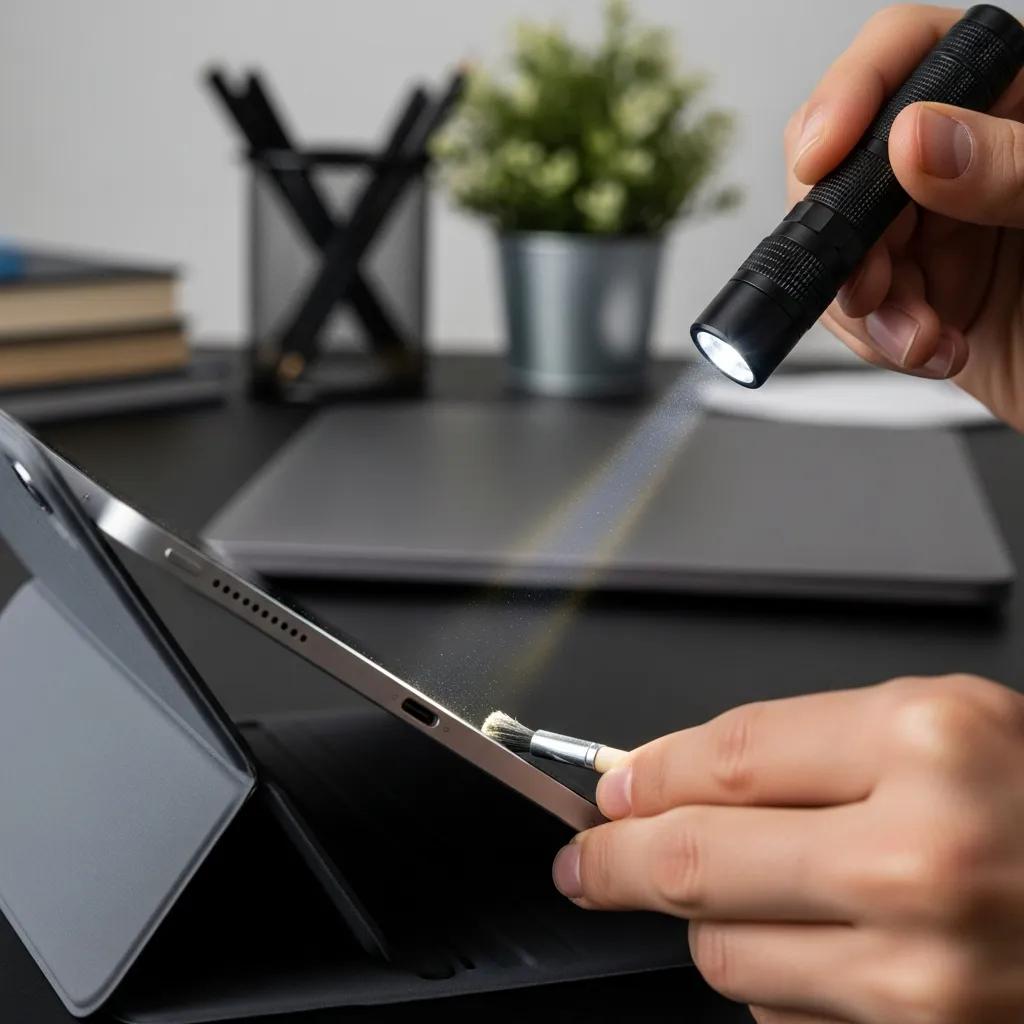
  1. Inspect the Charging Port: Check for any debris or damage in the charging port. Use a flashlight to see inside and gently clean it with a soft brush if necessary.
  2. Test with Different Cables and Adapters: Try using a different charging cable and adapter to rule out issues with your current accessories.
  3. Restart the iPad: A simple restart can resolve minor software glitches that may be affecting the charging process.
  4. Check for Software Updates: Ensure your iPad is running the latest version of iOS, as updates can fix bugs that impact charging.
  5. Battery Health Check: If your iPad is older, check the battery health in the settings to see if it needs replacement.

Given the persistent challenges in significantly improving battery life across device generations, actively monitoring your iPad’s battery health is a crucial step in maintaining its performance.

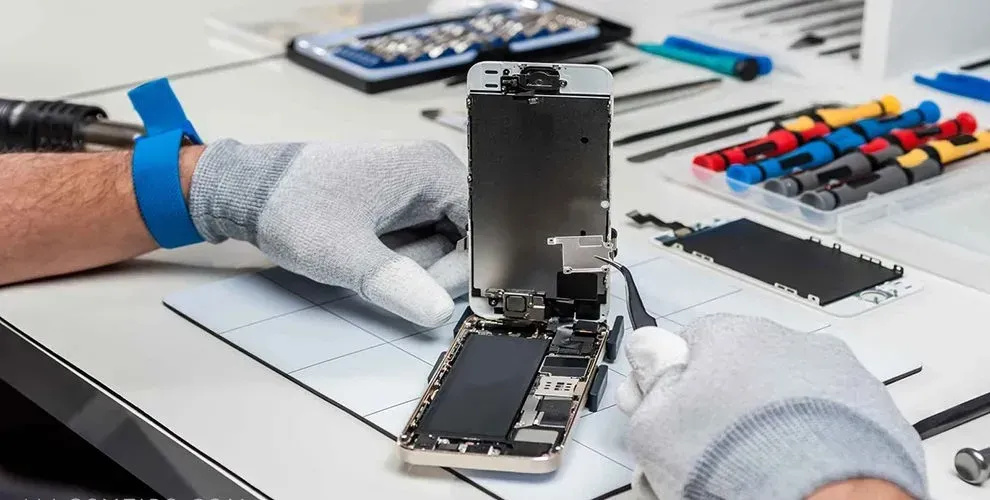
iPad Battery & Charging Problem Repair Guide

One of the oddities of the modern digital world is that while our devices have undergone mind-blowing increases in performance, miniaturization, and overall technical sophistication over the past decade or so, the battery life of those devices has increased comparatively slowly. For example, from the iPhone 4s to the iPhone 6 – four generations – battery life for using the Internet over Wi-Fi increased from 9 hours to 11 hours. Apple claims the iPhone 7 Plus will get 15 hours, but even a 67 percent increase over six generations is nothing to brag about. Given the importance we place on our iOS devices, it’s no wonder that the number one gripe by far among users is poor battery life and the number one request by far for each new generation is better – much better – battery performance. Unfortunately, there are many technical reasons why we won’t see a radical increase in battery life for our iOS devices any time soon. That means we need to take steps now to monitor and maximize the batteries that we have.

Repairing battery and charging problems, 2016

These steps can help you identify and resolve the issue, allowing your iPad to charge properly again.

Repair Options

If the above troubleshooting steps do not resolve the issue, it may be time to consider professional repair services. Here are some options available for iPad charging problems:

  1. Professional Repair Services: If your iPad requires more than basic troubleshooting, professional repair services can diagnose and fix the issue effectively.
  2. Charging Port Repair: If the charging port is damaged, a specialized repair service can replace it, restoring your iPad's ability to charge.
  3. Battery Replacement: If the battery is found to be defective, a replacement may be necessary to ensure your device charges and holds power.
  4. Comprehensive Diagnostics: Some repair services offer diagnostic tests to identify underlying issues that may not be immediately apparent.

Repair Services Offered by Dash Cellular Repair

Dash Cellular Repair specializes in electronic device repairs, including iPads. They provide fast, reliable, and affordable solutions for charging issues, such as:

Service TypeDescriptionCost
Charging Port RepairReplacement of damaged charging portsVaries
Battery ReplacementReplacement of defective batteriesVaries
Diagnostic ServicesComprehensive testing to identify charging issuesVaries

Choosing a trusted repair service like Dash Cellular Repair ensures that your iPad is in good hands, with quick turnaround times and competitive pricing.

How Can You Diagnose Charging Issues on Your iPad?

Diagnosing charging issues on your iPad involves a systematic approach. Start by checking the charging cable and adapter for any visible damage. Next, inspect the charging port for debris or damage. If these components appear to be in good condition, try restarting your iPad and checking for software updates. If the problem persists, consider seeking professional help.

What Are Common Signs of iPad Charging Problems?

Common signs that your iPad may have charging problems include:

  • The device does not respond when plugged in.
  • The charging icon does not appear on the screen.
  • The iPad charges slowly or intermittently.
  • The battery drains quickly even when plugged in.

Recognizing these signs early can help you address the issue before it worsens.

How to Test Your iPad Charging Cable and Power Adapter?

To test your iPad charging cable and power adapter, follow these steps:

  1. Use a Different Cable: Connect your iPad to a different charging cable to see if it charges.
  2. Try Another Adapter: Use a different power adapter to rule out issues with the original one.
  3. Check the Outlet: Plug the adapter into a different outlet to ensure the power source is functioning.

If your iPad charges with a different cable or adapter, the original may need replacement.

What Are the Most Frequent Causes of iPad Charging Failures?

The most frequent causes of iPad charging failures include:

  • Damaged Charging Cable: Frayed or broken cables can prevent charging.
  • Faulty Charging Port: Obstructions or damage in the port can disrupt the connection.
  • Battery Degradation: Older batteries may not hold a charge effectively.
  • Software Issues: Bugs or glitches in the operating system can interfere with charging.

Understanding these causes can help you take appropriate action to resolve the issue.

How Does a Faulty Charging Port Affect iPad Charging?

A faulty charging port can significantly affect your iPad’s ability to charge. If the port is damaged or obstructed, the connection between the charging cable and the device may be compromised, leading to intermittent charging or complete failure to charge. Regularly inspecting and cleaning the charging port can help prevent these issues.

Can Battery Health or Software Updates Cause Charging Issues?

Yes, both battery health and software updates can impact charging. An aging battery may not hold a charge, while outdated software can lead to bugs that affect charging functionality. Regularly checking battery health and keeping your iPad updated can help mitigate these issues.

When Is iPad Charging Port Repair Necessary?

Charging port repair is necessary when the port is physically damaged or obstructed, preventing the charging cable from making a proper connection. Signs that repair may be needed include difficulty inserting the charging cable, loose connections, or visible damage to the port.

What Is the Cost and Process of iPad Battery Replacement?

The cost of iPad battery replacement can vary based on the model and service provider. Typically, the process involves:

  1. Diagnosis: A technician will assess the battery's health.
  2. Replacement: If necessary, the old battery is removed and replaced with a new one.
  3. Testing: The device is tested to ensure it charges properly after the replacement.

How Can You Prevent Future Charging Issues on Your iPad?

To prevent future charging issues, consider the following tips:

  1. Use Certified Accessories: Always use Apple-certified charging cables and adapters to ensure compatibility and safety.
  2. Regularly Clean the Charging Port: Keep the charging port free of dust and debris to maintain a good connection.
  3. Update Software Regularly: Keep your iPad's software up to date to avoid bugs that may affect charging.

Why Use Certified Chargers and Accessories?

Using certified chargers and accessories is crucial for the safety and longevity of your iPad. Non-certified products may not provide the correct voltage or current, potentially damaging your device. Certified accessories are designed to meet Apple’s standards, ensuring optimal performance and safety.

What Maintenance Tips Help Keep Your iPad Charging Efficient?

To maintain efficient charging for your iPad, follow these tips:

  • Avoid Extreme Temperatures: Keep your iPad in a moderate temperature range to prevent battery damage.
  • Charge Regularly: Avoid letting the battery drain completely before charging.
  • Use Power Saving Modes: Enable power-saving features to extend battery life.

By following these maintenance tips, you can help ensure your iPad remains in good working condition and charges efficiently.

Repair Locations Nearby

Retail storefronts featuring Dash Cellular Repair and Styles Unlimited with visible store displays and signage.

i240 & Penn OKC

Dash Cellular Repair

2112 W I-240 Service Rd

Oklahoma City, OK 73159

405-601-7020

Dash Cellular Repair storefront with bright signage, OPEN sign, and Cricket Wireless logo.

NW 178th & N Western Ave

Dash Cellular Repair

1201 NW 178th St Suite 114

Edmond, OK 73012

405-367-4810

Signage of Dash Cellular Repair showing logo, contact info, and storefront for smartphone repair services.

Del City, OK

Dash Cellular

4629 SE 29th St

Del City, OK 73115

405-506-3274

DASH Cell Phone Repair storefront showcasing phone, laptop, tablet repair services and cracked glass repair promotion.

Norman

Dash Cellular

614 W. Main St

Norman, OK 73069

405-318-8908

DASH Cellular Repair storefront with 'OPEN' sign, specializing in iPhone, Samsung Galaxy, and Google Pixel repairs.

NW 63rd St & N May

Dash Cellular Repair

2835 NW 63rd St

Oklahoma city, OK 73116

405-993-3465

Smartphone with minimalist black frame displaying "Hello," representing Dash Cellular Repair's tech services.

NW 23rd St

Dash Cellular

4911 NW 23rd St

Oklahoma City, OK 73127

405-367-3786

Storefront of Dash Cellular Repair showing mobile devices and promotional signs for buy-sell-trade and repair services.

Enid, OK

Dash Cellular

424 N Vanburen

Enid, OK 73703

580-749-9165

You May Also Like…