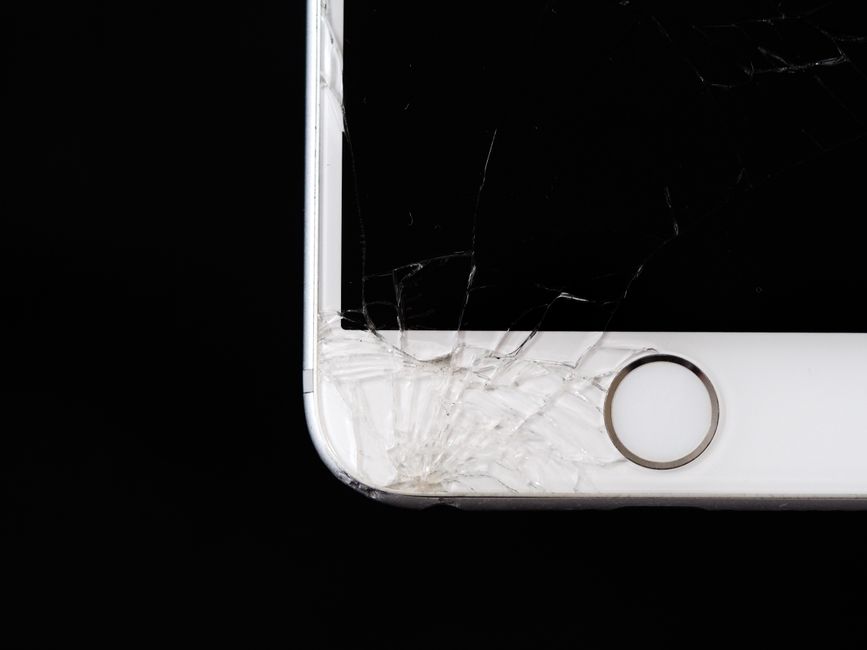
A phone slips out of a pocket and lands face down. You pick it up, and the glass has a spiderweb crack, but every app opens and every tap registers. Two days later, nothing seems wrong. Or the opposite happens: the glass looks flawless, yet half the screen ignores your finger, or the display flashes with colored lines that were not there before.
Those two situations call for different decisions. One is mostly about glass. The other points to a deeper problem inside the display assembly. Knowing which one you are dealing with helps you decide whether to book a repair today, watch it for a week, or start thinking about a replacement phone.
Cracked Glass and a Faulty Touchscreen Are Not the Same Problem
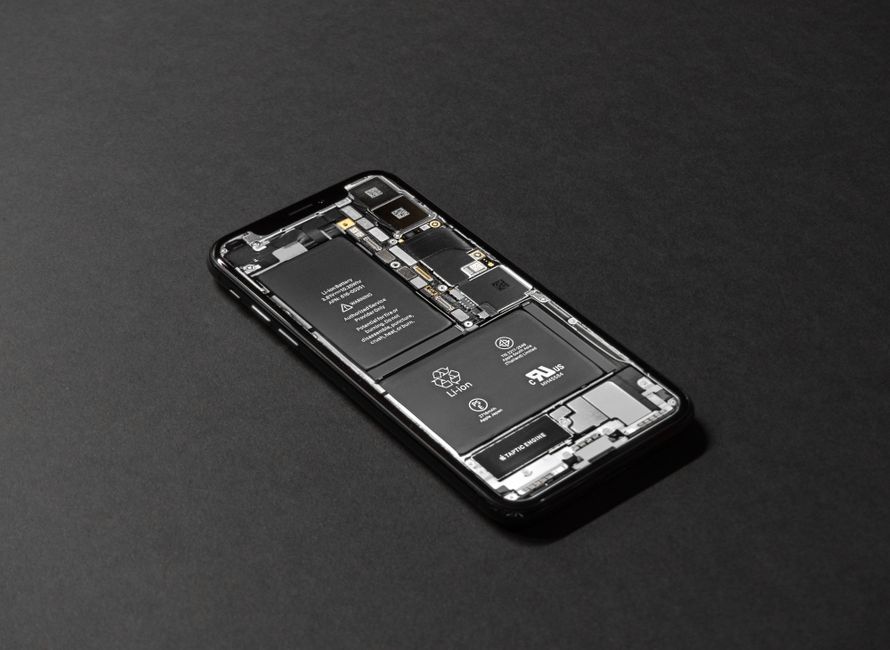
A modern phone screen is a stack of layers pressed together. The outer layer is glass. Beneath it sits the touch layer that reads your finger, and beneath that is the display panel that produces light and color. Damage does not always travel through all three.
That is why a phone can have a shattered top layer and still respond perfectly, and why a phone with untouched glass can still develop dead spots, phantom taps, or lines across the display. The crack you see and the fault you feel are often separate issues that happen to live in the same part of the phone.
Most repair shops treat the screen as one unit. Instead of swapping a single layer, they replace the full display assembly, which restores the glass, the touch response, and the picture at the same time. Shops commonly advertise repair for iPhone, Samsung, Android, tablet, and laptop screens, since the same layered design shows up across most modern devices.
Symptoms That Point to a Screen Repair
Not every screen problem looks like a crack. Use the list below to sort out what you are seeing. The middle column describes what the symptom usually suggests, not a guaranteed diagnosis. A technician still needs to inspect the device before anyone can say for certain what failed.
| What you notice | What it often means | How soon to act |
|---|---|---|
| Spiderweb cracks, touch still works | Outer glass damage | Soon, before the glass sheds shards or the damage spreads |
| Dead spots where taps do not register | Touch layer damage | Promptly, since typing and unlocking become unreliable |
| Phantom touch or ghost taps | Touch layer or connector fault | Promptly, because the phone may act on its own |
| Vertical or horizontal color lines | Display panel damage | Promptly, as panel faults tend to spread |
| Dead pixels or dark blotches | Display panel damage | Schedule a repair, watch for growth |
| Black screen with sound or vibration still working | Panel or internal connection failure | Promptly, since the phone is unusable as-is |
Why Phantom Touch Is Worth Taking Seriously
Phantom touch means the phone registers input you did not make. Menus open by themselves. A call starts from a contact you never dialed. A message gets half typed and sent. Beyond being annoying, this can lead to accidental purchases, deleted photos, or a lockout if the phone keeps guessing at a passcode. A screen that behaves unpredictably is harder to live with than one that is simply cracked, because you cannot trust it in the moment.
Why a Clean-Looking Screen Can Still Be Broken
Pressure damage, a drop that landed on a corner, or liquid exposure can injure the layers under intact glass. If touch response has become patchy, if the picture flickers, or if lines appear and disappear when you press the edges, the glass is not the part that failed. Describing these symptoms clearly when you call a shop helps the technician prepare the right part before you arrive.
When a Cracked Screen Can Wait and When It Cannot
A hairline crack in a corner with fully working touch is not an emergency, but it is not nothing either. Cracked glass is weaker glass. The next drop is more likely to break it further, small shards can catch a finger, and the opening gives dust and moisture a path inward. Covering the crack with a screen protector or a strip of tape reduces the risk while you decide.
Treat these signs as reasons to stop waiting:
- Touch response fails in any area of the screen
- The phone registers taps you did not make
- The display shows lines, blotches, or large dead zones
- Glass is lifting, crumbling, or shedding pieces
- The screen stays black while the phone still rings or vibrates
- You cannot reliably unlock the device or answer a call
A phone you cannot unlock is a phone you cannot use for navigation, payments, work messages, or two-factor codes. Once the device stops being dependable, a repair appointment moves from optional to urgent.
What Actually Happens During a Screen Replacement
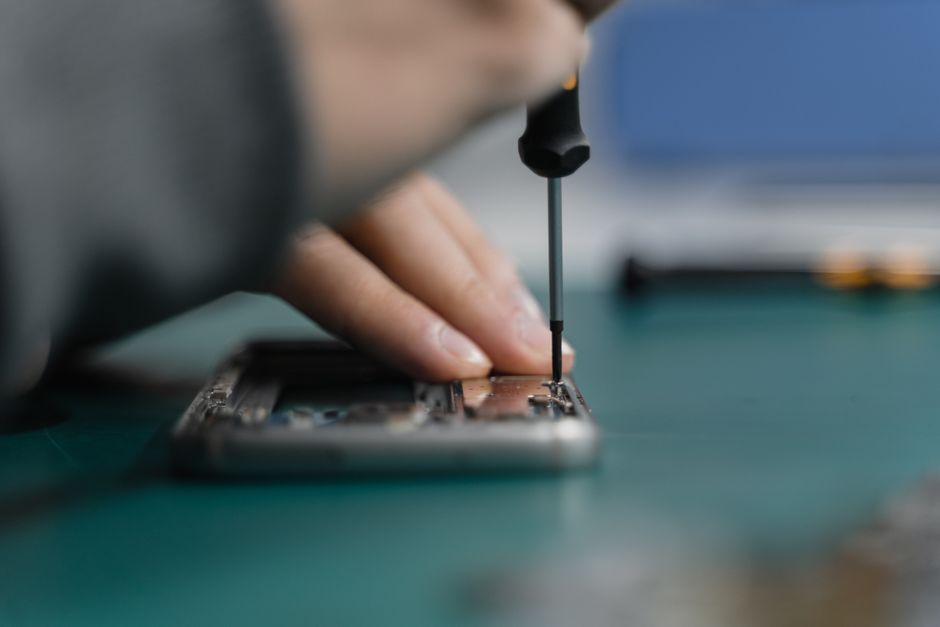
The process is more straightforward than most people expect. A technician inspects the phone, confirms which layer failed, and checks that nothing else is wrong, such as a swollen battery or a damaged charging port that would make the repair pointless. The damaged display assembly is removed, a replacement is fitted, and the phone is reassembled and tested.
Testing matters as much as the swap itself. A thorough shop checks touch across the whole surface, the front camera, the earpiece speaker, proximity sensing during calls, and brightness. If a device has other issues, good practice is to tell you before the work starts rather than after, so you can decide how much you want to invest. Ask for that conversation up front, and ask what happens if the new screen shows a fault after you leave.

How Long Should a Phone Screen Repair Take?
Turnaround varies by shop and by device. Some repair businesses advertise screen replacement in roughly 15 minutes for many iPhone models and around 20 minutes for several Samsung and Motorola models, and many customers describe walking in and walking out the same visit. At Dash Cellular Repair, most repairs are completed in under an hour, and phone screen accidents are a routine part of the day.
Two things can stretch that window: part availability for less common models, and hidden damage discovered once the phone is open. Call ahead with your exact model so the shop can confirm the part is in stock. A quote given over the phone before the device is opened should be treated as an estimate, and any shop worth trusting will explain what could change it.
Repair or Replace? Questions to Ask Yourself
A screen repair usually costs far less than a new phone, which is why repair first is a sensible default. Run through these questions before you decide:
- Does the rest of the phone work well, including battery life and charging?
- Is the device still receiving software updates and security patches?
- Do you have photos, messages, or accounts on it that you would rather not migrate?
- Is the phone covered by a protection plan that changes who pays for the repair?
- Would you rather put money into this device or toward a replacement?
If the answers point to a phone that is otherwise healthy, a screen replacement is the practical choice. If the battery is failing, the charging port is loose, and the software is out of support, a repair may only postpone the decision.
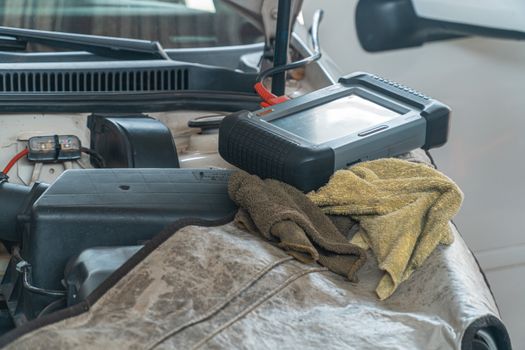
Choosing a Shop for Cracked Phone Screen Repair in the Oklahoma City Metro
Local repair beats a mail-in service when you need your phone back the same day. Dash Cellular Repair has been fixing devices since 2010 and operates a chain of shops across the Oklahoma City metro area, including Edmond and Del City. The team handles smartphones, iPhones, tablets, laptops, and game consoles, with most work finished in under an hour.
What to look for in any shop, including ours: a clear explanation of what is being replaced in plain language, an honest quote before work begins, reliable replacement parts, and a warranty on the repair. Ask whether the shop tests the full display after assembly and whether it will flag unrelated problems rather than quietly adding them to the bill. A shop that answers those questions directly is a shop you can hand your phone to with confidence.
Frequently Asked Questions
Can a cracked phone screen be repaired instead of replacing the whole phone?
Yes. In most cases the damaged display assembly is replaced while the rest of the phone stays exactly as it is, including your data, apps, and settings. Shops routinely repair screens on iPhone, Samsung, Android, and tablet devices. A technician inspects the phone first to confirm the screen is the only failed part and that a repair makes sense for that model.
Why does my touchscreen not respond when the glass looks fine?
The touch layer sits beneath the glass, so it can be damaged without any visible crack. Pressure from a drop, a bent frame, or moisture can affect it. Symptoms include dead spots, phantom taps, and unresponsive edges. Because the touch layer and display panel are usually replaced together, the repair looks the same as a cracked screen fix.
How long does a cracked phone screen repair usually take?
Many repairs are finished during a single visit. Some shops advertise around 15 minutes for common iPhone screen replacements and roughly 20 minutes for several Samsung and Motorola models. At Dash Cellular Repair, most repairs are completed in under an hour. Less common models may need a part ordered, so call ahead with your exact model.
Will I lose my photos and data during a screen replacement?
A screen replacement does not normally touch your stored data, since the repair involves the display hardware rather than the phone's storage. Even so, back up your device before any repair. Backups protect you against unrelated surprises, and they make it far easier to set up a replacement phone if the technician finds additional damage.
Is it worth fixing a cracked screen on an older phone?
Often yes. A screen repair typically costs much less than a new device, and it keeps your photos, accounts, and settings in place. Weigh the repair against the phone's overall health. If the battery is fading, the charging port is loose, and the device no longer receives updates, a repair may only delay a replacement decision.