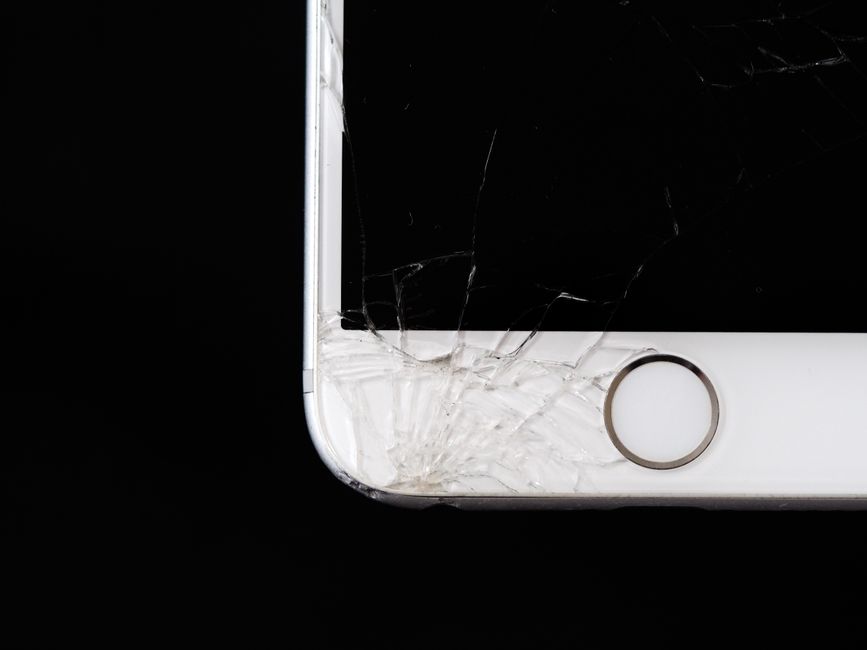
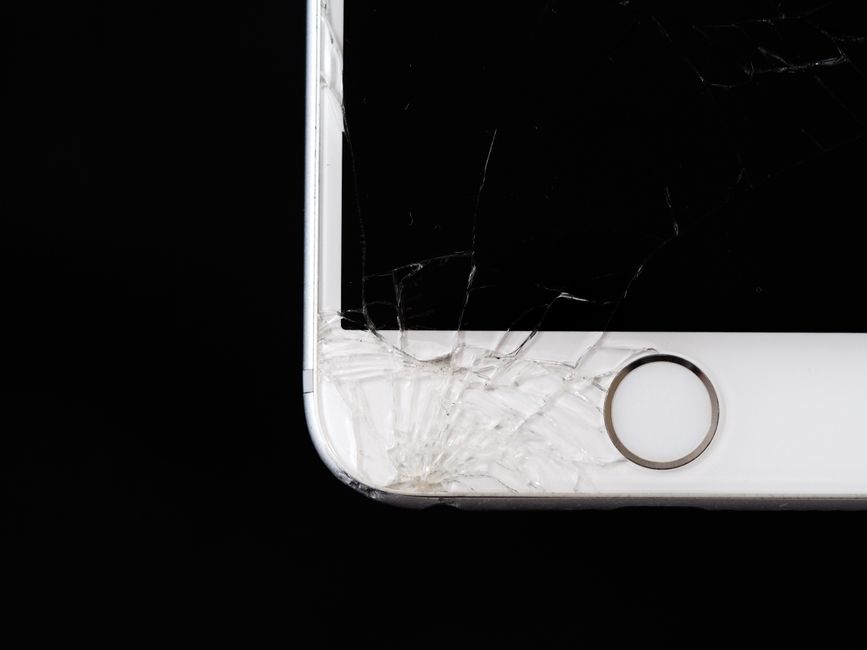
A phone lands face down on the sidewalk. You pick it up, see a web of cracks spreading from the corner, and the screen still lights up and scrolls like nothing happened. Two days later, a different phone with no visible damage at all refuses to register a swipe. Both are screen problems, but they are not the same problem, and they do not always call for the same response.
Knowing which part of your phone is actually broken helps you decide how urgently to act. It also helps you ask better questions when you walk into a repair shop, so you understand what is being fixed and why. Here is how to sort out cracked glass from a failing touch layer from a damaged display, and how to judge when a repair can wait and when it really should not.
The Layers That Make Up Your Phone Screen
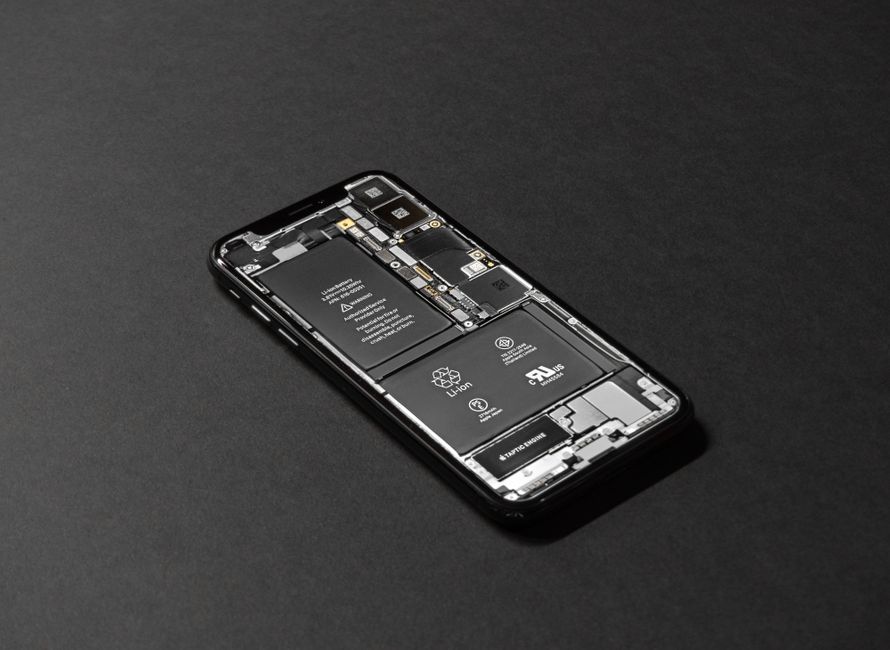
A phone screen is not a single sheet of material. On most modern smartphones it is a stack of layers bonded together, and each layer fails in its own way.
- Cover glass. The outer pane your finger actually touches. This is what chips, scratches, and shatters when a phone is dropped.
- Touch layer. A thin sensing layer that turns your finger movements into input. On many phones this is built directly into the display assembly.
- Display panel. The LCD or OLED panel that produces the picture. Damage here shows up as lines, dark patches, dead pixels, discoloration, or a black screen.
Because these layers are laminated together, damage in one can spread to the others. A crack that looks cosmetic can let pressure reach the touch layer underneath, and a display that looks perfect from the outside can fail beneath shattered glass. That is the main reason a small chip is worth watching even when everything still works.
Signs the Glass Is Cracked but the Screen Is Fine
Cracked glass with a fully working screen is the most common situation repair shops see. The good news is that it is also the most straightforward to address, especially before further damage develops.
- Cracks are visible, but touch responds correctly across the entire screen, including corners and edges.
- Colors, brightness, and contrast look normal, with no lines, flickering, or dark blotches.
- There are no ghost touches, meaning the phone is not registering taps you never made.
- The front camera, proximity sensor, and earpiece still behave normally.
- No glass fragments are loose or falling out of the frame.
In this state the phone is usable, and you have some room to schedule a repair rather than panic. The catch is that glass does not heal. Every pocket squeeze, temperature swing, and minor bump works on the existing cracks, and a working touch layer today can become a dead zone later.
Signs the Touch Layer Is Failing
Touch failures can appear with or without a visible crack, and they are often more disruptive than broken glass. Watch for these patterns.
- Dead spots where taps and swipes simply do nothing, often in a band or a corner.
- Ghost touches, where apps open or the keyboard jumps without you touching the screen.
- Input that lands in the wrong place, so you tap one icon and another opens.
- Touch that works again after a restart or a screen lock, then fails a few minutes later.
- The screen ignores you entirely until you press much harder than normal.
A touch problem without a visible crack can come from pressure damage, moisture, or an internal connection that has worked loose. A technician can run diagnostics to narrow it down before anyone starts replacing parts, which matters because the fix is not always the same. Diagnosing first is cheaper than guessing.

Signs the Display Panel Is Damaged
Panel damage is the category that most often pushes a repair from "soon" to "now." Typical symptoms include thin vertical or horizontal lines, dead pixels that stay black or stuck on one color, ink-like dark blotches spreading from a corner, and a screen that is black while the phone still rings, vibrates, or charges. Any of these point to a problem behind the glass rather than in the glass itself, and a screen-only fix will not solve them.
Quick Comparison: What You Notice and What It Usually Means
| What you notice | Layer likely involved | How urgent it is |
|---|---|---|
| Visible cracks, touch works everywhere, picture looks normal | Cover glass | Schedule a repair, avoid waiting too long |
| Dead zones, ghost taps, or input that lands in the wrong place | Touch layer | Repair promptly, the problem rarely reverses |
| Lines, dead pixels, dark blotches, black screen with sound | Display panel | Repair promptly, damage often spreads |
| Cracked glass plus any of the above | Glass and inner layers | Book a diagnostic before using it heavily |
When to Book a Repair Right Away
Some damage should not wait for a convenient week. Book a repair or at least a diagnostic in these cases:
- The glass is shattered enough that fragments are loose or you can feel sharp edges against your finger.
- Touch has stopped working in any area, or the phone registers taps you did not make.
- Lines or dark spots are visible, or they are visibly growing day by day.
- The crack runs across the front camera, the proximity sensor, or the earpiece, since those parts sit in the screen assembly.
- The phone has been near water or liquid since the break, because cracks give moisture a path inside.
- The screen is blank but the phone still vibrates, rings, or charges.
Using a phone with active touch or display failure is also risky for your data. Random ghost taps can open apps, change settings, or trigger unwanted actions in accounts. If your screen is behaving erratically, back up what you can before the device becomes harder to unlock.

When It Is Reasonable to Wait a Short While
A single hairline crack in a corner, with full touch response, normal picture quality, and no loose glass, gives you a little breathing room. Put a tempered glass protector over it as a stopgap, keep the phone in a case, and avoid pockets shared with keys or coins. Treat that as a short bridge, not a long-term plan. Cracks spread, and the cost of a screen repair does not go down when the damage gets worse.
What Not to Do While You Decide
Small habits make the difference between a clean glass repair and a bigger job.
- Do not press hard on the damaged area to test whether it still works, since pressure pushes cracks into the layers below.
- Do not try to fill or seal cracks with household products. They do not restore the glass and can interfere with a proper repair.
- Do not tape over the camera, sensors, or earpiece, and do not wrap the phone tightly enough to trap heat.
- Do not leave the phone in direct sun or a hot car, since heat and temperature swings stress the panel.
- Do back up your photos, messages, and accounts now, while the phone is still responsive.
What Happens During a Cracked Phone Screen Repair
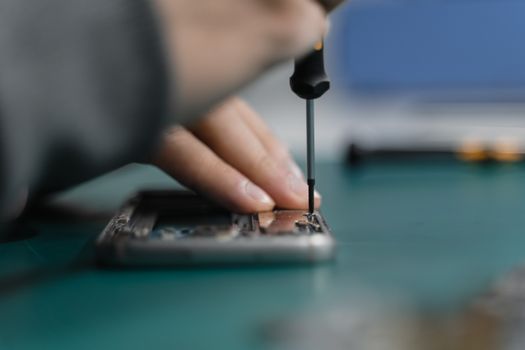
A responsible repair starts with a diagnostic rather than a parts swap. The technician confirms which layers are actually failing, checks the touch response across the full screen, and tests the front camera, proximity sensor, and other features that live in the screen assembly. From there you get a clear explanation of the options, whether that is a glass-only repair where the design allows it or a full screen assembly replacement. After the repair, touch response, brightness, and sensors are tested again before the phone goes back to you.
At Dash Cellular Repair, our technicians walk through that process in plain language, so you know what failed and what is being replaced. We founded our business in 2010 and work across the Oklahoma City metro, including our Edmond and Del City locations, with most repairs completed in under an hour. Repairs come with a warranty, and we recommend repairing a device before replacing it whenever the hardware makes that the sensible choice.
Choosing a Repair Shop in the Oklahoma City Metro
Ask a few practical questions before you hand over your phone. What kind of replacement part is being used? Does the repair carry a warranty, and what does it cover? Will the shop diagnose the device first and explain what it finds before starting work? How long will the phone be with them? A shop that answers these questions clearly and without pressure is usually a shop that does careful work.
If a shop quotes a repair without looking at your phone or hearing your symptoms, treat that as a warning sign. Cracked glass, a failing touch layer, and a damaged panel can look similar from the outside but require different fixes, and a proper diagnosis protects both your phone and your money.
Frequently Asked Questions
Can a cracked screen still work normally?
Yes, often. Many phones with cracked cover glass keep full touch response and a normal picture because the inner layers are still intact. That does not mean the damage is harmless. Cracks weaken the glass further, and each new bump or pocket squeeze can push damage into the touch layer or display panel, which turns a simpler repair into a larger one.
How do I tell whether my touchscreen is broken or just the glass?
Test the whole screen surface, corners included, and note dead spots, ghost taps, or input that lands in the wrong place. Visible cracks with perfect touch response point to glass. Touch failures without cracks, or with lines and dark blotches, point to the touch layer or display panel. A diagnostic confirms which layer is failing.
Should I back up my phone before a screen repair?
Back up first whenever the phone still responds, because it is the safest habit and gives you a fallback if anything unexpected happens. Reputable shops take care with your device, but a current backup means photos, messages, and account access are protected. If the screen is erratic, back up before ghost taps change settings or lock you out.
How long does a cracked phone screen repair take?
Turnaround depends on the model and which parts need replacing. At Dash Cellular Repair, most repairs are completed in under an hour, which is why many customers walk in without an appointment. It is still smart to call ahead so the shop can confirm part availability for your specific phone before you drive over.
Will a screen protector prevent cracks?
A tempered glass protector can absorb some impact and reduce scratches, and it holds cracked glass together as a temporary measure. It will not make a phone drop-proof. A protector is cheap insurance, not a guarantee, and it will not stop an existing crack from spreading underneath it.
If your screen is cracked but responsive, or the glass looks fine and the touch does not, the safest next step is a diagnosis rather than a guess. Bring the phone to Dash Cellular Repair at any of our Oklahoma City metro locations, including Edmond and Del City, and we will tell you which layers are damaged, what the repair involves, and whether fixing it is the better value than replacing the device. Most repairs are finished in under an hour, so you can get back to your day with a phone that works.