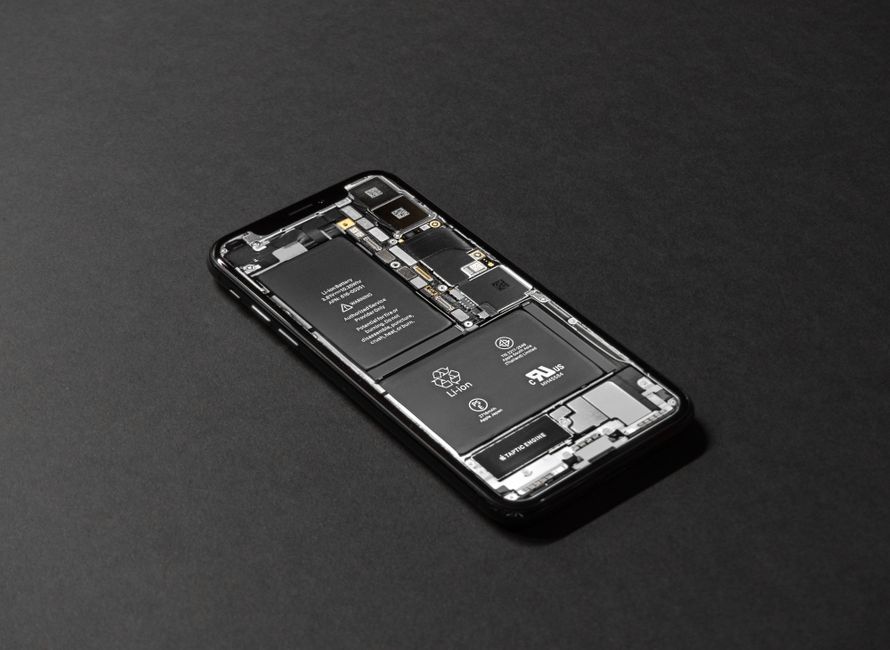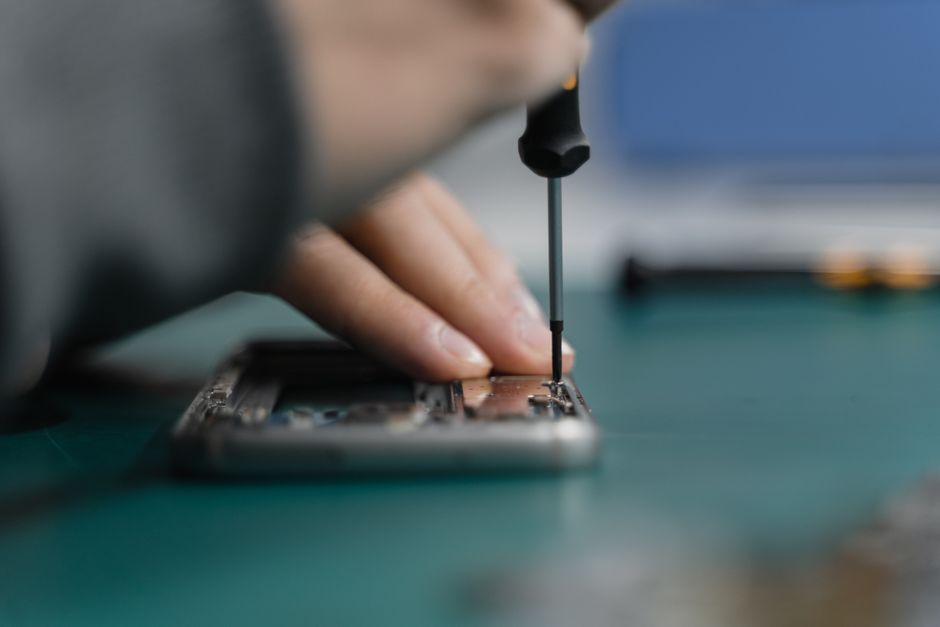
Replacing a smartphone charging port sounds intimidating, especially since a single misstep can damage the entire device. But here is something unexpected. Most successful DIY repairs start with simple tasks like collecting a few precision tools and organizing screws in a cup, not with fancy tech skills. The real secret is that patience and prep matter more than brute technical know-how.
Table of Contents
- Step 1: Gather Necessary Tools And Parts
- Step 2: Power Down Your Device Completely
- Step 3: Disassemble The Device Carefully
- Step 4: Remove The Old Charging Port
- Step 5: Install The New Charging Port
- Step 6: Reassemble And Test The Device
Quick Summary
| Key Point | Explanation |
|---|---|
| 1. Gather the right tools first | Assemble precision tools essential for repair to avoid device damage and frustration. |
| 2. Power down completely for safety | Ensure your device is fully shut down to prevent electrical issues during repair. |
| 3. Document disassembly process | Take photos or videos of each step to assist in accurate reassembly of the device. |
| 4. Handle components carefully during removal | Use gentle techniques and avoid excessive force to protect delicate internal parts. |
| 5. Test thoroughly after reassembly | Verify the new charging port functions correctly and that the device operates normally after repairs. |
Step 1: Gather Necessary Tools and Parts
Successful charging port replacement begins with meticulous preparation and selecting the right equipment. Before diving into the repair process, assembling a comprehensive toolkit will save you time, reduce frustration, and minimize potential damage to your device.
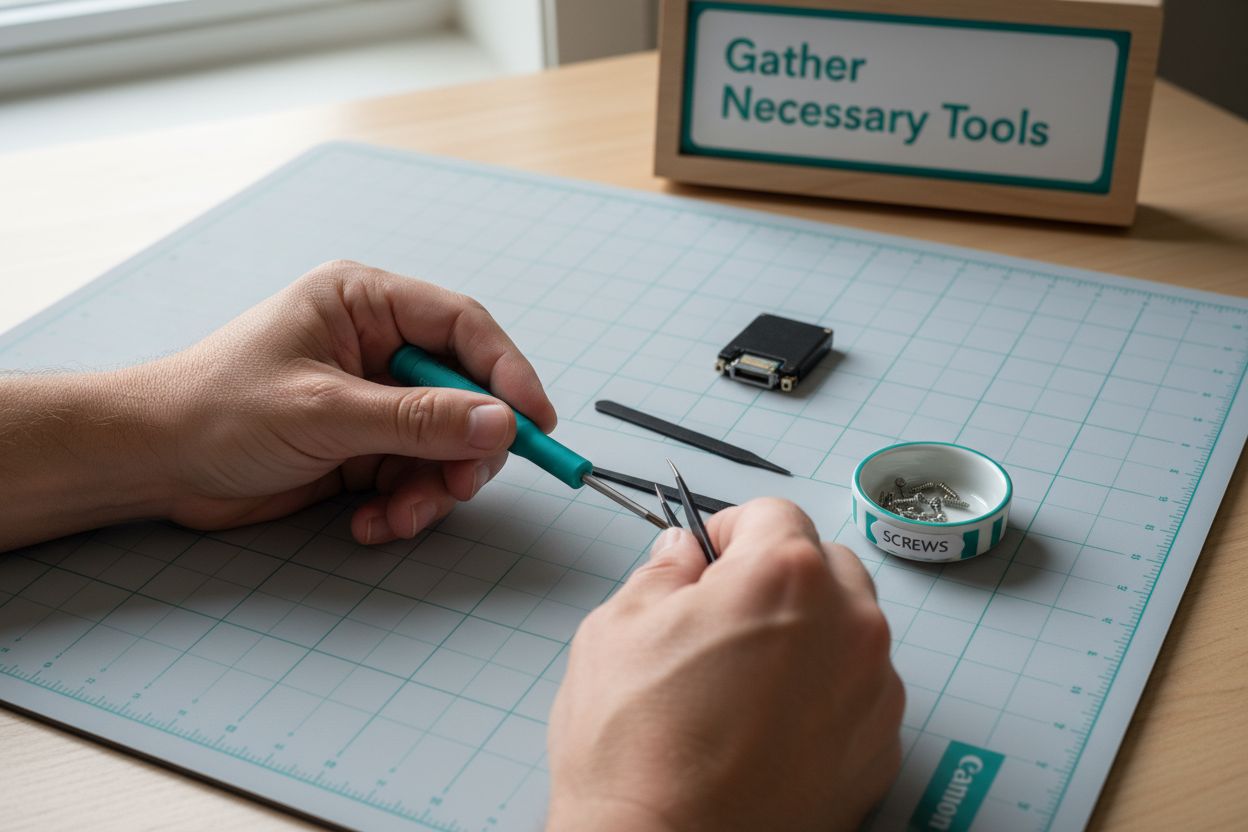
First, you’ll need a set of precision tools specifically designed for electronics repair. Your essential toolkit should include:
- Small Phillips head screwdriver set
- Plastic prying tools
- Precision tweezers
- Anti-static wrist strap
- Magnifying glass or good lighting
- Replacement charging port specific to your device model
Choosing the correct replacement charging port is crucial. Each smartphone or tablet model has unique port specifications, so verifying compatibility before purchasing is essential. Check your device’s exact make, model, and year to ensure you acquire the right component.
Before beginning the repair, create a clean, well-lit workspace with minimal distractions. A soft, static-free surface like an anti-static mat provides an ideal workspace. Organize your tools within easy reach and have a small container nearby to keep tiny screws and components secure.
Preparing mentally is equally important as gathering physical tools. Device repair experts recommend taking a methodical approach, working slowly and carefully. Take pictures or videos of each disassembly stage as a reference for reassembly, which can prevent confusion later.
Remember that patience is your greatest tool during this repair process. Rushing or using excessive force can lead to additional device damage. If you feel uncertain at any point, consider consulting a professional technician who can perform the replacement safely and efficiently.
Once you’ve gathered all necessary tools and confirmed your replacement part’s compatibility, you’re ready to proceed to the next step of the charging port replacement process.
Here is a table summarizing the essential tools and parts needed for charging port replacement, along with each items purpose during the repair process.
| Tool/Part | Purpose |
|---|---|
| Small Phillips head screwdriver | Remove/install device screws easily and safely |
| Plastic prying tools | Open device casing without damaging components |
| Precision tweezers | Handle small cables and screws securely |
| Anti-static wrist strap | Prevent static damage to internal electronics |
| Magnifying glass/good lighting | Clearly see small parts and connectors |
| Replacement charging port | Replace the old, faulty port with a compatible part |
| Soft, static-free work surface | Provide safe, clean workspace for device handling |
| Small container for screws | Keep tiny screws/parts organized and secure |
Step 2: Power Down Your Device Completely
Powering down your device entirely is a critical safety step that prevents electrical complications during the charging port replacement process. Proper device shutdown protects both your hardware and personal safety, reducing risks of short circuits or unexpected electrical interactions.
To power down completely, you’ll need to perform a full shutdown rather than simply putting your device into sleep mode. For most smartphones and tablets, this means holding the power button until a shutdown option appears on screen. Press and hold the power button until the “Power Off” or “Shut Down” slider becomes visible. Slide the indicator to turn off the device completely.
For devices with non-removable batteries, a complete shutdown is essential. Some smartphones require a slightly different approach. On certain Android models, you might need to press and hold the power button and volume down button simultaneously to trigger the shutdown sequence. Apple devices typically require a sustained press of the side or top power button until the shutdown slider appears.
Device repair experts recommend verifying the device is truly powered off by checking that the screen remains dark and unresponsive. After shutdown, wait approximately 30 seconds to ensure all residual electrical charge dissipates from the device’s internal components.
If your device appears unresponsive or cannot complete a standard shutdown, remove the battery if possible. For devices with sealed batteries, consult the manufacturer’s specific instructions or consider seeking professional assistance.
Additional precautions include disconnecting the device from any charging cables or external power sources. This eliminates potential electrical risks and ensures a completely isolated environment for your repair work. Some technicians recommend leaving the device untouched for a few minutes after shutdown to allow internal capacitors to fully discharge.
Once you have confirmed your device is completely powered down and disconnected from all power sources, you are ready to proceed to the next stage of the charging port replacement process. Patience and careful preparation during this step can prevent potential electrical damage and set the foundation for a successful repair.
Step 3: Disassemble the Device Carefully
Device disassembly is a delicate process that requires precision, patience, and methodical attention to detail. Your goal is to access the internal components without causing additional damage to the device’s intricate systems.
Begin by identifying and removing the external screws that secure the device’s back panel or frame. Most modern smartphones and tablets use specialized pentalobe or tri-point screws that require specific screwdriver tips. Work slowly and maintain consistent pressure to avoid stripping these small fasteners. Keep your screws organized by placing them in a magnetic parts tray or a sectioned container, ensuring you can track their original placement.
Careful prying is the next critical technique. Use plastic opening tools to gently separate the device’s exterior panels. Start at a corner or designated separation point, applying even and controlled pressure. Avoid using metal tools or excessive force, which can scratch or crack delicate internal components. Some devices might have adhesive securing their panels, requiring gentle heating with a specialized electronic heating pad to soften the adhesive before separation.
Device repair experts recommend documenting your disassembly process through photographs or video. This visual reference becomes invaluable during reassembly, helping you remember exact component placement and connection points. Take pictures at each stage of disassembly, focusing on cable connections and component arrangements.
As you progress, be mindful of ribbon cables and delicate connectors. These thin, fragile components can tear easily if not handled with extreme care. Use tweezers with non-conductive tips and work in a well-lit area to ensure clear visibility. Disconnect these cables gently, lifting them straight up without bending or twisting.
Watch for any additional internal brackets or supports that might obstruct access to the charging port. Some devices require complete motherboard removal, while others allow more direct access. Assess your specific device model and proceed accordingly. If you encounter unexpected resistance or complexity, pause and consult device-specific repair guides or professional resources.
Once you have carefully separated the device’s exterior and exposed its internal components, verify that all connections are documented and components are safely positioned. Your methodical approach during disassembly sets the foundation for a successful charging port replacement.
Step 4: Remove the Old Charging Port
Removing the old charging port is a precision task that requires careful manipulation of delicate electronic components. Your goal is to detach the existing port without causing additional damage to the device’s internal circuitry.
Identify the charging port’s attachment method carefully. Some devices secure the port with small screws, while others may have the port directly soldered to the motherboard. Begin by examining the port’s connection points and preparing the appropriate tools for removal.
If screws are present, use your precision screwdriver to carefully remove them. Place each screw in a designated storage area, maintaining their original orientation. Work with steady hands and minimal pressure to prevent accidentally stripping the screw heads or damaging surrounding components.
Device repair experts recommend taking a systematic approach to port removal. For ports soldered directly to the circuit board, you’ll need a soldering iron and desoldering tools. Apply heat carefully to the solder points, using a desoldering wick to remove excess solder material. This process requires a delicate touch and precise temperature control to avoid damaging the sensitive circuit board traces.
Before completely removing the port, take a moment to examine its connection points. Look for any additional adhesive or brackets that might be holding the port in place. Some devices use additional securing mechanisms beyond screws or solder connections. Gently wiggle the port to understand its attachment, but avoid applying excessive force that could crack the circuit board.
As you work to detach the charging port, keep your workspace clean and static-free. Use tweezers with non-conductive tips to manipulate small components. Maintain good lighting and use a magnifying glass if necessary to see the intricate connection points clearly.
Once the port is completely disconnected, perform a visual inspection of the surrounding area. Check for any signs of previous damage, burnt areas, or loose connections on the circuit board. This careful examination can help you understand what might have caused the original charging port failure.
Verify that all connections have been cleanly separated and that no remnant solder or adhesive remains. Your methodical approach during port removal sets the stage for a successful replacement, ensuring the new charging port can be installed with precision and care.
Step 5: Install the New Charging Port
Installing the new charging port is a critical phase that demands precision, patience, and careful attention to detail. Your goal is to seamlessly integrate the replacement port into the device’s intricate internal system, ensuring perfect alignment and secure connection.
Begin by carefully positioning the new charging port exactly where the old one was removed. Examine the port’s orientation meticulously, matching it precisely with the original mounting points. Even a slight misalignment can prevent proper functioning or cause permanent device damage.
If your device uses screw-mounted ports, start by gently placing the port in its designated location. Use the original screws or manufacturer-provided replacement screws, ensuring they are the correct size and thread type. Insert screws with minimal pressure, rotating them clockwise with a precision screwdriver. Avoid over-tightening, which could strip the threads or crack the delicate circuit board.
Device repair experts recommend carefully reconnecting any associated ribbon cables or electrical connections before fully securing the port. These connections are typically small and require a gentle, straight insertion. Use non-conductive tweezers to manipulate these delicate components, ensuring they seat correctly without bending or applying excessive force.
For ports requiring soldering, you’ll need a steady hand and precise soldering equipment. Heat the solder points carefully, applying just enough solder to create a secure electrical connection. Maintain consistent temperature and avoid prolonged heating, which could damage the circuit board’s sensitive components.
After installation, perform a visual inspection of the new charging port. Check that it sits flush with the device’s internal frame, with no visible gaps or misalignments. Verify that all connections appear clean, secure, and properly seated. Any signs of uneven mounting or loose connections could indicate a need for readjustment.
Before final reassembly, take a moment to test the port’s physical integrity. Gently wiggle the port to ensure it’s firmly attached, but avoid applying significant force. A properly installed charging port should feel stable and immovable within its mounting location.
Your meticulous approach during installation sets the foundation for a successful repair, bringing you closer to restoring your device’s full functionality.
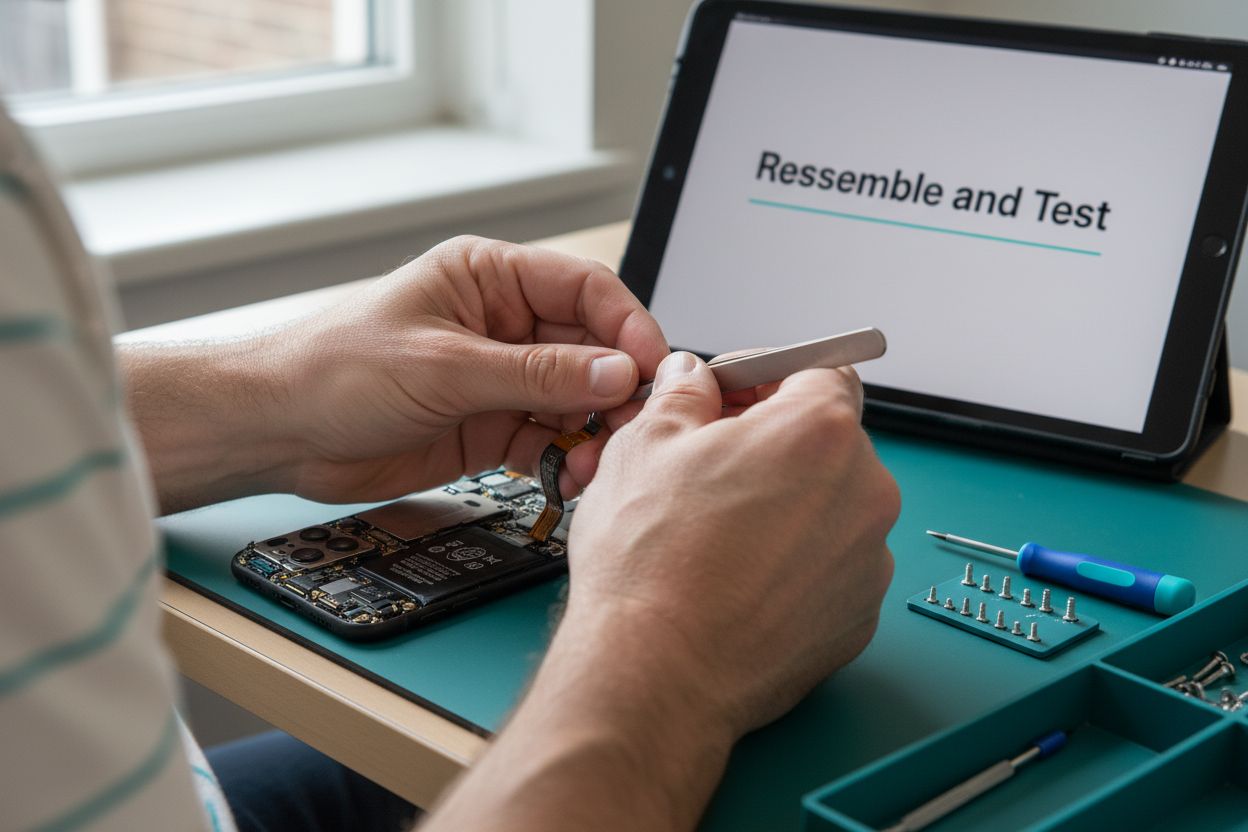
Step 6: Reassemble and Test the Device
Reassembling your device after charging port replacement requires the same level of precision and care you applied during disassembly. Your goal is to restore the device to its original condition, ensuring all components are correctly positioned and securely fastened.
Begin by referencing the photographs or documentation you created during the disassembly process. These visual guides will help you return each component to its exact original location. Start with the internal components, carefully reconnecting ribbon cables and ensuring each connection is seated correctly. Use non-conductive tweezers to manipulate these delicate connectors, applying gentle and even pressure.
Secure the device’s internal frame and mounting points systematically. Replace screws in their original positions, using the same precision screwdriver from earlier. Tighten screws evenly and carefully, avoiding over-tightening that could damage the device’s internal structure. If you notice any resistance while replacing screws, stop and double-check the component alignment.
Device repair experts recommend performing a comprehensive functionality test after reassembly. Once all components are in place, carefully close the device’s exterior panels. Ensure all edges are properly aligned and any adhesive or seals are correctly positioned.
Power on the device and immediately test the new charging port. Use the original charging cable and verify that it connects smoothly without wiggling or loose connections. Observe the charging indicator to confirm the port functions correctly. Charge the device fully and monitor for any unusual heating, inconsistent charging, or error messages.
If the device powers on and charges successfully, run additional diagnostic tests. Check that all other functions remain intact, including device responsiveness, touchscreen sensitivity, and internal component performance. Some smartphones offer built-in diagnostic tools that can help verify system integrity after repairs.
Should you encounter any issues during testing, carefully disassemble the device again and review your installation. Check for loose connections, misaligned components, or potential damage that might have occurred during the repair process. Patience and methodical troubleshooting are key to successful device restoration.
Your careful reassembly and thorough testing demonstrate the precision required in electronic device repair, transforming a potentially complex task into a manageable and rewarding experience.
Below is a summary checklist to help verify each critical step during the charging port replacement process and ensure nothing is overlooked.
| Step | What to Verify | Why It Matters |
|---|---|---|
| Gather Tools and Parts | All listed tools and the correct replacement port are ready | Reduces interruptions and risk of error |
| Power Down Device | Device is fully shut down and disconnected from power | Prevents electrical damage and shocks |
| Disassemble Carefully | Photos are taken; screws/components are properly organized | Aids accurate reassembly |
| Remove Old Charging Port | All screws/solder points detached cleanly; area inspected | Ensures safe removal, avoids damage |
| Install New Charging Port | Port is aligned and secured; connectors reattached properly | Assures port fits and functions correctly |
| Reassemble and Test Device | Device powers on, charges, and all features tested | Confirms repair success |
Struggling With Charging Port Replacement? Let the Professionals Help
You have learned every careful step to replace a charging port. The guide shows how easy it is to make mistakes or feel stuck during device disassembly or soldering. If you have lost screws, accidentally damaged a ribbon cable, or if you just cannot get your device to charge, you are not alone. So many try to fix their phones at home only to face unexpected challenges, extra parts, or devices that still will not work. For many people, the stress of troubleshooting is not worth risking your device.

Save time and avoid costly mistakes by trusting the experts at Cell Phone Repair for your charging port issue. Our professional team at Dash Repairs specializes in safe, affordable repairs for mobile phones and tablets. Bring your device to us and benefit from quick turnarounds and reliable results. Do not gamble with your valuable electronics when a fast, easy repair is just a visit away. Schedule your appointment today and get back to using your device without worry. Explore our iPhone repair solutions if your Apple device needs special care. Give your phone the professional service it deserves now.
Frequently Asked Questions
How do I know if my charging port needs to be replaced?
If your device is not charging, experiencing intermittent charging issues, or the charging cable is loose when connected, it may be time to replace the charging port.
What tools do I need to replace a charging port?
You’ll need a small Phillips head screwdriver set, plastic prying tools, precision tweezers, an anti-static wrist strap, and a replacement charging port compatible with your device model.
Can I replace the charging port myself, or should I seek professional help?
You can replace the charging port yourself if you have the right tools and experience with electronics repair. However, if you’re unsure or uncomfortable with the process, it’s advisable to consult a professional technician.
What precautions should I take before I start replacing the charging port?
Always power down your device completely, ensure it is disconnected from any power sources, and work in a clean, static-free environment to minimize risks during the repair.
Recommended
- Phone Not Charging? Try this ! | Dash Cellular Repair | Cell Phone, iPhone, Laptop Repair in Oklahoma
- Uncategorized | Dash Cellular Repair | Cell Phone, iPhone, Laptop Repair in Oklahoma
- blog | Dash Cellular Repair | Cell Phone, iPhone, Laptop Repair in Oklahoma
- Choosing the Right Cell Phone Repair Shop | Dash Cellular Repair | Cell Phone, iPhone, Laptop Repair in Oklahoma