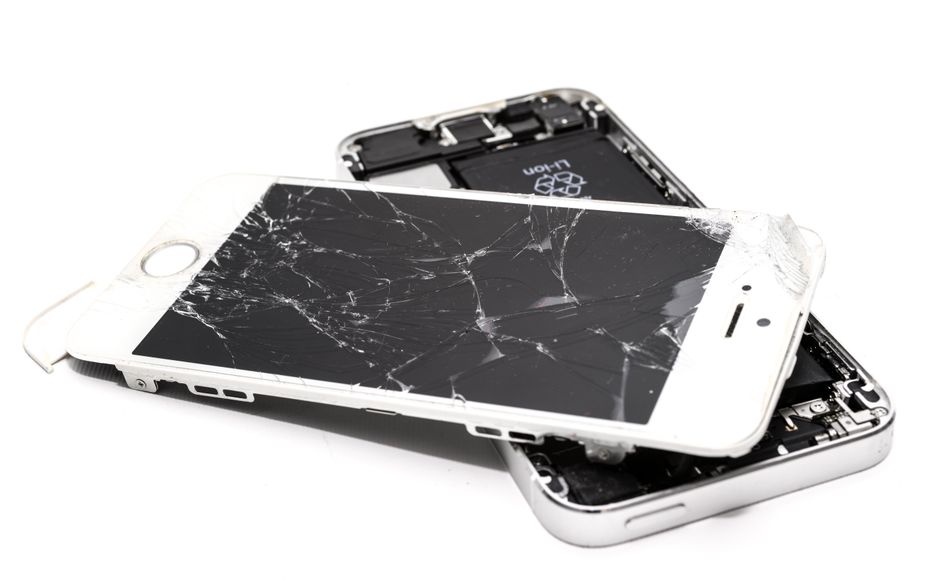
Every American smartphone owner knows the frustration of a device breakdown, and the relief that comes after a successful repair. With over 80 million smartphones fixed each year in the United States, protecting your phone after a repair is more important than ever. Taking the right steps now can keep your device secure, extend its lifespan, and safeguard your personal information long after you leave the repair shop.
Table of Contents
- Safeguarding Your Phone After Repairs
- Essential Post-Repair Security Steps
- Common Risks Following Device Repairs
- Understanding Warranties And Guarantees
- Choosing Trusted Repair Shops Locally
Key Takeaways
| Point | Details |
|---|---|
| Protect Your Device | Use a protective case and tempered glass screen protector to safeguard your smartphone after repairs. |
| Implement Security Measures | Perform a system reset, enable multi-factor authentication, and keep software updated to enhance digital security. |
| Monitor Performance | Regularly check battery health and installed applications to identify any issues stemming from repairs. |
| Understand Warranties | Familiarize yourself with warranty terms and keep documentation to protect against potential post-repair complications. |
Safeguarding Your Phone After Repairs
After investing time and money into repairing your smartphone, protecting your device becomes paramount. Phone preservation requires strategic actions that extend beyond the repair shop. Smart device owners understand that post-repair care determines how long their newly fixed smartphone remains in top condition.
The first critical step involves selecting an appropriate protective case that complements your device’s recent repairs. Look for cases offering robust shock absorption and precise cutouts that won’t interfere with repaired components. Tempered glass screen protectors provide an additional layer of defense, preventing scratches and potential future damage. Considering that professional repair services invest significant expertise in restoring your device, maintaining that quality becomes your responsibility.
Environmental factors play a significant role in smartphone longevity post-repair. Avoid extreme temperatures that can compromise internal components, and keep your device away from moisture and direct sunlight. Dust and debris can infiltrate recently repaired areas, so regular gentle cleaning with microfiber cloths helps maintain your phone’s integrity. When transporting your device, use padded compartments in bags or dedicated phone pouches that minimize potential impact risks.
Maintaining your smartphone’s performance also involves mindful usage practices. Avoid overcharging by unplugging once the battery reaches full capacity, and minimize downloading unnecessary apps that could strain recently repaired systems. Regular software updates and occasional professional diagnostic checks can help identify potential issues before they escalate. By implementing these protective strategies, you ensure that your smartphone remains functional, reliable, and protected long after its professional repair.
Essential Post-Repair Security Steps
Once your smartphone has undergone professional repairs, implementing robust security measures becomes crucial for protecting your device and personal information. Digital security extends far beyond physical protection, requiring a comprehensive approach that addresses both hardware and software vulnerabilities.
Start by performing a complete system reset and reinstalling critical applications from official app stores. This process helps eliminate potential malware or unauthorized software that might have been introduced during repairs. Phone repair professionals recommend creating comprehensive backups before initiating any reset to prevent data loss. Prioritize installing official system updates, which often include critical security patches that address emerging digital threats.

Authentication becomes your primary defense mechanism post-repair. Strengthen your device’s security by enabling multi-factor authentication across all important accounts, utilizing biometric locks like fingerprint or facial recognition when available. Complex passcodes that combine numbers, letters, and symbols provide an additional layer of protection against unauthorized access. Consider installing reputable mobile security applications that offer real-time threat monitoring and potential vulnerability scanning.
Regular monitoring and proactive maintenance represent the final frontier of post-repair security. Conduct periodic reviews of installed applications, removing unnecessary programs that might compromise system performance or introduce security risks. Monitor your device’s battery performance and system responsiveness, as these can indicate potential lingering issues from previous repairs. By maintaining a vigilant approach to digital security, you transform your recently repaired smartphone into a robust, protected communication tool.
Common Risks Following Device Repairs
Device repairs, while essential for maintaining smartphone functionality, can introduce unexpected complications that compromise your device’s performance and security. Repair risks encompass a wide range of potential issues that emerge both immediately and gradually after professional intervention, requiring careful monitoring and proactive management.
One of the most significant risks involves potential internal component damage during the repair process. Microscopic misalignments or subtle connection issues can lead to intermittent functionality problems that might not manifest immediately. Device repair professionals understand that even minor disruptions during component replacement can create long-term performance challenges. Battery connections, display ribbon cables, and logic board interfaces are particularly vulnerable to subtle technical complications that can emerge weeks or months after initial repairs.
Electronic compatibility represents another critical risk zone for recently repaired smartphones. Replacement parts, especially those not sourced directly from original manufacturers, can introduce unexpected software conflicts or hardware incompatibilities. Third-party components might lack precise engineering tolerances, potentially causing reduced battery life, inconsistent charging performance, or unexpected system instabilities. Users should remain vigilant about unexpected device behaviors, such as rapid battery drainage, unexplained heating, or sporadic system crashes, which could indicate underlying repair-related complications.
Potential data integrity risks further compound the challenges of post-repair device management. Unauthorized repair processes might inadvertently compromise security protocols, creating potential vulnerabilities for personal information. Comprehensive system diagnostics, careful monitoring of device performance, and maintaining updated security software become essential strategies for mitigating these risks. By understanding and anticipating potential post-repair complications, smartphone owners can protect their devices and preserve their long-term functionality and reliability.
Understanding Warranties and Guarantees
Navigating the complex landscape of device repair warranties requires a strategic approach that protects your investment and ensures long-term device functionality. Warranty protection represents a critical safeguard for smartphone owners, offering financial and technical security following professional repair services.
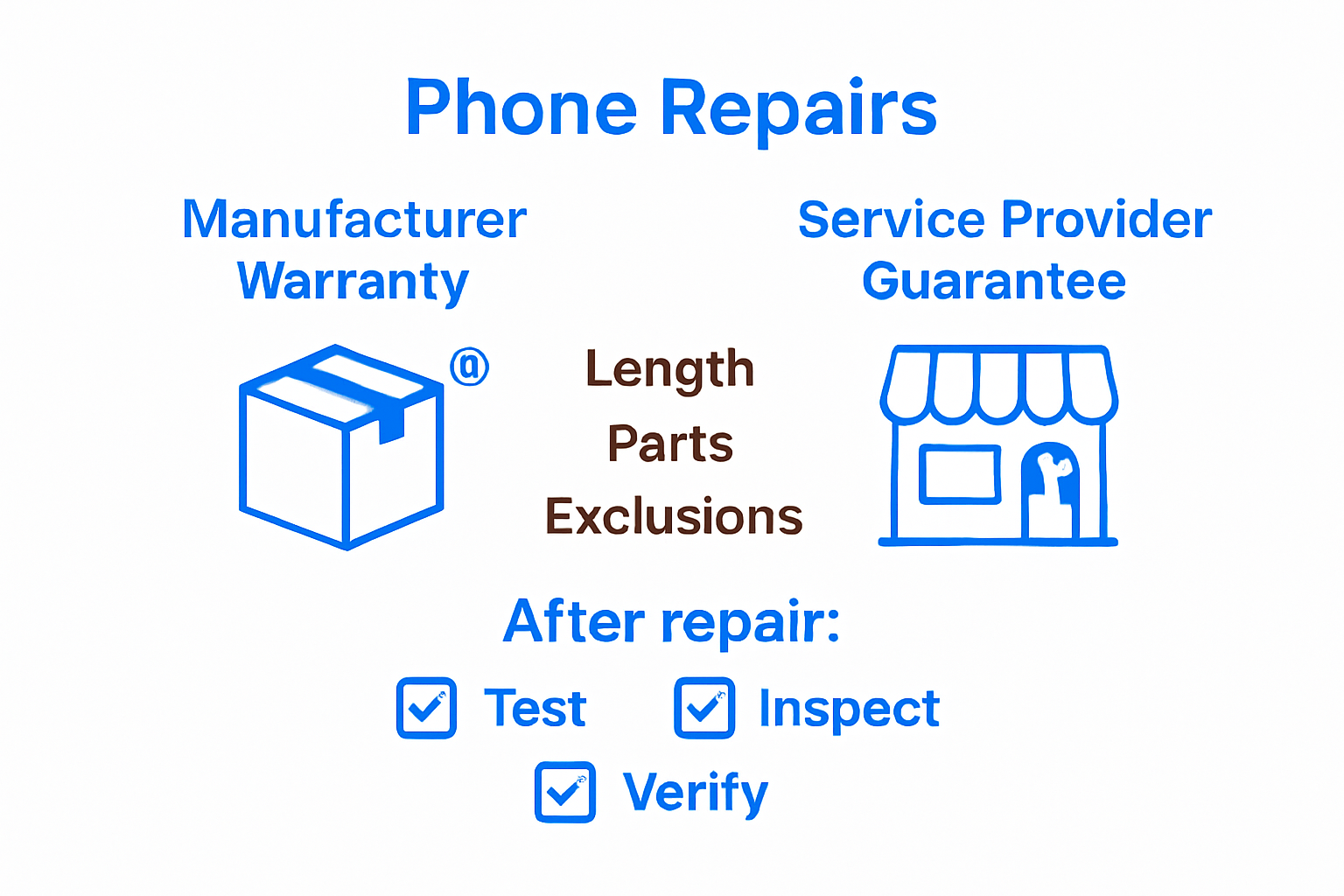
Device repair warranties typically fall into two primary categories: manufacturer warranties and service provider guarantees. Professional repair services often provide specialized warranties that cover specific repair components and potential future complications. These warranties commonly include provisions for parts and labor, with varying coverage periods ranging from 30 to 90 days. Critical elements to examine include the exact scope of coverage, potential exclusions, and specific conditions that might void the warranty.
Understanding the nuanced details of repair warranties demands careful documentation and proactive management. Smartphone owners should meticulously preserve all repair receipts, documentation, and service records. Some warranties include provisions for follow-up diagnostics, allowing free assessments if unexpected issues emerge after the initial repair. Certain service providers offer extended warranty options that can provide additional protection beyond standard coverage periods, giving users enhanced peace of mind.
Warranty limitations represent a crucial consideration for informed device owners. Most warranties explicitly exclude damage resulting from user negligence, unauthorized modifications, or external physical impacts. Carefully reading the fine print becomes essential, as warranty terms can vary significantly between different repair providers. By comprehensively understanding warranty terms, maintaining proper documentation, and following recommended device care practices, smartphone owners can maximize their protection and minimize potential financial risks associated with post-repair complications.
Choosing Trusted Repair Shops Locally
Selecting a reliable smartphone repair shop requires a strategic approach that goes beyond simple convenience. Repair shop credibility involves carefully evaluating multiple factors that ensure your device receives professional, high-quality service from genuine experts who understand the intricacies of modern electronic devices.
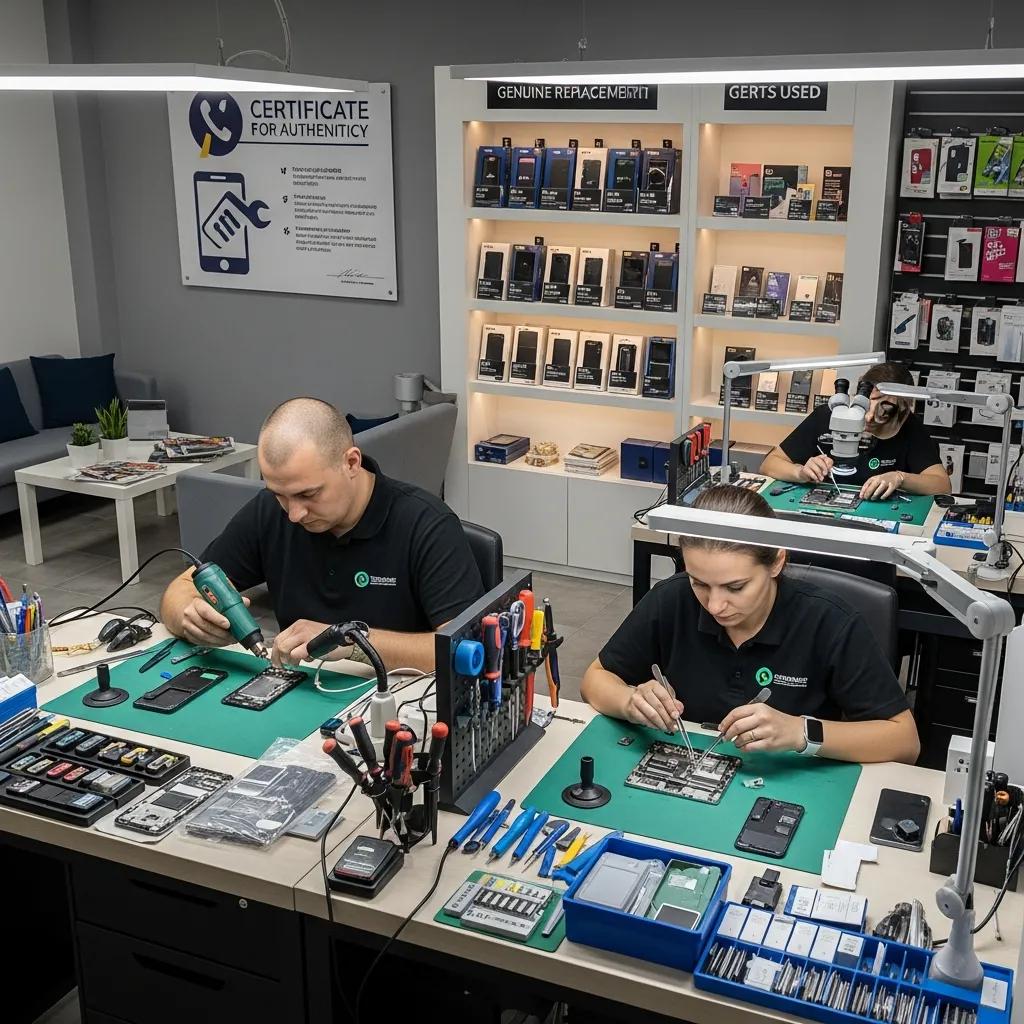
The initial screening process should focus on verifiable credentials and professional reputation. Local repair shops must demonstrate transparent business practices, including clear pricing structures, comprehensive warranty offerings, and documented expertise with multiple device models. Key indicators of a trustworthy repair provider include certifications, years of operational experience, publicly displayed customer testimonials, and specialized training in handling various smartphone brands and repair scenarios.
Technical expertise represents the cornerstone of effective device repair. Reputable shops invest in advanced diagnostic equipment, maintain updated technical knowledge, and employ technicians with manufacturer-recognized certifications. Smartphone owners should inquire about the shop’s parts sourcing practices, preferring providers who use original manufacturer components or high-quality certified alternatives. Warning signs of potentially unreliable repair services include significantly lower pricing compared to market rates, inability to provide detailed repair estimates, or reluctance to discuss specific repair methodologies.
Beyond technical capabilities, customer service quality distinguishes exceptional repair shops from mediocre providers. Transparent communication, willingness to explain repair processes, and providing detailed diagnostics before any intervention demonstrate professional integrity. Smartphone owners should evaluate repair shops based on their responsiveness, clarity of communication, and commitment to customer satisfaction. By conducting thorough research, asking targeted questions, and trusting your instincts, you can identify a repair shop that offers reliable, professional service for your valuable electronic device.
Protect Your Phone Long After Repair with Trusted Experts
Repairing your smartphone is just the first step in extending its life. The article highlights key challenges like avoiding damage from improper cases, managing digital security, and understanding warranties. These are important to keep your device safe and functional after a repair. At Dash Repairs, we not only offer expert repair services but also provide advice and solutions that help you protect your investment.
Whether you need a cracked screen fix or a battery replacement, our skilled technicians use high-quality parts and offer warranties that give you peace of mind. We understand the frustration that comes with a phone’s sudden issues after repair. That is why we emphasize quick turnaround times and affordable pricing tailored for local customers.

Take control of your phone’s future today. Visit our Cell Phone Repair page to explore our services or check out specialized help for your iPhone. Ready for expert care you can trust Go to Dash Repairs now and protect your device the right way.
Frequently Asked Questions
How can I protect my phone after a repair?
To protect your phone after a repair, invest in a high-quality protective case and a tempered glass screen protector. Keep your device away from extreme temperatures, moisture, and dust, and ensure regular cleaning.
What are the best practices for maintaining phone performance post-repair?
Maintain phone performance by avoiding overcharging, minimizing unnecessary app downloads, keeping the software updated, and conducting occasional professional diagnostics to catch potential issues early.
How do I ensure the security of my phone after a repair?
Ensure phone security post-repair by performing a complete system reset, installing critical applications from official app stores, enabling multi-factor authentication, and regularly reviewing installed applications for potential security risks.
What should I do if I notice issues after my phone repair?
If you notice issues after a phone repair, monitor the device’s performance, check for battery or system responsiveness changes, and consult with the repair service for further diagnostics under warranty.
Recommended
- blog | Dash Cellular Repair | Cell Phone, iPhone, Laptop Repair in Oklahoma
- Step by Step iPhone Repair Guide for Local Users | Dash Cellular Repair | Cell Phone, iPhone, Laptop Repair in Oklahoma
- DIY Phone Repair Workflow: Step-by-Step Guide for Success | Dash Cellular Repair | Cell Phone, iPhone, Laptop Repair in Oklahoma
- Benefits of Professional Cell Phone Repair | Dash Cellular Repair | Cell Phone, iPhone, Laptop Repair in Oklahoma
- Akkus reparieren Guide: So bringen Sie Ihre Akkus zurück ins Leben – accu.blog