More than 50 million smartphones are accidentally damaged each year, leaving many owners facing repairs that seem impossible without guidance. Fixing your own phone can save money and extend the life of your device, but a single misstep often leads to further complications. Learning the right steps makes all the difference whether you are a beginner or upgrading your skills. This step-by-step guide walks you through the process to help you repair your phone with confidence.
Table of Contents
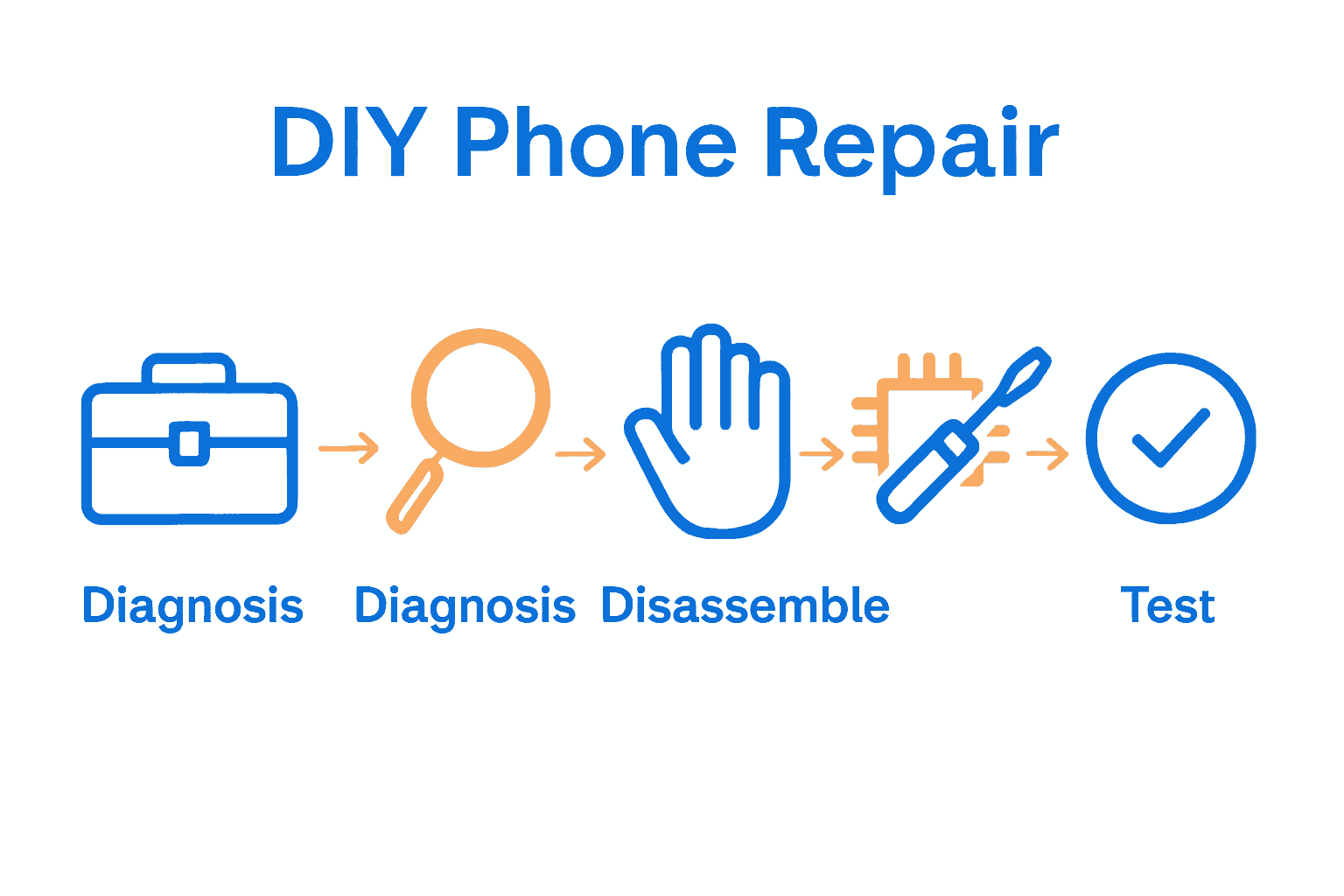
- Step 1: Gather Essential Tools And Safety Supplies
- Step 2: Diagnose Phone Problems Accurately
- Step 3: Disassemble Device Carefully
- Step 4: Replace Faulty Components Properly
- Step 5: Test Repairs And Reassemble Securely
Quick Summary
| Key Point | Explanation |
|---|---|
| 1. Gather essential tools first | Prepare a toolkit with precision screwdrivers, spudgers, and safety gear before starting repairs to prevent mistakes and injuries. |
| 2. Diagnose problems accurately | Carefully observe and document your phone’s symptoms to identify issues, saving time and avoiding unnecessary repairs. |
| 3. Disassemble carefully | Follow step-by-step guides, document disassembly with photos, and handle components gently to avoid causing damage. |
| 4. Replace faulty components correctly | Use specialized tools and ensure replacements match original specifications for successful repairs and device integrity. |
| 5. Test and reassemble securely | Conduct thorough tests on repaired parts and carefully reassemble the device to confirm functionality and prevent future problems. |
 |
|
Step 1: Gather Essential Tools and Safety Supplies
Before diving into phone repair, you need the right tools and safety gear. This crucial preparation stage sets the foundation for a successful repair process and helps prevent accidental damage to your device or yourself.
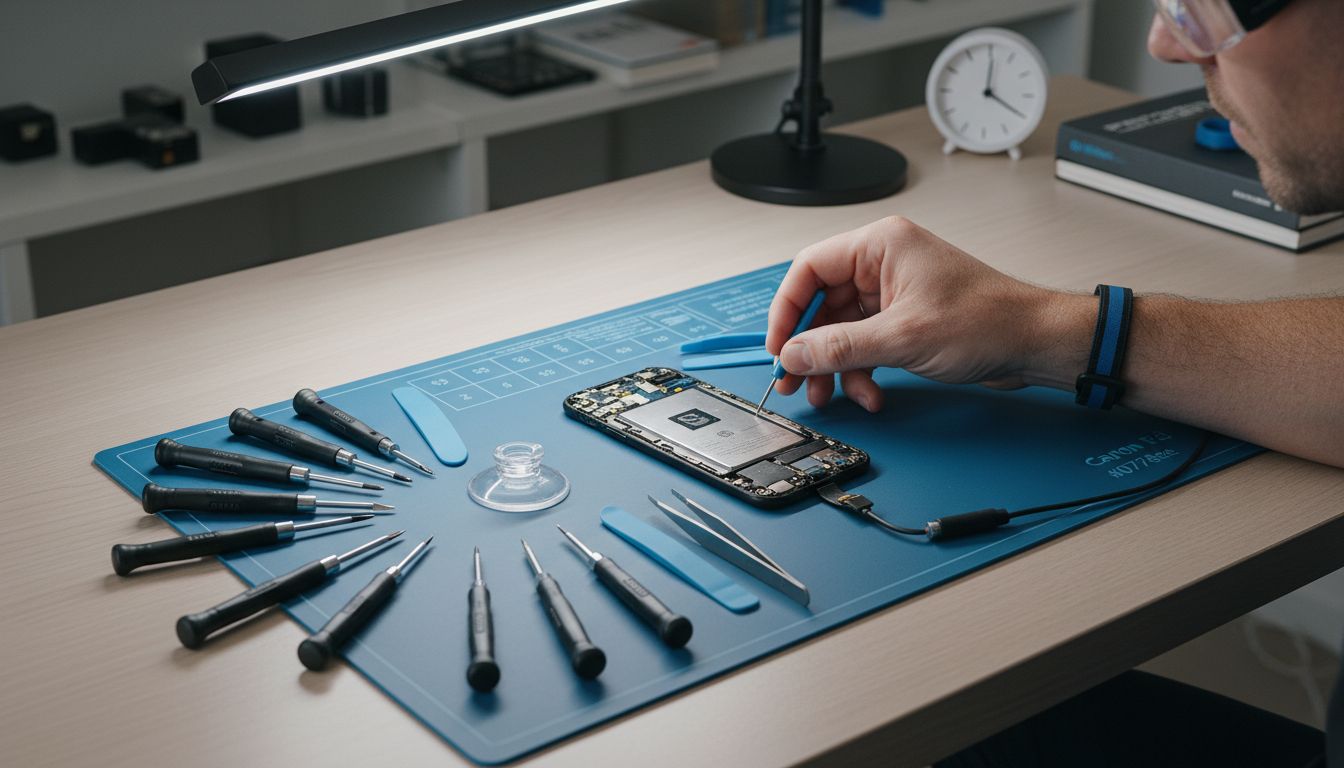
Your basic toolkit should include precision screwdrivers with multiple tip sizes, plastic spudgers for safely prying components, a magnetic project mat to keep tiny screws organized, tweezers with fine tips, an anti static wrist strap, and a clean working surface. Protect yourself with safety glasses to shield your eyes from potential flying fragments and work in a well lit area with good visibility.
Consider investing in an electronics repair kit designed specifically for smartphones. These kits often include specialized tools like suction cups for screen removal, metal prying tools, and precision tweezers. One critical safety tip is to work in a static free environment. Electronic components are extremely sensitive to static electricity, which can permanently damage delicate circuits. Always ground yourself by touching a metal surface or wearing an anti static wrist strap before handling internal phone components.
Once your toolkit is assembled, you are ready to move on to the diagnostic phase of your phone repair journey. Taking time to gather the right equipment will save you frustration and potential costly mistakes down the line.
Step 2: Diagnose Phone Problems Accurately
After assembling your repair toolkit, your next critical step is identifying exactly what is wrong with your phone. Accurate diagnostics are the foundation of a successful repair, saving you time, money, and potential frustration.
Start by systematically observing your phone symptoms. According to research, utilizing a rule-based diagnostic approach can help streamline identifying both hardware and software issues. Check for common problems like unresponsive touchscreens, battery drain, charging port malfunctions, software glitches, or physical damage. Document specific symptoms like when the issue occurs, any error messages displayed, and under what conditions the problem manifests.
Advanced diagnostic techniques can significantly improve your accuracy. arxiv suggests using data-driven prediction models that can handle complex mobile device issues. For software problems, try basic troubleshooting like restarting your device, checking for system updates, or performing a factory reset. For hardware issues, carefully inspect physical components for signs of damage such as cracks, water exposure, or loose connections.
Once you have thoroughly documented and analyzed your phone’s symptoms, you will be ready to move forward with the specific repair strategy tailored to your device’s unique problems. Taking the time to diagnose accurately prevents unnecessary repairs and potential additional damage.
Step 3: Disassemble Device Carefully
With your diagnostic complete, you are now ready to begin the delicate process of disassembling your phone. This critical stage requires patience, precision, and a methodical approach to avoid causing additional damage to your device.
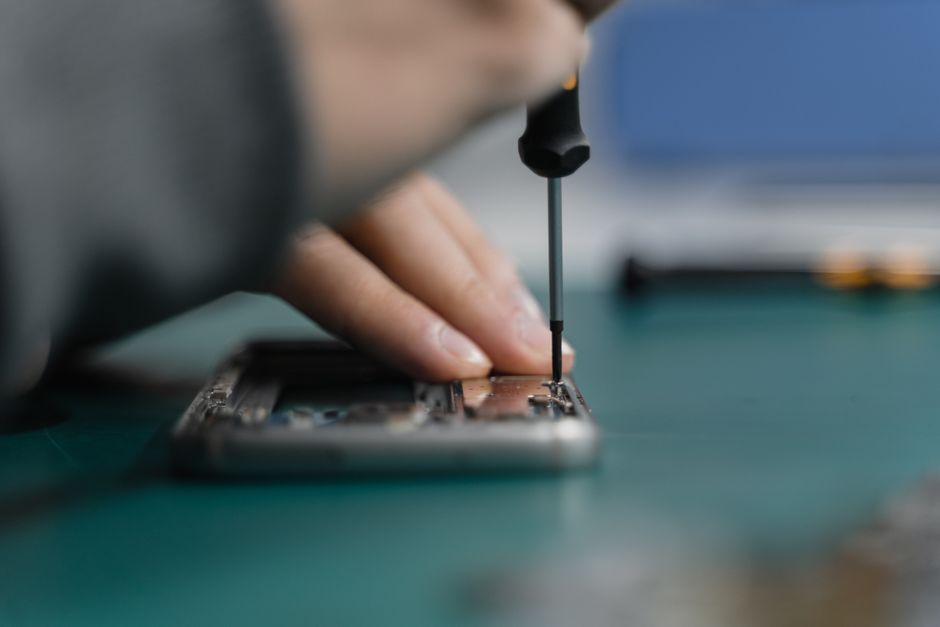
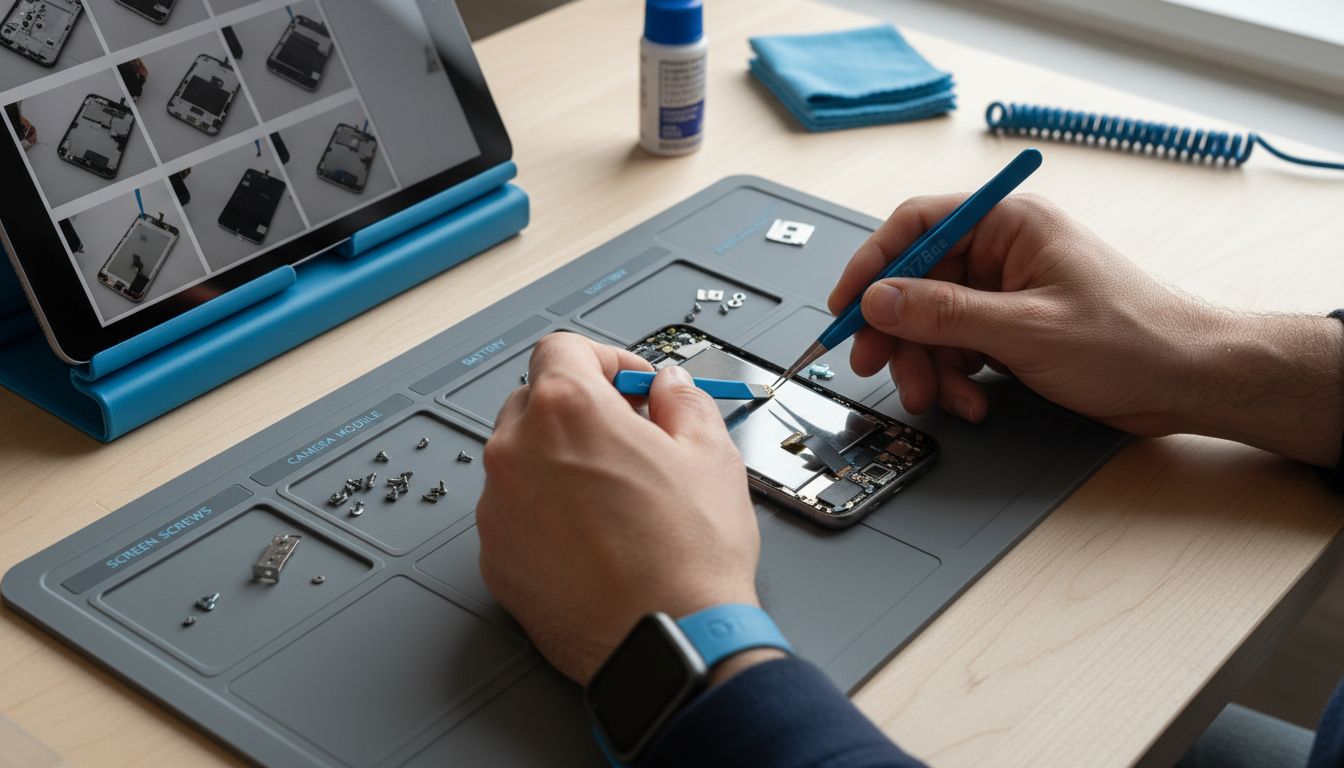
As recommended by iFixit, having detailed step-by-step guides is essential when approaching device disassembly. Begin by placing your phone on a clean, well-lit workspace with your magnetic project mat. Remove the battery or power source first if possible, then carefully remove external components like the back panel, SIM card, and memory card. Work slowly and document each step with photos to help you remember the original configuration.
GTool suggests using specialized tools like the ScreenJack or precise prying instruments to minimize the risk of internal component damage. Keep your workspace organized and use tweezers or plastic spudgers to gently separate delicate connections. Always ground yourself to prevent static electricity damage, and arrange components in the order they were removed. One critical warning is to never force any component. If something feels stuck, stop and reassess your approach to prevent potentially expensive mistakes.
Once you have successfully and carefully disassembled your device, you are prepared to diagnose and address the specific issues you identified earlier. Systematic disassembly sets the stage for precise and effective repairs.
Step 4: Replace Faulty Components Properly
After carefully disassembling your device, you are now ready to replace the faulty components that were identified during your initial diagnostic. This stage requires precision, careful attention to detail, and the right set of tools to ensure a successful repair.
According to diyfixtool, having specialized tools is crucial for replacing mobile phone components. Use a soldering iron with adjustable temperature control for delicate circuit board work, and a hot air gun for carefully removing and replacing surface mount components. Always work on a clean, well-lit surface and use magnifying equipment to see the intricate details of your device’s internal components.
Dojobusiness recommends using a multimeter to test electrical continuity and ensure that new components are functioning correctly before final reassembly. When replacing parts, match the exact specifications of the original component and handle each piece with anti static tweezers. One critical tip is to work in a systematic manner. Lay out replacement parts in the order they will be installed, and take photos or make notes to guide your reassembly process. If you encounter any resistance or uncertainty, pause and double-check your approach to prevent potential damage.
With the faulty components successfully replaced, you are now prepared for the final stage of your repair journey. Careful component replacement is the key to breathing new life into your device.
Step 5: Test Repairs and Reassemble Securely
With the faulty components replaced, you have reached the most critical phase of your phone repair process. This stage requires systematic testing and careful reassembly to ensure your device functions perfectly and looks like new.
Dojobusiness recommends using specialized phone testing jigs and multimeters to verify the success of your repairs. Begin by conducting comprehensive electrical continuity tests on each repaired component. Check voltage levels, test connections, and ensure all circuits are functioning correctly before proceeding with reassembly. Power up the device briefly to confirm basic functionality and run diagnostic tests to identify any remaining issues.
Diyfixtool emphasizes the importance of using magnifying equipment during reassembly to ensure precise component placement. Reassemble your device methodically, referring to the photos and notes you took during disassembly. Work slowly and carefully, making sure each component fits perfectly and connections are secure. One crucial tip is to check that all seals and gaskets are correctly positioned to maintain the device’s water resistance and structural integrity. If anything feels misaligned or requires excessive force, stop and reevaluate your approach.
Once fully reassembled, perform a final comprehensive test of all device functions. Congratulations on successfully completing your phone repair journey.
Take Control of Your Phone Repair Journey with Expert Support
Tackling a phone repair yourself can feel overwhelming from gathering the right tools to replacing delicate components carefully. This detailed DIY workflow shows you the steps, but sometimes even the best preparation does not guarantee success. If you want to avoid costly mistakes or simply save time, professional help is just a click away. Our Cell Phone Repair specialists at Dash Repairs are ready to provide fast, reliable service for all your repair needs.

Don’t let phone troubles hold you back. Whether it is a cracked screen, failing battery, or water damage, trust our experts who use the latest techniques and quality parts to bring your device back to life. Visit Dash Repairs today and explore our iPhone repair services for the best care. Act now to enjoy quick turnarounds, warranties, and affordable solutions that get you connected again with confidence.
Frequently Asked Questions
What tools do I need for a DIY phone repair?
To successfully complete a DIY phone repair, gather precision screwdrivers, plastic spudgers, a magnetic project mat, tweezers, an anti-static wrist strap, and safety glasses. Assemble these tools before starting your repair to ensure you have everything you need at hand.
How can I accurately diagnose my phone’s problems before attempting a repair?
Observe and document your phone’s symptoms, such as unresponsive touchscreens or battery issues, before diagnosing. Start by restarting your device and checking for system updates to identify any software glitches that may be easily fixable.
What should I do if I encounter difficulty during the disassembly of my phone?
If a component feels stuck during disassembly, stop and reassess your approach rather than forcing it. Use specialized tools like precise prying instruments and take detailed photos to guide your disassembly process, ensuring each part is handled carefully.
How can I ensure the new components are functioning properly before reassembling my phone?
Testing new components for electrical continuity and proper voltage levels is crucial before reassembly. Use a multimeter to verify each component’s functionality, and run basic tests to check that everything is working as expected before putting your device back together.
What should I check during the final reassembly of my device?
During reassembly, ensure that all components fit securely and that connections are properly aligned. Pay special attention to seals and gaskets to maintain the device’s integrity; this is key for water resistance and overall functionality once the repair is complete.
Recommended
- Step by Step iPhone Repair Guide for Local Users | Dash Cellular Repair | Cell Phone, iPhone, Laptop Repair in Oklahoma
- DIY Mobile Repair Steps for Fast, Reliable Results | Dash Cellular Repair | Cell Phone, iPhone, Laptop Repair in Oklahoma
- Device Repair Process Explained: Complete Local Guide | Dash Cellular Repair | Cell Phone, iPhone, Laptop Repair in Oklahoma
- Device Repair Checklist: Everything You Need to Know | Dash Cellular Repair | Cell Phone, iPhone, Laptop Repair in Oklahoma
- Mobile Auto Detailing Workflow for Pristine Results
- Akkus reparieren Guide: So bringen Sie Ihre Akkus zurück ins Leben – accu.blog