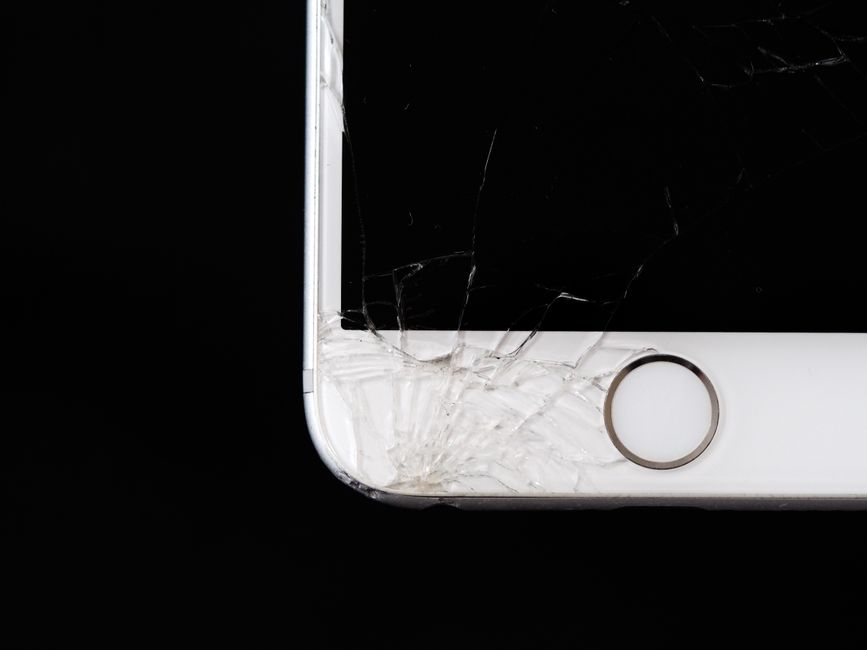
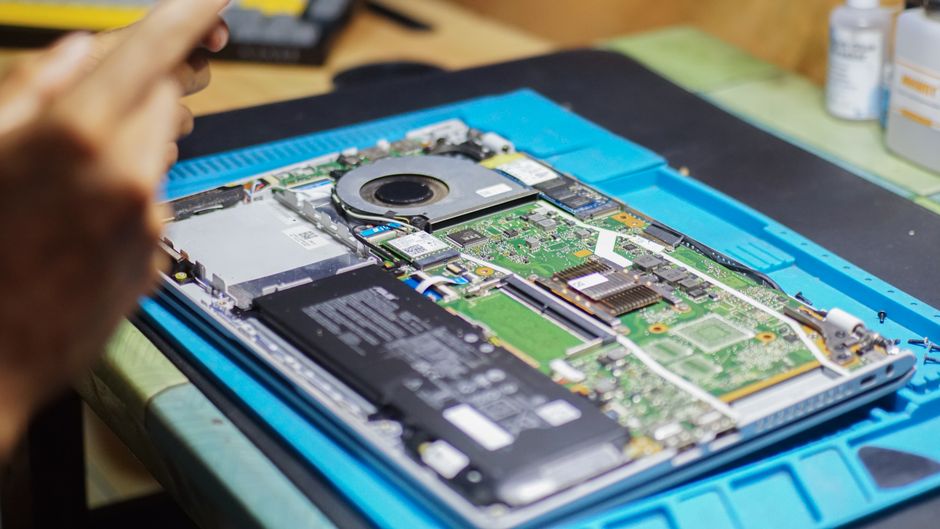
Cracked screens are the number one reason people replace their phones or tablets, and studies show that nearly 50 percent of smartphone owners have experienced at least one screen-damaging incident. Most people think a cracked or unresponsive screen means it is time to buy a new device right away. But in reality, a professional screen replacement often restores a device to full function faster and at a fraction of the cost. That unexpected advantage can save you money and keep your favorite tech running longer than you might expect.
Table of Contents
- Defining Screen Replacement And Its Importance
- Common Causes Of Screen Damage And Their Impacts
- The Process Of Screen Replacement: How It Works
- Choosing The Right Service Provider For Screen Replacement
- Considerations After Screen Replacement For Longevity
Quick Summary
| Takeaway | Explanation |
|---|---|
| Screen replacement restores usability. | Professional screen replacement fixes damaged displays to maintain full device functionality and visual quality. |
| Choose expert technicians for repairs. | Skilled professionals ensure quality work and prevent further damage compared to DIY methods. |
| Be mindful of screen handling. | Proper care and protective measures help extend the lifespan of your device’s display after replacement. |
| Monitor performance post-repair. | Watch for any irregularities in touch sensitivity or display quality, and consult technicians if issues arise. |
| Environmental factors affect screens. | Protect devices from extreme temperatures and physical impacts to reduce the risk of screen damage. |
Defining Screen Replacement and Its Importance
Screen replacement represents a critical repair solution for electronic devices when their display becomes damaged, non-functional, or compromised. Device screen replacement involves professionally removing a malfunctioning or cracked screen and installing a brand new display panel to restore full functionality and visual performance.
Why Screen Replacement Matters
Electronic devices rely heavily on their screens as the primary interface for user interaction. When a screen gets damaged, it can significantly impair the device’s usability and potentially render it unusable. Screen damage can occur through multiple scenarios such as accidental drops, impacts, pressure, or sustained wear and tear. Key types of screen damage include:
- Hairline cracks spreading across the display
- Complete shattered glass or panel
- Touch responsiveness issues
- Display color distortions
- Pixel bleeding or dead pixel zones
Understanding Screen Replacement Process
The screen replacement process requires specialized technical expertise and precision. Technicians must carefully disassemble the device, remove the damaged screen without causing additional harm to internal components, and install a compatible replacement that matches the original device specifications. Our guide on screen replacement provides deeper insights into this intricate repair technique.
Professional screen replacement offers numerous advantages over DIY approaches.
To clarify the differences between professional and DIY screen replacement, the table below compares their respective advantages and disadvantages as discussed in the article.
| Approach | Advantages | Disadvantages |
|---|---|---|
| Professional Screen Replacement | Restores full device functionality; uses expert tools and knowledge; minimizes risk; extends device lifespan | Higher cost compared to DIY; requires finding a trustworthy provider |
| DIY Screen Replacement | Potentially lower initial cost; immediate repair possible | High risk of further damage; voids warranty; requires technical skill |
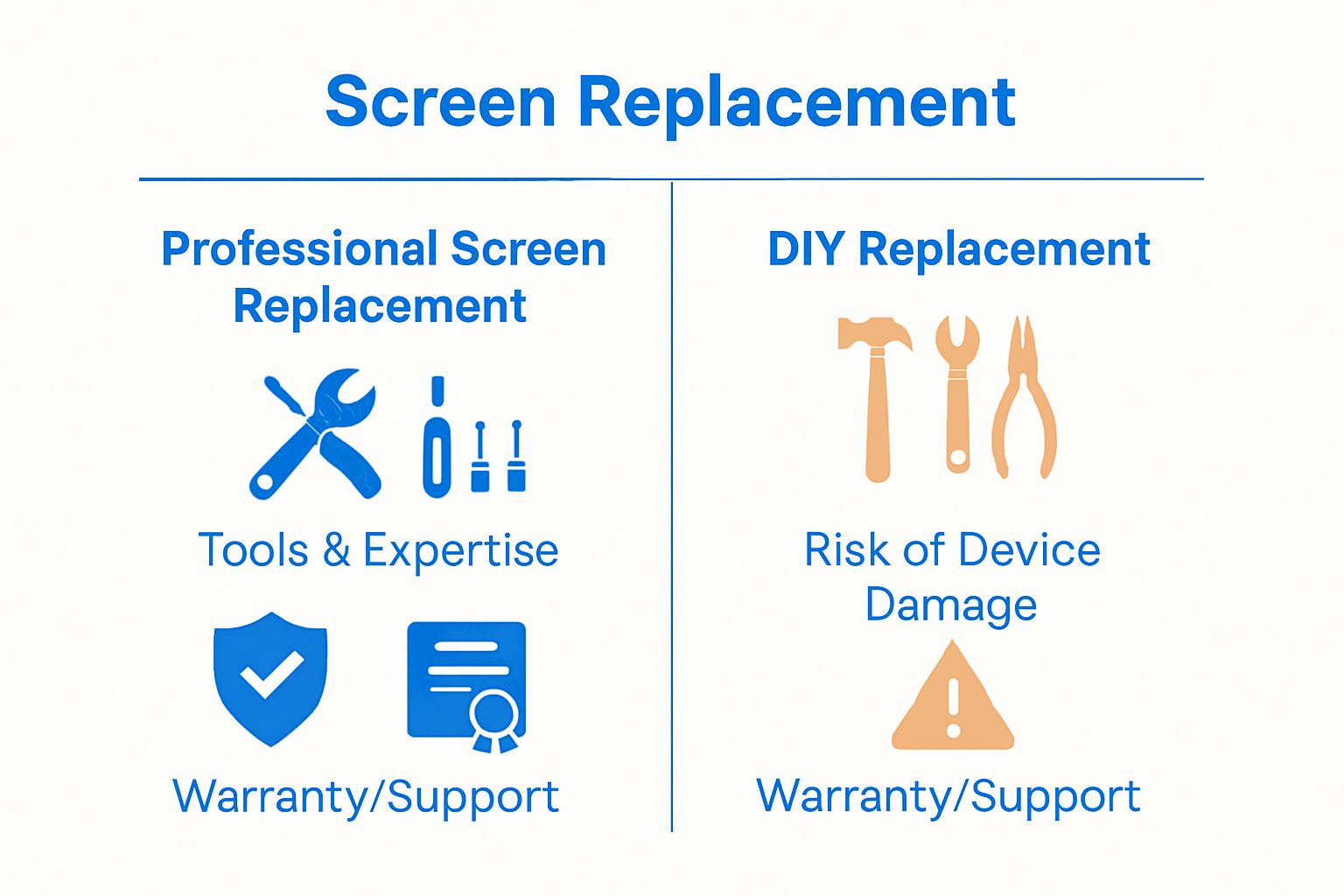 Expert technicians possess the necessary tools, knowledge, and experience to perform repairs efficiently while minimizing potential risks of further device damage. By choosing professional screen replacement, users can extend their device’s lifespan, restore full functionality, and avoid expensive total device replacement.
Common Causes of Screen Damage and Their Impacts
Screen damage represents a persistent challenge for electronic device owners, stemming from various environmental and human factors. Understanding cracked screen solutions requires recognizing the complex mechanisms that contribute to display deterioration and potential failure.
Physical Impact and Mechanical Stress
The most immediate and recognizable cause of screen damage is direct physical impact. Accidental drops, sudden collisions, and excessive pressure can create immediate and lasting harm to device displays. Mechanical stress can manifest in multiple ways:
- Hairline fractures from minor impacts
- Complete shattering upon high-force collision
- Structural weakening of screen integrity
- Compromised touch sensitivity
- Internal display component displacement
Pressure points and uneven surfaces significantly increase the likelihood of screen damage. Placing devices in tight pockets, sitting with them in back pockets, or subjecting them to consistent compression can gradually weaken screen structural integrity.
Environmental and Usage Factors
Beyond direct physical trauma, screens experience continuous degradation through everyday environmental interactions. Temperature fluctuations, humidity, dust accumulation, and UV exposure contribute to gradual screen deterioration. Prolonged exposure to direct sunlight can cause pixel discoloration, while extreme temperature variations might compromise screen adhesive and internal component stability.
Device handling practices play a crucial role in screen longevity. Frequent, rough usage without protective cases, improper cleaning techniques, and neglecting basic maintenance accelerate potential screen damage. Users who consistently use devices with wet or dirty hands, expose them to harsh environments, or fail to implement basic protective measures increase their risk of screen failure.
Understanding these multifaceted damage mechanisms empowers device owners to adopt proactive protection strategies, ultimately extending their electronic devices’ functional lifespan and preserving display quality.
The following table summarizes the main causes of screen damage and their typical impacts, helping readers understand risk factors affecting device screens as detailed earlier in the article.
| Cause | Description | Typical Impact on Device |
|---|---|---|
| Accidental Drops & Collisions | Sudden physical impact or falls | Cracks, shattering, touch issues |
| Mechanical Pressure | Compression from tight spaces, sitting, or heavy force | Structural weakening, touch sensitivity loss |
| Temperature Fluctuations | Exposure to heat or cold extremes | Adhesive failure, component instability, discoloration |
| Environmental Factors | Humidity, dust, direct sunlight | Gradual degradation, color distortion, pixel issues |
| Improper Device Handling | Rough usage, use without protection, poor cleaning | Increased risk of cracks and display or touch malfunctions |
The Process of Screen Replacement: How It Works
Screen replacement involves a sophisticated technical procedure that demands precision, specialized tools, and expert knowledge. Phone screen replacement process represents a complex intervention designed to restore electronic devices to their optimal functional state.
Initial Diagnostic Assessment
Before any physical repair begins, technicians conduct a comprehensive diagnostic evaluation of the device. This critical first step involves carefully examining the extent of screen damage and assessing potential underlying issues. Key diagnostic considerations include:
- Identifying specific types of screen damage
- Evaluating touch responsiveness
- Checking internal component integrity
- Determining compatibility with replacement parts
- Estimating potential repair complexity
The diagnostic phase helps technicians develop a targeted repair strategy, ensuring they select the most appropriate replacement screen and anticipate potential challenges during the repair process.
Precision Disassembly and Screen Removal
Professional screen replacement requires meticulous disassembly techniques. Technicians carefully disconnect internal components, remove protective casings, and extract the damaged screen without compromising delicate electronic connections. This process demands specialized tools and extensive technical expertise to prevent additional device damage.
Each device model presents unique structural challenges, requiring technicians to adapt their approach based on specific manufacturer design specifications. Precision is paramount during this stage, as improper handling can result in permanent device malfunction or complete system failure.
By employing systematic deconstruction methods and utilizing professional-grade tools, skilled technicians ensure minimal risk during the screen replacement procedure. The ultimate goal remains restoring the device to its original performance standards while maintaining its structural integrity and functionality.
Choosing the Right Service Provider for Screen Replacement
Selecting an appropriate screen replacement service requires careful consideration of multiple factors that directly impact device repair quality and long-term performance. Phone screen replacement guide provides essential insights into making an informed decision about professional repair services.
Evaluating Technical Expertise and Credentials
The cornerstone of quality screen replacement lies in the technical proficiency of repair technicians. Critical qualifications to assess include:
- Manufacturer-specific certification
- Demonstrated experience with multiple device models
- Advanced technical training
- Comprehensive understanding of electronic repair techniques
- Updated knowledge of emerging device technologies
Professional service providers invest significant time in continuous training, ensuring their teams remain current with rapidly evolving device specifications and repair methodologies. Technicians who regularly update their skills can navigate the complexities of modern electronic devices more effectively.
Assessing Service Quality and Reliability
Beyond technical skills, reliability encompasses several crucial elements. Reputable screen replacement services offer transparent pricing, comprehensive warranties, and clear communication about potential repair outcomes. Customers should investigate service providers’ track records by examining customer testimonials, online reviews, and professional ratings.
Quality service providers prioritize using original or high-grade equivalent replacement parts, understanding that component quality directly influences device performance and longevity. They also provide diagnostic assessments that help customers understand the full scope of potential repairs before committing to service.
Ultimately, choosing the right screen replacement service involves balancing technical expertise, component quality, customer support, and overall value. Informed consumers can protect their electronic investments by carefully evaluating potential repair partners and understanding the nuanced aspects of professional device restoration.
Considerations After Screen Replacement for Longevity
After a professional screen replacement, proactive device maintenance becomes crucial in preserving the newly installed display and overall device performance. Understanding cracked screen solutions highlights the importance of ongoing care following a screen replacement procedure.
Protective Measures and Handling Techniques
Critical strategies for maintaining screen integrity include:
- Using high-quality tempered glass screen protectors
- Investing in robust protective cases
- Avoiding extreme temperature environments
- Implementing careful handling practices
- Cleaning screens with specialized microfiber cloths
The initial weeks following screen replacement represent a critical period for establishing protective habits. Microscopic vulnerabilities in the new screen installation can be exacerbated by careless handling, potentially compromising the entire repair investment.
Monitoring Performance and Potential Indicators
Post-replacement screen performance requires careful observation. Users should pay attention to subtle changes in display responsiveness, color calibration, and touch sensitivity. Potential warning signs that might indicate installation issues include:
- Intermittent touch recognition
- Unexpected color variations
- Pixel flickering or dead zones
- Uneven brightness distribution
- Sensitivity differences across screen areas
Immediate communication with the repair service becomes essential if any performance anomalies emerge. Professional technicians can quickly diagnose and address potential complications, ensuring the long-term functionality of the replaced screen.
Proper post-replacement care transforms screen replacement from a mere repair into a strategic device preservation approach. By combining preventive maintenance with attentive monitoring, device owners can significantly extend their screen’s lifespan and maintain optimal electronic device performance.

Ready to Restore Your Screen and Peace of Mind?
Cracked screens and unresponsive displays can be frustrating, reducing your device’s usability and putting your information at risk. If you have been learning about the complexity and importance of professional screen replacement and now want reliable help for your expensive device, Dash Repairs is here for you. We understand how crucial fast, expert service is when your phone or tablet’s screen fails. Visit our iPhone repair experts if you specifically need Apple device support or explore all of our services at Dash Repairs for comprehensive screen replacement.

Do not wait until minor cracks turn into costly repairs. Our local team is ready to provide quick turnaround, warranties, and clear prices. Get in touch today at Dash Repairs and enjoy the benefits of professional screen replacement and trusted device care right in your neighborhood.
Frequently Asked Questions
What is screen replacement and why is it important for my devices?
Screen replacement is the process of removing a damaged or non-functional display and installing a new one. It’s crucial because a damaged screen can render your device unusable, impacting your ability to interact with it. Consider getting a screen replacement when you notice cracks, dead pixels, or touch sensitivity issues to restore your device’s functionality.
What are the common causes of screen damage?
Common causes of screen damage include accidental drops, pressure from tight spaces, and environmental factors like temperature fluctuations or excessive sunlight exposure. To help prevent damage, always handle your devices carefully, use protective cases, and avoid placing them in vulnerable locations.
How does the screen replacement process work?
The screen replacement process involves an initial diagnostic assessment to evaluate the extent of the damage, followed by careful disassembly of your device to remove the damaged screen. After that, a technician will install a compatible replacement. Ensure you choose a professional service to minimize risks and maintain device integrity during the repair.
What should I do after getting a screen replacement to ensure longevity?
After a screen replacement, it’s essential to implement protective measures such as using screen protectors and protective cases. You should also monitor the performance closely for any issues, such as touch responsiveness or visual distortions, and seek assistance if you notice anything unusual within a few days to maintain optimal performance.
How can I assess the quality of a screen replacement service?
To assess the quality of a screen replacement service, check for technician certifications, experience with multiple device models, and customer testimonials. Look for clear communication regarding pricing and warranties, and choose services that use high-quality replacement parts to ensure a successful repair. Contact a few options for estimates to compare quality indicators effectively.
Recommended
- Understanding Your Screen Replacement Guide for Devices | Dash Cellular Repair | Cell Phone, iPhone, Laptop Repair in Oklahoma
- Understanding the Phone Screen Replacement Process | Dash Cellular Repair | Cell Phone, iPhone, Laptop Repair in Oklahoma
- Understanding the Phone Screen Replacement Guide | Dash Cellular Repair | Cell Phone, iPhone, Laptop Repair in Oklahoma
- blog | Dash Cellular Repair | Cell Phone, iPhone, Laptop Repair in Oklahoma
- Understanding Projector Screen Materials for Home and Business – Projector Display
- 7 Essential Tips for Choosing Projector Replacement Parts – Projector Display