Cracked screens, dying batteries, and glitchy software make gadgets feel like ticking time bombs. The sheer number of repair issues may sound overwhelming. But here is the surprise. Nearly 60% of common device problems can be fixed at home without a pro, according to recent iFixit research. That statistic changes everything about how you look at your next broken phone or tablet.
Table of Contents
- Understand The Common Issues With Devices
- Explore DIY Repair Options For Simple Fixes
- Utilize Online Tutorials And Resources
- Compare Local Repair Services For The Best Prices
- Check For Warranty Or Insurance Coverage
- Buy Quality Replacement Parts For DIY Repairs
- Practice Preventive Care To Reduce Future Repairs
Quick Summary
| Takeaway | Explanation |
|---|---|
| Understand common device issues | Recognizing issues like battery problems and software glitches helps prevent costly repairs. |
| Explore DIY repair options | Many device issues can be fixed at home, saving money on professional repairs. |
| Utilize online tutorials for repairs | Online resources provide valuable step-by-step guidance for effective DIY repairs. |
| Compare local repair services | Researching local shops can lead to significant cost savings compared to manufacturer repairs. |
| Practice preventive care | Regular maintenance can extend device life and reduce repair costs by up to 60%. |
1: Understand the Common Issues with Devices
Device repairs start with understanding the underlying problems. Most electronic devices encounter similar challenges that can significantly impact their performance and functionality. Recognizing these issues early helps users make informed decisions about potential affordable device repair methods.
Most electronic devices suffer from predictable problems that compromise their usability. Touchscreen damage represents one of the most frequent concerns for smartphone and tablet users. Cracks, unresponsive areas, and sensitivity issues can render devices partially or completely unusable. According to repair industry statistics from iFixit, screen damage accounts for nearly 45% of all mobile device repair requests.
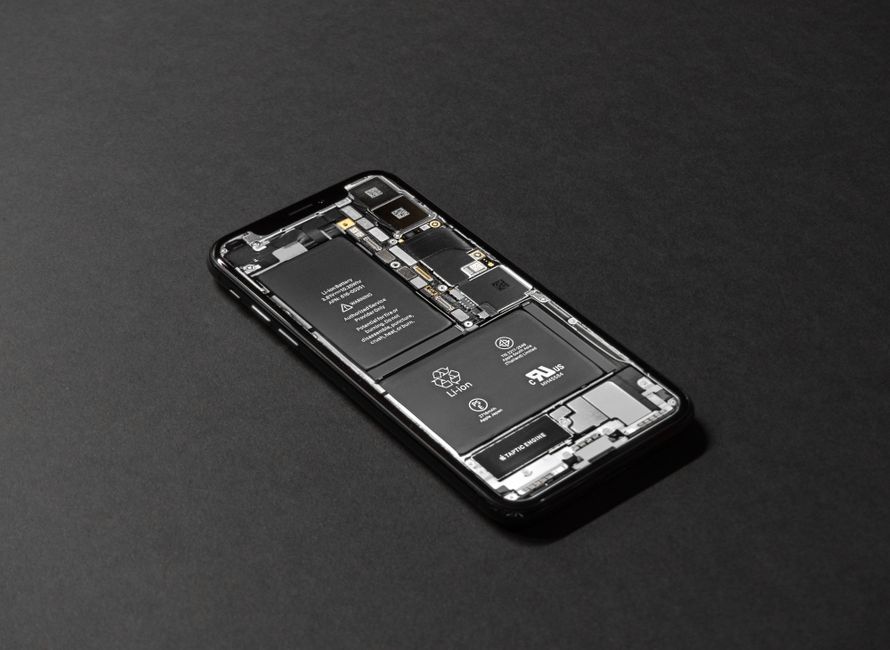
Battery performance is another critical area of concern. Devices experience battery degradation over time, which manifests through rapid drainage, unexpected shutdowns, and reduced overall capacity. Users often notice their devices losing charge faster than when they were new. Some common battery issues include:
- Lithium-ion battery chemical breakdown
- Excessive charging cycles
- Exposure to extreme temperatures
- Software-related battery management problems
Connectivity problems also plague modern electronic devices. Charging ports, USB connections, and wireless interfaces can develop faults that interrupt essential device functions. Loose connections, debris accumulation, and physical damage can compromise these critical components.
Software malfunctions represent another significant category of device issues. Operating system glitches, application conflicts, and performance slowdowns can make devices frustrating to use. These problems might stem from outdated software, insufficient storage, or complex system conflicts.
Understanding these common issues empowers users to approach repairs more strategically. By recognizing symptoms early, individuals can explore cost-effective solutions before minor problems escalate into major repair challenges. Research from Consumer Reports suggests that proactive maintenance can reduce repair costs by up to 60%.
2: Explore DIY Repair Options for Simple Fixes
Some device issues can be resolved without professional intervention, saving time and money. DIY repair methods offer an accessible approach for users willing to invest a little effort and basic technical skills. Understanding which repairs are manageable at home can prevent unnecessary expenses and extend device functionality.
Research from iFixit reveals that approximately 60% of smartphone and tablet issues can be successfully addressed through home repairs. These typically involve relatively straightforward procedures that do not require extensive technical expertise.
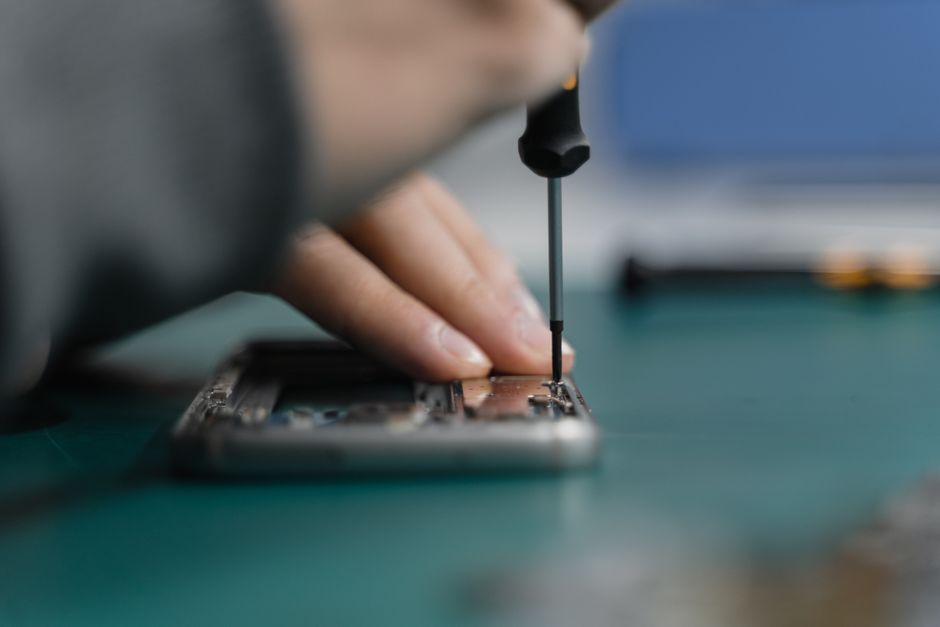
For screen repairs, users can purchase replacement screens and repair kits with specialized tools. Basic screen replacement skills can save significant money compared to professional repair services. Here are some considerations for DIY screen repairs:
- Carefully match screen specifications to your specific device model
- Purchase high-quality replacement parts from reputable sources
- Watch detailed video tutorials before attempting the repair
- Work in a clean, well-lit environment with proper tools
Battery replacements represent another feasible DIY repair option. Many modern devices allow users to purchase replacement batteries and swap them out with minimal technical knowledge. Battery replacement kits typically include the necessary tools and instructions for smooth installation.
Some common DIY repair techniques include cleaning charging ports, recalibrating batteries, and resolving software glitches through system resets. Consumer Reports suggests that users can save up to 70% on repair costs by learning basic maintenance skills.
Users interested in exploring more DIY repair techniques can read our comprehensive guide on practical device repairs. While DIY repairs offer cost savings, it is crucial to recognize personal skill limitations. Complex repairs involving intricate components might require professional intervention to prevent further damage.
3: Utilize Online Tutorials and Resources
The internet has transformed device repair by providing accessible, step-by-step guidance for users seeking affordable repair methods. Online tutorials offer comprehensive resources that can help individuals diagnose and resolve various electronic device issues without professional intervention.
According to Pew Research Center, approximately 73% of adults use online resources for skill development and problem solving. This trend significantly impacts how people approach device repairs, enabling them to gain technical knowledge through digital platforms.
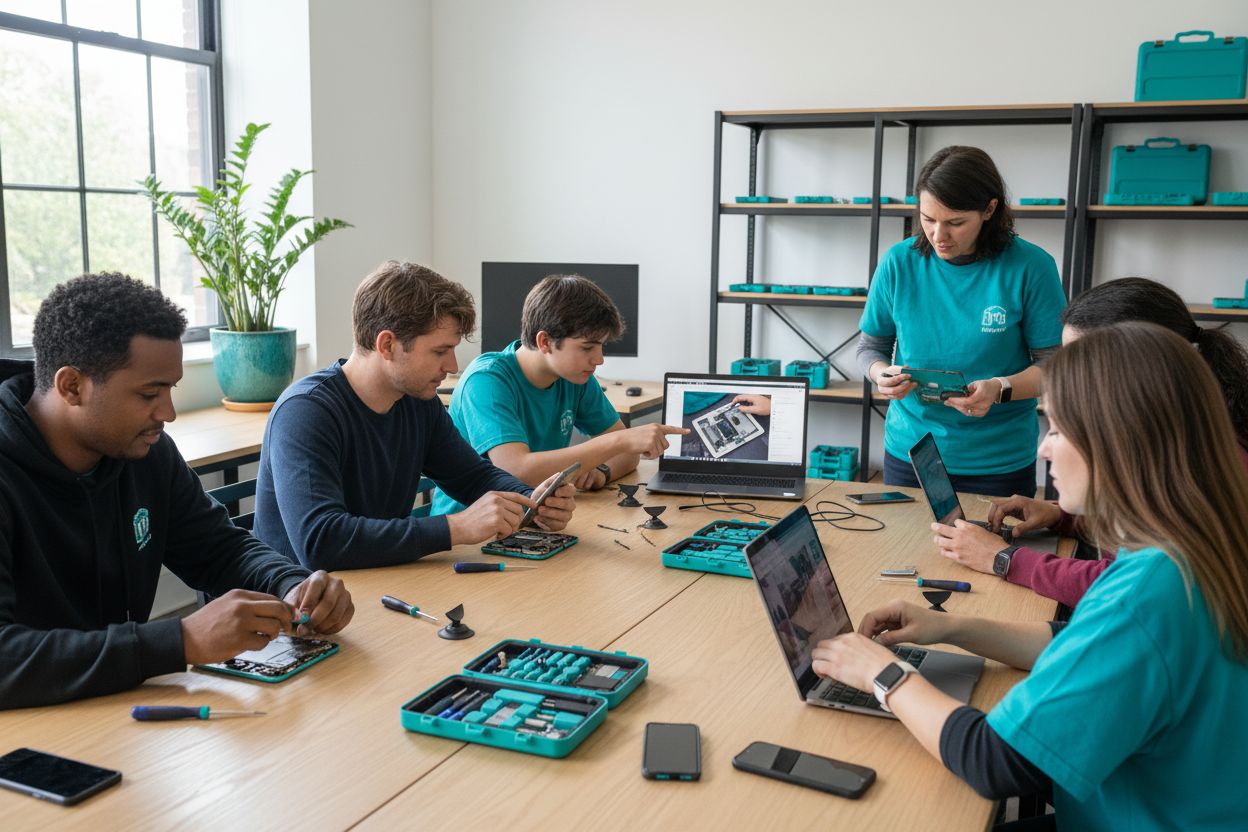
Video tutorials represent a powerful learning medium for device repairs. Platforms like YouTube host thousands of detailed repair guides covering smartphones, tablets, laptops, and other electronic devices. These visual resources provide:
- Detailed step-by-step repair instructions
- Close-up views of technical procedures
- Tool recommendations and techniques
- Troubleshooting tips for common issues
Specialized repair websites offer comprehensive guides that go beyond basic video tutorials. Platforms such as iFixit provide detailed repair manuals with comprehensive instructions, parts lists, and difficulty ratings for various device models. These resources empower users to understand the intricacies of their devices and perform repairs confidently.
Consumer Electronics Association research indicates that online tutorials have reduced professional repair service demands by approximately 40%. Users can now access high-quality, free instructional content that demystifies complex repair processes.
Websites and forums dedicated to specific device brands and models offer tailored repair guidance. These communities connect users with experienced technicians and enthusiasts who share troubleshooting techniques, recommended tools, and practical advice.
Check out our comprehensive guide on quick device repair techniques to supplement these online resources. While tutorials provide valuable insights, always assess your technical comfort level and recognize when professional intervention might be necessary.
4: Compare Local Repair Services for the Best Prices
Finding an affordable device repair service requires strategic comparison and research. Local repair shops offer cost-effective solutions that can save significant money compared to manufacturer-direct replacements. Understanding how to evaluate and select the right repair service is crucial for budget-conscious consumers.
Consumer Reports suggests that local repair prices can vary up to 70% between different service providers. This significant price range underscores the importance of thorough comparison and due diligence.
When comparing local repair services, several critical factors should be considered:
- Warranty coverage for repair work
- Turnaround time for device repairs
- Technician certifications and expertise
- Reputation and customer reviews
- Transparency of pricing
Price is not the only consideration when selecting a repair service. Reliability, quality of parts, and professional expertise play equally significant roles in determining the best value. According to a study by IBISWorld, consumers prioritize quality and reliability over the absolute lowest price.
Online platforms and local business directories provide excellent resources for comparing repair services. Websites like Yelp and Google Reviews offer insights into customer experiences, helping users make informed decisions. Reputation matters significantly in the repair industry, with positive reviews indicating consistent service quality.
Some repair shops offer free diagnostic assessments, which can help users understand potential repair costs before committing. Transparent pricing is a key indicator of a reputable service provider.
Learn more about selecting the right mobile repair shop to make an informed decision. Always request detailed quotes, understand the scope of repairs, and confirm warranty terms before proceeding with any device repair service.
5: Check for Warranty or Insurance Coverage
Device warranties and insurance represent critical financial protections that can significantly reduce repair expenses. Understanding the nuances of these coverage options helps users make informed decisions about potential repair strategies.
Consumer Electronics Association research indicates that approximately 65% of device owners are unaware of their existing warranty terms. This lack of awareness often results in unnecessary out-of-pocket repair expenses.
Manufacturer warranties typically provide comprehensive protection for specific device issues. Most standard warranties cover:
- Manufacturing defects
- Mechanical failures
- Hardware component malfunctions
- Initial one to two-year protection periods
Extended warranties offer additional protection beyond standard manufacturer coverage. These supplemental plans can be purchased separately and often extend repair or replacement options for multiple years. Some credit card companies and retailers provide complementary extended warranty services when devices are purchased using their platforms.
According to Warranty Week, extended warranty markets have grown significantly, with consumers recognizing the long-term financial benefits of comprehensive device protection.
Device insurance represents another affordable repair method. Many mobile carriers and third-party providers offer insurance plans that cover accidental damage, theft, and hardware failures. Key insurance considerations include monthly premiums, deductible amounts, and specific coverage limitations.
Before pursuing independent repairs, users should carefully review their existing warranty and insurance documentation. Some repair attempts might inadvertently void existing coverage, making it crucial to understand specific terms and conditions.
Learn more about understanding affordable phone repair options to maximize your device protection strategy. Proactively managing warranty and insurance information can save significant money and provide peace of mind during unexpected device malfunctions.
6: Buy Quality Replacement Parts for DIY Repairs
Successful device repairs hinge on selecting high-quality replacement parts. The market offers numerous component options, but discerning users must carefully evaluate sources and quality to ensure reliable, long-lasting repairs.
Consumer Electronics Association research reveals that approximately 40% of DIY repair failures stem from using low-quality replacement components. Choosing the right parts is crucial for maintaining device performance and longevity.
When purchasing replacement parts, users should prioritize several key considerations:
- Exact model compatibility
- Manufacturer-certified components
- Comprehensive warranty coverage
- Verified seller reputation
- Detailed technical specifications
Original manufacturer parts represent the gold standard for device repairs. These components are precisely engineered to match specific device models, ensuring optimal performance and compatibility. While typically more expensive, they minimize the risk of future malfunctions.
iFixit’s Component Quality Guide recommends examining several critical factors before purchasing replacement parts. Third-party components can offer significant cost savings, but users must carefully verify their quality and authenticity.
Online marketplaces provide extensive replacement part options, but buyers should exercise caution. Verified sellers with positive customer reviews and clear return policies offer the most reliable purchasing experience. Some platforms provide detailed compatibility checkers to help users select the right components.
Pricing should not be the sole determining factor when selecting replacement parts. Cheap components often compromise device functionality and may lead to additional repair expenses in the future. Investing in quality parts ensures more reliable and sustainable device repairs.
Learn more about practical device repair techniques to supplement your replacement part selection strategy. Thorough research and careful component selection are key to successful DIY device repairs.
7: Practice Preventive Care to Reduce Future Repairs
Preventive device maintenance represents the most cost-effective strategy for minimizing repair expenses and extending electronic device lifespans. By implementing proactive care techniques, users can significantly reduce the likelihood of costly hardware failures and performance degradation.
Consumer Technology Association research indicates that systematic device maintenance can extend electronic device functionality by up to 40% and reduce repair costs by approximately 60%.
Effective preventive care involves multiple strategic approaches:
- Regular software updates
- Protective case and screen investments
- Careful battery management
- Clean storage and handling practices
- Avoiding extreme temperature exposures
Battery health represents a critical aspect of device maintenance. Lithium-ion batteries degrade naturally, but users can implement practices that slow this process. Avoiding complete battery drainage and maintaining charge levels between 20% and 80% helps preserve long-term battery performance.
Battery University recommends avoiding constant full charging cycles and maintaining moderate temperature environments to maximize battery longevity.
Physical protection strategies play a significant role in preventing device damage. Protective accessories like reinforced cases, tempered glass screen protectors, and moisture-resistant covers can shield devices from accidental impacts, scratches, and environmental hazards.
Regular cleaning and maintenance prevent debris accumulation in critical device components like charging ports and speakers. Using soft, lint-free cloths and compressed air can remove potential blockages that might cause long-term functional issues.
Check out our comprehensive guide on affordable phone repair techniques to supplement your preventive care strategy. Proactive maintenance represents an investment in device performance and longevity, ultimately saving time and money on potential repairs.
Below is a comprehensive table summarizing the essential methods and key benefits discussed in the article about affordable device repair techniques.
| Affordable Device Repair Method | Key Points & Steps | Main Benefits |
|---|---|---|
| Understand Common Device Issues | Recognize screen damage, battery issues, connectivity faults, and software glitches early for faster action | Prevents costly or major repairs, strategic fixes |
| Explore DIY Repair Options | Attempt home fixes for screens, batteries, ports, and software guided by step-by-step resources | Saves up to 70% in repair costs |
| Utilize Online Tutorials and Resources | Leverage video guides and repair manuals from reputable platforms to learn repair skills | Increases success rate, empowers effective DIY |
| Compare Local Repair Services | Research and compare local shops based on price, warranty, quality, and turnaround | Finds best value for service, avoids overpaying |
| Check Warranty or Insurance Coverage | Review device warranties, extended plans, and insurance before independent repairs | Reduces or eliminates repair expenses |
| Buy Quality Replacement Parts for DIY Repairs | Choose manufacturer-certified or reputable third-party parts, verify compatibility and seller reputation | Ensures reliable, longer-lasting repairs |
| Practice Preventive Care | Maintain regular updates, use protective gear, manage battery health, and keep devices clean | Extends device life, reduces future repair costs |
Tired of Costly Device Repairs? Discover a Faster, Smarter Way
Are you frustrated by cracked screens, stubborn battery issues, or unexpected device malfunctions? The article “7 Affordable Device Repair Methods You Should Know” highlights just how common and stressful these problems can be. At Dash Repairs, we understand how inconvenient and expensive it feels when your phone, tablet, or laptop suddenly fails. You should not have to struggle through complicated DIY tutorials or risk further damage on your own. Instead, our expert team offers the speed, reliability, and affordability you have been searching for. Explore our Cell Phone Repair solutions for fast service and guaranteed results.

Take back control of your device today. With clear warranties, expert technicians, and trusted repairs for iPhones, iPads, and Android models, we make affordable fixes easy. Do not let small issues turn into costly replacements. Visit Dash Repairs now and experience why local customers choose us for reliable, affordable repairs right when they need it most.
Frequently Asked Questions
What are the most common issues that lead to device repairs?
Most common issues include touchscreen damage, battery degradation, connectivity problems, and software malfunctions. Early recognition of these problems allows for more strategic and affordable repair options.
How can I perform DIY repairs on my electronic devices?
Many device issues can be solved using DIY methods. You can find replacement parts and repair kits online, and detailed video tutorials are available to guide you through the repair process. Simple repairs, such as screen or battery replacements, are often manageable at home.
What should I consider when selecting replacement parts for DIY repairs?
When choosing replacement parts, ensure compatibility with your device model, opt for manufacturer-certified components when possible, and check the seller’s reputation. Higher quality parts tend to provide better performance and longevity.
How can preventive care reduce future repair costs?
Implementing preventive care, such as regular software updates, using protective cases, and proper battery management, can significantly extend your device’s lifespan and reduce the likelihood of costly repairs.
Recommended
- Uncategorized | Dash Cellular Repair | Cell Phone, iPhone, Laptop Repair in Oklahoma
- blog | Dash Cellular Repair | Cell Phone, iPhone, Laptop Repair in Oklahoma
- Cell Phone Repair | Dash Cellular Repair | Cell Phone, iPhone, Laptop Repair in Oklahoma
- iPhone | Dash Cellular Repair | Cell Phone, iPhone, Laptop Repair in Oklahoma
- Step by Step Phone Screen Protection: Keep Your Device Safe – StudioShake