More than 60 percent of mobile users say they feel stuck with their current carrier because their device is locked. Unlocking your phone can offer real freedom, letting you switch networks, lower your bill, or use your device while traveling. If you want to avoid confusion and technical headaches, this guide breaks down each step so you can unlock your mobile device without stress.
Table of Contents
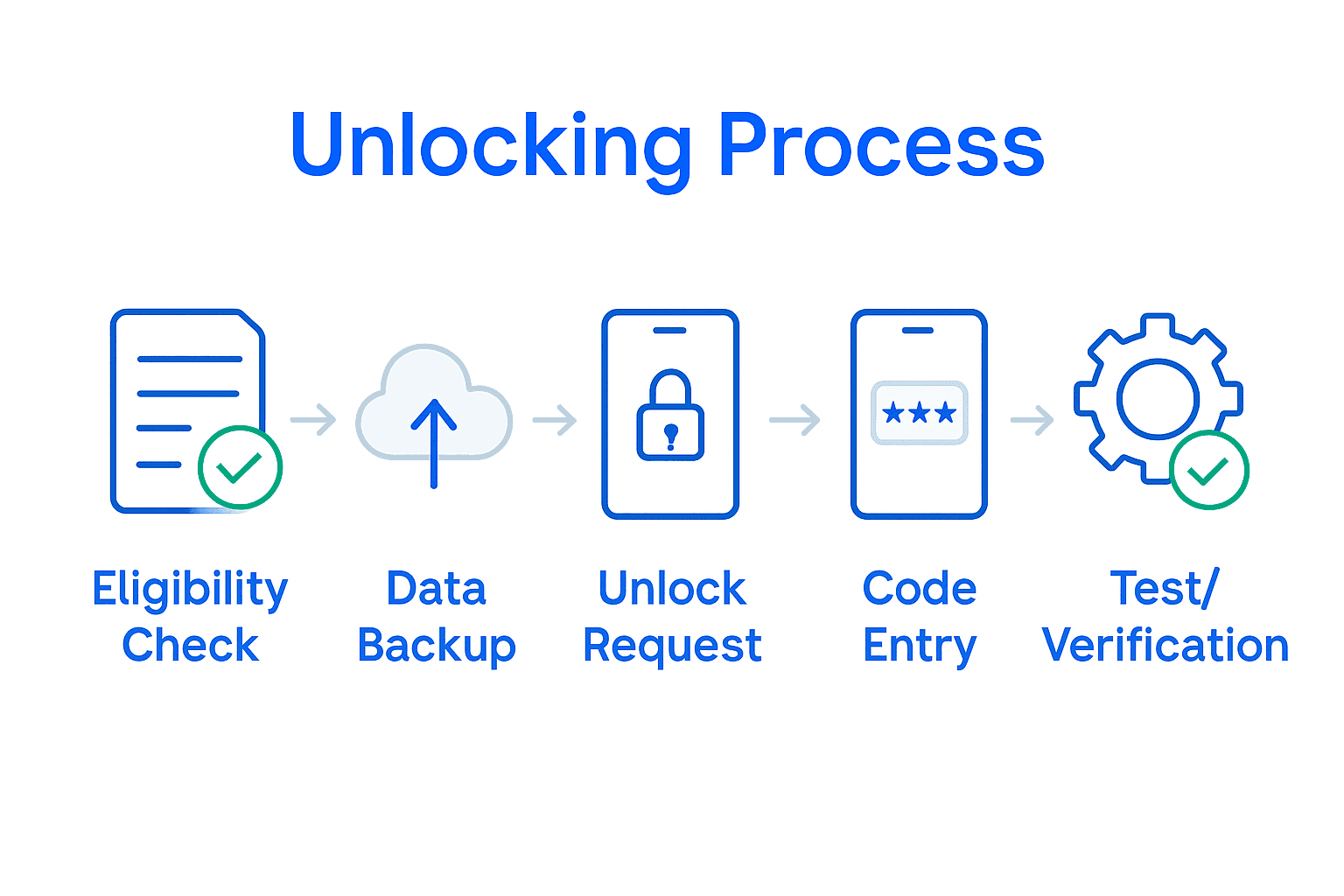
- Step 1: Assess Device Eligibility And Unlock Requirements
- Step 2: Backup Data And Prepare Your Device
- Step 3: Request Unlock Code Or Service
- Step 4: Apply Unlock And Complete Setup
- Step 5: Verify Unlock And Test Network Access
Quick Summary
| Key Point | Explanation |
|---|---|
| 1. Verify Device Ownership and Contracts | Ensure your device is fully paid, you completed the service contract, and your account is in good standing with the carrier. |
| 2. Backup Your Data before Unlocking | Use cloud services or local storage to safely back up contacts, files, and app data to prevent loss during unlocking. |
| 3. Request Unlock Code from Carrier | Contact your carrier with necessary account details to obtain the unlock code, as procedures differ among providers. |
| 4. Follow Instructions to Unlock Device | Insert a new SIM card and enter the unlock code as per your carrier’s guidelines to switch to a new network. |
| 5. Test Device Functionality with New Carrier | Verify all network services such as calls and mobile data work with the new SIM to ensure proper device operation. |
Step 1: Assess Device Eligibility and Unlock Requirements
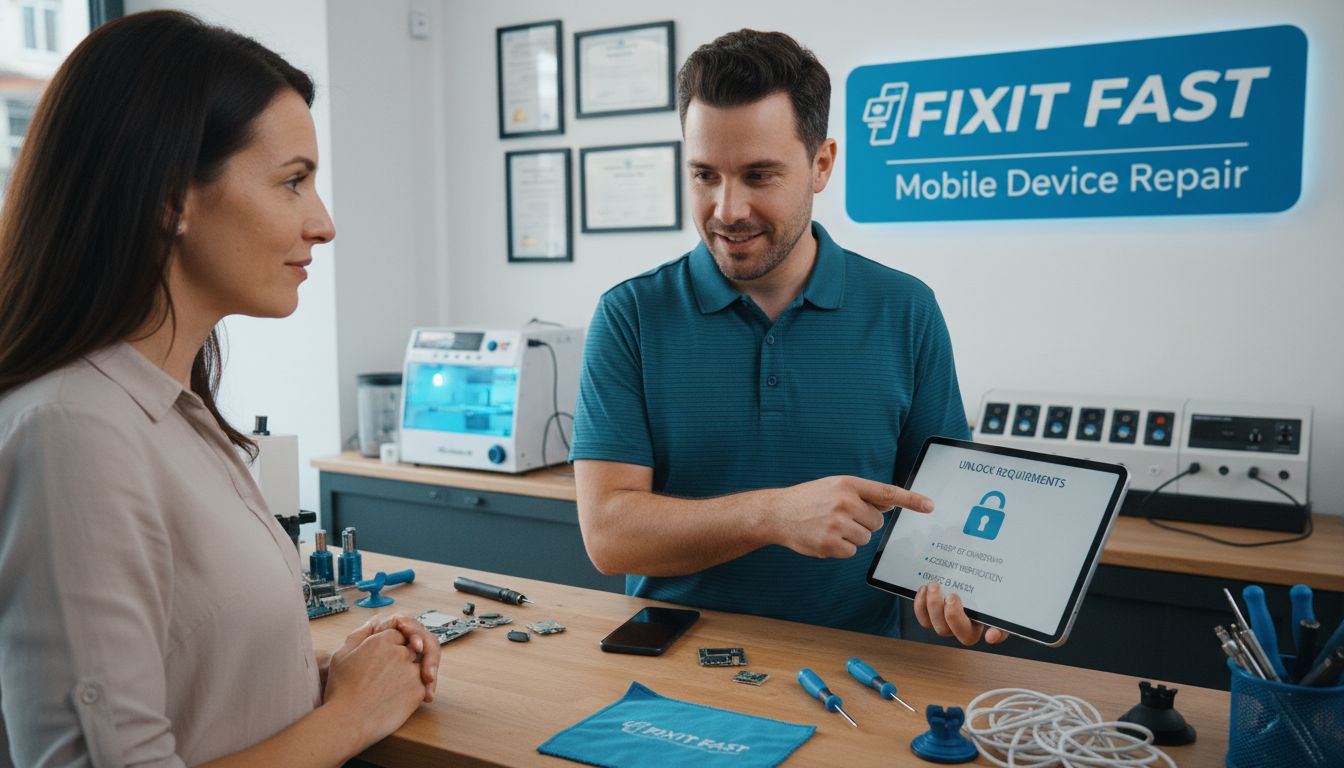
Unlocking your mobile device requires understanding specific eligibility criteria before beginning the process. This step helps you determine whether your device qualifies for unlocking and what requirements you need to meet.
According to the FCC, device unlocking depends on several critical factors. You will need to verify your device meets these key conditions: full ownership of the device, completion of your service contract, and maintaining a good standing with your current mobile carrier. Typically, this means you must have paid off any device installment plans and satisfied the minimum contract duration specified by your provider.
Before initiating the unlocking process, gather essential information about your device. Check your carrier contract details, confirm your device is paid in full, and ensure no outstanding balances exist on your account. The FCC recommends directly contacting your service provider to understand their specific unlocking policies, as requirements can vary between carriers.
Warning: Some carriers might have additional restrictions based on device age, model, or purchase history. Always verify the exact requirements with your specific mobile service provider before proceeding with the unlocking request.
Step 2: Backup Data and Prepare Your Device
Before unlocking your mobile device, you need to safeguard all your personal data and ensure your device is ready for the unlocking process. This crucial step protects your important information and sets the foundation for a smooth transition.
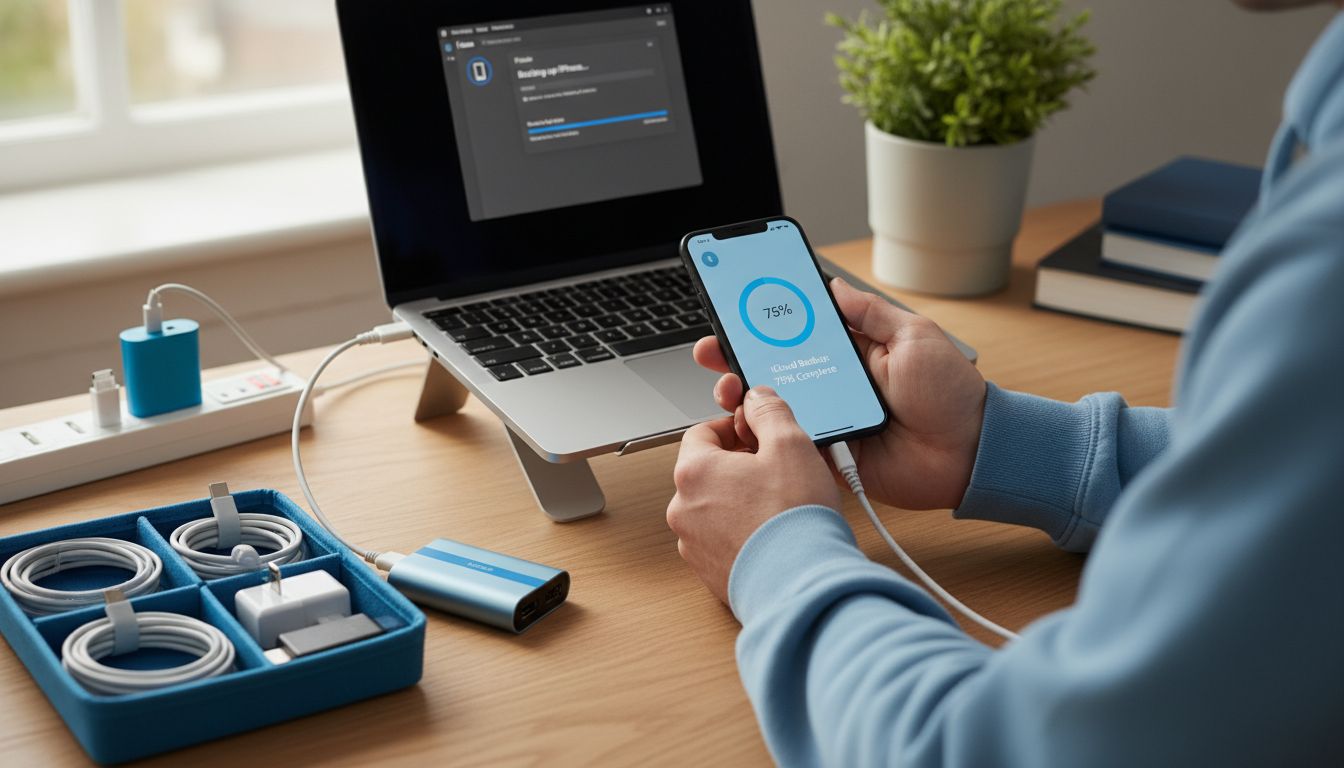
According to Digital Trends, it’s critical to back up all personal data before initiating the unlocking process. Start by connecting your device to a reliable cloud storage service like Google Drive or iCloud. Transfer all essential files including contacts, photos, videos, documents, and app data. For additional security, consider creating a local backup on your computer using manufacturer specific software like iTunes for Apple devices or Samsung Smart Switch for Android phones.
Assurance Wireless recommends ensuring your device is in good working condition before requesting an unlock. Charge your device to at least 50% battery, close all background applications, and perform a quick diagnostic check to confirm all hardware functions are operating correctly. This preparation helps prevent potential complications during the unlocking process and ensures a seamless transition.
Warning: Always verify that your backup is complete and accessible before proceeding with device unlocking. Interrupted or incomplete backups could result in permanent data loss.
Step 3: Request Unlock Code or Service
Now that you have prepared your device, you will initiate the official unlock request with your mobile carrier. This critical step transforms your device from carrier locked to fully functional across different networks.
According to the FCC, consumers should contact their mobile wireless service provider directly to request an unlock code. You have multiple contact options: calling customer service, visiting a physical store, or submitting an online request through your carrier’s website. Be prepared to provide essential information such as your account details, device serial number, and proof of device ownership.
Assurance Wireless notes that some carriers can complete unlocking automatically and remotely within two business days if your device supports remote unlocking. For devices requiring manual intervention, carriers will typically send detailed instructions or an unlock code via email or text message. During your request, confirm the exact method your specific carrier uses for device unlocking.
Warning: Each carrier has unique unlocking procedures and processing times. Always obtain written confirmation of your unlock request and follow their specific instructions precisely to avoid potential complications.
Step 4: Apply Unlock and Complete Setup
With your unlock code in hand, you are now ready to transform your device and connect to a new mobile network. This final step will enable you to use your smartphone with any compatible carrier and expand your communication possibilities.
Digital Trends recommends carefully following your provider’s specific instructions to apply the unlock. Start by powering down your device and removing the original SIM card. Insert the new SIM card from your desired carrier. When you power on the device, you may be prompted to enter the unlock code provided by your previous carrier. If no prompt appears, navigate to your phone settings and look for network or cellular options to manually input the unlock code.
Assurance Wireless emphasizes the importance of following on-screen instructions during the setup process. After inserting the new SIM card, your device will attempt to connect to the new network. Verify your connection by making a test call or checking your mobile data settings. Some devices might require additional network configuration or carrier specific settings that you can obtain from your new mobile service provider.
Warning: Entering incorrect unlock codes multiple times can potentially permanently lock your device. Always carefully read and follow the instructions provided by your carrier and double check each step during the unlocking process.
Step 5: Verify Unlock and Test Network Access
After completing the unlocking process, you must thoroughly verify that your device works correctly with the new carrier. This final verification ensures your smartphone is fully functional and ready for seamless communication across different networks.
According to the FCC, the most critical step is to insert a SIM card from a different carrier and comprehensively test all network services. Start by checking the network signal strength and attempting several key communications tasks. Make a test phone call to confirm voice service functionality, send a text message to verify messaging capabilities, and browse the internet to ensure mobile data connection works smoothly.
Digital Trends recommends conducting multiple tests across various network functions. Check your device settings to confirm the new carrier is properly recognized, verify that cellular data can be enabled and disabled, and test international roaming capabilities if applicable. Pay special attention to signal strength indicators and potential network configuration requirements specific to your new carrier.
Warning: If any network function fails during testing, contact both your previous and new carriers immediately. Some issues might require additional configuration or troubleshooting to ensure complete network compatibility.
Unlock Your Mobile Device with Expert Help from Dash Repairs
Navigating the complex steps of unlocking your mobile device can be frustrating. From verifying eligibility to applying unlock codes, each stage demands precision to avoid permanent locking or data loss. If you want to bypass the guesswork and ensure your phone is unlocked safely and correctly, professional assistance can make all the difference. Whether you have an iPhone or Android device, understanding the unlocking process is key to enjoying freedom across carriers and better network options.

Ready to get your device unlocked with confidence? Visit Cell Phone Repair at Dash Repairs for trusted support. Our skilled technicians provide expert unlocking services alongside fast repairs like screen fixes and battery replacements. Don’t risk damaging your smartphone by attempting complicated steps alone. Act today and regain full control of your mobile device with reliable service near you. For more information, explore our iPhone repair services or simply start with our main site at https://dashrepairs.com.
Frequently Asked Questions
What eligibility criteria must my device meet to begin the unlocking process?
To unlock your mobile device, it must be fully owned, the service contract must be completed, and you should be in good standing with your current carrier. Check your carrier contract details and ensure there are no outstanding balances before proceeding.
How can I backup my data before unlocking my device?
To backup your data, connect your device to a cloud storage service or use manufacturer-specific software to create a local backup. Ensure you transfer important files like contacts, photos, and documents to avoid any data loss during the unlocking process.
How do I request an unlock code from my carrier?
Contact your mobile carrier directly to request an unlock code. Provide your account details, device serial number, and proof of ownership via phone, in-store, or online, and keep an eye out for any additional instructions related to your request.
What steps should I follow to apply the unlock code to my device?
Begin by powering down your device and removing the original SIM card. Insert the new SIM card, power on the device, and enter the unlock code when prompted to successfully unlock your device and connect to a new network.
How can I verify that my device is successfully unlocked?
To verify your device is unlocked, insert a SIM card from a different carrier and test key functions like making a call, sending a text, and browsing the internet. Confirm that your new carrier is recognized and that all network services operate smoothly.
Recommended
- What is Phone Unlocking? Understanding the Basics | Dash Cellular Repair | Cell Phone, iPhone, Laptop Repair in Oklahoma
- Device Repair Process Explained: Complete Local Guide | Dash Cellular Repair | Cell Phone, iPhone, Laptop Repair in Oklahoma
- DIY Mobile Repair Steps for Fast, Reliable Results | Dash Cellular Repair | Cell Phone, iPhone, Laptop Repair in Oklahoma
- Step by Step iPhone Repair Guide for Local Users | Dash Cellular Repair | Cell Phone, iPhone, Laptop Repair in Oklahoma
- Install eSIM – TapSim
- Ultimate Mobile Device Screen Replacement Guide for 2025 – buy2fix