Cracked Android screens are more common than you think and they affect millions of users every year. But brace yourself. Even a tiny hairline fracture can triple your risk of touchscreen failure according to industry research. You might expect screen cracks are just cosmetic, but the real problem runs much deeper and could cost you your whole device sooner than you think.
Table of Contents
- What Causes Android Screen Damage?
- Why Repairing Your Android Screen Matters
- How Android Screens Function And Fail
- Exploring Repair Options And Techniques
- Choosing The Right Repair Service In Oklahoma City
Quick Summary
| Takeaway | Explanation |
|---|---|
| Prevent physical damage to screens | Always handle your Android phone carefully to avoid drops, impacts, or pressure. This practice minimizes risk of immediate and lasting damage. |
| Repair screens promptly to save costs | Timely screen repairs prevent minor damages from escalating into costly replacements, preserving both the device and your finances. |
| Understand environmental vulnerabilities | Be cautious about exposing your device to extreme temperatures, moisture, and sunlight, which can weaken screen integrity over time. |
| Choose reputable repair services | Research local repair shops’ reputations and expertise to find reliable and professional service for optimal device maintenance. |
| Consider DIY repair with caution | DIY repairs can save money but require specialized tools and skills; mistakes may lead to further damage or void warranties. |
What Causes Android Screen Damage?
Android smartphone screens are vulnerable to multiple types of damage that can compromise their functionality and visual appearance.
This table summarizes the main causes of Android screen damage, categorizing each according to its origin and key characteristics for easier reference.
| Cause | Origin | Key Characteristics |
|---|---|---|
| Physical Impact Damage | External physical force | Due to drops, pressure, collisions, or mishandling |
| Environmental Vulnerabilities | Environmental conditions | Includes temperature changes, humidity, and sunlight |
| Manufacturing and Material Limitations | Design and engineering | Result of thin glass, minimal protection, and material weaknesses |
| While modern smartphones feature increasingly durable glass technologies, they remain susceptible to various environmental and physical stressors. |
Physical Impact Damage
The most common source of Android screen damage stems from physical impacts. Accidental drops, sudden collisions, or applying excessive pressure can create immediate and lasting screen damage. Research from the National Institute of Environmental Health Sciences confirms that smartphone screens are particularly fragile when subjected to sudden mechanical stress.
Key physical impact scenarios include:
- Dropping the phone on hard surfaces
- Sitting on the phone accidentally
- Storing the phone in tight pockets with hard objects
- Allowing children or pets to handle the device
Environmental and Structural Vulnerabilities
Beyond direct physical impacts, Android screens can deteriorate due to subtle environmental factors. Temperature fluctuations, moisture exposure, and prolonged UV radiation can weaken screen structural integrity. Microscopic stress points develop over time, making screens more prone to cracking or shattering with minimal additional force.
Factors contributing to screen vulnerability include:
- Extreme temperature variations
- High humidity environments
- Direct sunlight exposure
- Frequent temperature shifts
Manufacturing and Material Limitations
Even with advanced manufacturing techniques, Android screens possess inherent material limitations. Smartphone manufacturers balance screen durability with design aesthetics, weight considerations, and cost constraints. Thin glass compositions and minimal protective frameworks make screens inherently fragile.
Additionally, users can learn more about device protection strategies in our guide to Android repair solutions. Understanding these damage mechanisms helps smartphone owners implement proactive protection strategies and minimize potential screen damage risks.
Why Repairing Your Android Screen Matters
Screen damage goes far beyond aesthetic concerns, representing a critical issue that impacts smartphone functionality, personal safety, and long term device performance. Understanding the comprehensive implications of unaddressed screen damage helps users make informed decisions about timely repairs.
Performance and Functional Degradation
A damaged Android screen can significantly compromise device performance and usability. Cracked or fractured screens create multiple operational challenges that progressively worsen over time. Research from the National Institute of Health indicates that unrepaired screen damage can lead to substantial touchscreen responsiveness issues and potential safety risks.
Specific performance implications include:
- Reduced touchscreen sensitivity
- Increased risk of internal component damage
- Potential electrical shorting
- Compromised screen protective layers
Financial and Economic Considerations
Delaying screen repairs often leads to more expensive long term consequences. Minor screen damage can quickly escalate into major structural problems requiring complete device replacement. Small cracks can expand under regular usage, creating more extensive damage that becomes progressively more costly to address.
Key economic factors to consider:
- Initial repair costs are typically much lower than full device replacement
- Unrepaired damage can void manufacturer warranties
- Resale value decreases dramatically with visible screen damage
- Potential data loss risks increase with continued device deterioration
Safety and Personal Security Implications
Beyond technical considerations, damaged screens pose potential personal safety risks. Cracked screens can create sharp edges that might cause physical injury, and compromised screen integrity can expose sensitive internal electronic components. For users seeking comprehensive device maintenance strategies, read our detailed guide on Android repair solutions.
Ultimately, proactive screen repair represents a critical investment in device longevity, personal safety, and continued technological functionality. Addressing screen damage promptly ensures optimal smartphone performance and minimizes potential long term complications.
How Android Screens Function and Fail
Android smartphone screens represent complex technological systems designed to provide seamless visual interaction and responsive touch capabilities. Understanding their intricate functionality helps users comprehend potential failure mechanisms and appreciate the precision engineering behind modern digital displays.
Touch Screen Technology Fundamentals
Capacitive touch technology forms the core of most Android smartphone screens, utilizing sophisticated electrical sensing mechanisms to detect human touch interactions. These screens contain multiple transparent conductive layers that generate precise electrical fields, allowing sophisticated input recognition across the device surface.
Key technological components include:
- Transparent conductive electrode grid
- Integrated electrical sensing circuits
- Sophisticated signal processing algorithms
- Protective glass or polymer surface layers
Structural Vulnerability Points
Designed with intricate multilayered compositions, Android screens possess several inherent vulnerability points that can compromise their functionality. The delicate balance between screen durability and responsive sensitivity makes these devices susceptible to various damage mechanisms. Microscopic structural changes can rapidly escalate into significant performance degradation.
Primary structural vulnerability factors encompass:
- Thin conductive layer integrity
- Precise electrical field calibration
- Surface material stress tolerance
- Complex electronic interconnection networks
Failure Mechanisms and Performance Degradation
Screen failures manifest through multiple complex pathways, often involving progressive deterioration of critical technological components. Physical impacts, temperature variations, and electrical stress can incrementally compromise screen performance. For users seeking deeper insights into screen maintenance, our comprehensive screen replacement guide offers additional technical details.
Proper understanding of these intricate technological systems enables more informed device management, helping users recognize early warning signs of potential screen failures and take proactive maintenance steps.
Exploring Repair Options and Techniques
Repairing Android screens requires a nuanced understanding of available techniques, technological constraints, and professional assessment strategies. Selecting the most appropriate repair method depends on multiple factors including device model, damage extent, and overall repair complexity.
Professional Repair Approaches
Professional repair services offer comprehensive solutions that address complex screen damage scenarios.
INFOGRAPHIC:infographic_content] Trained technicians utilize specialized diagnostic tools and precision equipment to restore device functionality. [Research from device repair industry standards indicates that professional interventions provide the most reliable and comprehensive screen repair outcomes.
Key professional repair characteristics include:
- Advanced diagnostic assessment
- Precision component replacement
- Manufacturer grade replacement parts
- Comprehensive device functionality testing
- Warranty backed repair services
DIY Repair Considerations
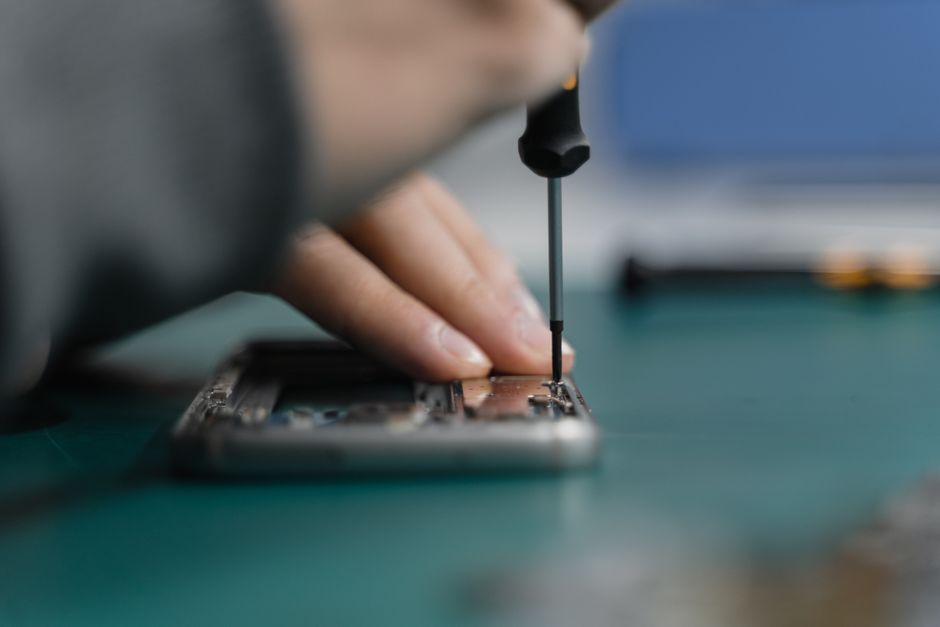
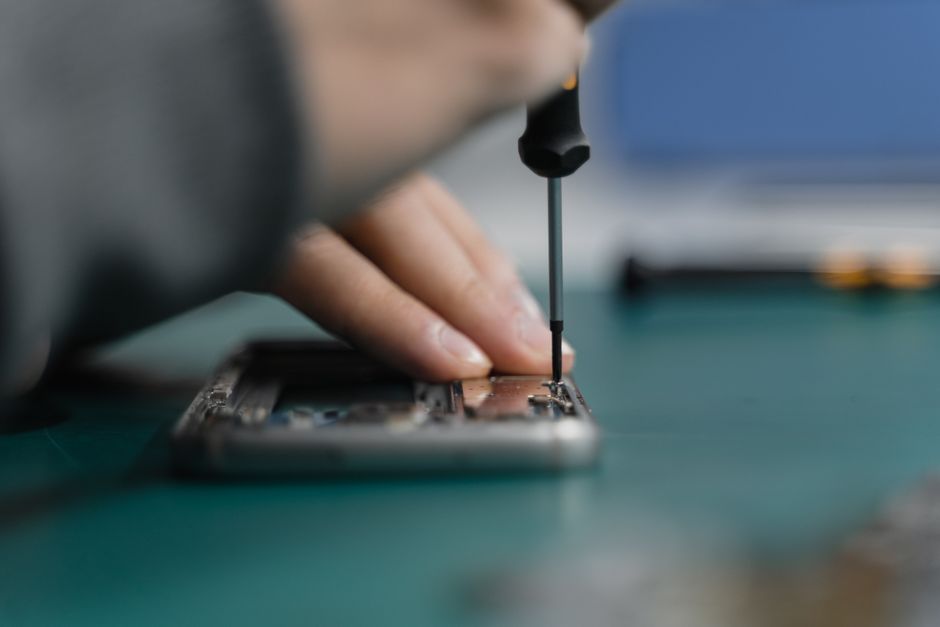
Do it yourself screen repair represents a potentially cost effective but complex alternative to professional services. Individuals contemplating self repair must carefully evaluate their technical skills, available tools, and potential risk factors. Complex smartphone designs require specialized knowledge and precision tools that may not be readily accessible to average users.
Critical DIY repair considerations:
- Requirement for specialized toolkit
- Risk of additional device damage
- Potential voiding of manufacturer warranty
- Technical complexity of screen replacement
- Need for precise component handling
Repair Cost and Value Analysis
Deciding between professional and DIY repair involves comprehensive cost benefit evaluation.
 While self repair might seem financially attractive initially, professional services often provide more reliable long term solutions. For users seeking economical yet reliable repair strategies, our affordable phone repair guide offers comprehensive insights into making informed repair decisions.
Ultimately, successful Android screen repair requires carefully balancing technical expertise, financial considerations, and device specific requirements. Understanding the nuanced landscape of repair options empowers users to make intelligent maintenance choices that preserve device functionality and value.
Choosing the Right Repair Service in Oklahoma City
Selecting an appropriate smartphone repair service requires careful evaluation of multiple critical factors. The local Oklahoma City technology repair market offers numerous options, but not all services deliver equivalent quality, expertise, and customer support.
Reputation and Credibility Assessment
Checking service reputation through local business rating platforms provides crucial insights into a repair shop’s reliability and performance history. Consumers should investigate customer reviews, professional certifications, and documented service experiences before committing to a specific repair provider.
Key reputation evaluation criteria include:
- Consistent positive customer feedback
- Professional technical certifications
- Transparent pricing structures
- Demonstrable repair expertise
- Clear warranty and guarantee policies
Technical Expertise and Service Capabilities
Qualified repair services distinguish themselves through comprehensive technical knowledge and specialized equipment. Technicians should demonstrate expertise across multiple Android device models, understanding the nuanced differences in screen technologies and repair methodologies.
Essential technical competence indicators encompass:
- Advanced diagnostic capabilities
- Manufacturer authorized repair techniques
- Specialized toolkit and precision equipment
- Comprehensive device model knowledge
- Up to date technological training
Cost and Value Considerations
Beyond technical proficiency, effective repair services balance quality with affordable pricing. For Oklahoma City residents seeking reliable smartphone repairs, exploring local repair service options can help identify providers offering optimal value.
Ultimately, choosing the right repair service involves evaluating multiple interconnected factors. Consumers must balance technical expertise, reputation, pricing, and service guarantees to ensure their Android device receives professional, reliable maintenance.
Restore Your Android’s Performance and Peace of Mind
If you are worried about cracked screens, unresponsive touch features, or growing damage on your Android phone, you are not alone. As this guide explains, screen damage threatens your device’s safety and usability. It can also cost you more if left unfixed. You want quick results, fair prices, and a repair shop you can trust. Our team at Dash Repairs is dedicated to solving these exact problems. We understand how frustrating a broken screen can be, and we know your device is central to your daily life.

Stop the hassle of dealing with a damaged Android screen. Visit Dash Repairs today for expert service, genuine care, and reliable repairs. Take action now to restore your phone’s performance and enjoy the convenience of professional help. Find out more about our trusted solutions for cell phone repair in Oklahoma City, and let us get your Android looking and working like new.
Frequently Asked Questions
What are the common causes of Android screen damage?
Android screen damage is primarily caused by physical impacts, such as drops and pressure, as well as environmental factors like temperature fluctuations and moisture exposure. Manufacturing limitations also contribute to screen vulnerability.
Why is it important to repair a damaged Android screen?
Repairing a damaged Android screen is crucial because it affects device performance, can lead to safety hazards, and may result in higher repair costs if left unattended. Unrepaired screens can also decrease the device’s resale value.
What are the differences between professional repairs and DIY repairs for Android screens?
Professional repairs involve trained technicians using specialized tools and parts, ensuring reliable outcomes. DIY repairs may save money but carry risks, including potential further damage and voided warranties due to the technical complexity of the process.
To help you better understand the differences between professional and DIY Android screen repair, the following table compares their core features and considerations.
| Repair Option | Key Characteristics | Main Benefits | Primary Risks |
|---|---|---|---|
| Professional Repair | Certified technicians, advanced diagnostic tools, warranty | High reliability, warranty coverage, quality parts | Higher cost, may require travel |
| DIY Repair | Self-service, requires toolkit, no warranty | Lower upfront cost, immediate action | Risk of further damage, voided warranty |
How can I choose the right repair service for my Android screen?
To choose the right repair service, assess the provider’s reputation, technical expertise, and pricing. Look for customer reviews, certifications, and warranty policies to ensure their quality and reliability.
Recommended
- blog | Dash Cellular Repair | Cell Phone, iPhone, Laptop Repair in Oklahoma
- Understanding the Phone Screen Replacement Process | Dash Cellular Repair | Cell Phone, iPhone, Laptop Repair in Oklahoma
- Understanding the Phone Screen Replacement Guide | Dash Cellular Repair | Cell Phone, iPhone, Laptop Repair in Oklahoma
- 7 Key Types of Android Repairs Every User Should Know | Dash Cellular Repair | Cell Phone, iPhone, Laptop Repair in Oklahoma
- Understanding the Phone Screen Replacement Guide – buy2fix