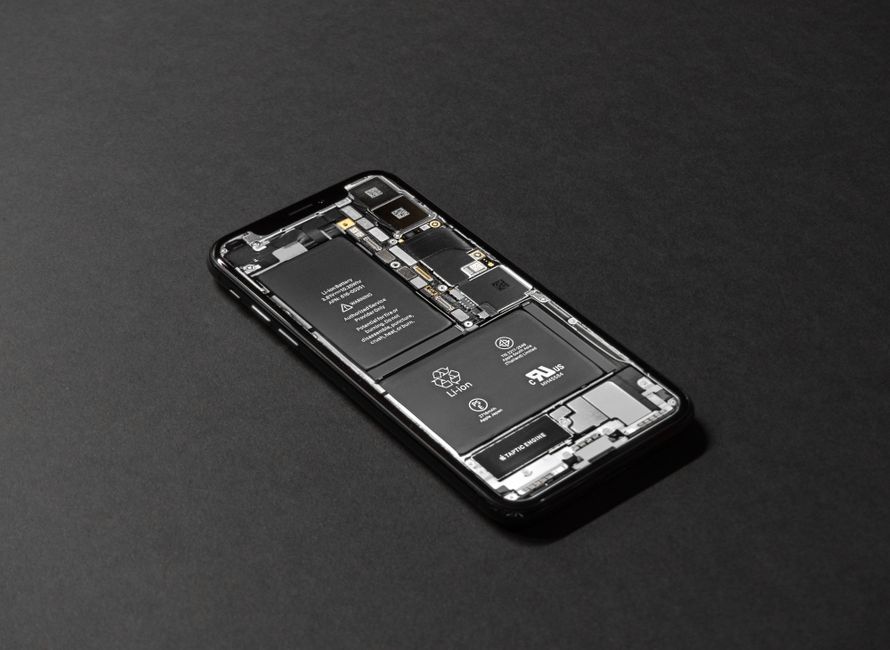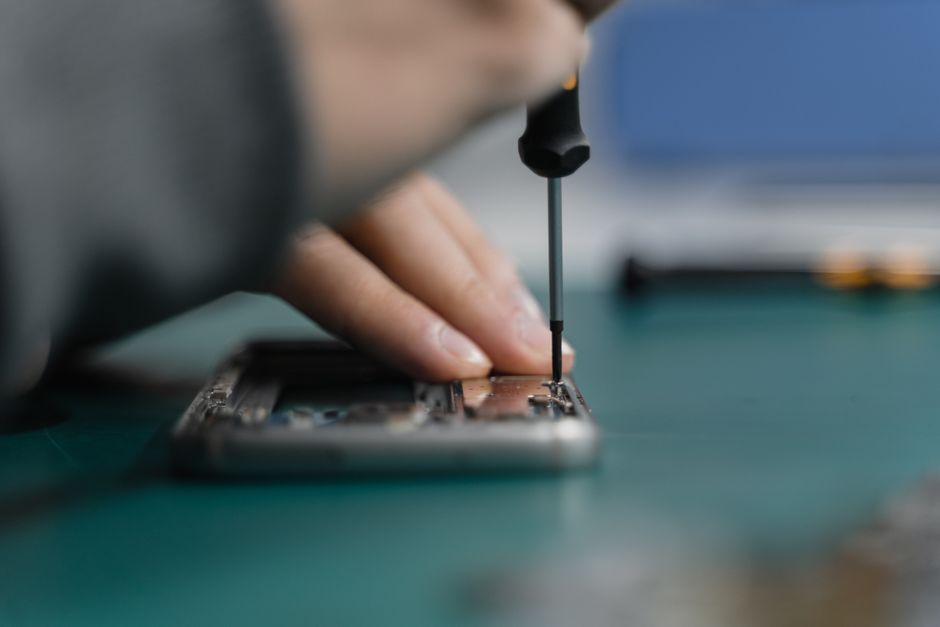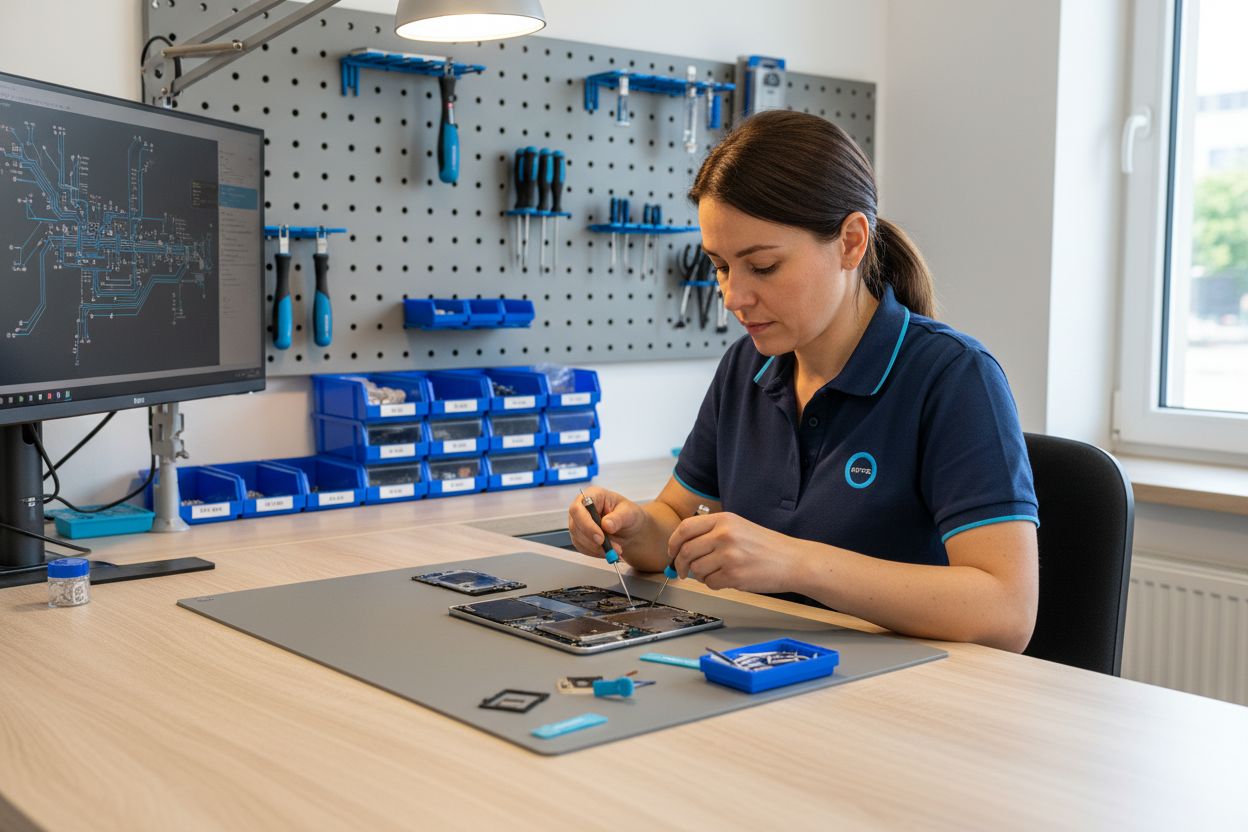
Did you know that over 60 percent of tablet repairs are needed because of accidental drops or mishaps at home? Many owners wrongly assume every device issue leads to pricey repairs or instant replacements. Misunderstandings around warranties and repair methods often leave people spending more than necessary. By shedding light on common repair myths, real risks, and modern solutions, this guide helps you make smarter choices that protect both your tablet and your wallet.
Key Takeaways
| Point | Details |
|---|---|
| DIY Repairs are Viable | Many tablet issues can be addressed through DIY repairs, especially with manufacturer-supported programs offering genuine parts. |
| Legal Protections for Repairs | The Magnuson-Moss Warranty Act allows consumers to repair their devices without voiding warranties, provided genuine parts are used. |
| Recognize Symptoms Early | Being aware of common tablet damage symptoms allows users to seek timely professional help, preventing costly repairs. |
| Protect Your Device | Employ strategies like using protective cases and screen protectors to extend the life of your tablet and minimize damage risk. |
Table of Contents
- Understanding Tablet Repairs And Misconceptions
- Types Of Tablet Damage And Their Symptoms
- Repair Methods: Diy Vs. Professional Services
- Cost, Warranty, And Time Considerations
- Preventing Future Tablet Damage And Issues
Understanding Tablet Repairs and Misconceptions
Tablet repairs often seem intimidating, but they’re far more accessible than most people realize. Contrary to popular belief, not every damaged device requires expensive professional intervention. Learn more about device repair options and discover how modern repair approaches have transformed the way we think about fixing electronic devices.
One significant shift in the repair landscape comes from manufacturers themselves. Authorized repair programs are challenging long-standing misconceptions about device maintenance. According to The Verge, Apple’s Self Service Repair program now allows U.S. users to purchase genuine parts and specialized toolkits for DIY repairs, particularly for iPads. This development signals a major change in how consumers can approach device maintenance.
Legal protections are also supporting consumer repair rights. The Magnuson‑Moss Warranty Act provides critical safeguards for individuals performing their own repairs. Under this legislation, manufacturers cannot automatically void a warranty simply because a consumer attempts a self-repair. This means you have more freedom to address tablet issues without fear of losing warranty coverage—provided you use genuine parts and follow proper procedures.
Key repair misconceptions to be aware of include:
- Professional repair is always the only solution
- DIY repairs will automatically void warranties
- Tablet damage means total device replacement
- Repairs are always prohibitively expensive
Understanding these nuances empowers tablet owners to make informed decisions about device maintenance, potentially saving significant money and extending the life of their valuable electronics.
Types of Tablet Damage and Their Symptoms
Tablet devices are sophisticated yet vulnerable electronics that can suffer from multiple types of damage. Understanding these issues helps tablet owners recognize when professional repair becomes necessary. Learn more about screen repair solutions and identify potential problems before they escalate.
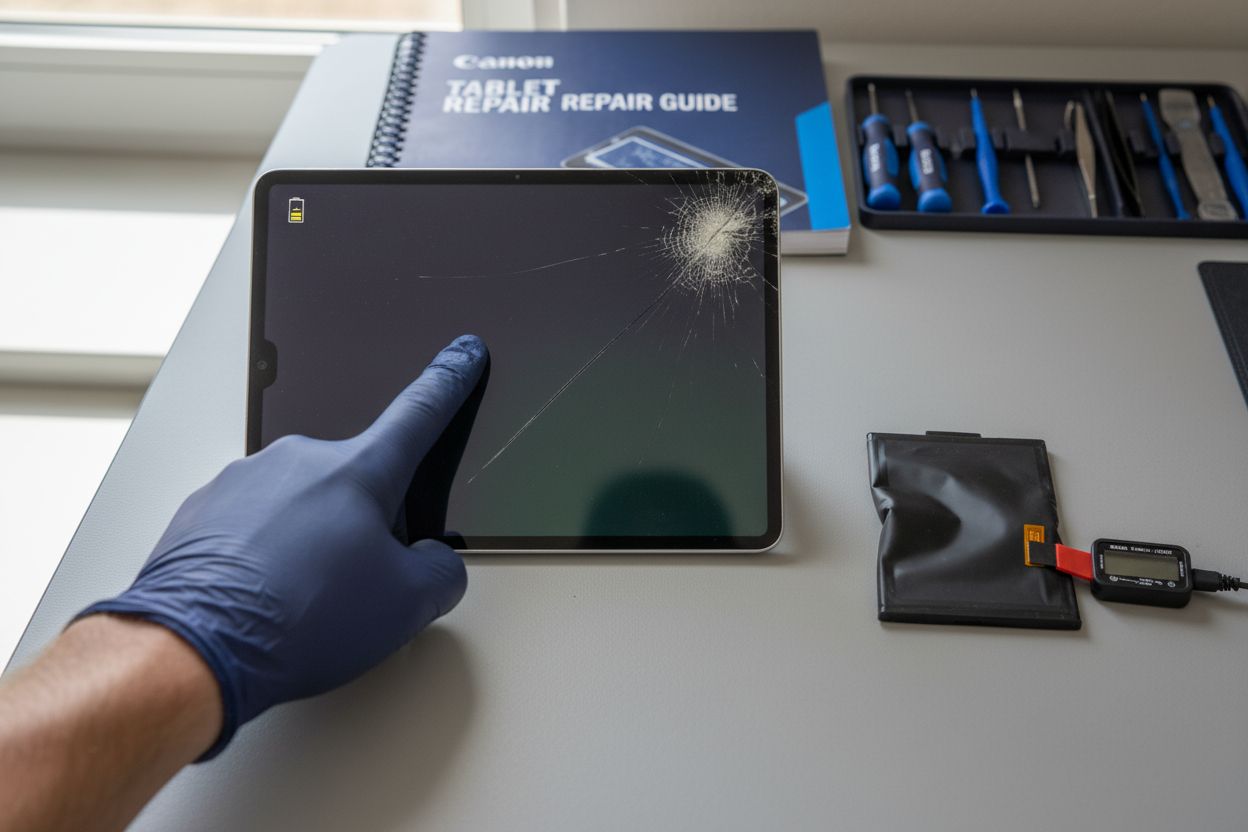
According to research from iFix Screens, screen damage represents the most common type of tablet injury. This damage manifests in several distinct forms: minor scratches, spiderweb cracks, linear fractures, and complete screen shattering. Each type of crack carries different functional implications—some merely cosmetic, others potentially rendering the device partially or totally unusable.
Beyond screen issues, professionals encounter a range of complex damage types. As reported by Fruit Fixed, critical tablet problems include battery degradation, charging port failure, water damage, software corruption, and structural frame damage. Recognizable symptoms vary: battery issues might present as rapid power drain or physical swelling, charging problems could mean intermittent or complete failure to charge, and liquid damage might cause touch responsiveness problems or internal component corrosion.
Common tablet damage symptoms to watch for include:
- Unresponsive touch screen
- Visible screen cracks or deep scratches
- Unexpected battery drain
- Difficulty charging
- Overheating during use
- Random shutdowns
- Distorted display colors or lines
Quick identification and professional assessment can often prevent minor issues from becoming major, costly repairs. Always monitor your device’s performance and address unusual behaviors promptly to maintain its longevity and functionality.
Repair Methods: DIY vs. Professional Services
Navigating tablet repair options can feel like walking a tightrope between cost-saving DIY approaches and professional expertise. Learn more about affordable device repair methods to help you make an informed decision about your tablet’s maintenance strategy.
Recent developments have transformed DIY repair possibilities. According to The Verge, Apple’s Self Service Repair program now offers U.S. users genuine parts and rentable toolkits specifically designed for iPad models. This innovative approach empowers tech-savvy users to attempt repairs with manufacturer-approved components, potentially reducing repair costs and increasing device longevity.
However, professional repair services bring critical expertise that DIY attempts often cannot match. As reported by Fruit Fixed, professional technicians excel in complex repair scenarios like precise screen replacement, intricate diagnostics, and specialized techniques such as ultrasonic cleaning for water-damaged devices. Their advanced skills ensure proper component handling, maintain water resistance, and address nuanced technical challenges that go beyond simple part replacement.
Key considerations when choosing between DIY and professional repair include:
- Complexity of the damage
- Your technical skill level
- Available tools and replacement parts
- Warranty implications
- Total potential repair cost
- Risk of further device damage
While DIY repairs can save money, professional services offer comprehensive solutions with guaranteed workmanship. Carefully assess your specific situation, technical comfort level, and the potential risks before deciding on a repair approach.
Here’s a summary comparing DIY and professional tablet repair methods:
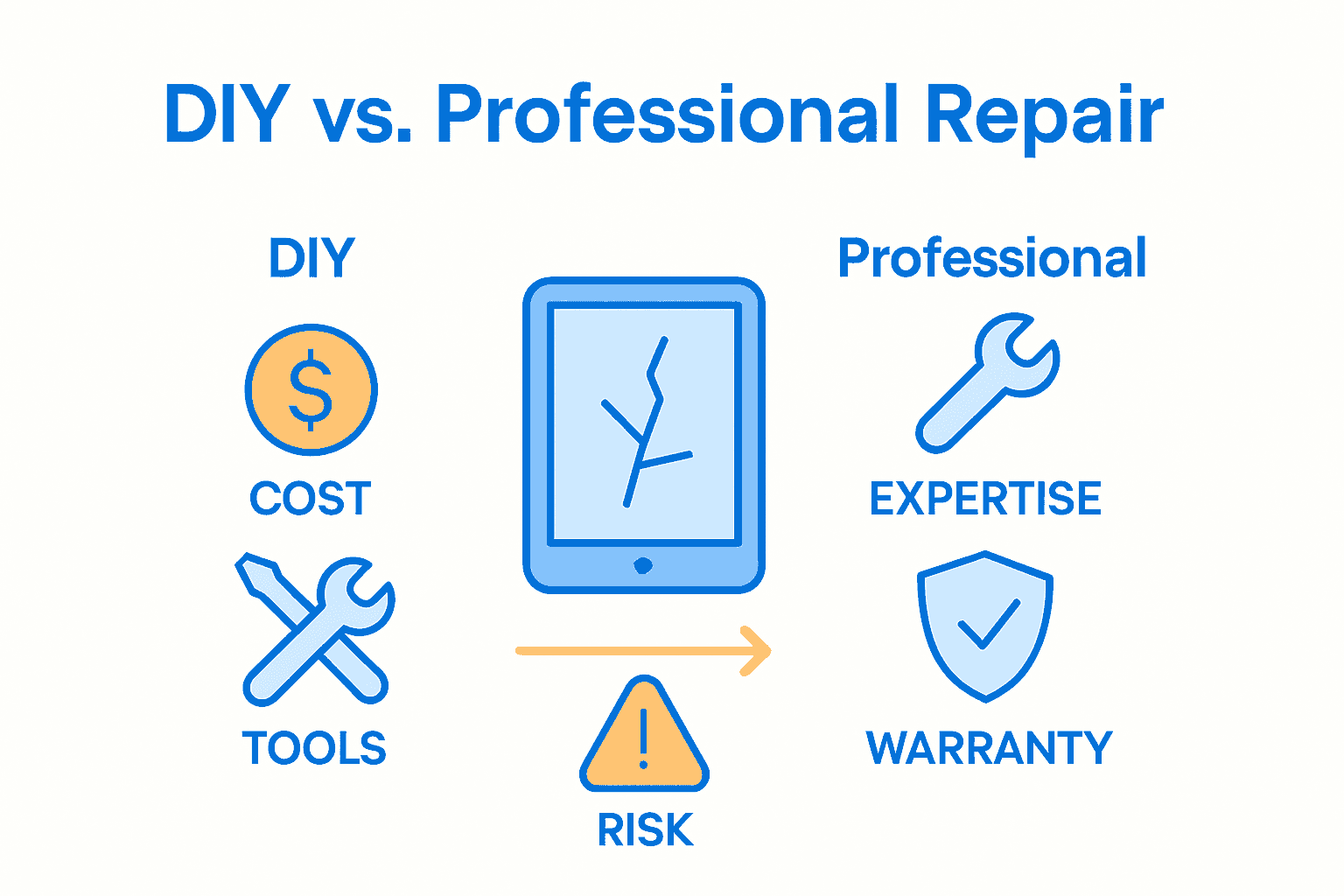
| Factor | DIY Repair | Professional Repair |
|---|---|---|
| Cost | Lower upfront Risk of extra costs |
Higher upfront Predictable pricing |
| Skill Requirement | Requires tech expertise | Professional expertise provided |
| Tools/Parts Needed | Must obtain yourself | Provided by service center |
| Warranty Implications | Possible if not careful | Often maintains warranty |
| Repair Time | Can take days/weeks | 24-48 hours typical |
| Risk | Higher risk of damage | Lower risk, guaranteed workmanship |
Cost, Warranty, and Time Considerations
Repairing a tablet involves navigating complex considerations that extend far beyond simple fix-it decisions. Learn more about warranty protection during repairs to ensure you’re making the most informed choice for your device.
The landscape of tablet repairs is intricate, particularly when it comes to warranty protections. According to the Magnuson‑Moss Warranty Act, consumers have significant rights regarding device repairs. Warranty preservation doesn’t automatically mean you’re restricted to manufacturer-approved service centers. Instead, you can often perform repairs yourself or choose third-party services without automatically voiding your warranty, provided you use genuine parts and follow appropriate service protocols.
Cost considerations play a crucial role in repair decisions. Professional repairs typically range from $50 to $300 depending on the damage type, while DIY repairs can be cheaper but carry higher risk. Time is another critical factor—professional services often complete repairs within 24-48 hours, whereas DIY approaches might take days or weeks, especially for those without technical experience. The potential for additional damage during a self-repair can quickly transform a minor cost-saving attempt into a significantly more expensive problem.
Key factors to evaluate include:
- Actual repair costs (parts + labor)
- Potential warranty implications
- Your technical skill level
- Repair time requirements
- Risk of additional device damage
- Availability of genuine replacement parts
Ultimately, the best repair approach balances cost, time, technical complexity, and long-term device preservation. Carefully assess your specific situation, weighing the immediate financial savings against potential future risks and expenses.
Preventing Future Tablet Damage and Issues
Protecting your tablet requires a proactive approach that goes beyond simple caution. Learn more about comprehensive tablet protection strategies to ensure your device remains in top condition for years to come.
According to research from Croma, device protection involves multiple strategic considerations. Environmental factors play a crucial role in tablet longevity. Direct sunlight and extreme heat can cause significant internal damage, potentially degrading battery performance and warping sensitive electronic components. Keeping liquids away from your device is equally critical—even minor moisture exposure can lead to catastrophic internal corrosion and irreparable circuit damage.
Physical protection represents another essential aspect of tablet maintenance. Protective accessories are not just decorative—they’re fundamental safeguards. High-quality screen protectors can prevent scratches and micro-abrasions, while robust cases absorb shock from accidental drops. Consider investing in padded sleeves or hard-shell cases designed specifically for your tablet model, which provide cushioning against impacts and prevent dust infiltration that could compromise internal mechanisms.
Essential prevention strategies include:
- Using tempered glass screen protectors
- Investing in shock-resistant protective cases
- Avoiding extreme temperature environments
- Keeping devices away from liquids
- Using clean, dry hands when operating
- Storing tablets in cool, dust-free areas
- Considering extended warranty plans
Consistent maintenance and mindful usage can dramatically extend your tablet’s functional lifespan, saving you significant money and frustration in potential repair or replacement costs.
Fast, Reliable Tablet Repair Is Within Your Reach
Are you struggling with a cracked tablet screen, battery problems, or unresponsive touch issues? The Complete Guide to Common Tablet Repairs just highlighted how confusing and stressful it can be to weigh the risks of DIY fixes, sift through repair myths, and worry about warranties or unexpected costs. At Dash Repairs, we break down these barriers with affordable, expert solutions designed for real people facing real device problems every day. Check out our specialized cell phone repair services for even more peace of mind when it comes to your tech.

Bring your tablet to professionals who understand the urgency of device downtime and who offer quick turnaround as well as genuine parts and warranty-backed work. Avoid extra hassle, protect your investment, and get back to what matters most in your day. Visit Dash Repairs now or explore our service categories to start your stress-free repair journey. Do not let minor damage turn into a major headache—choose trusted, local expertise now.
Frequently Asked Questions
What are the most common types of tablet damage?
The most common types of tablet damage include screen damage (such as scratches, cracks, and shattering), battery degradation, charging port failure, water damage, software corruption, and structural frame damage.
Can I perform my own tablet repairs without voiding the warranty?
Yes, under the Magnuson‑Moss Warranty Act, you can perform your own repairs or use third-party services without voiding the warranty as long as you use genuine parts and follow proper procedures.
What should I consider when deciding between DIY and professional tablet repair?
When choosing between DIY and professional repair, consider the complexity of the damage, your technical skill level, available tools, warranty implications, overall repair costs, and risks of further damage to the device.
How can I prevent future damage to my tablet?
To prevent future damage, use tempered glass screen protectors, invest in shock-resistant cases, avoid extreme temperatures, keep liquids away, use clean and dry hands, and store the tablet in a safe, dust-free area.
Recommended
- Understanding the Tablet Screen Repair Process | Dash Cellular Repair | Cell Phone, iPhone, Laptop Repair in Oklahoma
- 7 Affordable Device Repair Methods You Should Know | Dash Cellular Repair | Cell Phone, iPhone, Laptop Repair in Oklahoma
- What is Device Repair? Understanding Your Options | Dash Cellular Repair | Cell Phone, iPhone, Laptop Repair in Oklahoma
- When to Repair your iPad Screen | Dash Cellular Repair | Cell Phone, iPhone, Laptop Repair in Oklahoma