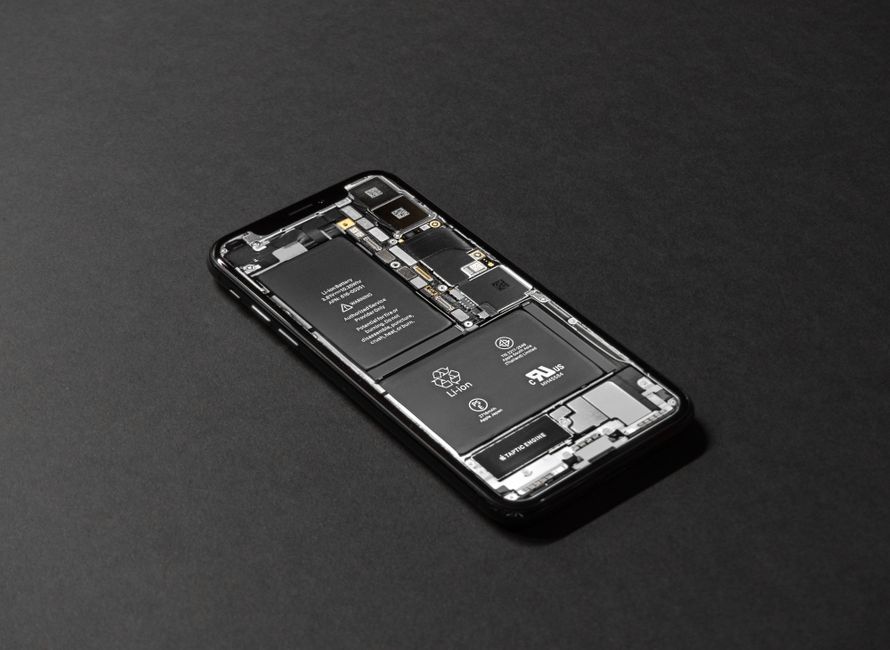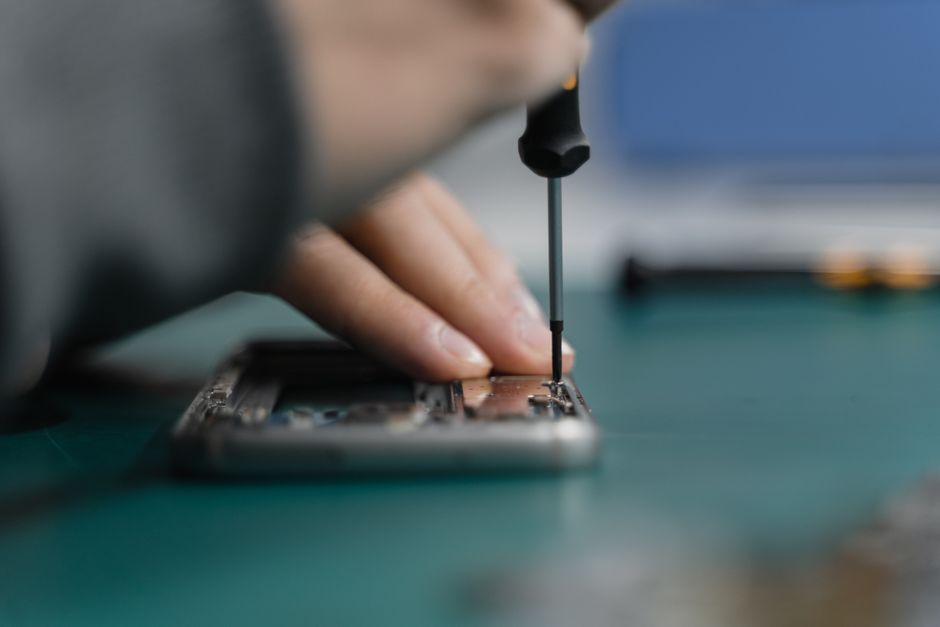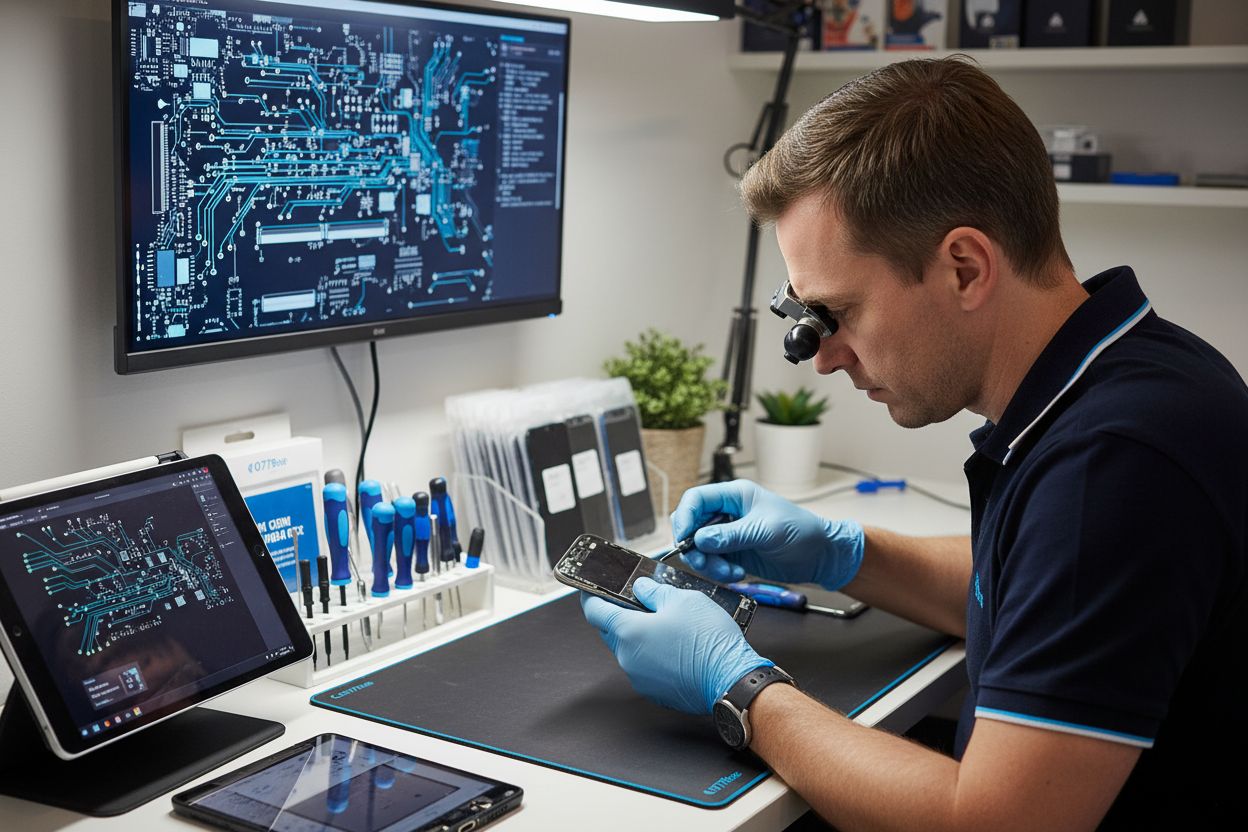
Did you know that over 50 million smartphone screens break each year in the United States alone? When a screen cracks or stops responding, it’s not just inconvenient but can quickly lead to bigger problems for your device. Understanding professional screen repair means knowing how experts restore full function, why the right techniques matter, and how quality repairs protect your investment for the long haul.
Key Takeaways
| Point | Details |
|---|---|
| Screen Repair Importance | Professional repair extends device lifespan and reduces electronic waste by providing alternatives to costly replacements. |
| Types of Damage | Understanding various screen damage categories (e.g., cracks, water damage) helps in timely and effective repairs. |
| Professional Techniques | Specialized tools and expertise are vital, as incorrect handling can lead to further device issues. |
| Cost and Warranty Insights | Repair costs can vary based on damage complexity, with many shops offering limited warranties for service reliability. |
Table of Contents
- What Is Screen Repair? Core Concepts Defined
- Common Types of Screen Damage Explained
- Step-By-Step Screen Repair Process Overview
- Tools, Parts, and Techniques Used in Repairs
- Cost, Warranty, and Timeframe Considerations
- Tips to Avoid Common Screen Repair Mistakes
What Is Screen Repair? Core Concepts Defined
Screen repair is the specialized process of restoring damaged smartphone, tablet, or laptop display surfaces back to their original functional condition. When your device’s screen suffers cracks, chips, or touch responsiveness issues, professional repair technicians can replace or rehabilitate the damaged components without requiring a full device replacement.
At its core, screen repair involves several critical techniques:
- Component replacement: Precisely removing the damaged screen and installing a new, manufacturer-compatible display panel
- Touch sensitivity restoration: Ensuring the replacement screen maintains full touch responsiveness and calibration
- Structural integrity: Repairing underlying display connections and preventing future damage
Learn more about screen repair techniques reveals that modern repair approaches prioritize preserving device functionality while minimizing cost. According to the right-to-repair movement, these services are crucial in providing consumers affordable alternatives to expensive device replacements. By offering professional screen repair, technicians help extend the lifespan of electronic devices and reduce electronic waste.
Professional screen repair goes beyond simple cosmetic fixes. It requires specialized tools, technical expertise, and a deep understanding of various device architectures. Technicians must carefully diagnose the specific damage, select appropriate replacement parts, and execute precise repair techniques that restore the device to its optimal performance.
Common Types of Screen Damage Explained
Screen damage isn’t just about visible cracks. Smartphone and device screens can suffer from a wide range of issues that impact both appearance and functionality. Explore our in-depth guide on cracked screen solutions to understand the nuanced world of display damage.
According to mobile repair research, screen damage typically falls into several critical categories:
- Surface Scratches: Cosmetic damage that doesn’t immediately impact screen performance
- Cracked Glass: External fractures that might compromise screen integrity
- LCD/OLED Damage: Internal display issues causing visual distortions
- Touch Responsiveness Problems: Unresponsive or erratic touchscreen behavior
Deep structural damage often reveals itself through specific symptoms. Dead pixels appear as tiny dark or discolored spots on your screen, while “ghost touches” create random screen interactions without physical contact. Severe drop damage can cause internal fractures that aren’t immediately visible but progressively worsen device performance.
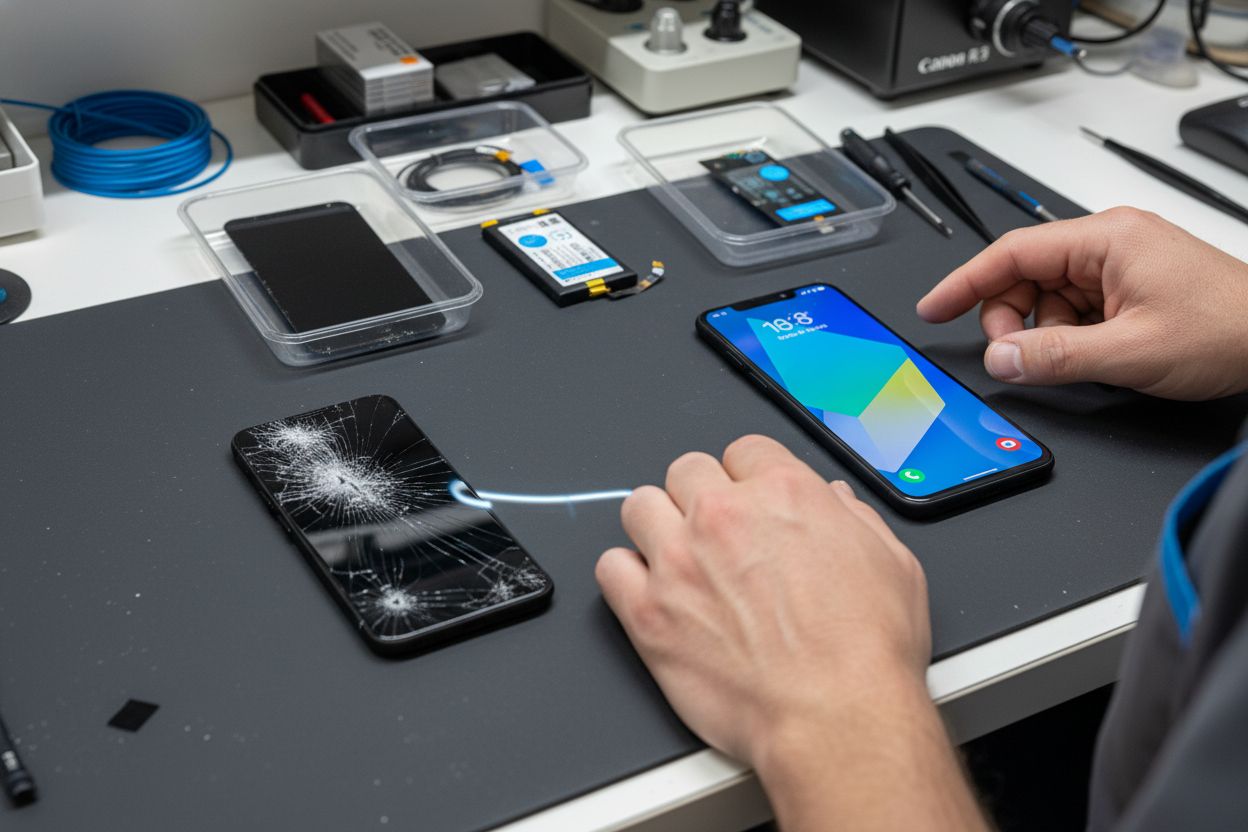
Water damage presents another complex challenge, potentially causing corrosion and electrical shorts that destroy screen functionality. Professional technicians must carefully assess the extent of moisture-related damage, as seemingly minor liquid exposure can create long-term complications for your device’s display and internal components.
Here’s a summary of common types of screen damage and their typical symptoms:
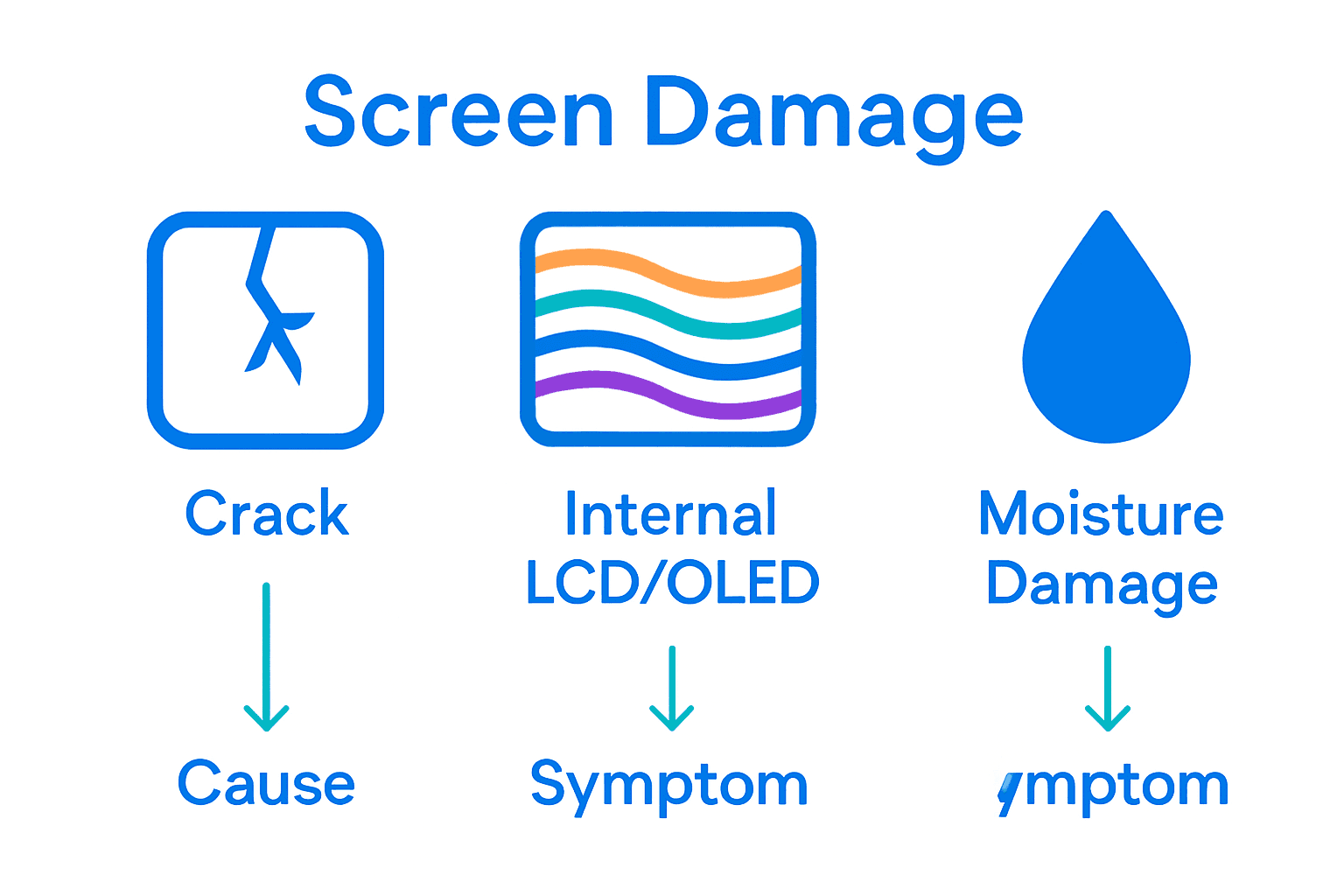
| Type of Damage | Visible Signs | Functional Impact |
|---|---|---|
| Surface Scratches | Light lines No cracks |
Cosmetic only Does not affect use |
| Cracked Glass | Spiderweb patterns Shattered surface |
May affect aesthetics Can worsen over time |
| LCD/OLED Damage | Black spots Color distortion Lines across screen |
Screen flickering Image loss Display errors |
| Touch Responsiveness Problems | No response Erratic input |
Difficulty with navigation Ghost touches |
| Water Damage | Foggy display Corrosion |
Unresponsive screen Intermittent issues |
Step-By-Step Screen Repair Process Overview
The screen repair process transforms a damaged device into a fully functional piece of technology through a precise, methodical approach. Learn more about our comprehensive repair techniques to understand the intricate steps professionals use to restore your device.
Here’s a detailed breakdown of the typical screen repair workflow:
-
Initial Diagnostic Assessment
- Examine the extent of screen damage
- Identify specific repair requirements
- Determine if full screen replacement is necessary
-
Device Preparation
- Power down the device completely
- Remove protective cases and screen protectors
- Ground the workspace to prevent static electricity damage
-
Screen Removal
- Carefully disassemble device using specialized tools
- Disconnect internal display connectors
- Remove damaged screen panel without causing additional harm
Professional technicians use precision instruments like micro-screwdrivers, suction cups, and heat guns to carefully separate the damaged screen. Each device model requires unique techniques, making expert knowledge critical.
The process demands incredible attention to detail, as a single mistake could compromise the entire repair.
Tools, Parts, and Techniques Used in Repairs
Professional screen repair requires a sophisticated arsenal of specialized tools, precision techniques, and high-quality replacement components. Explore our detailed repair equipment guide to understand the technology behind device restoration.
Essential tools in a professional repair technician’s toolkit include:
- Precision Screwdriver Sets: Micro-sized tools for delicate device disassembly
- Heating Stations: Controlled temperature tools for safely separating screen components
- Suction Cups and Prying Tools: Specialized instruments for removing damaged screens
- Anti-Static Workstations: Preventing electrical damage during intricate repairs
According to emerging smartphone repair industry trends, advanced techniques now emphasize eco-friendly and minimally invasive repair approaches. Technicians increasingly utilize laser separators for precise back-glass removal and micro-welding stations for intricate cable flex repairs. The focus has shifted towards authentic OEM parts, glass-only repair techniques, and providing same-day service with comprehensive warranty coverage.
Modern repair strategies prioritize device-specific approaches. Different smartphone models require unique disassembly techniques, specialized replacement parts, and nuanced understanding of internal architectures. Professional technicians must continuously update their skills and equipment to handle the rapidly evolving landscape of mobile device technology.
Cost, Warranty, and Timeframe Considerations
Screen repair costs can vary dramatically based on device model, damage complexity, and repair approach. Discover our transparent pricing options to understand the financial considerations of professional device restoration.
Typical repair cost considerations include:
- Device Model: Premium smartphones require more expensive replacement parts
- Damage Extent: Minor scratches cost less than full screen replacements
- Repair Complexity: Advanced damage increases labor and component expenses
- Warranty Coverage: Some repairs might be partially or fully covered
According to research on consumer electronics warranties, extended coverage typically ranges from 20-30% of the original product price. These warranties often include accidental damage protection, providing consumers an additional layer of financial security beyond standard manufacturer guarantees. Professional repair shops frequently offer their own limited warranties on repair work, usually covering parts and labor for 30-90 days after service.
Repair timeframes are equally critical for consumers. Most professional screen repairs can be completed within 1-3 hours for standard smartphones, with more complex devices potentially requiring 24-48 hour turnaround. Factors like parts availability, specific device model, and damage complexity directly impact repair duration. Technicians prioritize providing rapid, high-quality service to minimize customer device downtime and inconvenience.
Tips to Avoid Common Screen Repair Mistakes
Screen repair can quickly turn into a costly nightmare if you’re not careful. Check out our comprehensive repair guide to understand the potential pitfalls and how to navigate them effectively.
Key mistakes to avoid during screen repair include:
- Using Low-Quality Replacement Parts: Cheap knockoff components can dramatically reduce device performance
- Attempting DIY Repairs Without Proper Tools: Specialized equipment is crucial for precision work
- Ignoring Static Electricity Risks: Improper grounding can permanently damage internal components
- Skipping Diagnostic Assessment: Failing to fully evaluate damage can lead to incomplete repairs
According to smartphone repair industry research, using OEM-quality parts is critical to maintaining device integrity. Aftermarket components often result in reduced screen brightness, lagging touch response, and potential long-term functionality issues. Professional repair shops prioritize same-day turnaround and provide comprehensive 90-day warranties, which helps build consumer trust and ensures repair quality.
The most significant repair mistake is underestimating the complexity of modern device architecture. Each smartphone model has unique internal configurations, requiring specialized knowledge and precise technique. Professional technicians invest continuous training to stay updated with evolving device technologies, ensuring they can handle intricate repair challenges that would overwhelm inexperienced individuals.
Get Your Device Back to Perfect with Local Screen Repair Experts
If you are frustrated by screen cracks, touch issues, or unreliable repairs, you are not alone. Many readers just like you want a cost-effective way to restore their phone or tablet without costly replacements. The article explained how detailed the screen repair process is and highlighted the risks of using low-quality parts or skipping essential diagnostics. With Dash Repairs, you can trust that certified professionals, local to your area, will handle your device with advanced tools and genuine parts for every step. If your iPhone has a cracked display or your Android’s touch screen is unresponsive, we can help. Visit our iPhone repair category for model-specific solutions or get started with our main website for all device types. Experience fast turnarounds, real warranties, and clear pricing every time you visit.

Tired of living with a broken screen? Take action today—bring your device to Dash Repairs for a hassle-free assessment and reliable service. Protect your investment and get back to your routine without the extra stress. Check out our iPhone repair services or go directly to Dash Repairs now to book your repair appointment. Your device deserves top quality, and so do you.
Frequently Asked Questions
What is the screen repair process?
The screen repair process involves several key steps, including an initial diagnostic assessment, device preparation, and careful screen removal to replace or repair the damaged display components. Technicians use specialized tools to ensure precise repairs and restore device functionality.
How long does a professional screen repair typically take?
Most professional screen repairs can be completed within 1-3 hours for standard smartphones. More complex devices or significant damage may require a turnaround time of 24-48 hours, depending on parts availability and repair complexity.
What are the common types of screen damage?
Common types of screen damage include surface scratches, cracked glass, LCD/OLED damage, touch responsiveness problems, and water damage. Each type of damage can present unique symptoms that affect both the appearance and functionality of the device.
Why is it important to use high-quality replacement parts for screen repairs?
Using high-quality, OEM (Original Equipment Manufacturer) replacement parts is crucial for maintaining device integrity and performance. Low-quality components can lead to issues like reduced screen brightness, lagging touch response, and potential long-term functionality problems.
Recommended
- How to Fix Cracked Screen: Step-by-Step Guide for 2025 | Dash Cellular Repair | Cell Phone, iPhone, Laptop Repair in Oklahoma
- Step by Step iPhone Screen Repair Guide for 2025 Success | Dash Cellular Repair | Cell Phone, iPhone, Laptop Repair in Oklahoma
- Understanding the Phone Screen Replacement Process | Dash Cellular Repair | Cell Phone, iPhone, Laptop Repair in Oklahoma
- What is Screen Repair? Understanding the Process | Dash Cellular Repair | Cell Phone, iPhone, Laptop Repair in Oklahoma