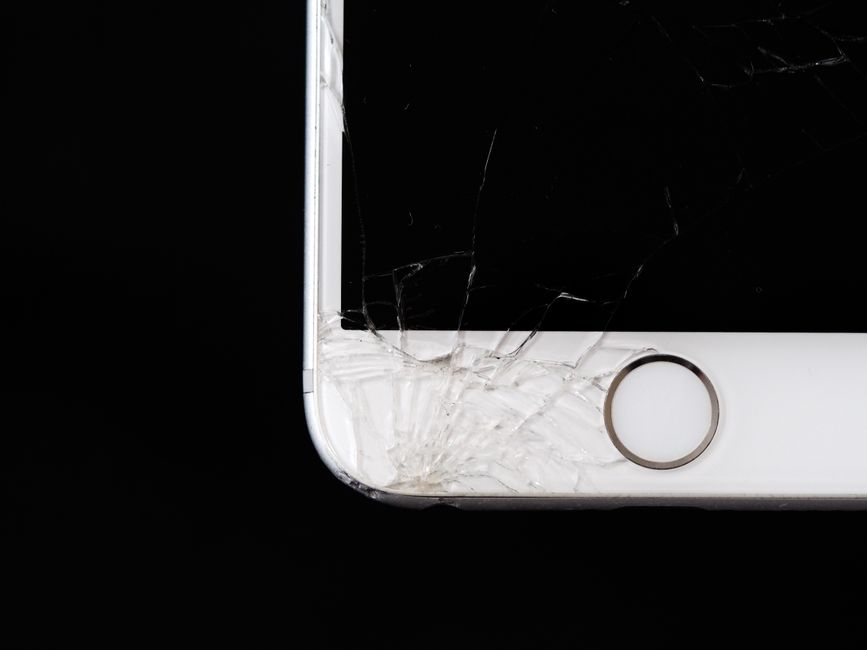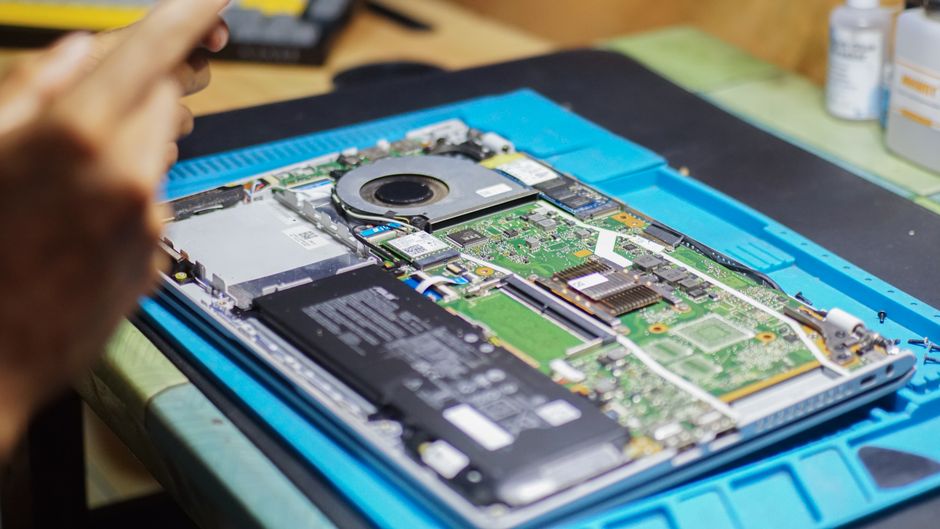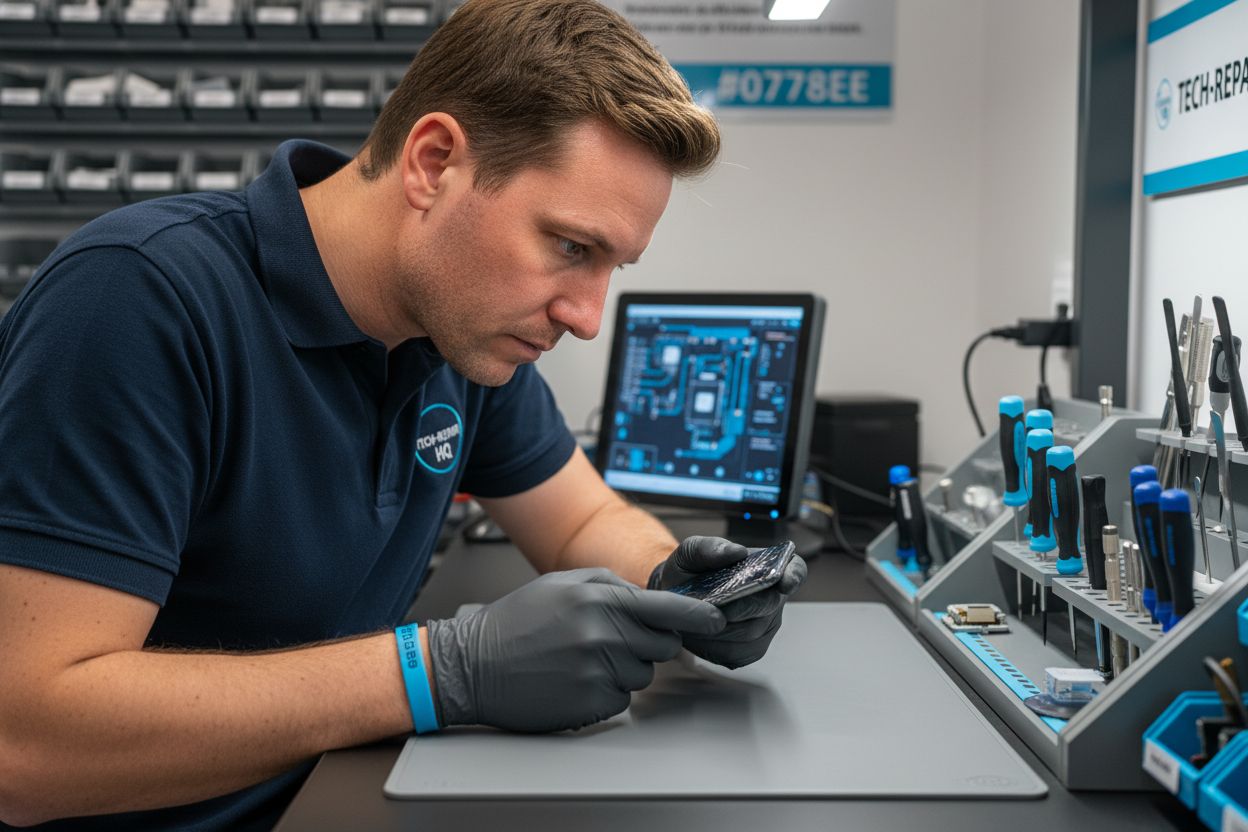
Did you know over 50 million device screens get damaged each year worldwide? Cracked displays can make daily tasks frustrating and put private information at risk. Understanding how repairs work helps you avoid costly mistakes and restores your device’s performance. This guide breaks down the repair process, types of screen damage, safety tips, pricing, and what to look for when choosing a trusted repair provider.
Table of Contents
- Understanding Screen Repair Processes
- Types of Screen Damage and Diagnosis
- Step-by-Step Screen Repair Methods
- Costs, Warranties, and Timelines Explained
- Common Mistakes and How to Avoid Them
- Choosing a Trusted Screen Repair Provider
Key Takeaways
| Point | Details |
|---|---|
| Screen Damage Assessment is Crucial | Technicians must thoroughly assess the extent of screen damage to determine the appropriate repair or replacement strategy. |
| Follow Safety Protocols | Adhering to occupational safety guidelines and using specialized tools is essential to prevent further damage during repairs. |
| Costs and Timelines Vary | Repair costs can range significantly, while standard screen repairs typically take 1-3 hours, depending on damage complexity. |
| Choose a Reputable Repair Provider | Select a repair provider based on their technical expertise, customer reviews, and warranty offerings to ensure quality service. |
Understanding Screen Repair Processes
Screen repair involves a precise technical process designed to restore damaged electronic device displays to their original functionality. When a screen gets cracked, chipped, or experiences other forms of damage, professional technicians follow a systematic approach to diagnose and resolve the issue. Device damage assessment becomes the critical first step, where technicians carefully examine the extent of screen damage and determine whether a repair or full replacement is necessary.
The repair process typically involves several key stages: initial diagnostic evaluation, selecting appropriate replacement parts, carefully removing the damaged screen, and installing a new display panel. According to understanding phone screen replacement process, most repairs require specialized tools like precision screwdrivers, suction cups, and anti-static equipment to prevent additional damage during the procedure. Technicians must work meticulously, ensuring each component is handled with extreme care.
Occupational safety guidelines recommend following strict protocols during screen repairs. As the Occupational Safety and Health Administration emphasizes, proper positioning and careful handling are essential to prevent further device damage. Technicians must ground themselves to avoid static electricity, use clean workspace environments, and employ gentle techniques that minimize risk to sensitive electronic components. The ultimate goal is not just replacing a screen, but restoring the device to its optimal functional state.
Types of Screen Damage and Diagnosis
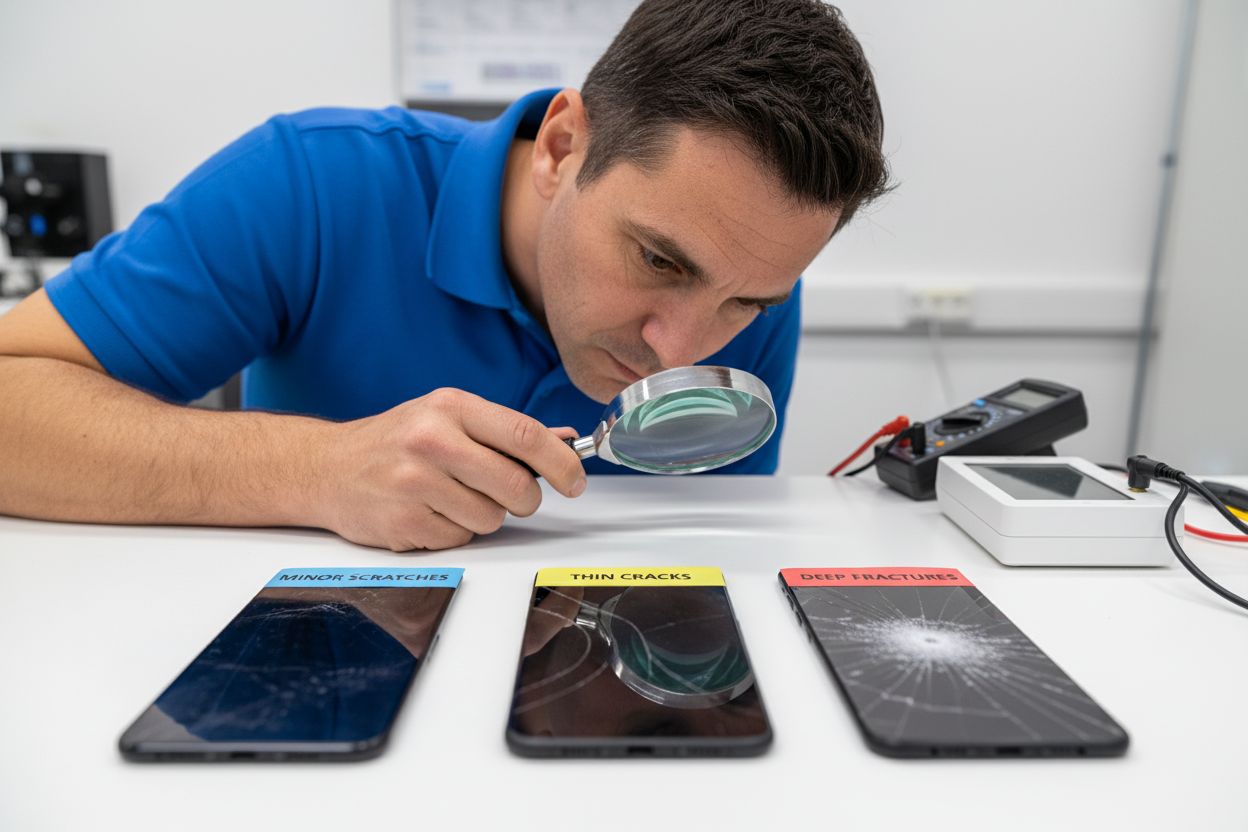
Screen damage manifests in various forms, ranging from minor cosmetic issues to severe functional impairments that compromise device usability. Physical damage typically includes surface-level scratches, hairline cracks, deep fractures, and impact-related breaks. Each type of damage requires a different diagnostic approach and repair strategy.
 Understanding cracked screen solutions highlights the importance of precise damage identification as the first step in effective screen restoration.
According to the Occupational Safety and Health Administration, screen damage isn’t just about physical breaks but also involves potential display performance issues. These can include pixel distortion, color inconsistencies, touch sensitivity problems, and image quality degradation. Diagnostic processes involve comprehensive visual inspections, touch responsiveness tests, and specialized equipment that can detect microscopic damage invisible to the naked eye.
Screen damage can be categorized into several critical types: structural damage (physical cracks or breaks), touch interface issues (unresponsive or partially functional touchscreens), and display performance problems (color shifts, dead pixels, flickering). Each category requires a unique diagnostic approach. Technicians use advanced tools like multimeters, specialized diagnostic software, and magnification equipment to assess the full extent of screen damage and determine the most appropriate repair or replacement strategy.
Here’s a summary of common screen damage types and associated diagnostic approaches:
| Damage Type | Visible Symptoms | Required Diagnostics |
|---|---|---|
| Surface Scratches | Minor lines No impact on touch |
Visual inspection |
| Hairline Cracks | Thin, subtle breaks Possible touch issues |
Magnification Touch test |
| Deep Fractures | Prominent cracks Image distortion |
Visual check Diagnostic software |
| Impact Breaks | Shattered Non-responsive areas |
Comprehensive inspection Touch and display test |
| Touch Interface Issues | Delayed/unresponsive inputs | Touchscreen test Software diagnostics |
| Display Performance Issues | Color shifts Flickering Dead pixels |
Display test Specialized equipment |
Step-by-Step Screen Repair Methods
Screen repair requires a systematic approach that demands precision and careful attention to detail. Step by Step iPhone Screen Repair Guide outlines the fundamental stages technicians follow to restore damaged device displays. The process typically begins with comprehensive device assessment, where technicians carefully examine the extent of screen damage and determine the most appropriate repair strategy.
The repair method involves several critical steps: device preparation, component removal, screen replacement, and final testing. Technicians start by powering down the device and carefully disassembling external components. According to Occupational Safety and Health Administration guidelines, technicians must use anti-static equipment and work in clean, controlled environments to prevent additional damage during the repair process. Precision tools like specialized screwdrivers, suction cups, and prying tools become essential for safely removing the damaged screen without compromising internal components.
A typical screen repair sequence includes: 1) Backing up device data, 2) Removing external components like batteries or protective cases, 3) Carefully disconnecting internal screen connections, 4) Removing the damaged screen, 5) Installing the new screen panel, 6) Reconnecting internal components, and 7) Conducting comprehensive functionality tests. Each step requires meticulous attention to detail and specialized technical expertise to ensure the device is restored to its original operational condition.
Costs, Warranties, and Timelines Explained
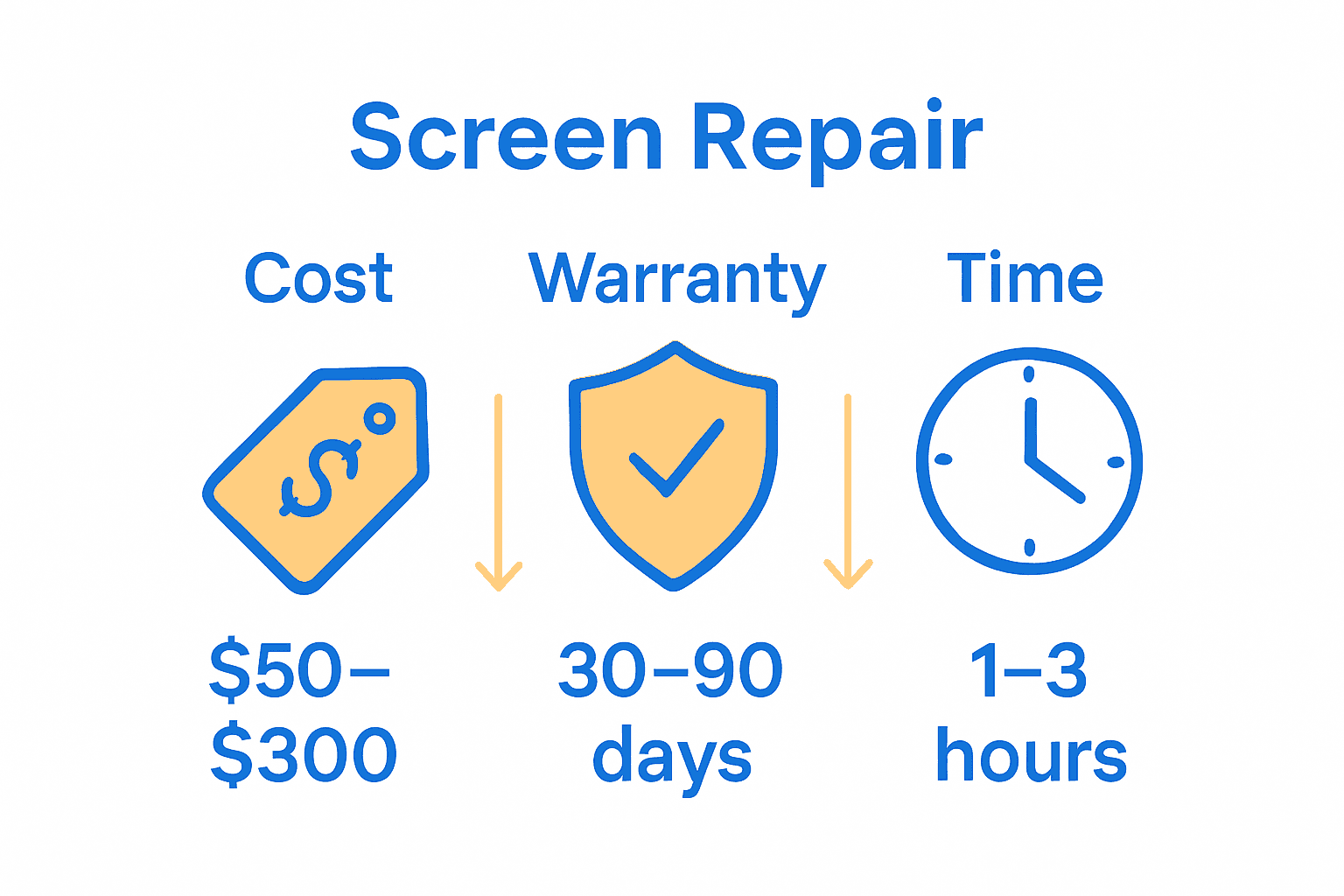
Screen repair costs vary significantly depending on device type, damage extent, and repair complexity. Screen Repair Process Explained highlights that typical smartphone screen repairs can range from $50 to $300, with factors like device model, screen technology, and damage severity directly impacting pricing. Professional repair shops typically offer transparent pricing structures that break down parts and labor costs, helping customers understand the investment required.
According to the Occupational Safety and Health Administration, device warranties play a crucial role in managing repair expenses. Most professional repair services offer limited warranties covering repair work, typically ranging from 30 to 90 days. These warranties protect customers against potential defects in parts or workmanship, providing additional peace of mind. The duration and coverage of warranties can vary based on the repair type, device model, and specific service provider.
Repair timelines are equally important for customers seeking quick device restoration. Standard screen repairs usually take between 1-3 hours for most smartphones and tablets, though complex damage or rare device models might extend the repair window. Factors influencing repair duration include: 1) Availability of replacement parts, 2) Complexity of screen damage, 3) Specific device model requirements, and 4) Technician expertise. Many repair shops offer same-day or next-day service, allowing customers to quickly regain full device functionality without prolonged disruption.
Common Mistakes and How to Avoid Them
Many individuals inadvertently compound screen damage by attempting DIY repairs without proper knowledge. Understanding Cracked Screen Solutions warns that the most critical mistake is using improper tools or techniques that can cause additional device damage. Common errors include using household tools, applying excessive pressure, and failing to ground oneself against static electricity during the repair process.
According to the Occupational Safety and Health Administration, technicians must avoid several key pitfalls during screen repairs. Improper handling can lead to permanent device damage, including: 1) Touching sensitive electronic components with bare hands, 2) Working in dusty or uncontrolled environments, 3) Using incorrect replacement parts, and 4) Neglecting proper diagnostic procedures before attempting repairs. Static electricity poses a significant risk, potentially destroying internal components if technicians do not use appropriate anti-static equipment.
The most frequent consumer mistakes include attempting repairs without proper preparation, using low-quality replacement parts, and failing to back up device data before repair. Critical precautions involve: researching specific device repair requirements, investing in professional-grade tools, working in a clean and controlled environment, and understanding the exact nature of the screen damage. Professional technicians recommend seeking expert assistance for complex repairs, as amateur attempts can often result in more expensive damage and potential complete device failure.
Choosing a Trusted Screen Repair Provider
Selecting the right screen repair provider requires careful consideration of several critical factors. Understanding the Phone Screen Replacement Guide emphasizes the importance of choosing a technician with specialized expertise, proven track record, and comprehensive knowledge of multiple device models. Reputation stands as the primary indicator of a trustworthy repair service, with key elements including positive customer reviews, transparent pricing, and demonstrated technical proficiency.
According to the Occupational Safety and Health Administration, professional repair providers must meet stringent technical and safety standards. Customers should look for providers that offer: 1) Certified technicians, 2) Comprehensive warranties, 3) Detailed diagnostic assessments, and 4) Clear communication about repair processes. Expertise validation becomes crucial, which means checking technician certifications, understanding their experience with specific device models, and verifying their commitment to using high-quality replacement parts.
Practical considerations for selecting a reliable screen repair provider include requesting detailed quotes, comparing service warranties, checking turnaround times, and evaluating the shop’s technical capabilities. Red flags to watch for include extremely low prices, lack of transparent pricing, no warranty offerings, and inability to provide specific details about the repair process. Professional repair shops should be willing to explain their methodology, show examples of previous repairs, and provide clear expectations about potential outcomes and device functionality post-repair.
Restore Your Device with Expert Screen Repair at Dash Repairs
Cracked, unresponsive, or flickering screens can disrupt your daily routine and cause real frustration. If you are facing these common screen damage issues discussed in the guide, it is crucial to trust professionals who understand every step of the repair process from diagnosis to precise replacement. With concerns about repair costs, timelines, and warranties, you deserve fast and reliable service that safeguards your investment and gets your device back to perfect working condition.

Turn your screen troubles into a seamless fix by choosing Cell Phone Repair specialists who know how to handle iPhones, Android phones, and tablets with care. At Dash Repairs, we combine affordable pricing, quick turnaround times, and trusted warranties to give you peace of mind without breaking the bank. Ready for a professional screen repair experience that fits your busy life and protects your device’s functionality? Visit our iPhone Repair page to learn more and schedule your repair today.
Frequently Asked Questions
What are the common types of screen damage?
Screen damage can manifest in several forms, including surface scratches, hairline cracks, deep fractures, and impact-related breaks. Each of these types may require different diagnostic approaches and repair strategies.
How much does screen repair typically cost?
The cost of screen repair varies widely depending on the device type, extent of damage, and repair complexity. Most smartphone screen repairs can range from $50 to $300.
How long does a typical screen repair take?
Standard screen repairs usually take between 1-3 hours for most smartphones and tablets. However, more complex damages or rare device models could extend the repair time.
What should I do before getting my screen repaired?
Before a screen repair, it is critical to back up your device data and ensure that you understand the specific repair requirements for your device. Additionally, avoid attempting any DIY repairs to prevent further damage.
Recommended
- Complete Guide to Why Repair Phone Screens | Dash Cellular Repair | Cell Phone, iPhone, Laptop Repair in Oklahoma
- Screen Repair Process Explained: Complete Local Guide | Dash Cellular Repair | Cell Phone, iPhone, Laptop Repair in Oklahoma
- Understanding the Phone Screen Replacement Process | Dash Cellular Repair | Cell Phone, iPhone, Laptop Repair in Oklahoma
- How to Fix Cracked Screen: Step-by-Step Guide for 2025 | Dash Cellular Repair | Cell Phone, iPhone, Laptop Repair in Oklahoma