Most tablet owners are surprised to learn that over half of DIY repairs end up causing extra damage or data loss. Tablets may look simple from the outside, but fixing them requires more than just swapping out parts. Misinformation about repairs can leave you with bigger bills or broken devices. If you want to protect your investment and avoid common pitfalls, understanding what tablet repair really involves is the first step.
Table of Contents
- What Tablet Repair Involves And Common Myths
- Types Of Tablet Repairs And Typical Issues
- How Tablet Screen And Battery Repairs Work
- Essential Tools And Safety Precautions
- Cost Factors And DIY Versus Professional Repairs
Key Takeaways
| Point | Details |
|---|---|
| Understanding Repair Complexity | Tablet repairs involve specialized processes that frequently require professional expertise, impacting the effectiveness and cost of repairs. |
| Risks of DIY Repairs | Attempting DIY repairs may lead to increased damage and costs, making professional services a safer choice despite higher upfront fees. |
| Common Repair Types | Typical repair services include screen, battery, and charging port repairs, each with specific issues that affect device functionality. |
| Importance of Specialized Tools | Successful tablet repair demands the use of specialized tools and adherence to safety protocols to prevent further damage during the process. |
What Tablet Repair Involves and Common Myths
Tablet repair is a nuanced process that goes far beyond simply replacing a cracked screen. Many consumers hold misconceptions about device repairs that can lead to unnecessary expenses or damaged electronics. According to research from Kentucky Education, understanding the reality of device repair is crucial for making informed decisions.
Most tablet repairs involve several key processes that require specialized skills and precision. Common repair services include:
- Screen replacement
- Battery restoration
- Charging port repair
- Software troubleshooting
- Water damage restoration
Understanding tablet repair myths can save you time, money, and frustration. Many people believe that DIY repairs are always cheaper and more effective. However, research indicates that amateur repairs often cause more damage than they resolve. Professional technicians have specialized tools, training, and diagnostic capabilities that individual users typically lack.
When considering tablet repair, it’s essential to recognize that not all damage is visible or immediately apparent. Complex internal issues might require expert assessment. For a comprehensive understanding of potential repair needs, check out our guide on common tablet repairs that breaks down the intricacies of professional device restoration.
Types of Tablet Repairs and Typical Issues
Tablet repairs encompass a wide range of technical interventions designed to restore device functionality and performance. Federal Trade Commission research indicates that modern tablets experience complex repair challenges that vary significantly across different models and manufacturers.
Typical Tablet Repair Categories include:
- Screen damage repair
- Battery replacement
- Charging port restoration
- Motherboard diagnostics
- Software reconfiguration
- Water damage mitigation
- Internal component replacement
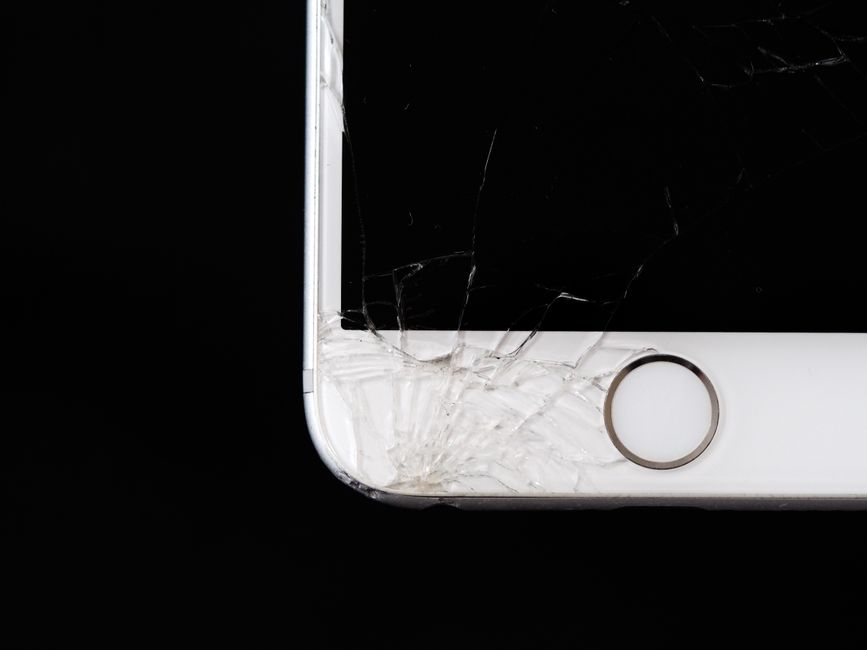
Some of the most frequent issues tablet owners encounter involve physical damage and performance degradation. Cracked screens remain the most common repair need, often resulting from accidental drops or impacts. Battery-related problems are also prevalent, with symptoms like rapid discharge, unexpected shutdowns, or inability to hold a charge. Charging port repairs are critical, as damaged ports can prevent device charging and data transfer.
Understanding the nuances of tablet repair requires recognizing that each device presents unique challenges. For a comprehensive breakdown of repair processes and potential solutions, explore our guide on tablet repair types, which provides in-depth insights into professional diagnostic and restoration techniques. Professional technicians utilize specialized tools and advanced diagnostic methods to address complex tablet issues efficiently and effectively.
Here’s a comparison of common tablet repair types and their typical issues:
| Repair Type | Typical Issues Addressed | Repair Complexity |
|---|---|---|
| Screen Repair | Cracked glass Unresponsive touch Display issues |
Moderate to High |
| Battery Replacement | Rapid discharge Device won’t turn on Overheating |
Moderate |
| Charging Port Repair | Won’t charge Loose connection Data sync issues |
Moderate |
| Software Troubleshooting | System crashes Slow performance Error messages |
Low to Moderate |
| Water Damage Mitigation | Non-functioning screen Random shutdowns Corrosion |
High |
| Motherboard Diagnostics | No power Hardware failure Component malfunction |
High |
| Internal Component Replacement | Speaker failure Camera issues Button malfunction |
Moderate to High |
How Tablet Screen and Battery Repairs Work
Federal Trade Commission research reveals that tablet repairs are intricate processes requiring specialized knowledge and precision. Screen and battery repairs represent two of the most critical and complex restoration procedures for modern electronic devices.
Screen Repair Process typically involves several key steps:
- Careful device disassembly
- Precise screen removal
- Identifying compatible replacement components
- Delicate connection of new display
- Thorough system testing
- Calibration of touch sensitivity
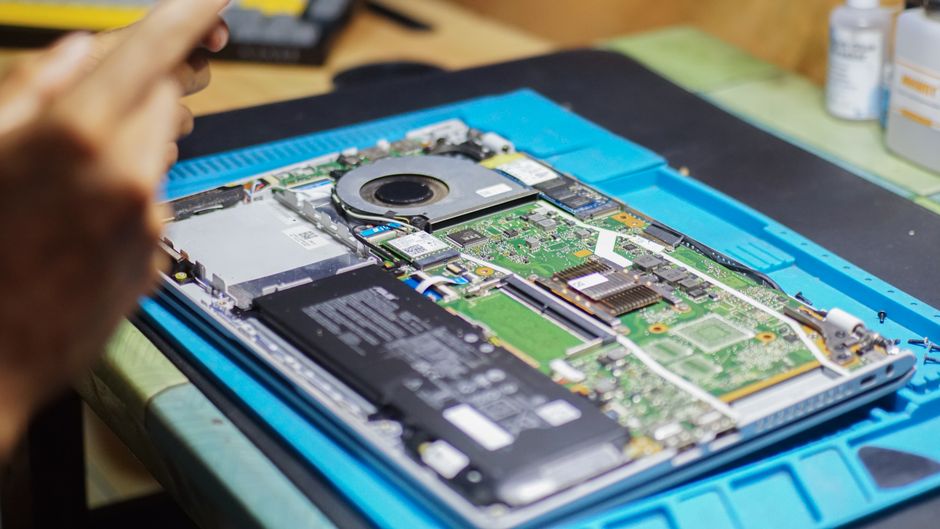
Battery replacement demands equally meticulous attention. Technicians must carefully disconnect internal connections, remove the old battery without damaging surrounding components, and install a precisely matched replacement. These repairs require specialized tools and deep understanding of each tablet’s unique internal architecture.
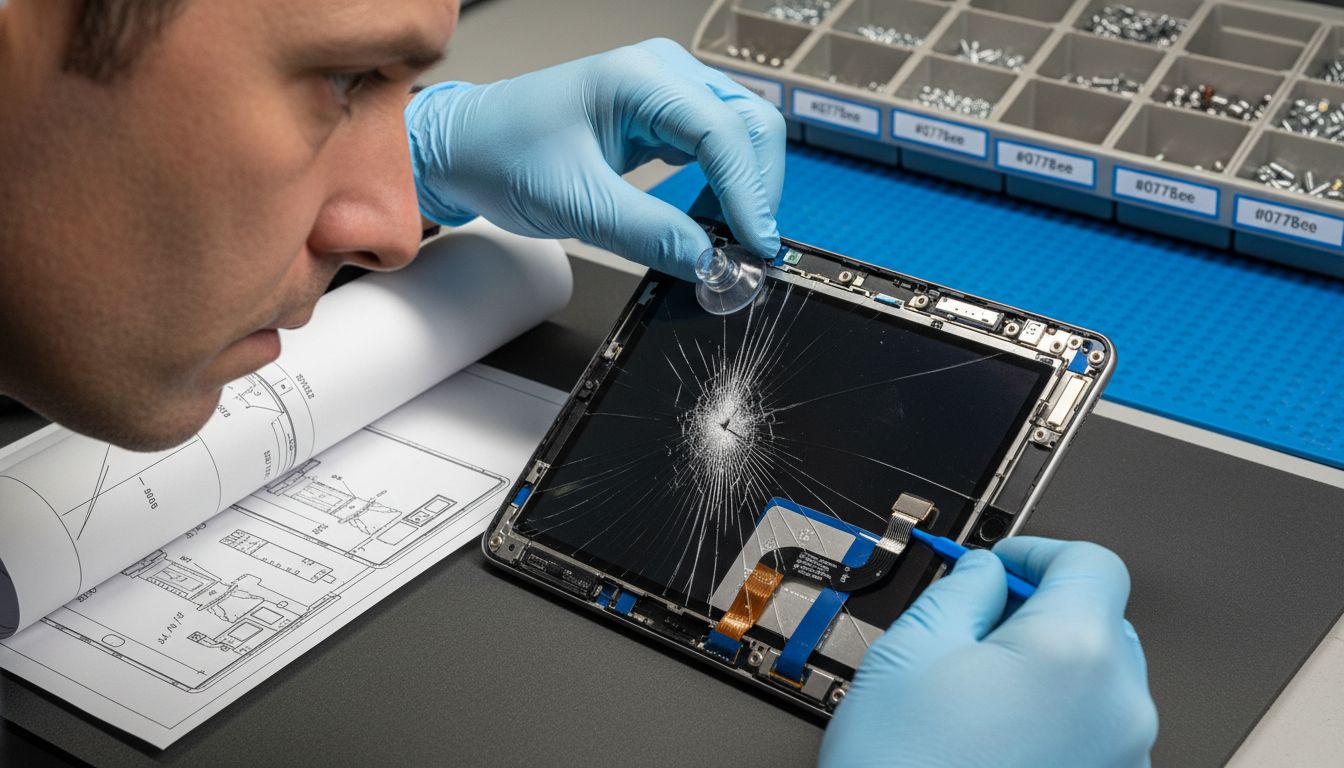
The complexity of modern tablets means that seemingly simple repairs can quickly become challenging. For those seeking a comprehensive walkthrough of professional repair techniques, our guide on understanding the tablet screen repair process offers in-depth insights into the intricate world of tablet restoration. Professional technicians invest significant time in training and acquiring specialized equipment to ensure each repair meets the highest standards of quality and performance.
Essential Tools and Safety Precautions
Massachusetts Library System research emphasizes the critical importance of proper tools and safety protocols when attempting tablet repairs. Professional technicians understand that successful device restoration requires more than just technical skill—it demands meticulous preparation and precision.
Essential Repair Tools include:
- Precision screwdriver set
- Anti-static wrist strap
- Plastic pry tools
- Magnifying lens
- Tweezers
- Heat gun
- Multimeter
- Specialized suction cups
- Micro-fiber cleaning cloths
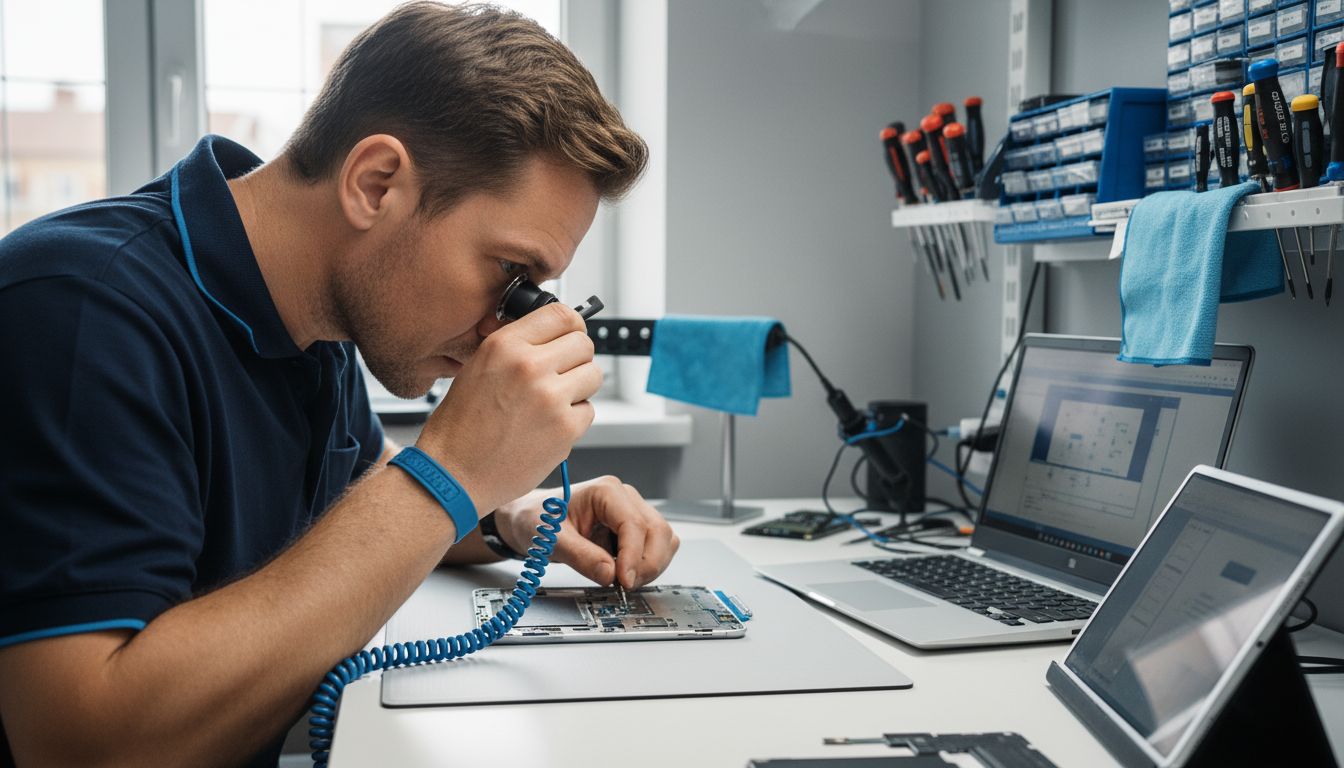
Safety precautions are paramount during tablet repairs. According to Federal Trade Commission documentation, technicians must protect both themselves and the delicate electronic components from potential damage. This means working in a clean, static-free environment, using grounding equipment, and handling components with extreme care to prevent electrostatic discharge that could permanently damage sensitive circuits.
Before beginning any repair, it’s crucial to understand your device’s specific requirements and limitations. For comprehensive guidance on professional repair techniques and safety protocols, explore our guide on understanding tablet repair processes. Remember, what seems like a simple repair can quickly become complex without proper knowledge, tools, and careful preparation.
Cost Factors and DIY Versus Professional Repairs
Federal Trade Commission research reveals the complex landscape of tablet repair costs, highlighting the critical considerations between do-it-yourself attempts and professional service. The decision to repair a tablet involves weighing multiple financial and technical factors that extend far beyond simple price comparisons.
Key Cost Factors for tablet repairs include:
- Original device value
- Extent of damage
- Component replacement needs
- Availability of replacement parts
- Labor complexity
- Warranty status
- Potential risk of further damage
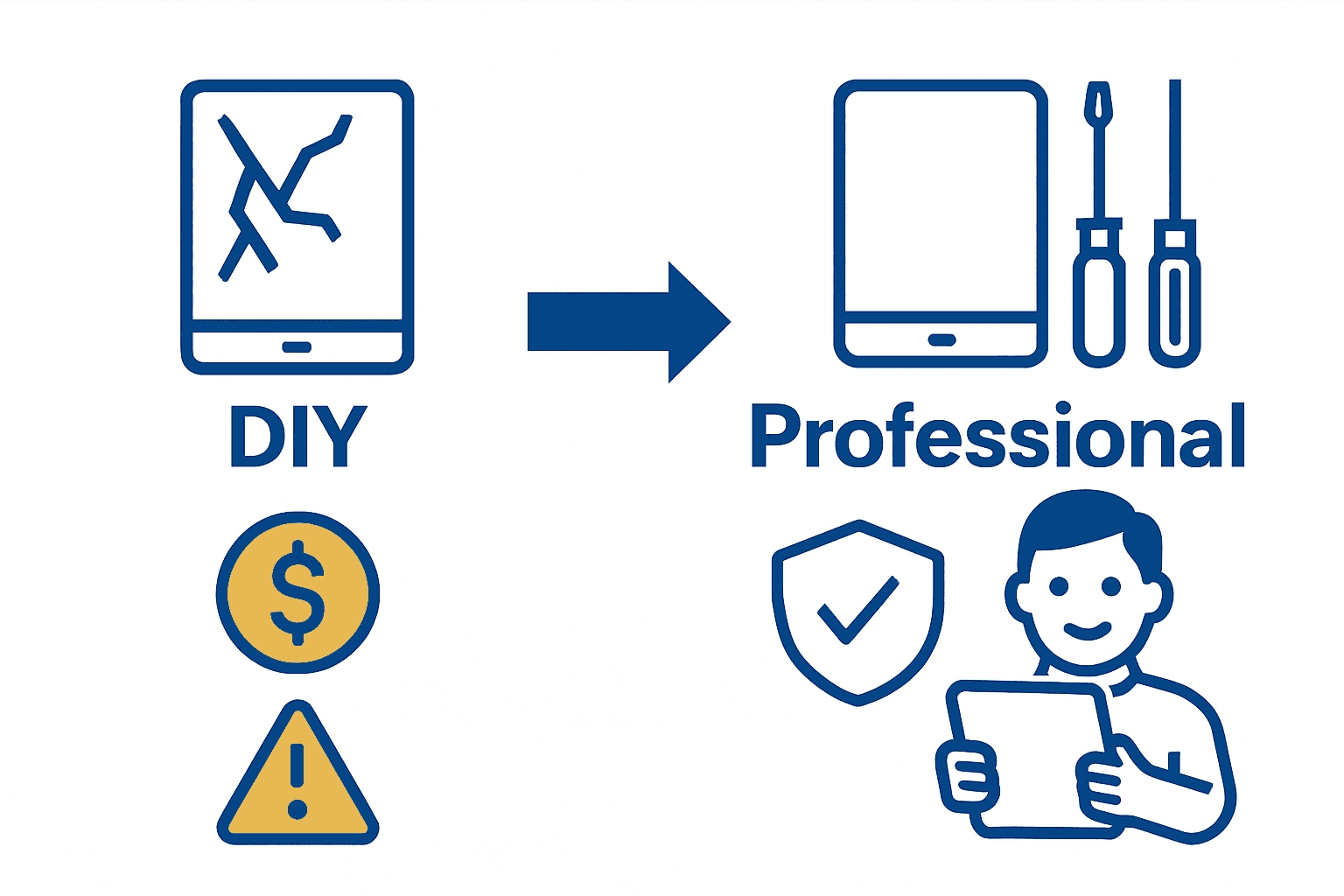
DIY repairs might seem cost-effective initially, but they carry significant risks. Inexperienced technicians can easily cause additional damage that dramatically increases overall repair expenses. Professional repairs, while potentially more expensive upfront, offer comprehensive solutions with guaranteed workmanship. Trained technicians understand the intricate internal systems of various tablet models, minimizing the likelihood of compounding existing issues.
Before attempting any self-repair, carefully assess your technical skills and the potential financial consequences. For those seeking a detailed breakdown of repair considerations, our guide on iPhone repair options provides insights that can help you make an informed decision about your specific device’s repair needs. Remember, what appears to be a simple fix can quickly become a costly mistake without proper expertise.
Expert Tablet Repairs You Can Trust
If your tablet is facing screen damage, battery issues, or more complex problems like water damage or motherboard faults, you are not alone. These challenges can be overwhelming and costly if you attempt DIY fixes without the right tools or knowledge. At Dash Repairs, we understand how important it is to have your device fixed quickly, affordably, and professionally to avoid further damage and frustration.
Experience peace of mind with:
- Skilled technicians specializing in tablet and mobile repairs
- Fast turnaround times to get your device back in your hands
- Reliable warranties that protect your investment
Discover how our expert services go beyond simple fixes by visiting our Cell Phone Repair category where we address a wide range of device ailments including tablets.

Don’t let cracked screens or draining batteries disrupt your daily life. Take action now by choosing trusted professionals who know the intricacies of tablet repair. Visit Dash Repairs today to schedule your service or learn more about how we can restore your device’s performance. For specialized iPhone and iPad repairs, explore our dedicated iPhone repair options to find the perfect solution tailored for your Apple device.
Frequently Asked Questions
What are the most common types of tablet repairs?
Common types of tablet repairs include screen replacement, battery restoration, charging port repair, software troubleshooting, and water damage restoration.
How complex is the process of repairing a tablet screen?
Repairing a tablet screen involves careful disassembly, precise screen removal, and connecting a new display, which can make it a moderate to high complexity repair task.
What factors affect the cost of tablet repairs?
Key cost factors include the original device value, extent of damage, component replacement needs, labor complexity, and whether the device is under warranty.
Is it better to attempt DIY tablet repairs or seek professional help?
While DIY repairs may seem cost-effective, they often lead to further damage. Professional technicians have the expertise and tools to perform repairs safely and effectively.
Recommended
- Complete Guide to Common Tablet Repairs | Dash Cellular Repair | Cell Phone, iPhone, Laptop Repair in Oklahoma
- Types of Tablet Repairs: Complete Guide for 2024 | Dash Cellular Repair | Cell Phone, iPhone, Laptop Repair in Oklahoma
- Tablet Screen Fix Workflow: Step-by-Step Repair Process | Dash Cellular Repair | Cell Phone, iPhone, Laptop Repair in Oklahoma
- Tablet Charging Port Repair: Complete Guide | Dash Cellular Repair | Cell Phone, iPhone, Laptop Repair in Oklahoma
- Coffee Machine Rebuild Workflow for Reliable Restoration – Coffee Sensor