Over 60 percent of american tablet users report battery issues within two years of purchase. Tablets rely on advanced power technology that affects everyday performance and longevity, so understanding how these batteries work matters more than most people realize. A clear grasp of battery basics can save money, prevent device failures, and even protect warranties, making smart battery care essential for every american tablet owner.
Table of Contents
- Understanding Tablet Battery Replacement Basics
- Types of Batteries Used in Tablets
- Signs Your Tablet Battery Needs Replacement
- Step-by-Step Tablet Battery Replacement Process
- DIY Versus Professional Battery Replacement
- Costs, Risks, and Warranty Information
Key Takeaways
| Point | Details |
|---|---|
| Battery Health Indicators | Recognize signs of battery deterioration to ensure timely replacements and maintain device functionality. |
| Professional Replacement Benefits | Opting for professional battery replacement enhances device safety and preserves warranty protections. |
| Understanding Battery Types | Familiarity with lithium-ion and lithium-polymer technologies can guide proper maintenance and replacement decisions. |
| Cost Considerations | Evaluate DIY versus professional costs, weighing potential risks and long-term device performance implications. |
Understanding Tablet Battery Replacement Basics
Tablet batteries are complex power sources that play a critical role in device performance and longevity. Unlike smartphone batteries, tablet batteries require specialized understanding due to their unique design and energy requirements. Modern tablets typically utilize lithium-ion battery technology that provides efficient power management and extended usage time.
Understanding battery composition is crucial for successful replacement. Lithium-ion batteries contain specific chemical components that determine their capacity, charging speed, and overall lifespan. These batteries gradually degrade with repeated charge cycles, which means tablet owners will eventually need professional replacement services. Factors like temperature exposure, charging habits, and usage patterns significantly impact battery health and performance.
Recognizing battery replacement indicators helps prevent unexpected device failures. Common signs suggesting battery replacement include:
- Rapid battery drain within short periods
- Device shutting down unexpectedly
- Significant decrease in overall battery capacity
- Physical battery swelling or visible damage
- Inability to hold a charge for more than an hour
Professional tablet battery replacement ensures proper installation and maintains device warranty protections. Comprehensive tablet repair guides recommend seeking expert technicians who understand the intricate process of safely removing and installing new batteries without compromising device integrity.
Types of Batteries Used in Tablets
Tablet batteries represent a critical technological component with multiple distinctive types defining modern mobile devices. Lithium-ion battery technologies dominate the tablet market, offering exceptional energy density and reliable performance across various device models. These batteries have revolutionized portable electronics by providing compact power solutions that balance weight, capacity, and longevity.
Two primary battery technologies emerge as predominant in tablet design: lithium-ion (Li-ion) and lithium-polymer (Li-Po) batteries. Lithium-ion batteries feature standardized cylindrical or rectangular designs with consistent energy output, while lithium-polymer batteries offer more flexible form factors and potentially thinner device profiles. The key differences between these technologies include:
- Energy density variations
- Charging cycle capabilities
- Physical shape and construction
- Temperature performance ranges
- Overall lifespan expectations
Understanding battery chemistry helps tablet owners make informed maintenance decisions. Comprehensive battery replacement strategies emphasize the importance of selecting appropriate battery types matched to specific tablet models. Professional technicians recommend carefully evaluating manufacturer specifications and compatibility requirements before attempting any battery replacement, ensuring optimal device performance and preventing potential electrical system complications.
Signs Your Tablet Battery Needs Replacement
Recognizing when your tablet battery requires replacement is crucial for maintaining device performance and preventing unexpected shutdowns. Tablet battery health depends on multiple factors that gradually impact its ability to hold and deliver power efficiently. Understanding these warning signs can help you proactively address potential battery issues before they become critical system problems.
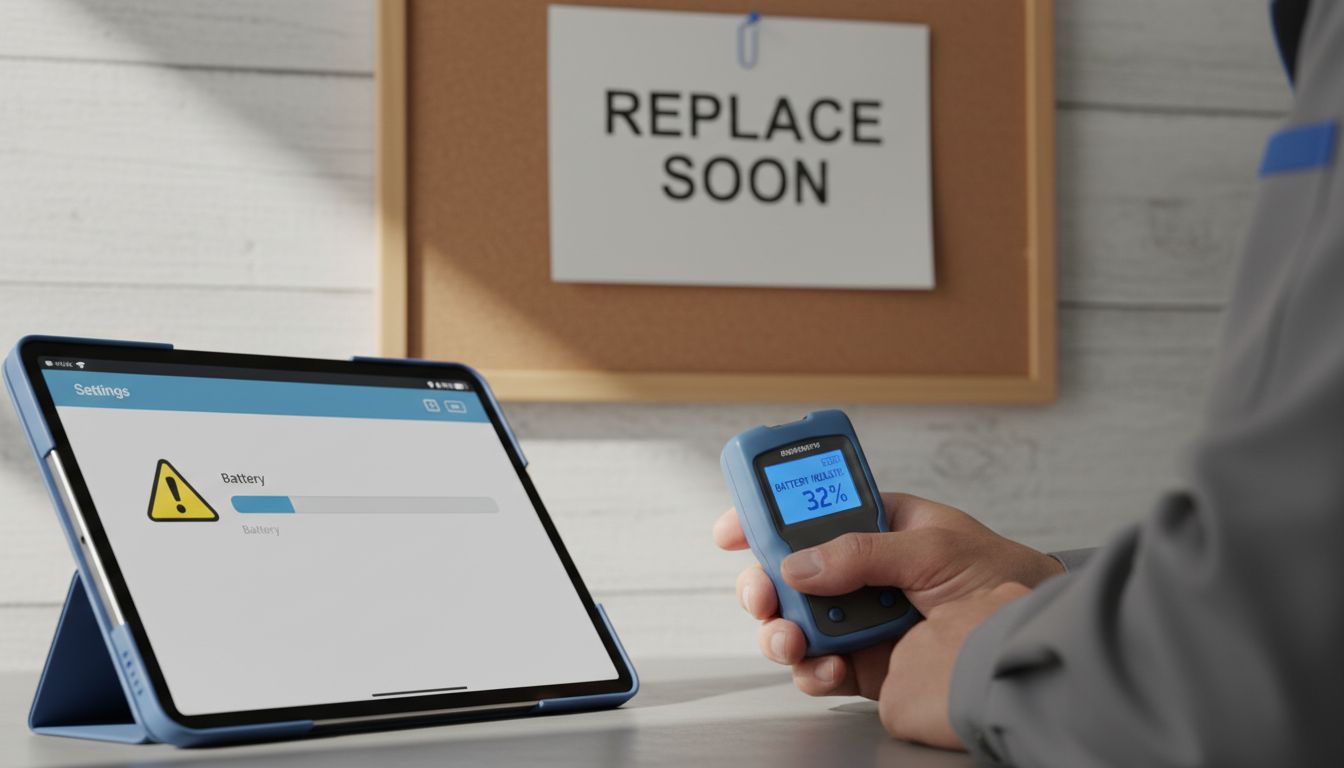
Several key indicators suggest your tablet battery might be nearing the end of its operational lifecycle. Battery performance degradation manifests through various symptoms that experienced users and technicians can quickly identify. These warning signs include:
- Significantly reduced battery life compared to original specifications
- Unexpectedly rapid battery drain even during minimal usage
- Device overheating during charging or normal operation
- Visible physical swelling or deformation of the battery
- Frequent unexpected device shutdowns
- Charging taking considerably longer than standard charging times
- Inconsistent battery percentage readings
Professional diagnostic assessments can provide definitive insights into battery condition. Technicians recommend monitoring your tablet’s battery performance closely and addressing potential replacement needs before complete battery failure occurs. Proactive battery maintenance can extend your device’s overall usability and prevent potentially costly internal electrical system damage.
Step-by-Step Tablet Battery Replacement Process
Replacing a tablet battery requires precision, specialized tools, and careful attention to detail. Tablet repair workflows emphasize the importance of systematic approach and safety precautions during battery replacement. Professional technicians understand that each tablet model presents unique challenges, making a standardized yet adaptable replacement process critical.
Before beginning the battery replacement, gather essential tools and prepare your workspace. Necessary equipment typically includes:
- Precision screwdriver set
- Anti-static wrist strap
- Plastic prying tools
- Soft, clean work surface
- Replacement battery compatible with your specific tablet model
- Protective eyewear
- Tweezers
- Heat-resistant work mat
The battery replacement process involves several critical steps:
- Power down the tablet completely
- Disconnect the device from any power source
- Remove back panel or access cover
- Carefully disconnect battery connector
- Remove mounting screws securing the battery
- Gently extract the old battery
- Install new battery, ensuring proper orientation
- Reconnect battery connector
- Reassemble tablet and perform initial testing
Professional technicians recommend careful diagnostic procedures to verify battery compatibility and functionality before initiating the replacement process. Improper installation can potentially damage sensitive electronic components, making precision and patience paramount during tablet battery replacement.
DIY Versus Professional Battery Replacement
Choosing between do-it-yourself and professional tablet battery replacement involves carefully weighing multiple technical and financial considerations. DIY repair techniques require a nuanced understanding of electronic device complexity and personal skill levels. While some tech-savvy users might successfully replace their tablet battery, professional services offer critical advantages that extend beyond simple component replacement.
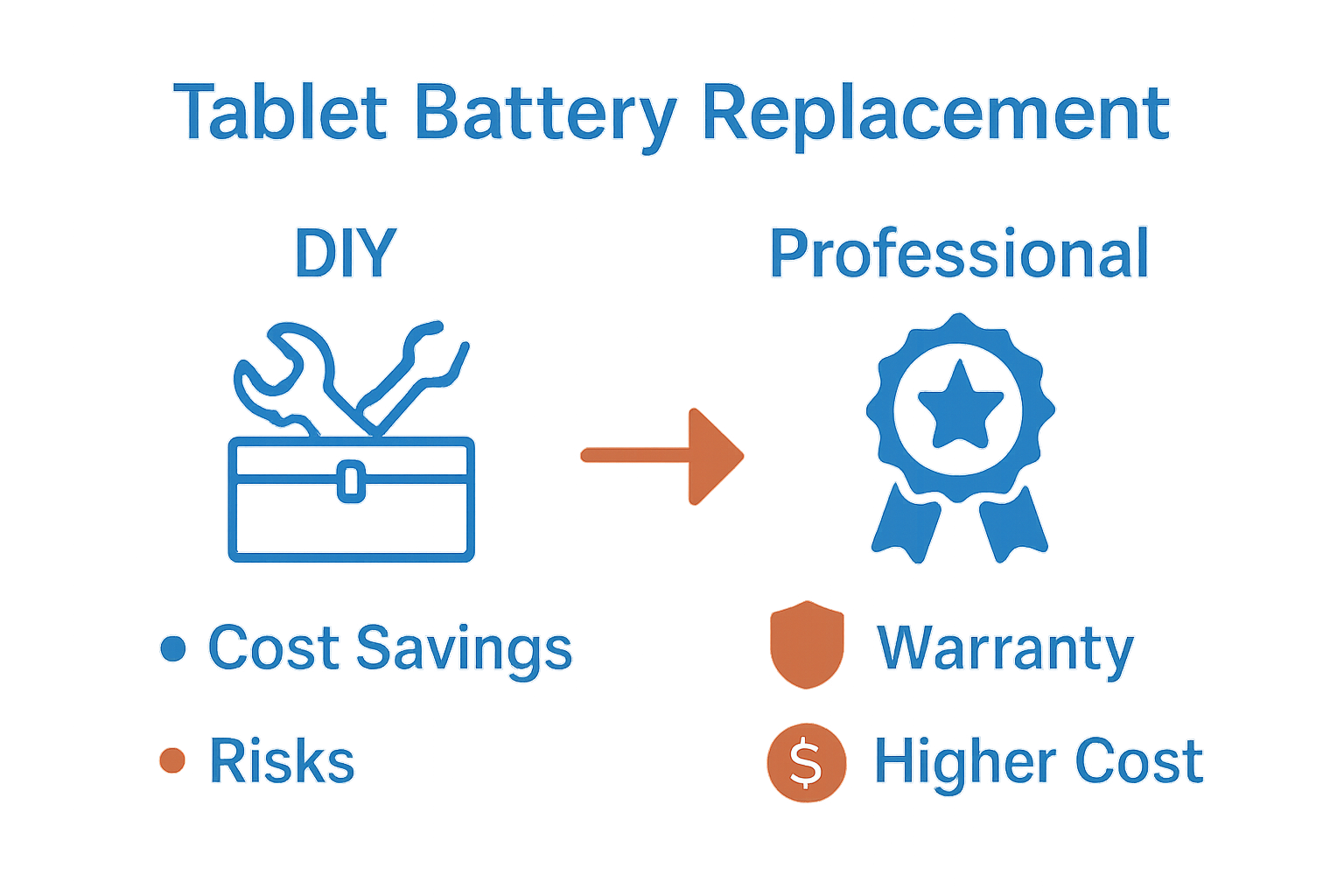
The primary factors distinguishing DIY and professional battery replacement include:
DIY Battery Replacement Challenges:
- Requires specialized tools and technical knowledge
- Risk of damaging sensitive electronic components
- Potential voiding of device warranty
- Limited access to manufacturer-specific replacement parts
- Higher chance of improper installation
Professional Battery Replacement Benefits:
- Guaranteed workmanship
- Access to authentic manufacturer parts
- Comprehensive diagnostic testing
- Warranty protection for repair work
- Expert handling of complex tablet models
- Minimal risk of additional device damage
Financial considerations also play a significant role in the decision-making process. While DIY approaches might seem cost-effective initially, professional repair workflows often provide more reliable and long-term economical solutions. Professional technicians can quickly diagnose underlying issues, prevent potential future complications, and ensure your tablet operates at optimal performance levels.
Costs, Risks, and Warranty Information
Understanding the financial and legal implications of tablet battery replacement requires careful consideration of multiple interconnected factors. Battery replacement strategies involve complex calculations beyond simple monetary expenses, encompassing potential long-term device performance and potential risks to your electronic investment.
Cost Breakdown for Battery Replacement:
- DIY Replacement: $20 – $60 in parts
- Professional Replacement: $50 – $150
- Manufacturer Direct Replacement: $100 – $250
Warranty considerations represent a critical aspect of battery replacement decisions. Manufacturer warranties typically include specific provisions that can be invalidated by unauthorized repairs. Key warranty implications include:
- Unauthorized repairs might completely void device warranty
- Professional repair shops often provide their own limited warranty
- Manufacturer-certified technicians preserve original device warranty
- Some manufacturers offer battery-specific warranty extensions
The potential risks associated with battery replacement extend beyond financial considerations. Technical repair workflows highlight significant dangers of improper battery installation, including electrical shorts, device malfunction, and potential physical damage to sensitive electronic components. Professional technicians mitigate these risks through specialized training, precise diagnostic procedures, and access to manufacturer-approved replacement parts.
Expert Tablet Battery Replacement Services You Can Trust
If you have noticed rapid battery drain or unexpected shutdowns with your tablet it is clear that a professional replacement is needed to restore full performance. The complexities of lithium-ion battery technology and the risks involved with DIY repairs make expert assistance essential. At Dash Repairs, we specialize in precise and safe tablet battery replacements that preserve your device’s warranty and prevent further damage. Our skilled technicians understand the unique repair workflows for tablets ensuring your device is handled with care and expertise.

Don’t wait until your tablet battery fails completely and disrupts your daily routine. Take action now by visiting our Cell Phone Repair page to learn more about our trusted services. Whether you need quick diagnostics or complete battery replacement our team provides affordable, reliable solutions with fast turnaround times. Trust Dash Repairs for quality repairs that extend your tablet’s life and keep you connected.
Frequently Asked Questions
How do I know if my tablet battery needs to be replaced?
Common indicators that your tablet battery may need replacement include rapid battery drain, unexpected shutdowns, visible swelling, overheating during use, and inconsistent battery percentage readings.
What are the differences between lithium-ion and lithium-polymer batteries?
Lithium-ion batteries have standardized shapes and consistent energy output, while lithium-polymer batteries offer a more flexible form factor. Lithium-ion generally has higher energy density, while lithium-polymer can be thinner and is less rigid.
Can I replace my tablet battery myself?
While DIY battery replacement is possible for some users with technical skills, it can carry risks such as damaging sensitive components, voiding warranties, and requiring special tools. Professional replacement is often recommended to ensure safety and proper installation.
What factors affect the lifespan of a tablet battery?
Key factors that influence tablet battery lifespan include charging habits, exposure to temperature extremes, and frequency of use. Regularly monitoring these elements can help prolong battery health and performance.
Recommended
- What Is Battery Replacement? Complete Guide for 2024 | Dash Cellular Repair | Cell Phone, iPhone, Laptop Repair in Oklahoma
- Complete Guide to Tablet Repair Basics | Dash Cellular Repair | Cell Phone, iPhone, Laptop Repair in Oklahoma
- Step by Step Phone Battery Replacement Guide for All Models | Dash Cellular Repair | Cell Phone, iPhone, Laptop Repair in Oklahoma
- Complete Guide to Common Tablet Repairs | Dash Cellular Repair | Cell Phone, iPhone, Laptop Repair in Oklahoma
- Was ist Akku-Reparatur? Vollständiger Leitfaden 2025 – accu.blog